Event Setup Checklist: What Happens the Night Before an Event
The best event days are boring for the crew. Not because nothing happens, but because the problems showed up the night before. This event setup checklist is the routine we use so load-in, power, content, sound and registration are proven before doors open. Setup is where reliability is built.
Quick answer: Coordinate load-in, confirm power and placement, test every LED Poster and screen, check sound and stage, dry-run registration, stage backups, then walk the room. Leave only live opens and final talent checks for the morning.
Table of Contents
Our event setup checklist, step by step
No invented clock times here. Venues differ on access windows. Use the sequence; fit it to your load-in permit.
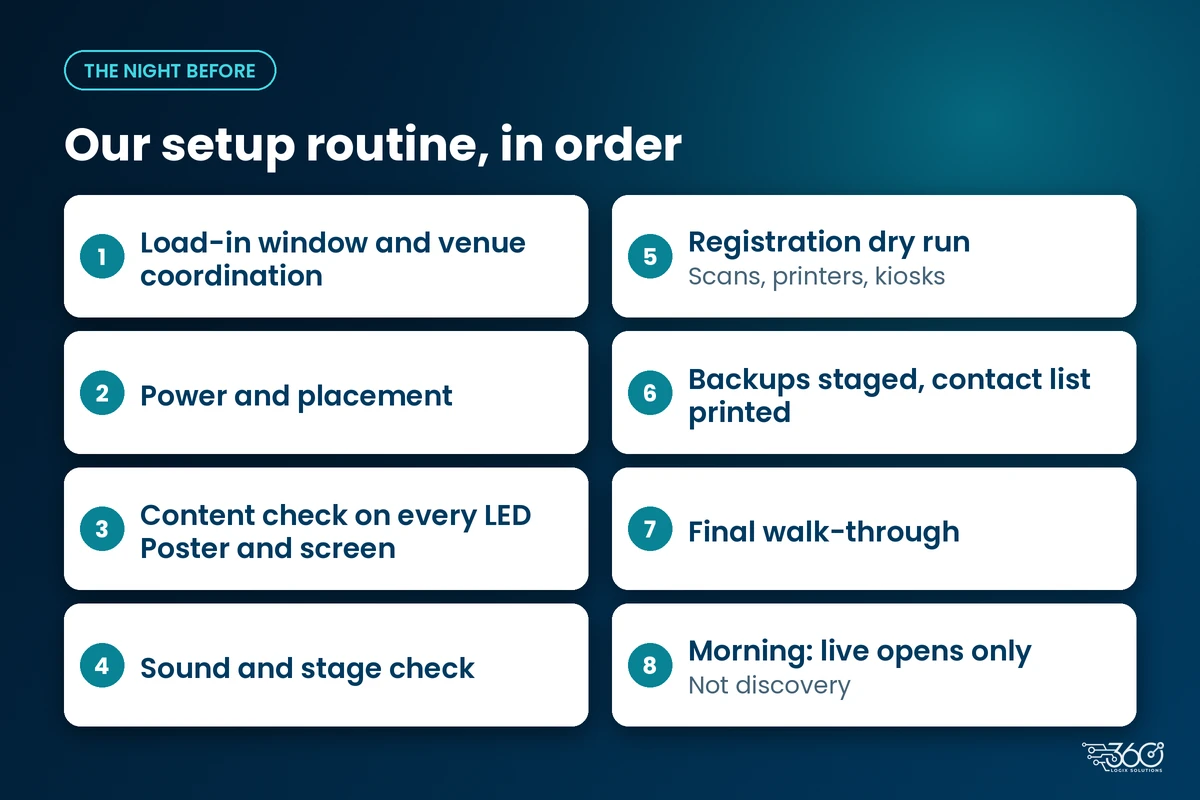
Load-in window and venue coordination
Confirm the access window, freight path, elevator rules and who signs for the delivery. If the venue changes the window late, the rest of the night compresses. One person on our side owns venue contact so instructions don't scatter across group chats.
Power and placement
Mark where each unit sits and which outlet feeds it. Extension runs and shared circuits cause more day-of failures than people expect. Place LED Posters and displays where attendees will actually stand, not where the floor plan looked empty in a meeting room. If you're booking an LED Poster rental, pick these spots first.
Content check on every LED Poster and screen
Play the real files on the real units. Check welcome loops, sponsor rotations, session-door slides and break content. Wrong aspect ratio and old filenames are night-before problems on purpose. This is also when our event technology team matches the floor to the event-day tech run sheet template so cues and screens agree.
Sound and stage check
Walk handhelds, lectern mics, playback and any stage monitors. Confirm who owns spare batteries and spare mics. For larger rooms, check the stage screens and LED displays setup with the same crew before you call the room done.
Registration dry run (scans, printers, kiosks)
Scan a test QR. Print a test badge if you're printing on site. Wake every kiosk. Weak Wi-Fi in the registration hall is easier to fix at night than with a queue behind you. If something fails, decide the backup lane before morning.
Backups staged, contact list printed
Spare handheld, spare playback path, spare cables, and a printed contact list for venue ops, client lead and our crew lead. Phones die. Paper doesn't need signal.
Final walk-through
One slow walk: sightlines, trip hazards, cable ramps, door signs, and whether content on each screen still matches the latest program. Then lock what you can and note what's left for morning.
What's on our day-of-event checklist
Morning is for live opens, not discovery:
- Confirm power is still live on every circuit you need
- Re-open content and verify nothing reverted overnight
- Sound check with talent when they arrive
- Registration staff briefing and lane signs
- Final run-sheet version announced to every station

What organizers can do to make setup night smoother
You don't need to run the tech to help our event setup checklist succeed:
- Lock venue access early. Share the real load-in window and any union or hotel rules in writing.
- Set a content cut-off. Late decks are fine only if someone owns who loads them and when.
- Send power and floor constraints. Pillars, door swings and "no tape on this floor" notes save an hour of moving units twice.
- Name one client-side decision maker for overnight calls. Committees by chat slow everything down.
- Tell us about registration exceptions (VIPs, press, exhibitors) so dry runs include those paths.
Event setup and takedown both go faster when the overnight plan is written. Takedown deserves its own short list the next day; don't improvise that either.
FAQ
How early should AV setup start before an event?
As early as your venue access and program complexity allow. Multi-room conventions with registration tech need a real overnight window. Small single-room seminars may fit a long morning. Ask for a plan against your floor plan, not a generic number.
What should organizers prepare for load-in?
Access window, loading path, elevator rules, power locations, content files by the agreed cut-off, and one reachable decision maker.
Do you test everything the night before?
We test what we can access: units, content, sound paths and registration flows. Live talent cues wait for talent. The point of night-before work is to remove surprises, not to pretend the show already ran.
What audio visual requirements for events should we send suppliers?
Room dimensions, power, internet assumptions, which rooms need sound vs display only, and any hybrid or record feeds. Incomplete AV notes are how night-before turns into night-of.
Related: for placement tips on kiosks and screens, see 5 ways to use a digital standee for events.
Related reading: Event run sheet template · Equipment rentals
Want a crew that treats setup as the real show?
We've done this overnight work for 15+ years, and the events that feel calm at 8 AM are the ones that looked busy the night before. Book our crew for your next event and share your venue access window and floor plan. We'll tell you what can wait for morning and what shouldn't.
Related Articles
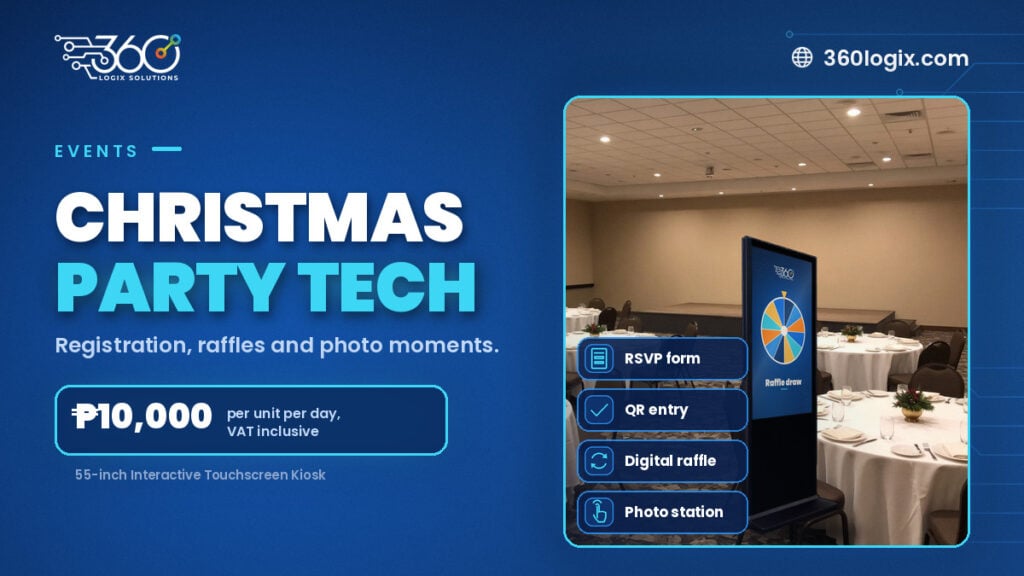
Christmas Party Tech: Registration, Raffle Draws and Photo Moments Without the Scramble
Plan a Christmas party raffle system that's fair and fast: pre-registered guest lists, QR entry, digital raffle draws and a kiosk photo or game station.
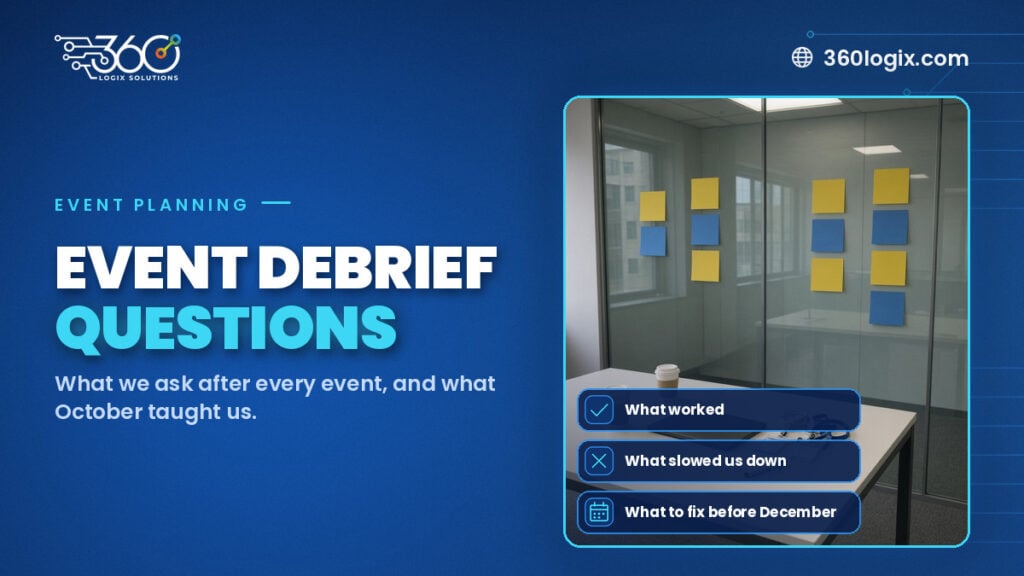
The Debrief Questions We Ask After Every Event (and What October Taught Us)
The event debrief questions we ask after every event, the process lessons October taught us, and what to plan for before November and December get busy.
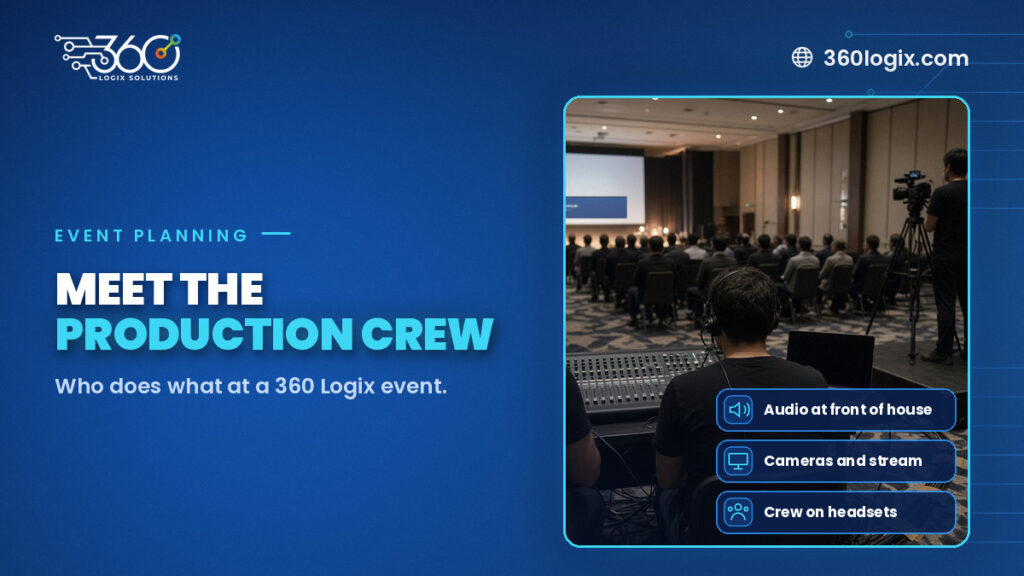
Meet the Crew: Event Production Team Roles at a 360 Logix Event
Event production team roles at a 360 Logix event: project lead, technicians, registration staff, creatives and stream operator, and how we work with you.