Christmas Party Tech: Registration, Raffle Draws and Photo Moments Without the Scramble
Ask anyone who has organized a company Christmas party what went wrong, and you'll hear the same stories. The guest list was three different spreadsheets. The entrance line stretched into the hallway. Someone's name was drawn in the raffle but they had already gone home, and nobody was sure who was still eligible. The party was fun. Running it wasn't.
A little technology fixes most of this. Not a big production, just the right tools in the right places: a clean guest list, quick QR entry, a raffle system everyone trusts and a photo or game station that keeps guests busy between program parts.
Quick answer: Collect RSVPs through one online form, send each guest a QR code, scan them in at the door, and run your Christmas party raffle system from the checked-in list so only guests in the room can win. Add a 55-inch Interactive Touchscreen Kiosk for photos or games to keep the crowd engaged.
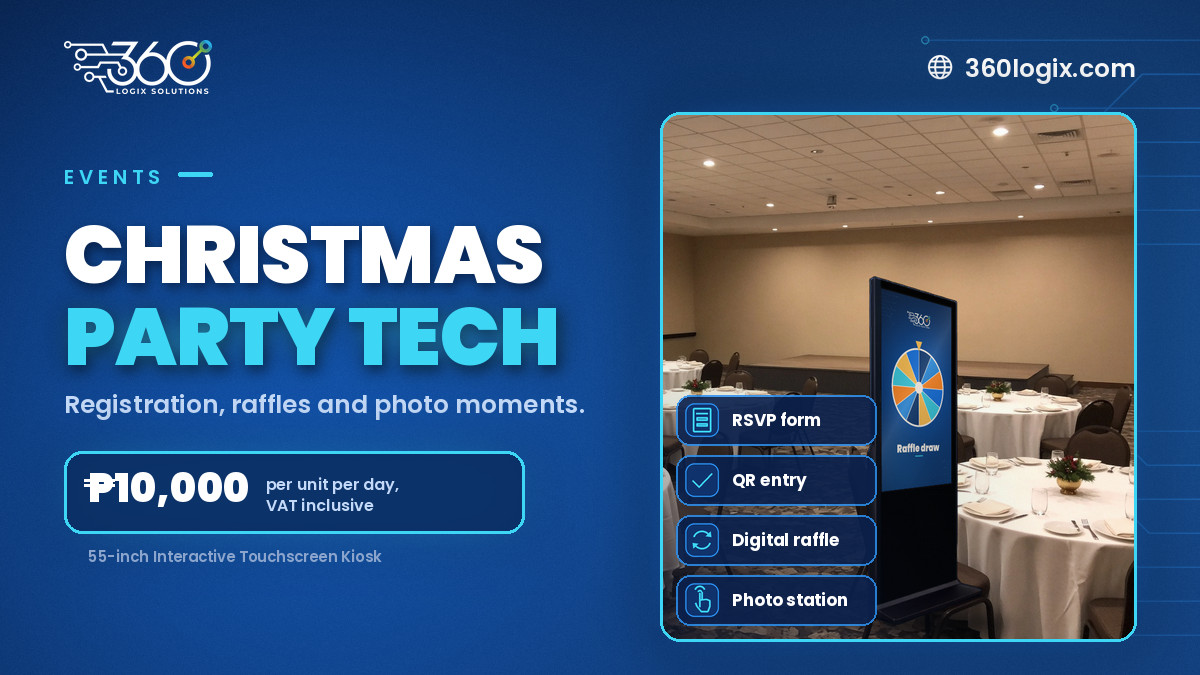
Table of Contents
Start with one clean guest list
Every problem at the entrance starts with the guest list. Fix it weeks before the party.
- Use one registration form. Ask for name, department, email and anything you need for seating or meals. Share one link, not a spreadsheet passed around.
- Set an RSVP deadline. It gives you a clear number for the venue, food and giveaways.
- Decide on plus-ones early. If guests can bring family, collect their details in the same form.
- Clean up duplicates. Merge repeat sign-ups and check names against your staff list before you send invitations.
QR entry at the door
Once the list is clean, send each guest a confirmation with their own QR code. On the night, staff scan the code at QR check-in and the guest walks in. No flipping through printed lists, no spelling names out loud over the music.
A few tips:
- Send reminders. A message the day before with the QR code makes it easy to find.
- Have a help desk. Some guests will forget their phone or lose the email. One staffed desk with a name lookup handles them without holding up the line. (We compared both approaches in QR code check-in vs manual registration.)
- Separate lanes if needed. Executives, guests with family, or late registrants can have their own lane.
- Check-in data does double duty. The scan tells you who actually arrived, which matters for the raffle.
A raffle system everyone trusts
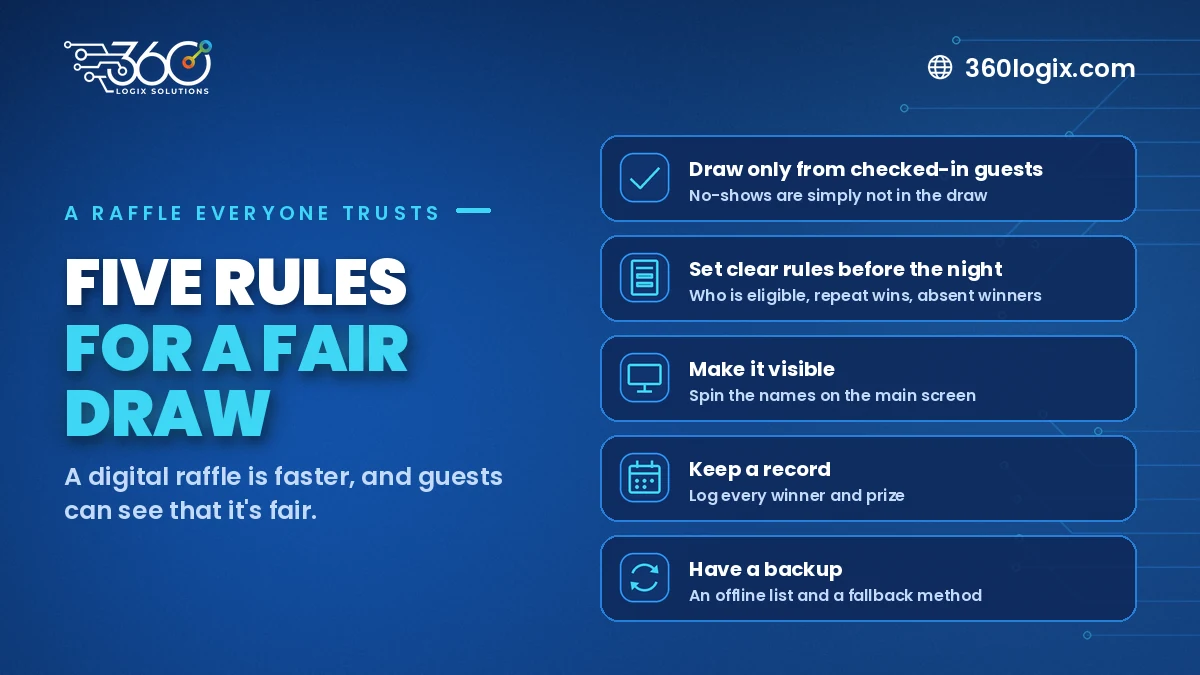
The raffle is often the highlight of a Christmas party, and the moment most likely to cause grumbling. A digital raffle makes it faster and more transparent.
Draw only from checked-in guests
Link the raffle to your check-in list. Guests who didn't arrive, or who left early if you scan them out, simply aren't in the draw. That ends the "call the name three times" routine.
Set clear rules before the night
- Who is eligible: all employees, only regular staff, guests too?
- Can one person win more than once?
- What happens if a winner isn't in the room?
- Which prizes are drawn in which round?
Announce the rules at the start so everyone hears them.
Make it visible
Show the draw on the main screen with a spinning name animation or a digital wheel. People trust what they can watch.
Keep a record
Log every winner and prize as you go. It helps with prize release and answers questions after the party.
Have a backup
Keep an offline copy of the eligible list and a simple fallback method, in case the internet or a laptop acts up.
Photo moments and games on a kiosk
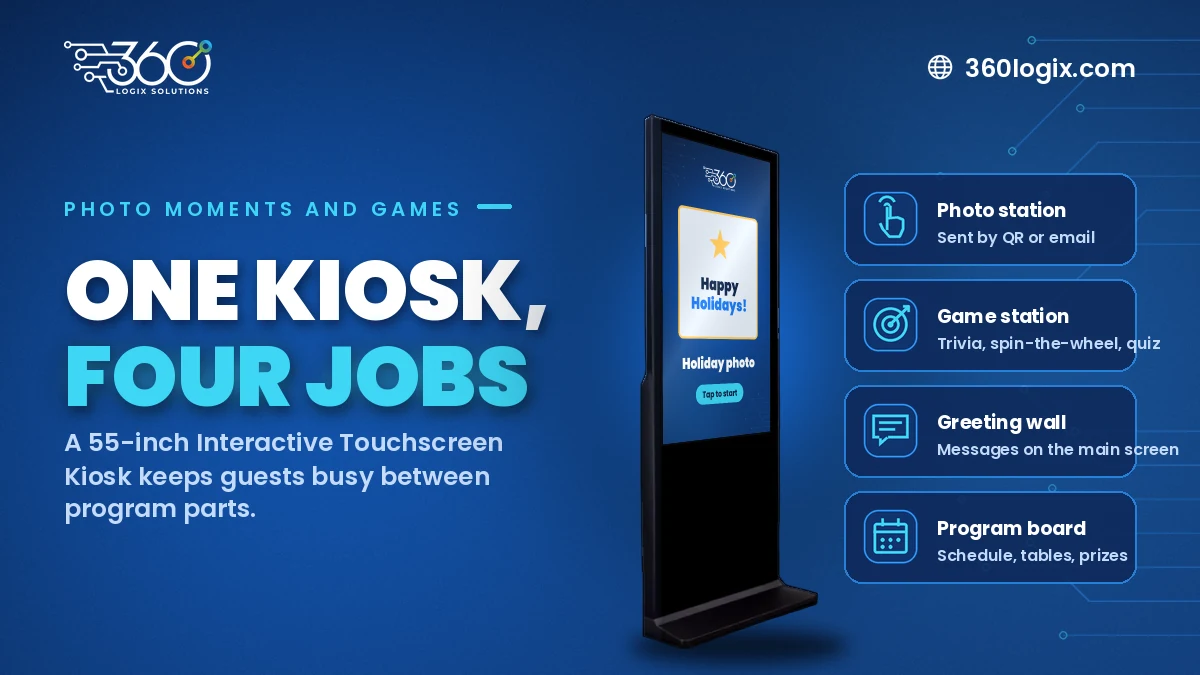
Between dinner, performances and the raffle, guests have time to fill. A 55-inch Interactive Touchscreen Kiosk can become:
- A photo station. Guests take a branded holiday photo and send it to their phone by QR or email.
- A game station. Trivia about the company year, spin-the-wheel for small prizes, or a quick holiday quiz. Here's how interactive games work.
- A greeting wall. Guests leave short Christmas messages that play on the main screen later.
- A program board. The night's schedule, table finder or raffle prize list, for guests who want to check.
Place the kiosk near the bar, food area or entrance, where people already gather, and assign someone to help guests use it. Our 55-inch Interactive Touchscreen Kiosk rents at ₱10,000 per unit per day, VAT inclusive, and we send a clear quote for the units and days you need.
A simple tech timeline
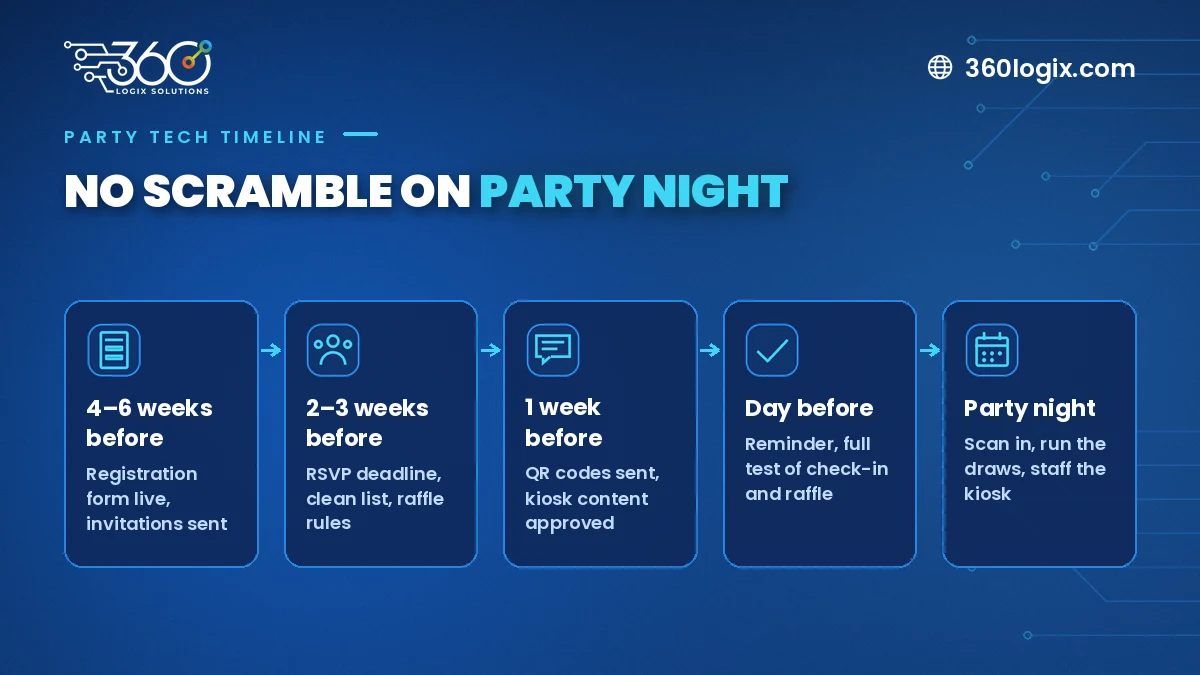
| When | What to set up |
|---|---|
| 4–6 weeks before | Registration form live, invitations sent |
| 2–3 weeks before | RSVP deadline, guest list cleaned, raffle rules agreed |
| 1 week before | QR codes sent, kiosk content and photo frames approved |
| Day before | Reminder message, full test of check-in and raffle |
| Party night | Scan in, run the draws, keep the kiosk staffed |
FAQ
Can we run a raffle without an internet connection?
It depends on the setup. Plan for weak venue Wi-Fi either way: keep an offline copy of the eligible list and test the raffle at the venue before guests arrive.
What if a guest forgets their QR code?
Send them to the help desk, where staff can look them up by name and check them in. That keeps the main line moving.
Do we need a kiosk for a small office party?
Not always. For a small group, one person with a scanner and a laptop for the raffle may be enough. A kiosk adds the most value when you have a larger crowd and time to fill.
How much does the kiosk cost to rent?
The 55-inch Interactive Touchscreen Kiosk is ₱10,000 per unit per day, VAT inclusive. Tell us your date and venue and we'll confirm availability and send a quote.
Can the kiosk show our company branding?
Yes. Photo frames, game screens and welcome slides can all be designed around your party theme and brand colors.
Plan a year-end party that runs itself
EventsHub is the events arm of 360 Logix, and we know how crowded December gets for party organizers. From registration to the last raffle prize, we can set up the tech so your team gets to enjoy the night too. See how a 55-inch Interactive Touchscreen Kiosk can work as your photo or game station, then talk to EventsHub about your event tech.
Related Articles
The Debrief Questions We Ask After Every Event (and What October Taught Us)
The event debrief questions we ask after every event, the process lessons October taught us, and what to plan for before November and December get busy.
Meet the Crew: Event Production Team Roles at a 360 Logix Event
Event production team roles at a 360 Logix event: project lead, technicians, registration staff, creatives and stream operator, and how we work with you.
Event Budget Breakdown: What Event Tech to Rent, What to Skip
An event budget breakdown for tech: what to rent (sound, main screen, registration), what depends, what to skip, and how to read a per-unit, per-day quote.