Event Run Sheet Template: Your Event-Day Tech Run Sheet
A program flow tells you who speaks when. An event run sheet template tells you who hits play, who hands the mic, and what happens if the file fails. If a cue has no named owner, it gets missed. Mid-October is when November convention teams and December party leads start writing programs. Build the tech sheet now, not the night before.
Quick answer: Use six columns: time, cue, owner, equipment, backup and notes. Fill every cue that needs a person or a device. Share one version with venue and suppliers, print a copy per station, and update the version number when anything changes.
Table of Contents
What is a run sheet (and is it the same as a run of show)?
A run sheet (also called a run of show or technical run sheet) is the timed list of cues for the room: doors, AVP, slides, mics, video, LED Poster loops, livestream start, break content. Organizers sometimes treat "run of show" as the talent timeline and "tech run sheet" as the device detail. In practice, one shared document with clear owners beats two conflicting ones.
A cue sheet is usually the denser technical layer (inputs, who switches). If your team is small, keep one event day timeline template that covers both program and tech, then highlight tech rows in a different color.
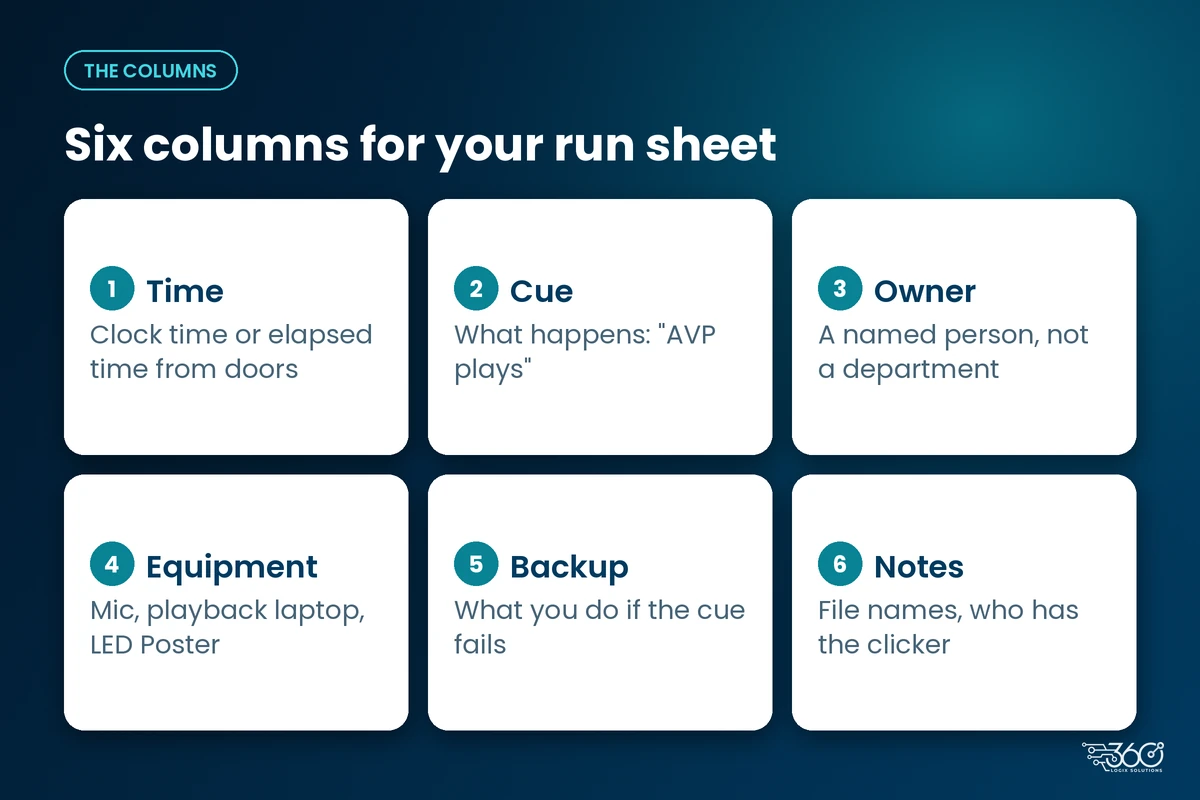
Event run sheet template: the columns
These six columns are enough for most association and corporate rooms. Add more only if your crew already uses them.
| Column | What goes here |
|---|---|
| Time | Clock time or elapsed time from doors |
| Cue | What happens ("AVP plays", "keynote slides", "Q&A mics live") |
| Owner | Named person, not a department |
| Equipment | Mic, playback laptop, LED Poster, switcher, etc. |
| Backup | What you do if the cue fails |
| Notes | File names, who has the clicker, venue constraints |
Copy-ready header row
Time | Cue | Owner | Equipment | Backup | Notes
Duplicate the header on page two if you print. Stations lose page one.
A filled example: seminar opening
A generic seminar opening. Times are sequence labels, not a promise about your venue's load-in.
| Time | Cue | Owner | Equipment | Backup | Notes |
|---|---|---|---|---|---|
| Doors | Registration opens; welcome loop on | Reg lead | Kiosk / LED Poster | Printed welcome board | See registration layout notes |
| T-10 | House music / loop continues | Audio | Playback | Phone backup playlist | Silent sponsor loop OK |
| T-0 | AVP plays | Playback op | Main screen + audio | Skip to emcee if file fails | Final file name on sheet |
| After AVP | Emcee welcome | Emcee | Handheld mic | Spare handheld | |
| Keynote slides | Slide op | Presenter laptop | Backup USB + spare laptop | Presenter clicker tested | |
| Keynote video insert | Playback op | Same as AVP path | Still slide with talk track | ||
| Q&A mics live | Audio | 2 handhelds | 1 spare charged | Runner knows aisle plan | |
| Break | Break loop / sponsor slides | Content op | LED Poster / screens | Static slide | No audio on loop |
Registration rows should match your lane plan. If you're expecting volume, review your registration area layout and flow while you write those cues.
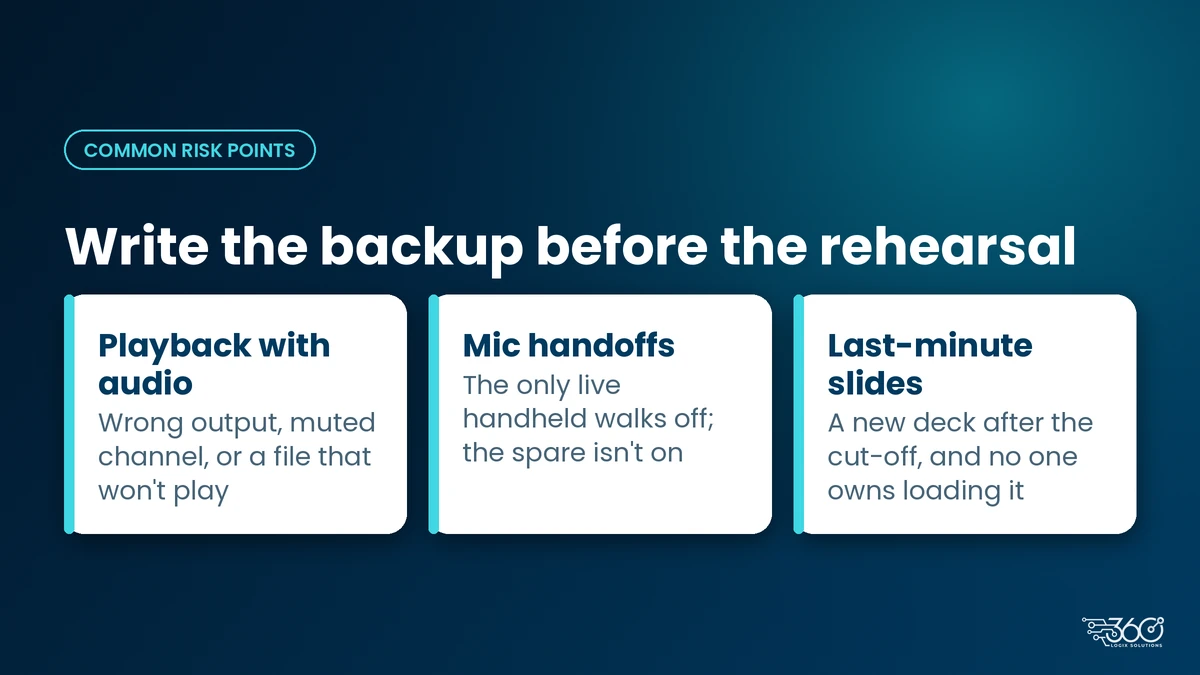
Common risk points
These fail often enough that they deserve a backup cell every time:
- Playback with audio. Wrong output, muted channel, or a file that worked on someone's laptop but not on the show machine.
- Mic handoffs. Emcee walks off with the only live handheld; spare isn't on.
- Last-minute slides. A speaker brings a new deck after the content cut-off; no one owns who loads it.
Write the backup before the rehearsal. Inventing a plan while the room waits is how openings slip.
How to use it
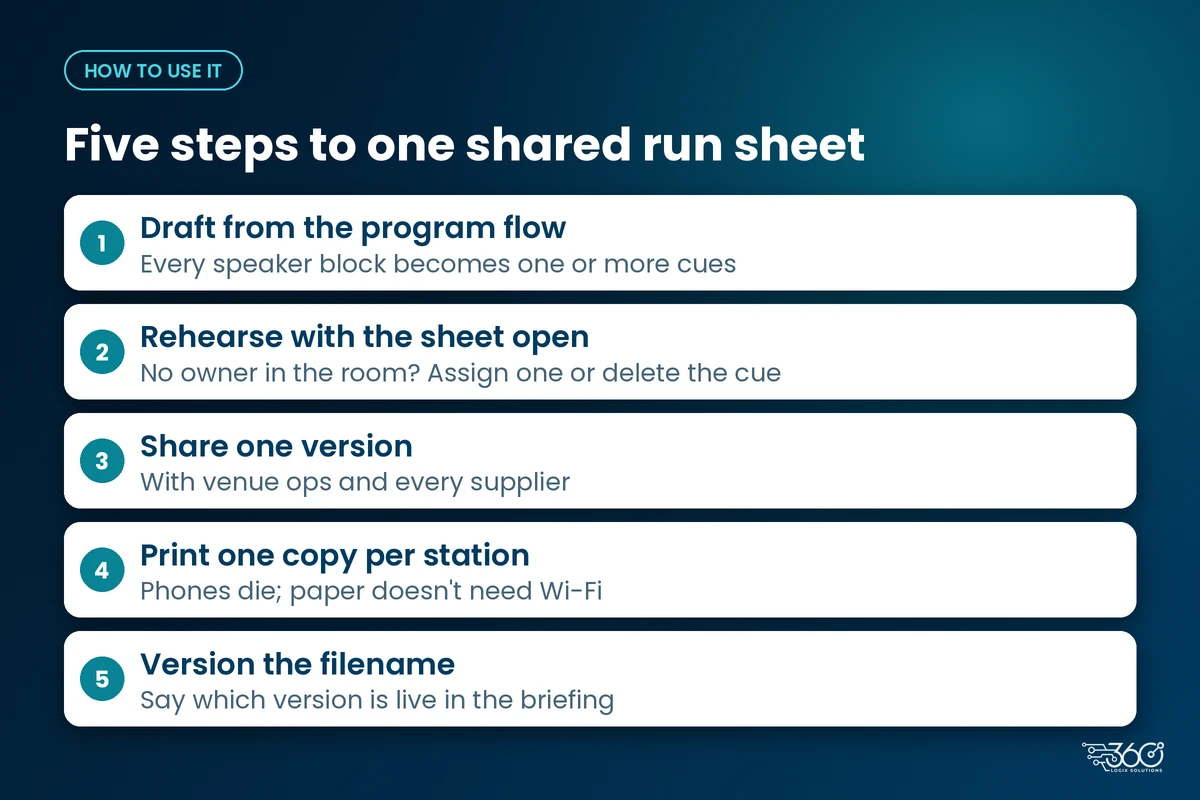
- Draft from the program flow. Every speaker block becomes one or more tech cues.
- Rehearse with the sheet open. If a cue has no owner in the room, assign one or delete the cue.
- Share one version with venue ops and every supplier. Conflicting PDFs are worse than none.
- Print one copy per station (FOH audio, playback, registration, stage manager). Phones die; paper doesn't need venue Wi-Fi.
- Version the filename (
runsheet-v3) and say which version is live in the morning briefing.
Keep the sheet honest
A run sheet that lists cues nobody can execute is theater. Cut rows you won't staff. If the LED Poster loop changes at break, name the person who hits the playlist, not "AV team." If a speaker refuses a slide deadline, put that risk in Notes before the day, not in a blame session after.
The template is a coordination tool. Treat it like one.
Who should get a copy
Don't email the sheet to "everyone on the event group chat" and hope. Distribute by role:
- Stage / producer: master version
- Audio: mic and playback rows
- Playback / content: AVP, slides, LED Poster loops
- Registration lead: door and badge rows only
- Venue ops: load-in and power-related cues that affect them
Each station should see its rows clearly. A 12-page PDF that nobody can skim under house lights helps no one. If you use a shared Sheet, freeze the header and highlight the live version in the title.
Before doors, do a 10-minute stand-up with the sheet in hand: read the first 30 minutes of cues out loud. If two people think they own the same mic handoff, fix it then.
Download the template
Use the six-column event run sheet template above in Google Sheets or Excel and save a PDF for print. Copy the columns into your own sheet and use the seminar example as a starting point.
FAQ
What should a technical run sheet include?
Time, cue, owner, equipment, backup and notes. Add inputs or channel lists only if your crew already runs that deep.
Who owns the run sheet on event day?
One person (often the stage manager or producer) owns the master version. Station leads own their printed rows. Don't let five people edit silently.
How is it different from the program flow?
The program flow lists speakers and topics. The tech run sheet lists devices, owners and failure plans. You need both; only one of them saves a dead mic.
Do we need a new sheet for every event?
Reuse the structure. Rewrite the rows. Last month's times and file names will betray you.
Related: if your program includes a livestream, add those cues using our event live streaming setup guide.
Related reading: Event setup checklist · Event technology services
Want a crew that already runs this way?
We've built event-day tech habits over 15+ years, and the boring truth is that clear ownership beats fancy gear. Get our team to run your event-day tech and bring your draft program. We'll help turn it into a sheet the room can actually follow.
Related Articles
Christmas Party Tech: Registration, Raffle Draws and Photo Moments Without the Scramble
Plan a Christmas party raffle system that's fair and fast: pre-registered guest lists, QR entry, digital raffle draws and a kiosk photo or game station.
The Debrief Questions We Ask After Every Event (and What October Taught Us)
The event debrief questions we ask after every event, the process lessons October taught us, and what to plan for before November and December get busy.
Meet the Crew: Event Production Team Roles at a 360 Logix Event
Event production team roles at a 360 Logix event: project lead, technicians, registration staff, creatives and stream operator, and how we work with you.