Your event, in one place
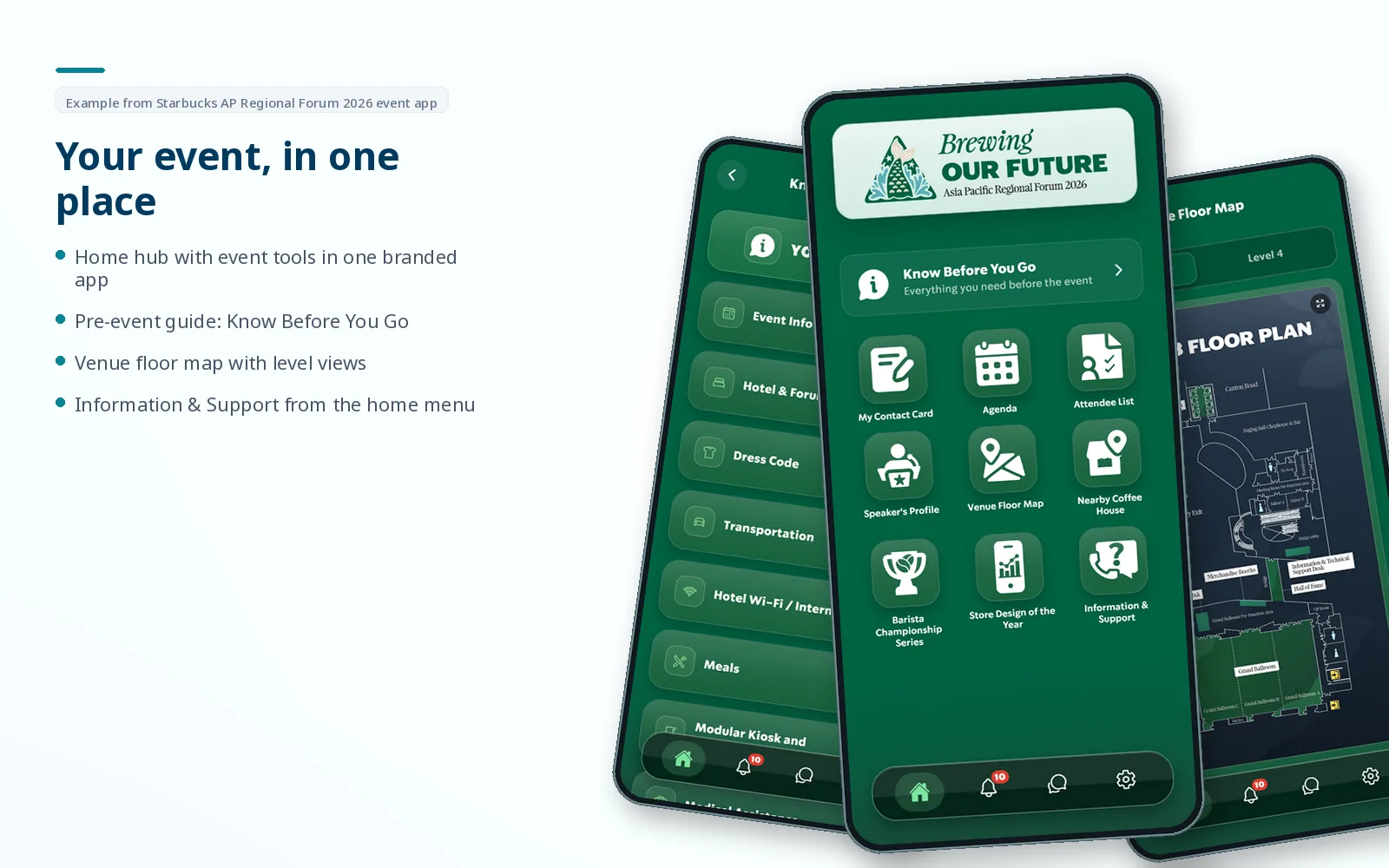
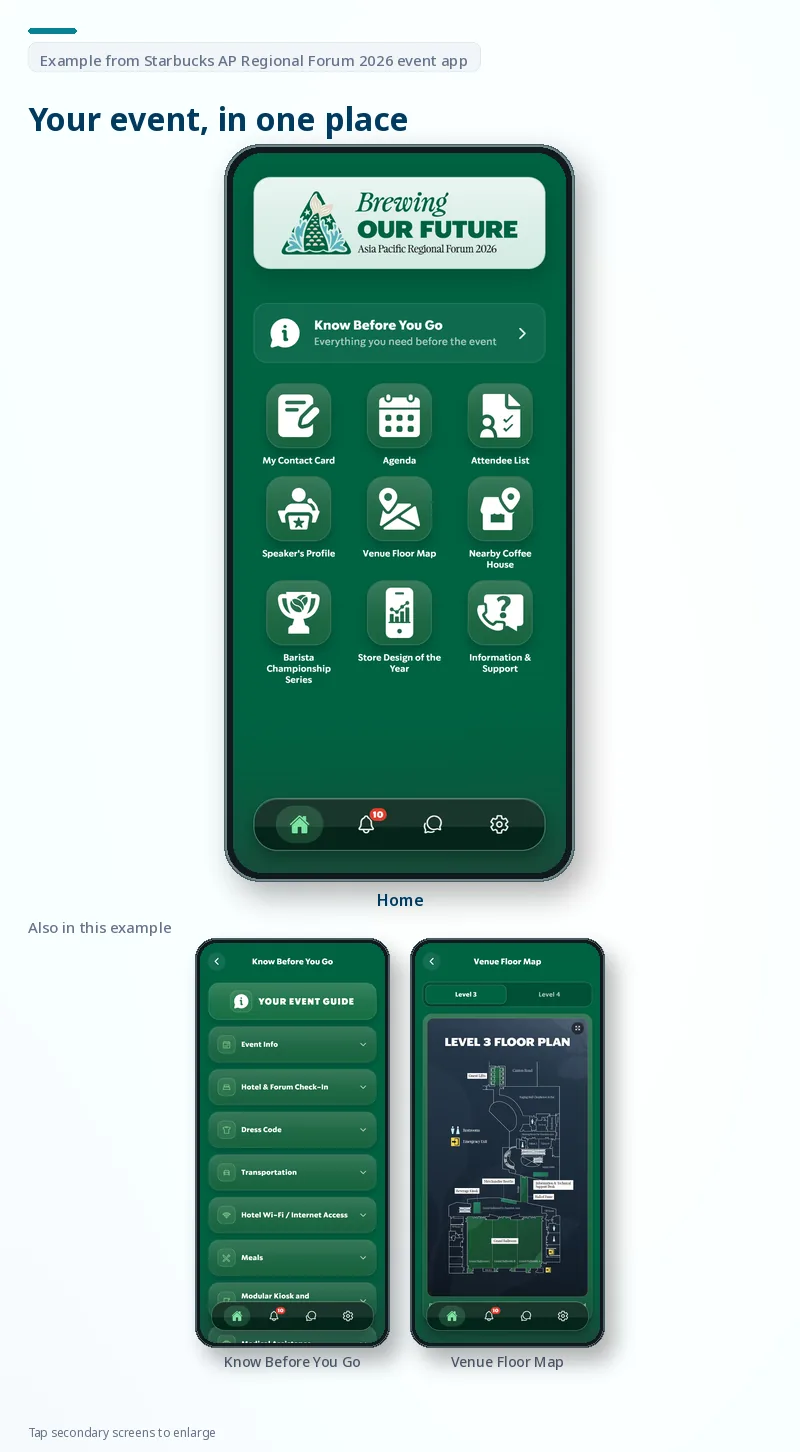
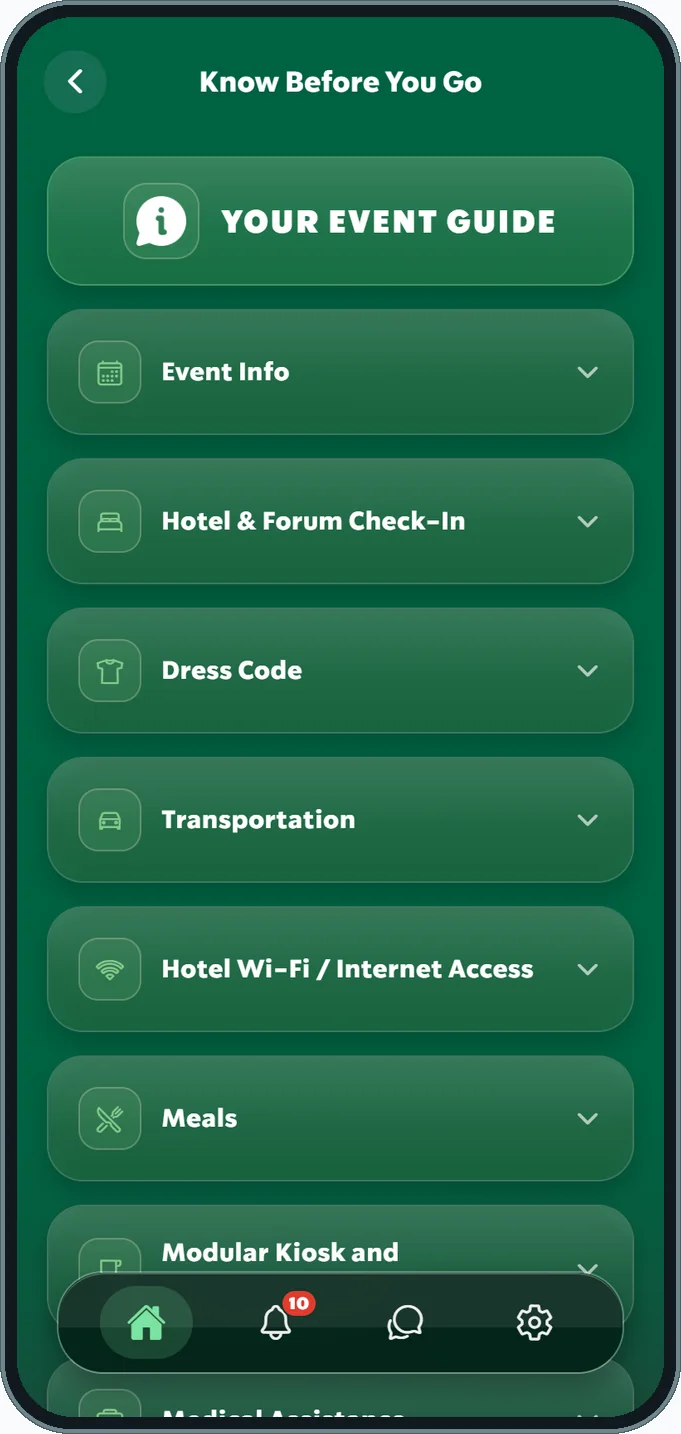
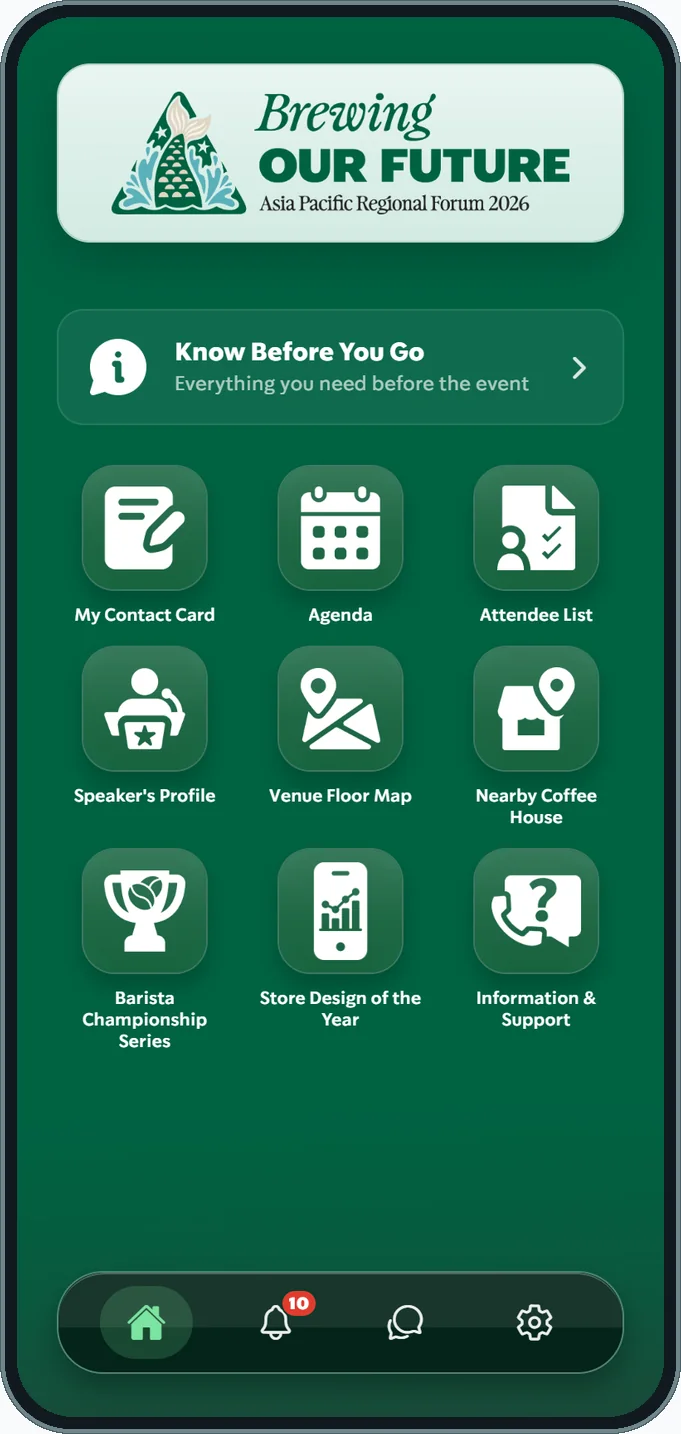
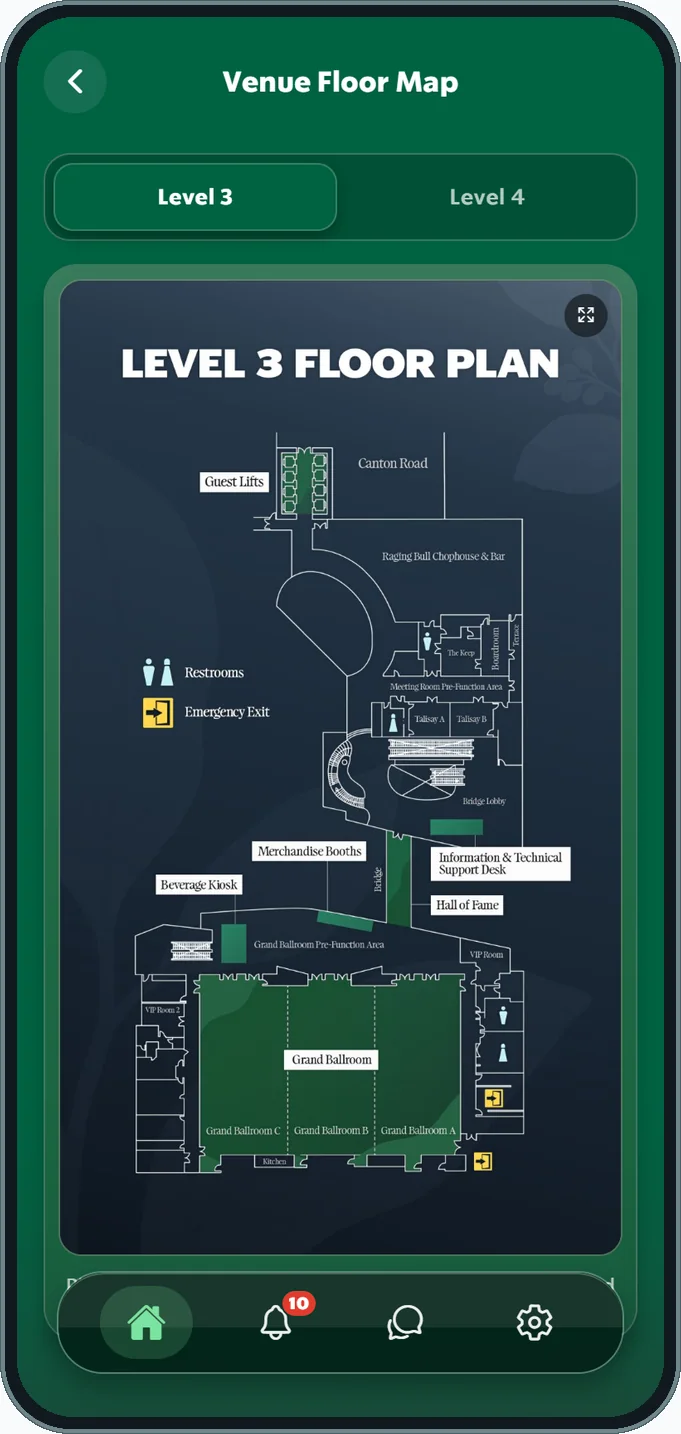
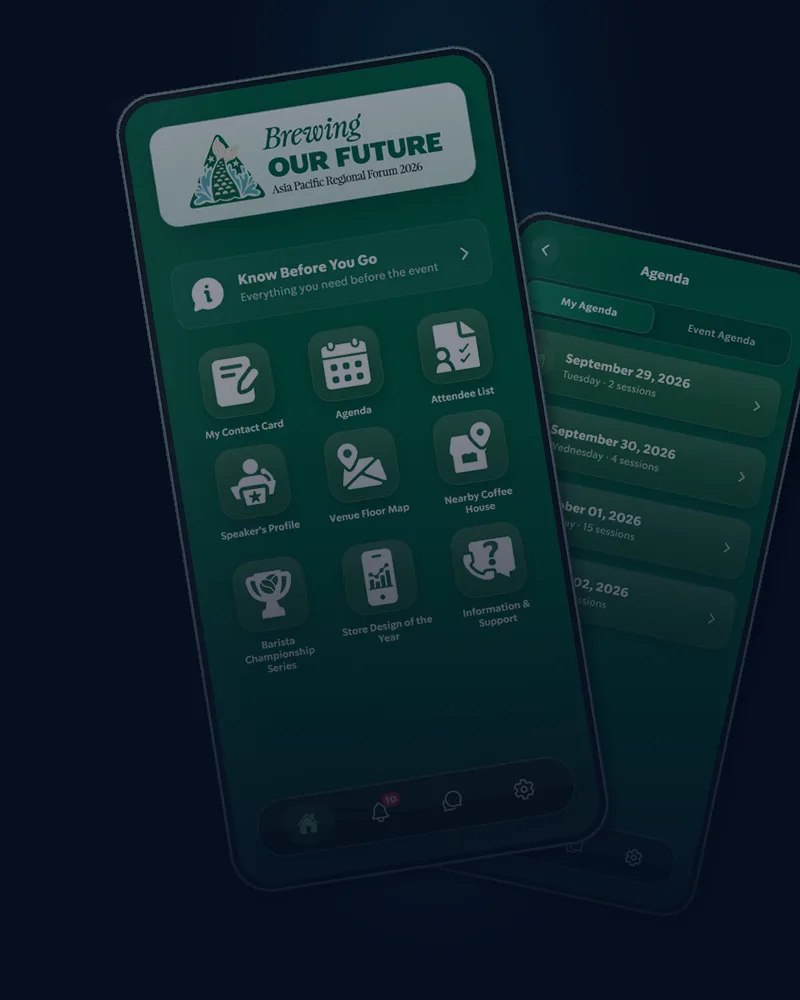
Home hub with event tools in one branded app, Know Before You Go pre-event guide, and venue floor map with level views — as shown in the Starbucks forum event app.
TECH
Keep your agenda, speaker profiles and venue information within reach in a branded event app.
Our event app work for Starbucks Asia Pacific Regional Forum 2026.
Get a quote
Tell us about your forum, convention or brand event. We'll recommend how an event app can fit.
An event mobile app puts your program on your guests' phones. With our custom event app, attendees open one branded place for schedule, speakers and venue details — instead of juggling printouts or last-minute group chats. Built by an events and brand team with 15+ years.
Guests spend less time hunting for schedules and more time in the room. A branded event mobile app keeps the program, speakers and venue details on their phone.
Configurable per event: Attendee list, notifications and Social Wall were included in the Starbucks Asia Pacific Regional Forum 2026 event app and are available to include in your app's scope — confirm in your quote.
Home hub with event tools in one branded app, Know Before You Go pre-event guide, and venue floor map with level views — as shown in the Starbucks forum event app.
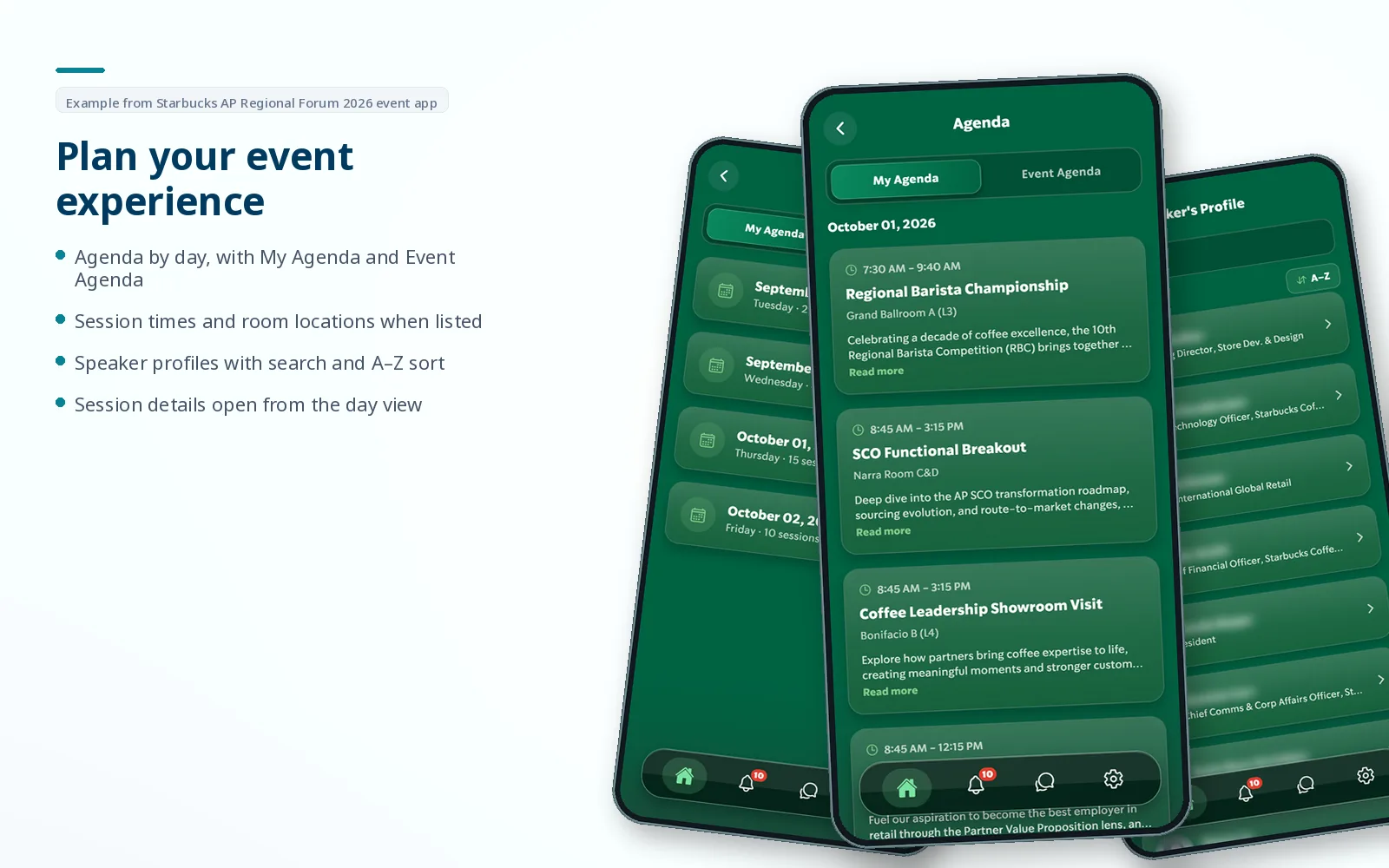
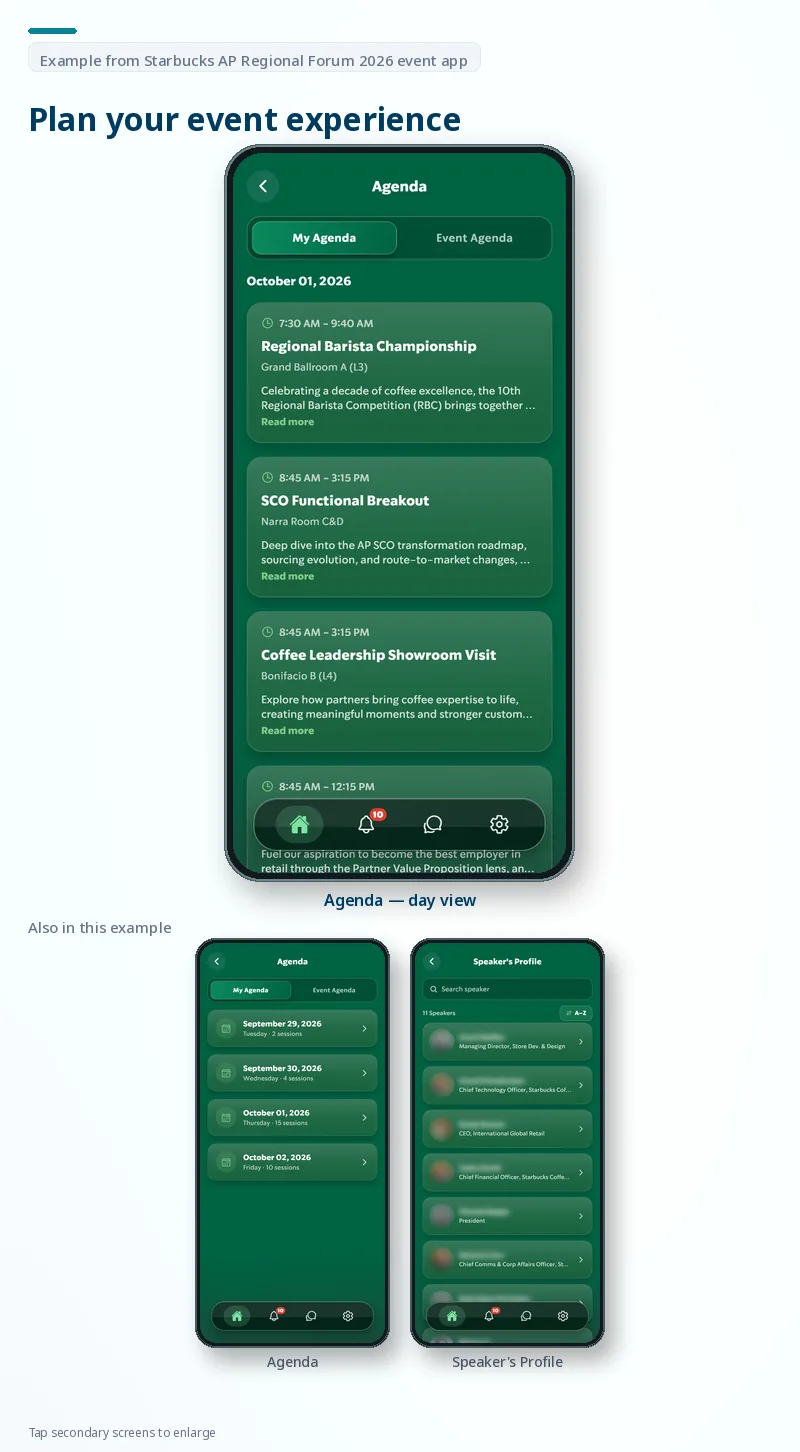
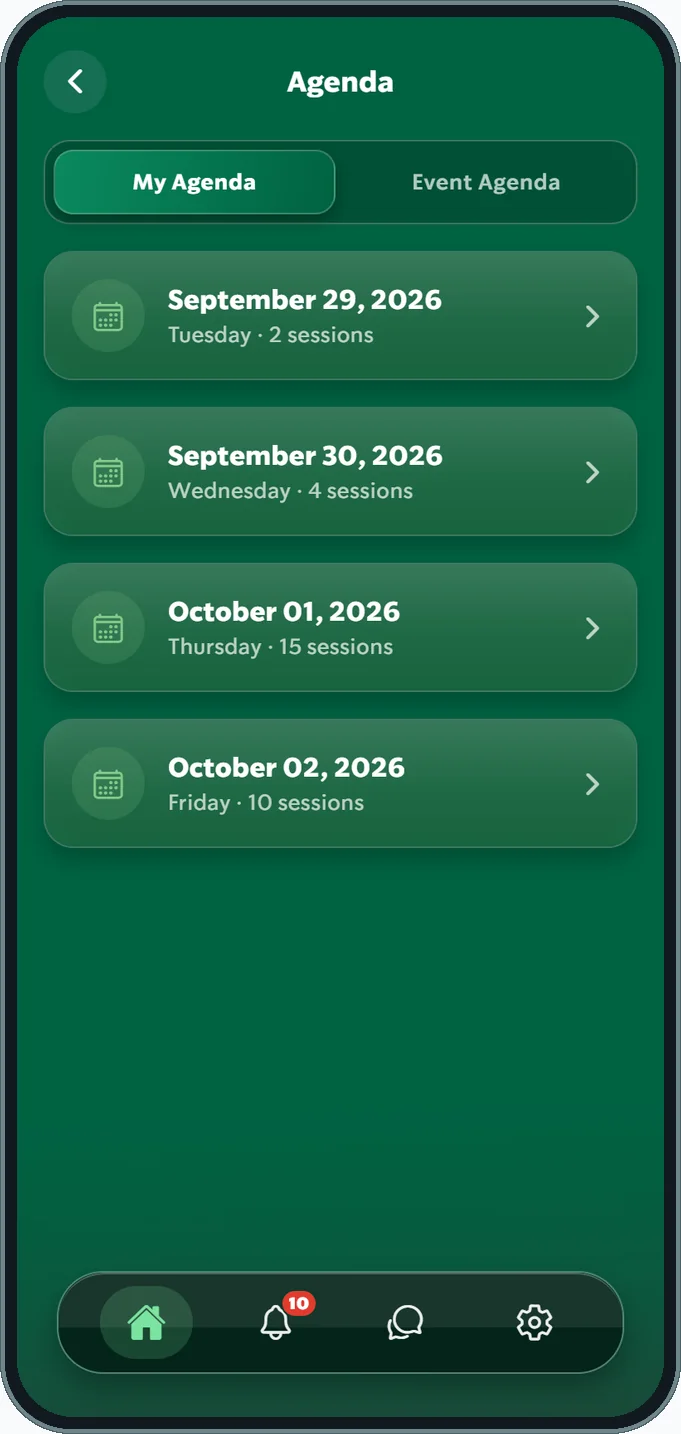
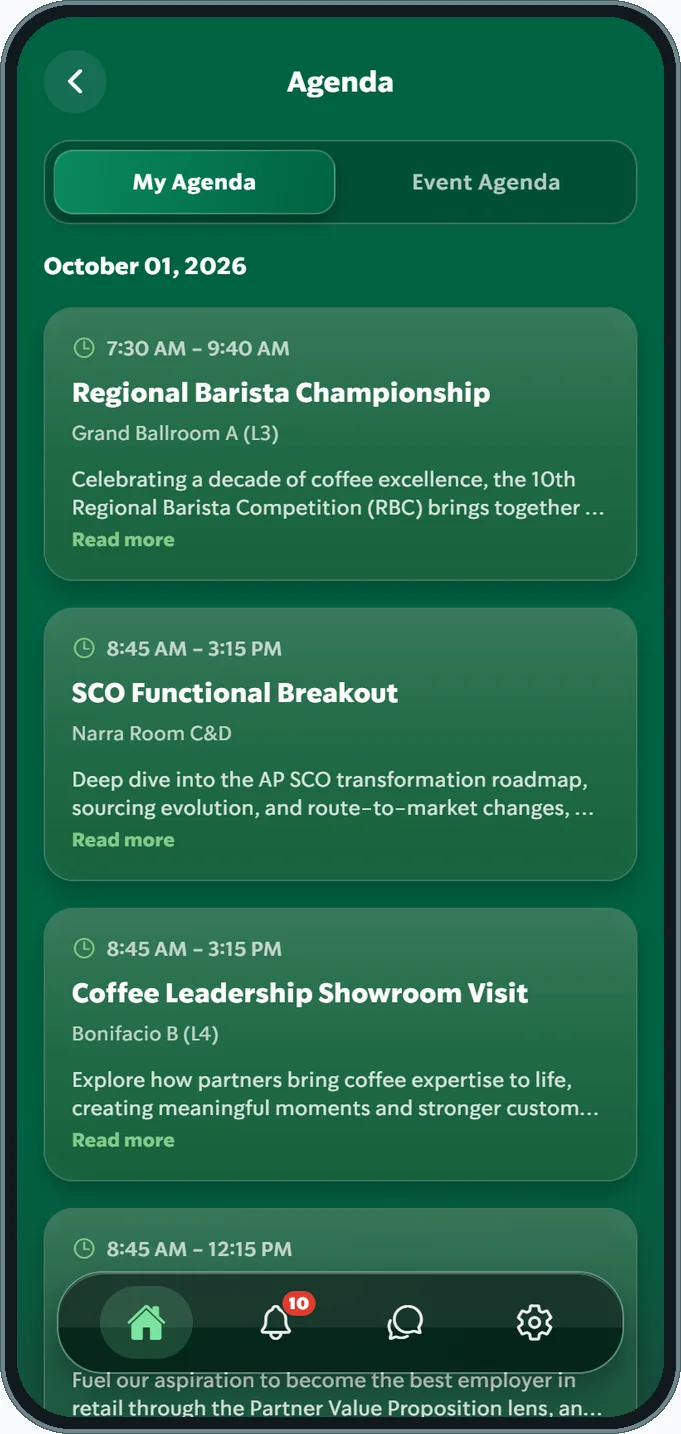
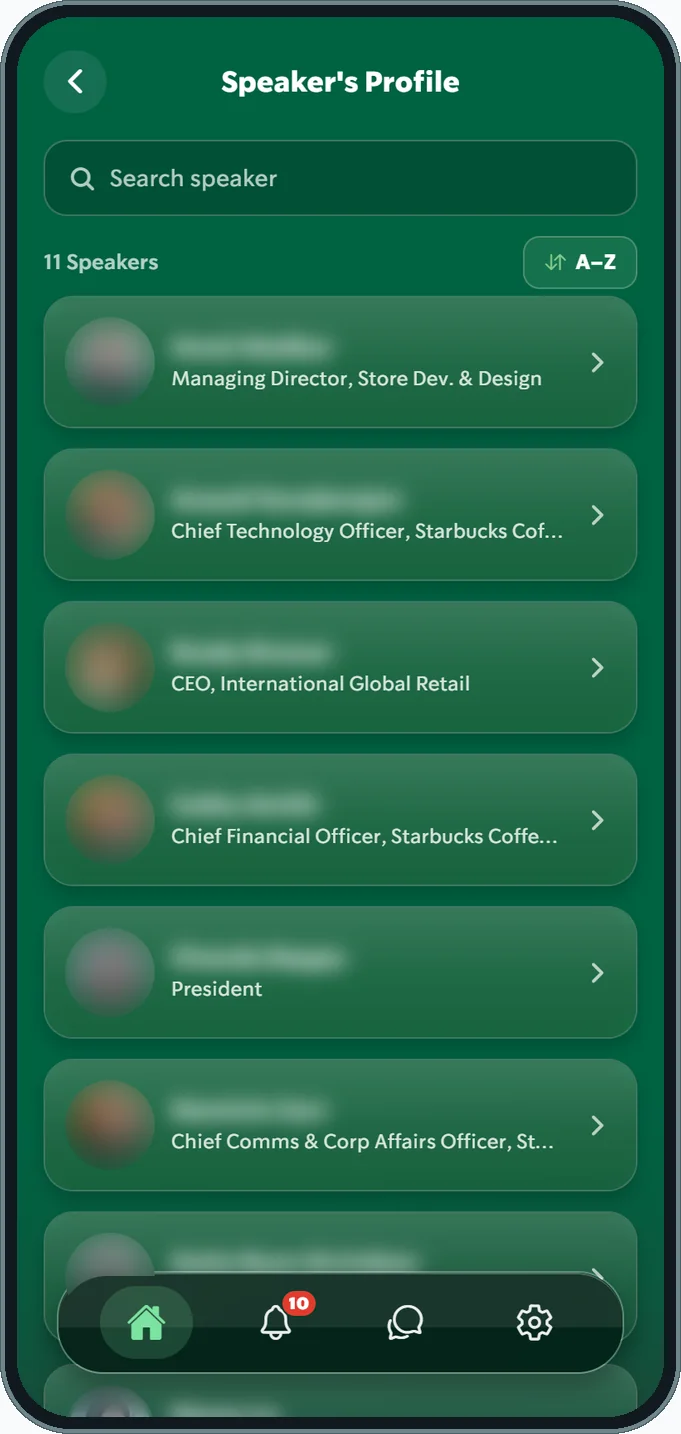
Agenda by day with My Agenda and Event Agenda, session times and rooms when listed, and searchable speaker profiles — as shown in the Starbucks forum event app.
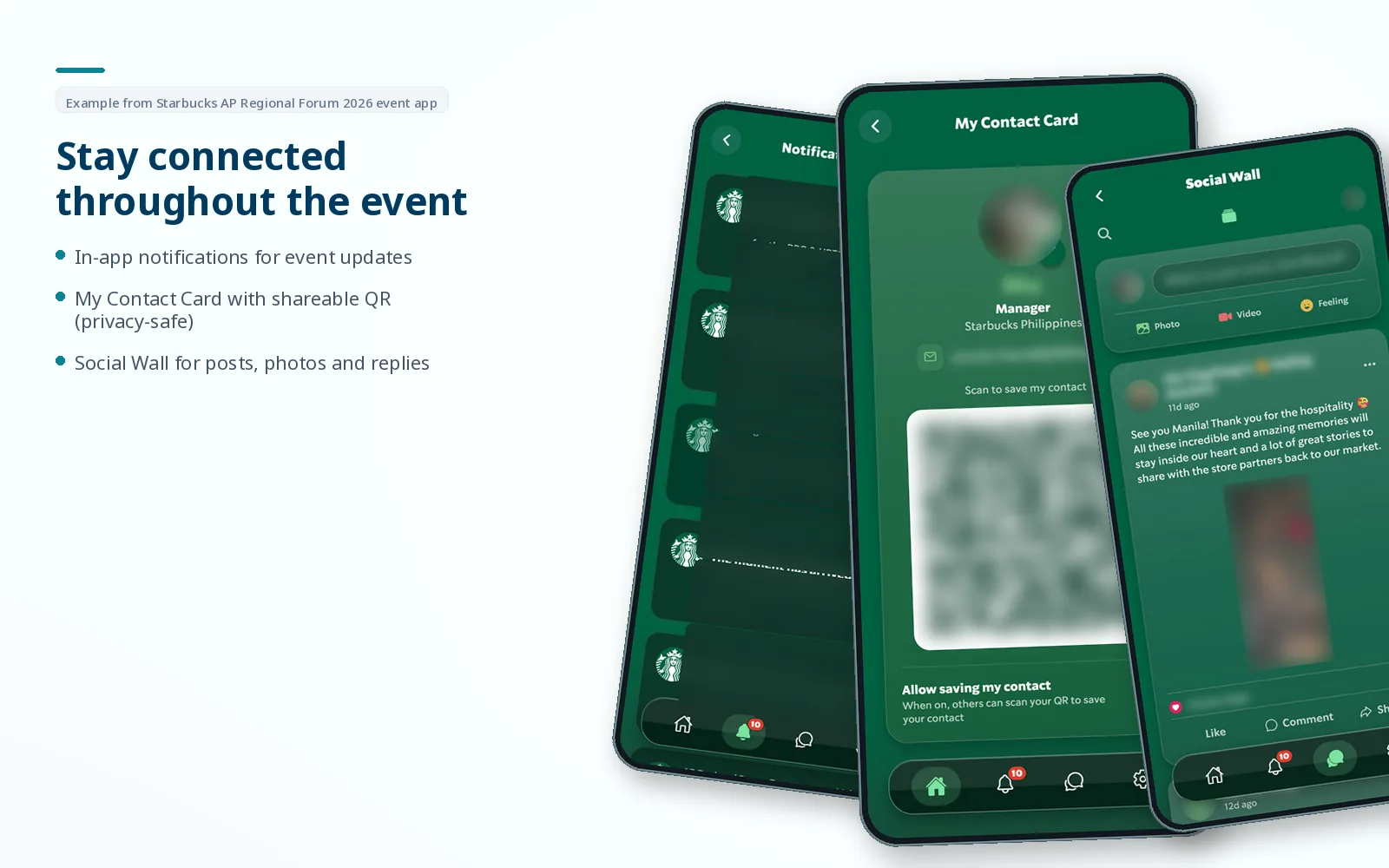
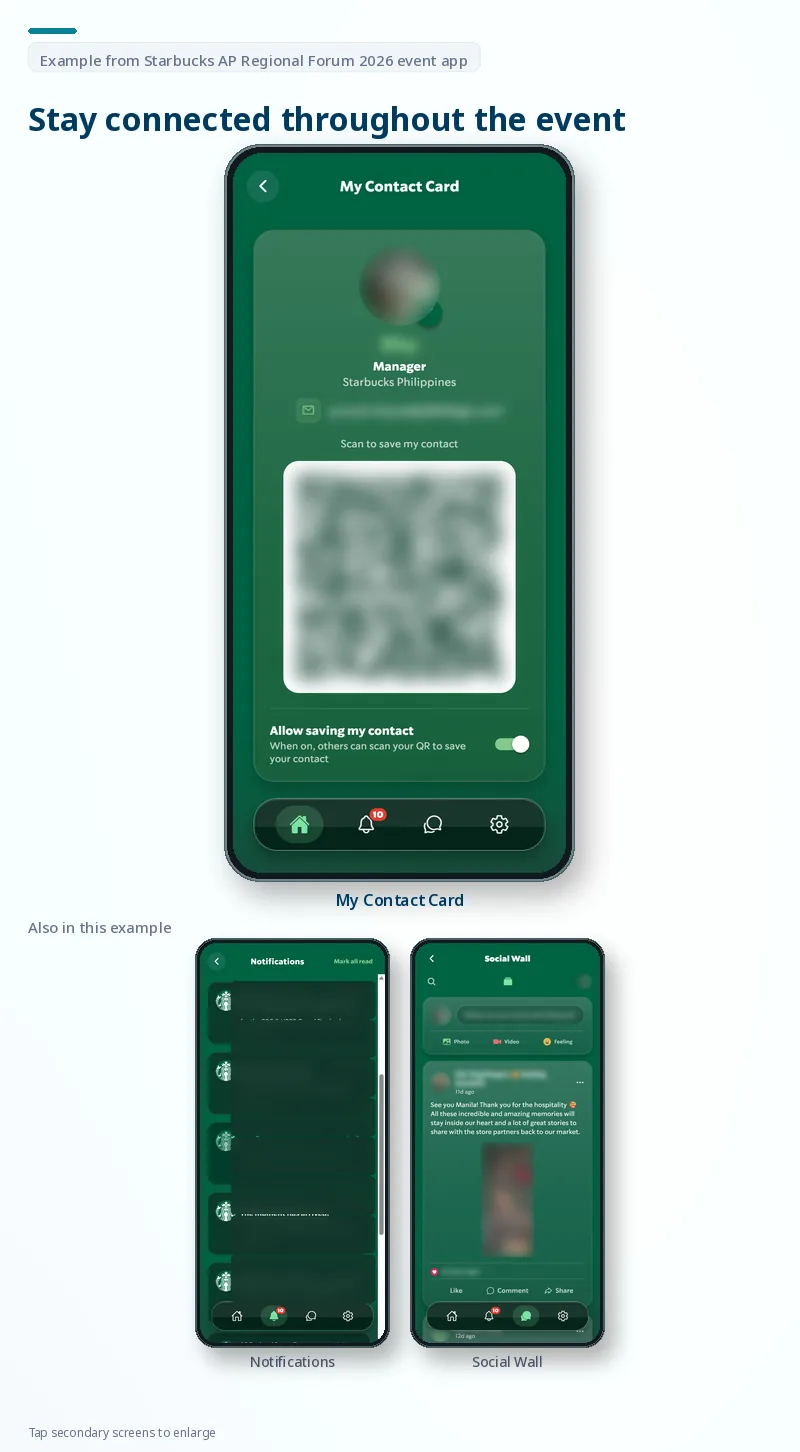
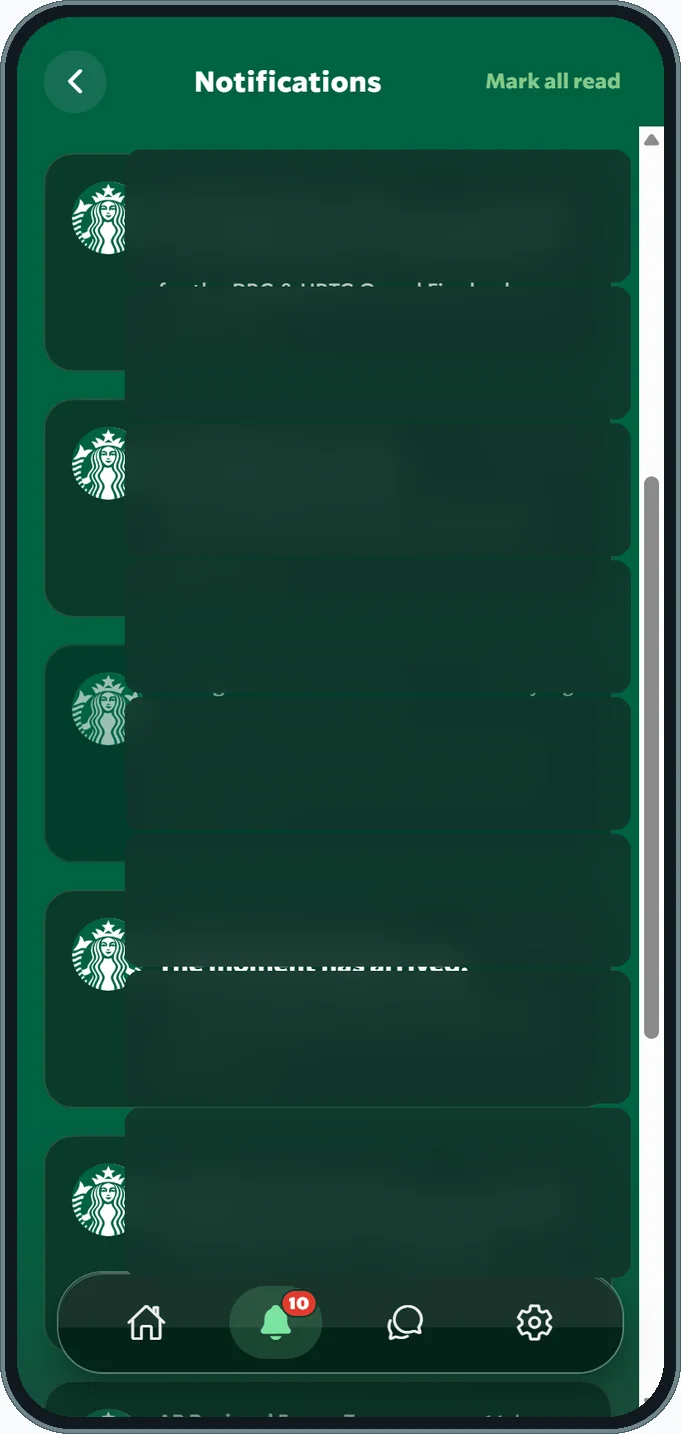
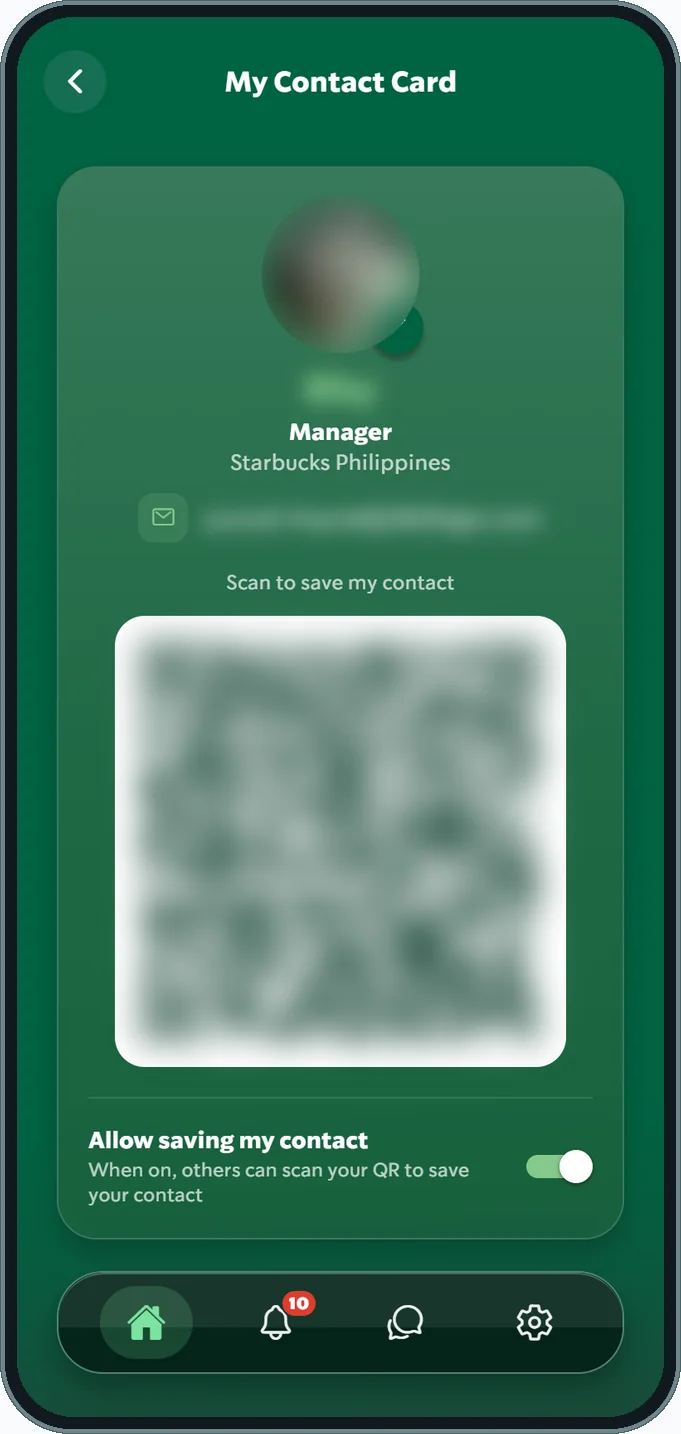
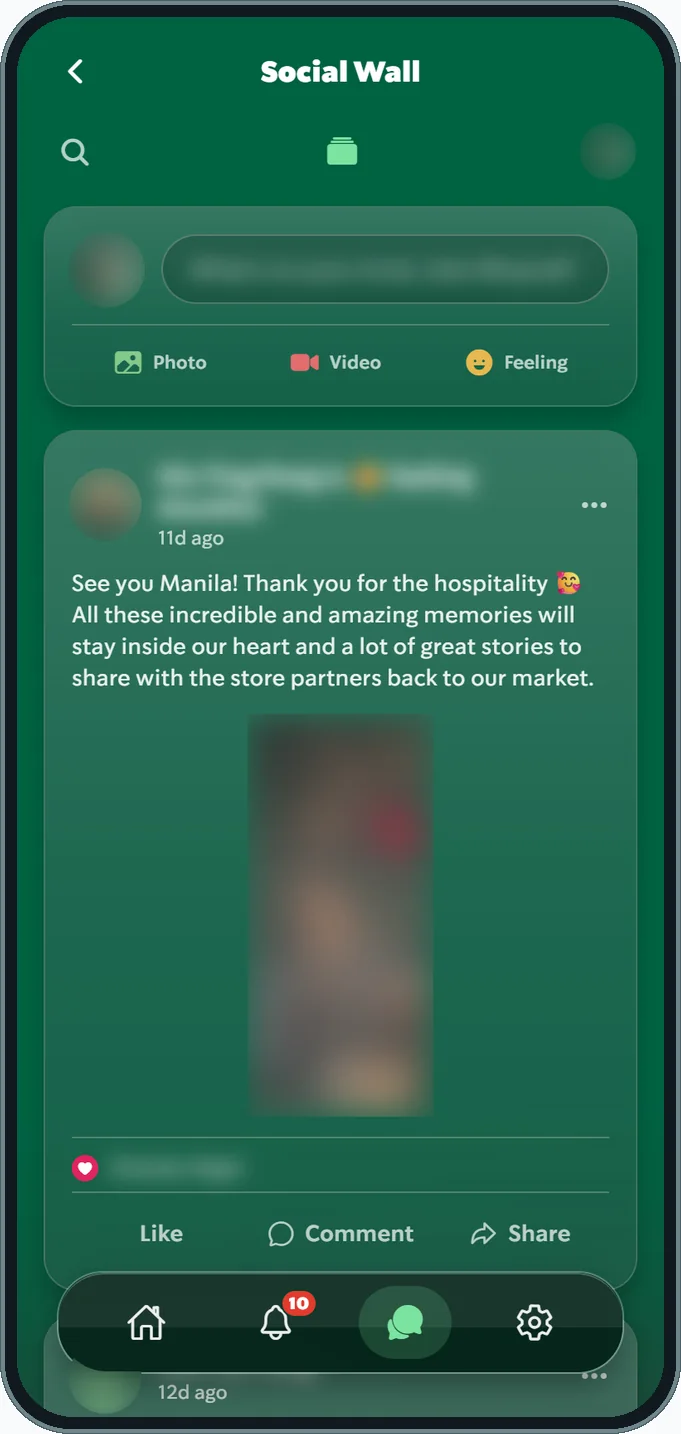
In-app notifications for event updates, My Contact Card with shareable QR, and Social Wall — shown here as Starbucks case-study examples, optional per-event scope, not default inclusions for every build.
Before day one, guests can open Know Before You Go and the agenda so they arrive prepared. The app can present up-to-date agenda, speaker and venue information so you reduce last-minute reprints for agenda and venue details. Required safety and wayfinding print on site still stays as you need it.
Scope we can discuss and confirm in your quote:
Your custom event app is built to your branding and content — logo, colours and naming — the way the Starbucks Asia Pacific Regional Forum 2026 event app used that forum's green branding. The visual design follows your event's branding.
Our event mobile app is the branded program guide. Event Registration and EventsHub handle sign-up, ticketing and check-in. They work well together: guests register in one place, then use the event mobile app for agenda, speakers and venue once they are in.
See the Source link in the event app reference below.
Tell us your event date, venue, rough headcount, which modules you want in scope (for example agenda and speakers, or those plus attendee list and notifications), and your branding assets. We confirm what is included, delivery method and device compatibility, and timing in your quote.
We built the event mobile app for the Starbucks Asia Pacific Regional Forum 2026. That app carried the forum's branding and modules such as Know Before You Go, agenda, speaker profiles, venue floor map, contact card, information & support, plus configurable pieces used for that program (attendee list, notifications and Social Wall).
Source: Case study: Starbucks Asia Pacific Regional Forum 2026 event mobile app.
An event mobile app is a branded phone experience for one event. Guests open it for schedule, speakers, venue details and the pre-event guide you publish. Our custom event app is built for that job. It is separate from Event Registration and EventsHub.
Your app's scope can include Know Before You Go, agenda, speaker profiles, venue floor map, My Contact Card, and Information & Support, based on what your program needs. For some programs we also include an attendee list, notifications or a Social Wall — as we did in the Starbucks forum event app. Tell us what you need and we confirm the list in your quote.
Yes. A custom event app is built to your branding and content — logo, colours and naming. The Starbucks Asia Pacific Regional Forum 2026 event app is an example of that event's own look.
The app can present up-to-date agenda, speaker and venue information. Update process and any event-day support are agreed with you before the event — confirmed in your quote.
As soon as your date, venue and rough agenda shape are known. Earlier briefs leave time for branding, content load and review. Scope and date determine the prep window; we confirm timing in your quote.
Typically: event name and dates, logo and brand colours, agenda and session times, speaker names and bios, venue floor map or room list, and the Know Before You Go topics you want (for example dress code, transport, meals — optional topics you choose to publish). If you want an attendee list or notifications in scope, share how those should work. We list exact inputs in your quote checklist.
It can take the place of many agenda, speaker, venue-map and pre-event guide handouts, and help you reduce last-minute reprints for those. Keep required safety, directional and regulatory print on site.
Event registration (and EventsHub) covers sign-up, tickets and check-in. The event mobile app is the branded program guide on guests' phones — agenda, speakers, maps and related modules. They pair well; one does not replace the other.
Yes. The same conference event app pattern fits corporate forums, congresses, association events and brand activations that need a clear on-phone program. Scope follows what your guests need for that activation.
Pricing and timing depend on modules, branding, content volume and event dates. We confirm these in your quote, along with the delivery method and device compatibility for your app.
Tell us about your forum, convention or brand event. We'll recommend how an event mobile app can fit.
Request an app quote Call or text +63 949 889 3309