Event Live Streaming Setup: What You Need for a Smooth Stream
Online viewers will forgive a plain picture. They won't forgive audio they can't hear or a stream that keeps dropping. The good news is that a solid event live streaming setup is mostly planning, not fancy gear. If you're a comms or HR lead streaming a town hall, launch or conference session for the first time, this guide walks you through what you need, in plain language.
Quick answer: To stream an event well, you need a steady camera shot, audio fed from the venue's sound system, a dedicated wired internet connection with a backup, your slides ready early, and one stream operator who does nothing else. Run a private test stream first, and record a copy while you're live.
Table of Contents
Event live streaming setup: the five building blocks
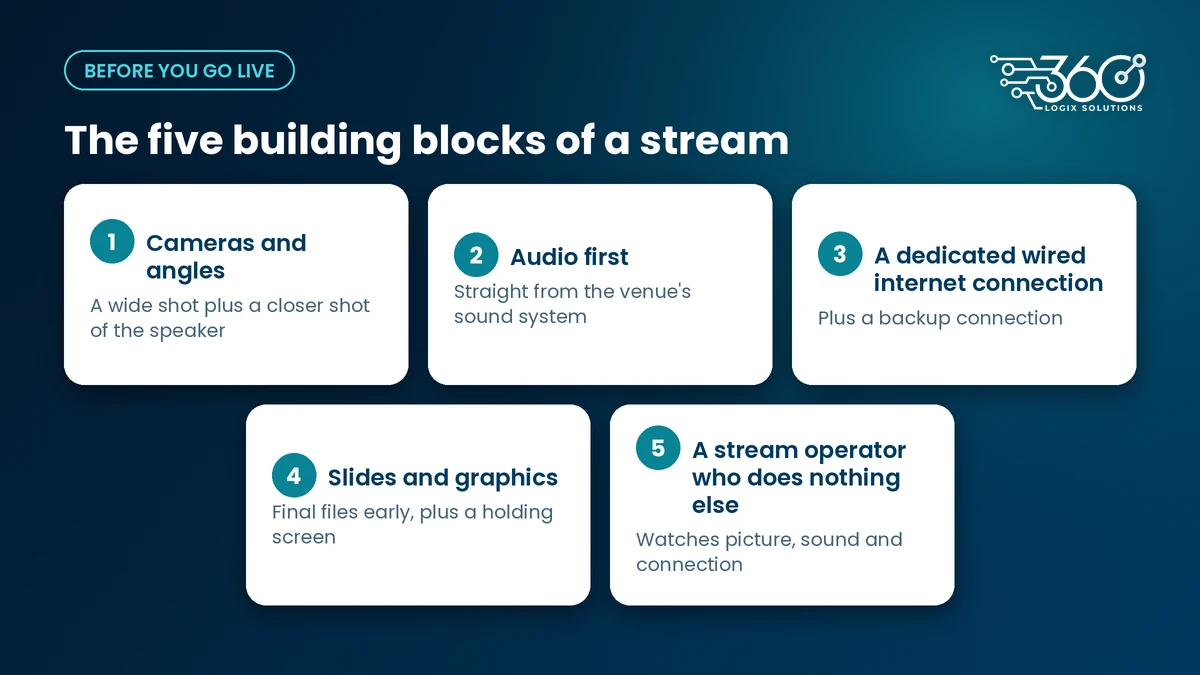
Every event live streaming setup, small or large, rests on the same five parts.
Cameras and angles
Start with a wide shot of the stage so viewers can see the room, plus a closer shot of the speaker so they can see faces. Keep cameras steady on tripods. The right number depends on the program and the room. We'll confirm the setup on your call.
Audio first
Take audio straight from the venue's sound system, not from a microphone on the camera. That way online viewers hear exactly what the microphones pick up. Make sure every speaker uses a mic, including people asking questions from the floor, or online viewers will hear silence.
A dedicated wired internet connection
Don't rely on the shared venue Wi-Fi. Guests' phones fill it up fast. Ask for a wired line just for the stream, test its upload speed at the spot where the stream desk will sit, and arrange a backup connection you can switch to if the main one drops.
Slides and graphics
Collect final slides and videos early so they can be tested on the stream, not just on the screen in the room. Prepare a holding screen for breaks and the minutes before you start. On-site, LED Posters for on-site schedules and holding slides can show the same holding message to people in the room.
A stream operator who does nothing else
The person running the stream should not also be running registration or helping the host. They watch the picture, the sound levels and the connection the whole time.
If you later want to engage people in the room and online together, that's a different job. Our page on hybrid event platform and livestreaming explains how we approach that.
Live streaming equipment for events: a plain-language list
You don't need to know model names. You need these categories covered:
| Item | What it does |
|---|---|
| Cameras on tripods | Capture the stage and the speaker |
| Microphones and a mixer feed | Give the stream clean audio from the room's sound system |
| Switcher or encoder | Combines cameras, audio and slides, then sends the stream out |
| Laptop for slides | Plays presentations and videos into the stream |
| Monitoring screen | Shows the operator what online viewers actually see |
| Spare cables and power | Keep a loose cable from ending the stream |
The exact equipment depends on your venue and program. We'll confirm the setup on your call.
How to livestream an event, step by step
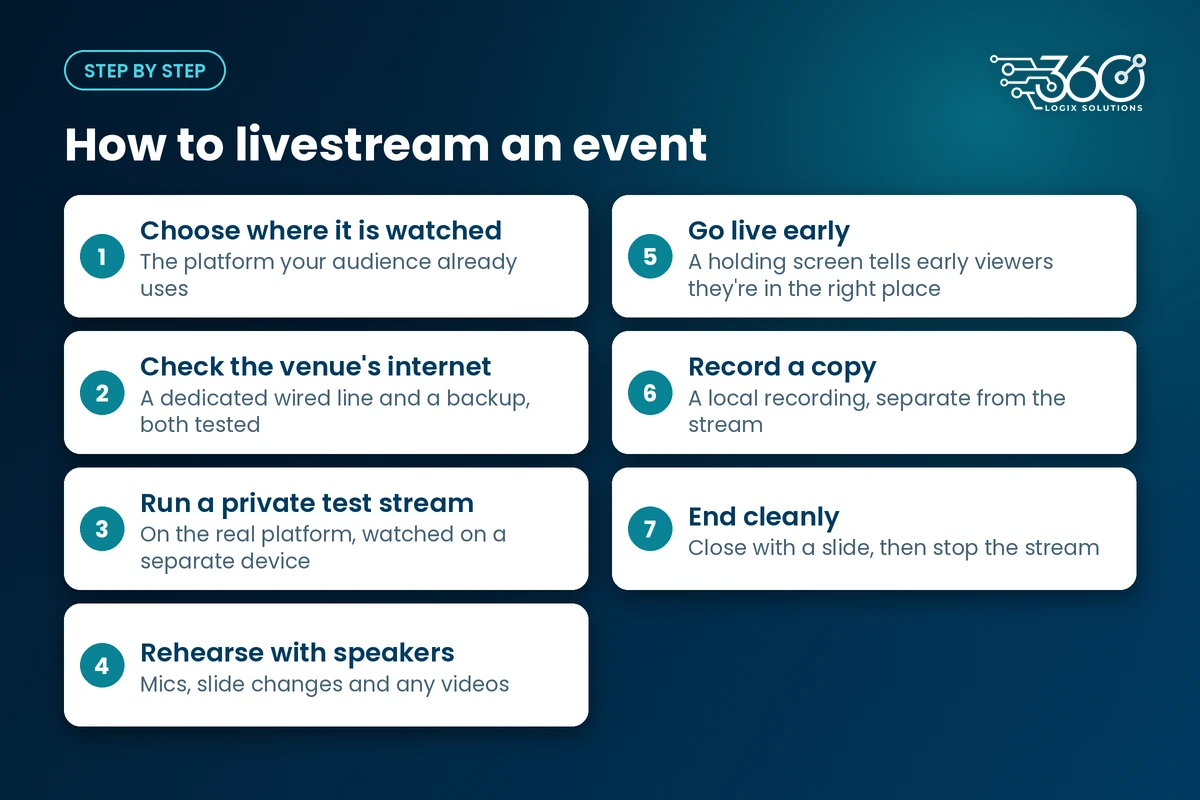
- Choose where the stream will be watched. Use the platform your audience already uses, and decide whether it's open or private.
- Check the venue's internet. Ask for a dedicated wired line and a backup, and test both.
- Run a private test stream. Send it to the real platform and watch it from a separate device.
- Rehearse with speakers. Check mics, slide changes and any videos.
- Go live early with a holding screen. Viewers who join early know they're in the right place.
- Record a copy. Keep a local recording running, separate from the stream, in case the connection drops.
- End cleanly. Close with a slide, then stop the stream. Don't leave viewers watching an empty stage.
Live streaming checklist for the day
- Arrive early enough for load-in and setup
- Test sound and picture end to end, on the stream itself
- Confirm the backup connection works and who switches to it
- Check what viewers actually see on a separate device
- Holding screen ready for the start and breaks
- Recording running
- One person assigned to answer online questions and comments
When to bring in a livestream team
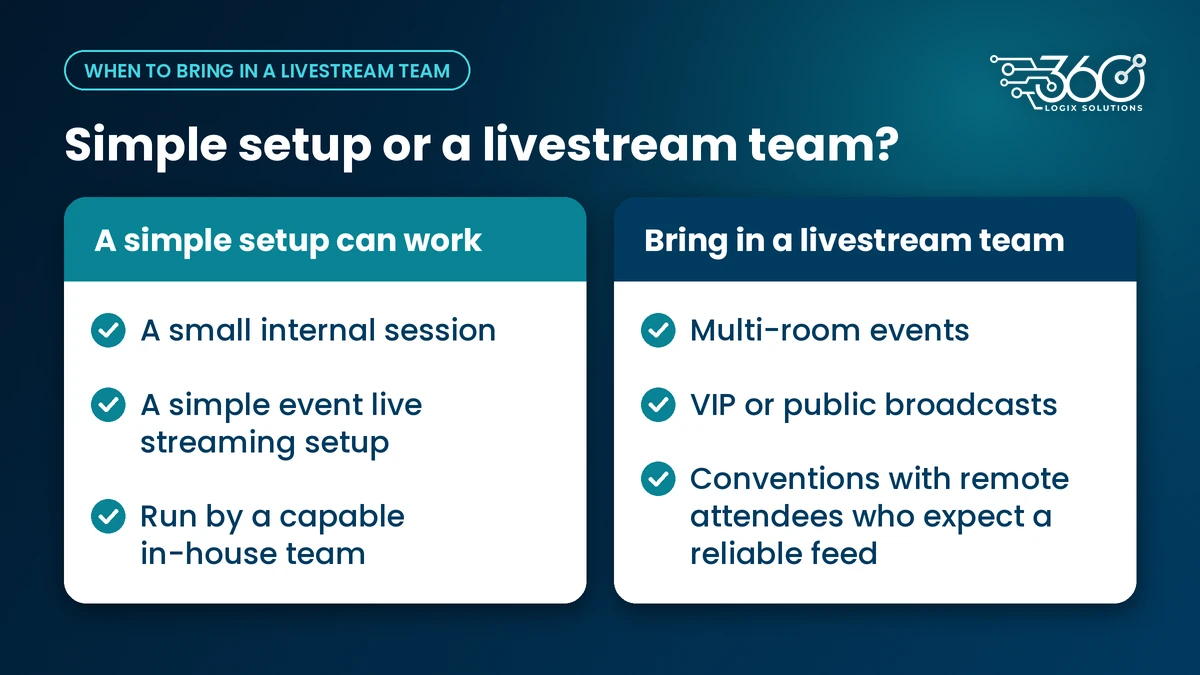
A small internal session can often run on a simple event live streaming setup handled by a capable in-house team. Bring in help when the stakes or the complexity go up: multi-room events, VIP or public broadcasts, and conventions with remote attendees who expect a reliable feed.
A team that does this regularly will spot problems you might not, like a venue line that looks fine on paper but struggles once the room fills up. For event livestreaming in the Philippines, that local venue experience matters. We'll confirm timelines on your call.
FAQ
What are the basic live stream requirements for an event?
A steady camera, audio from the sound system, a dedicated wired connection with a backup, your slides, a platform your audience can reach, and one operator watching the stream. Add a recording so you have a full copy afterwards.
Can we livestream using the venue's Wi-Fi?
It's risky. Shared Wi-Fi slows down once guests arrive. Ask the venue for a dedicated wired line for the stream and keep a backup connection ready.
Should we record the event as well as stream it?
Yes. A local recording protects you if the connection drops. It also gives you a full copy for people who missed it and for post-event highlights.
What's the difference between a livestream and a hybrid event?
A livestream sends your program out to online viewers. A hybrid event goes further and plans the experience for both audiences, so online attendees can take part, not just watch.
Plan your stream with us
We've worked on events for 15+ years,. If you have a session to stream, plan your stream with us. Tell us your venue and audience, and we'll confirm the setup on your call.
Related Articles
The Debrief Questions We Ask After Every Event (and What October Taught Us)
The event debrief questions we ask after every event, the process lessons October taught us, and what to plan for before November and December get busy.
Interactive Games for Brand Activation: How They Work
How interactive games for brand activation work at booths and malls: the game picker, 30 to 60 second play, prize logic, consent-based lead capture and setup.
Post-Event Survey Questions: Collecting Attendee Feedback People Actually Fill Out
Three to five post-event survey questions, asked at the right moment, beat a 30-question form. Timing, a question bank, and how to raise response rates.