Event Budget Breakdown: What Event Tech to Rent, What to Skip
Budgets are moving again, but carefully. Many teams are drafting 2027 numbers right now too. So here's our event budget breakdown for tech, from a crew that sets it up: spend where attendees feel it. A smaller setup with a good technician beats a big one with nobody minding it.
Quick answer: Always rent sound, the main stage screen and registration or check-in. Add LED Posters, kiosks or a livestream only when the event clearly needs them. Skip extra screens with no content plan. When you compare quotes, look at the total, not just the per-unit, per-day rate.
Table of Contents
Event budget breakdown for tech: three tiers
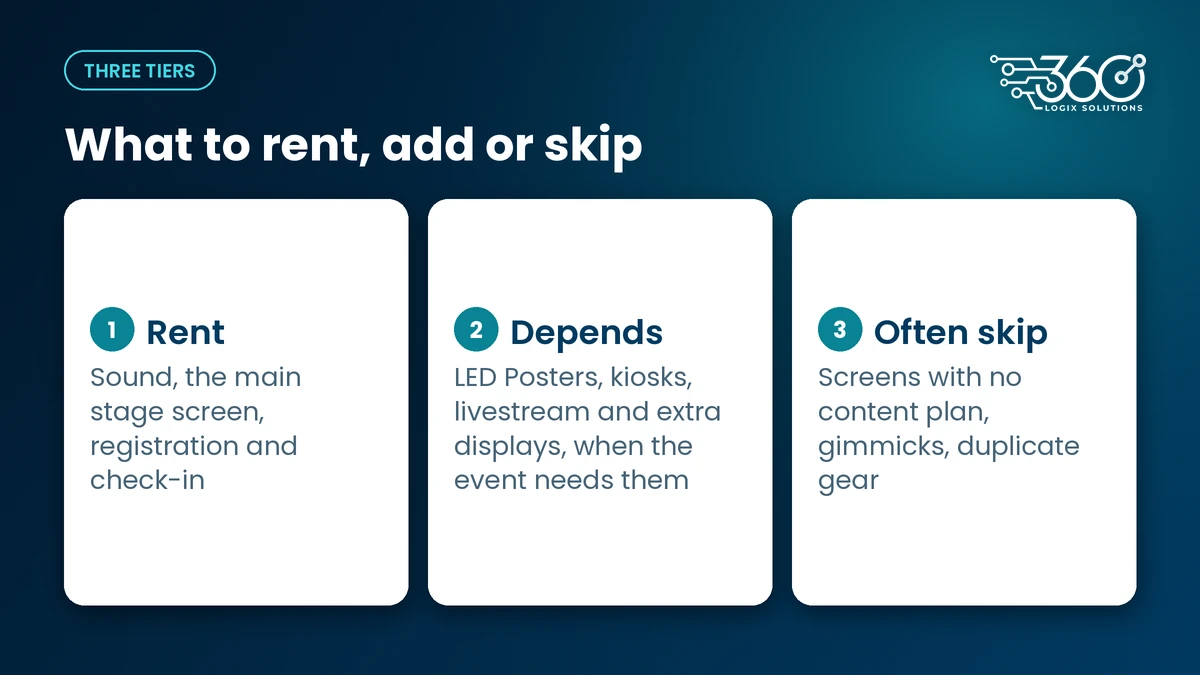
Rent: the non-negotiables
These are the things every attendee touches or hears. Cut corners here and everyone notices.
- Sound. If people can't hear the speaker, nothing else on stage matters. Mics, speakers and someone running the board are the first line in any budget.
- The main stage screen. Slides, speaker names and videos live here. It needs to be big enough and bright enough for the back of the room.
- Registration and check-in. This is the first thing attendees experience. A slow line at the door sets the mood for the whole day. Our full event technology services cover registration and QR check-in alongside stage, screens and sound.
For displays, start with our event equipment rentals page, where every rate is listed per unit, per day.
Depends: worth it in the right event
- LED Posters. Great for events with several sponsors, since one poster can rotate everyone's content and update mid-event. For a single-sponsor seminar, you may not need one.
- Kiosks. They make sense when most attendees pre-registered and just need to scan in. For walk-in crowds, staffed desks may serve you better.
- Livestream. Worth it when you have a real remote audience, like regional members or speakers abroad. Streaming "just in case," with no promotion and no host, is money you won't get back.
- Extra displays. Room signs and session schedules help at multi-room events. Before adding units, work out how many screens you really need by counting the moments where attendees need information.
Often skip: what nobody remembers
- Extra screens with no content plan. A screen showing a logo all day is a rental you're paying for and nobody's reading.
- Gimmicks with no purpose. If you can't say what a piece of tech does for attendees or sponsors, cut it.
- Duplicate gear "for the look." Two smaller setups that each run well beat one oversized setup with no technician.
How to read an event equipment quote
Most surprises in an event cost breakdown come from reading a quote too fast. Here's what to check, line by line:
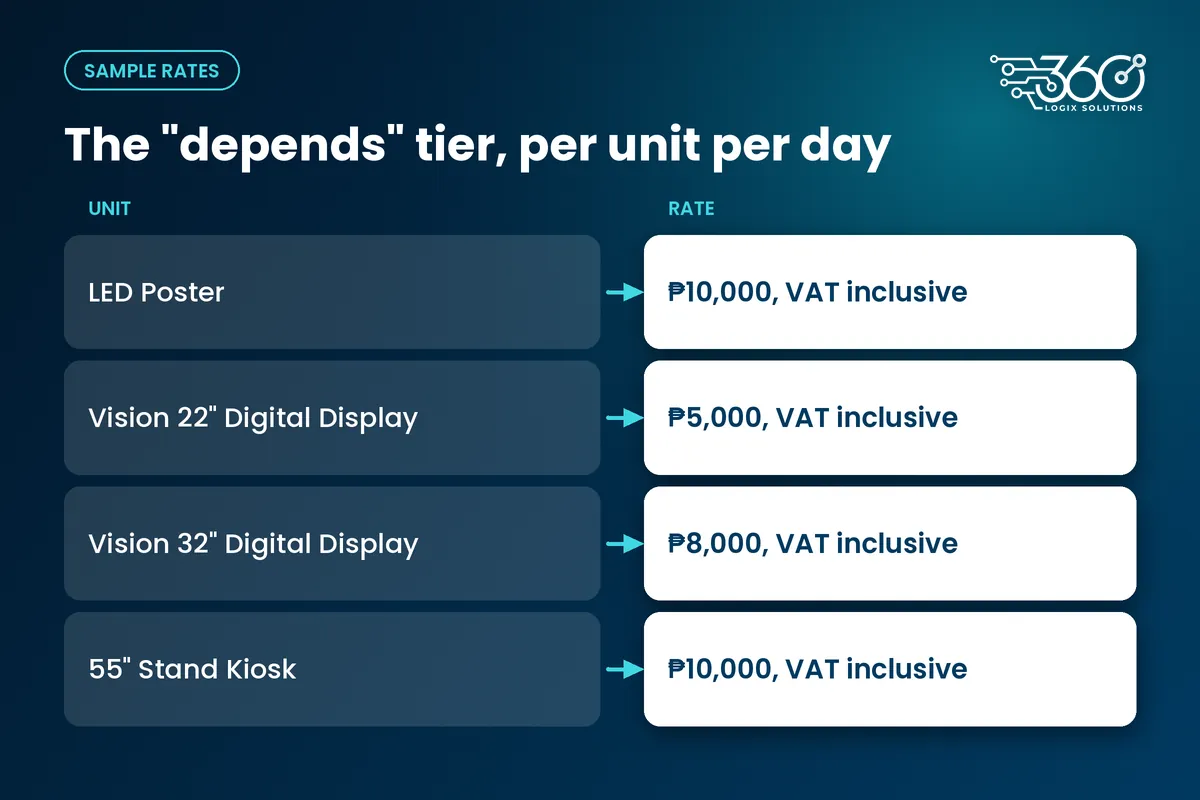
- Per unit, per day. Our rates are per unit, per day. A three-day convention with four LED Posters is twelve unit-days, not four.
- Number of days, including setup. If your venue allows ingress the night before, ask whether setup day is billed. Ask us about setup-day billing for your dates.
- Everything else on the quote. Ask each supplier what their rate covers and what they add on top. A "cheap per unit" quote with heavy extras can cost more overall.
- VAT. Our rental rates are VAT inclusive. If you're comparing quotes, check whether each one includes VAT or adds it on top.
- What's included on the day. Is a technician on site the whole time, or just for setup? Who changes content mid-event?
Compare totals, not unit prices. Also plan around the calendar: Nov 16 to 18 have been declared special non-working days in Metro Manila, which can affect venue access, traffic and crew schedules that week. Recheck the details closer to your date.
Sample event cost breakdown using real rates
Here's a sample for a one-day association seminar with sponsors, using our published display rates. Sound, the stage screen and registration are priced per event, so they're shown as "quoted per event" rather than with made-up numbers.
| Item | Tier | Qty | Rate | Notes |
|---|---|---|---|---|
| Sound system and operator | Rent | 1 set | Quoted per event | Depends on room size and number of mics |
| Main stage screen | Rent | 1 | Quoted per event | Sized to the room |
| Registration and QR check-in | Rent | 1 setup | Quoted per event | Desks, scanners and staff |
| LED Poster | Depends | 2 | ₱10,000 per unit per day, VAT inclusive | Shared sponsor loop and wayfinding |
| Vision 22" Digital Display | Depends | 2 | ₱5,000 per unit per day, VAT inclusive | Lane signs at registration |
| Vision 32" Digital Display | Depends | 1 | ₱8,000 per unit per day, VAT inclusive | Session schedule outside the hall |
| Interactive Touchscreen Kiosk | Depends | 0 | ₱10,000 per unit per day, VAT inclusive | Skip unless most attendees pre-register |
Notice what's missing: no extra screens "just because," and a kiosk left at zero because a mostly walk-in crowd doesn't need one. That's the kind of call that keeps a budget honest.
Event budget checklist
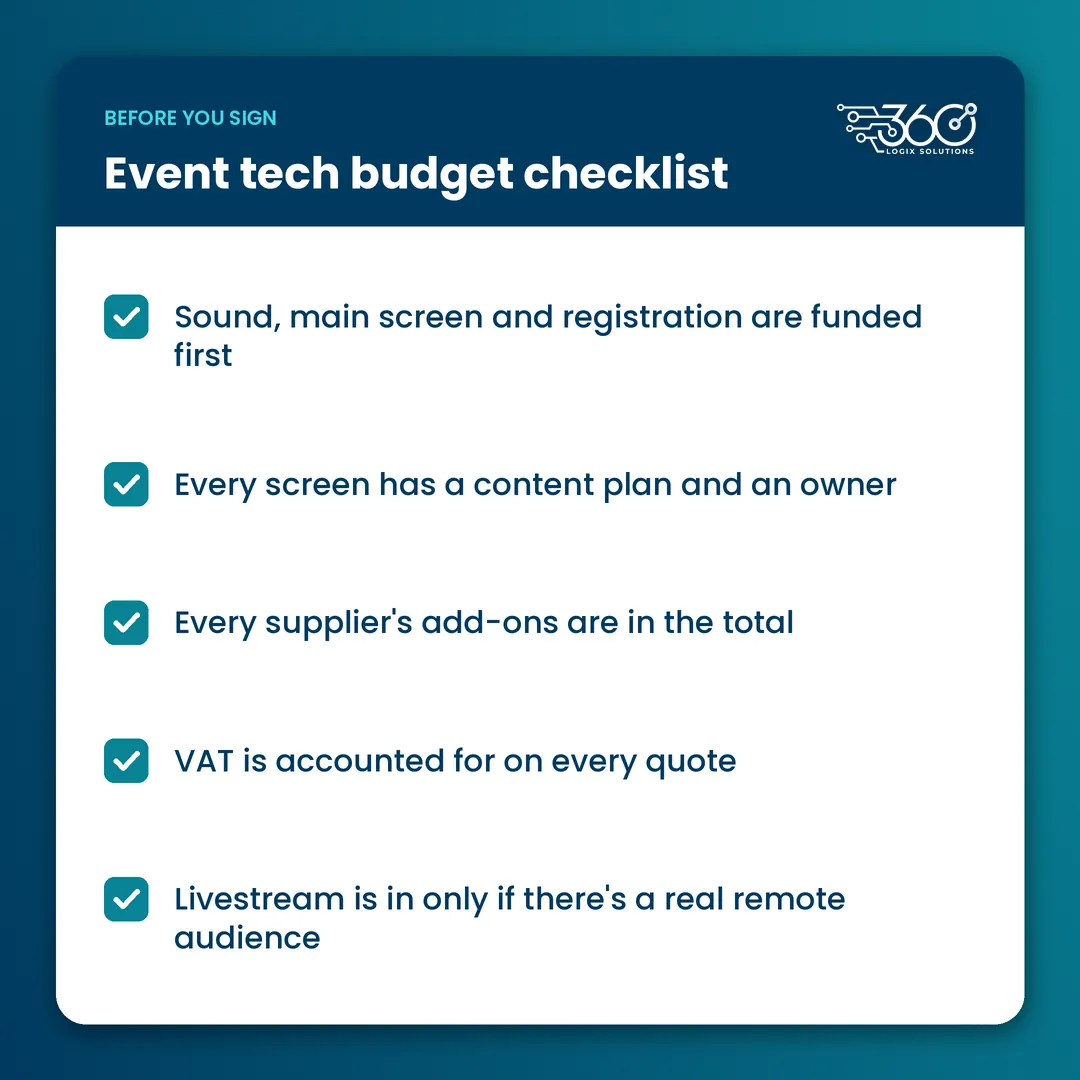
Before you send your event budget breakdown for approval, run through this event budget checklist:
- Sound, main screen and registration are funded first
- Every screen has a content plan and an owner
- Rental days include setup day, if your venue requires it
- Every supplier's add-ons are in the total
- VAT is accounted for on every quote
- A technician is on site for the whole event, not just setup
- Livestream is in only if there's a real remote audience
- Metro Manila traffic and ingress windows are factored into crew call times
FAQ
Is setup day billed?
It depends on your venue's ingress schedule and how long setup takes for your units. Ask us about setup-day billing when you request a quote, and we'll spell it out so there's no surprise on the invoice. Either way, check whether any quote you compare counts setup day as a rental day.
What's the minimum tech for a seminar?
Clear sound with enough mics, a main screen the back row can read, and a registration setup that doesn't stall at the door. Everything else, from LED Posters to a livestream, should earn its place based on your sponsors, audience and program.
How do we keep tech costs down without hurting the event?
Cut the screens nobody reads before you cut sound or registration. Rent only the days you need, plan content early so units aren't wasted, and keep one technician who knows the setup instead of adding more gear.
Building your event budget?
We've run event tech for 15+ years, and we'd rather help you rent the right five things than the wrong fifteen. Send us your date, venue and draft list, and we'll tell you what to keep, what to drop and what it all costs. Request a quote for your event.
Related Articles
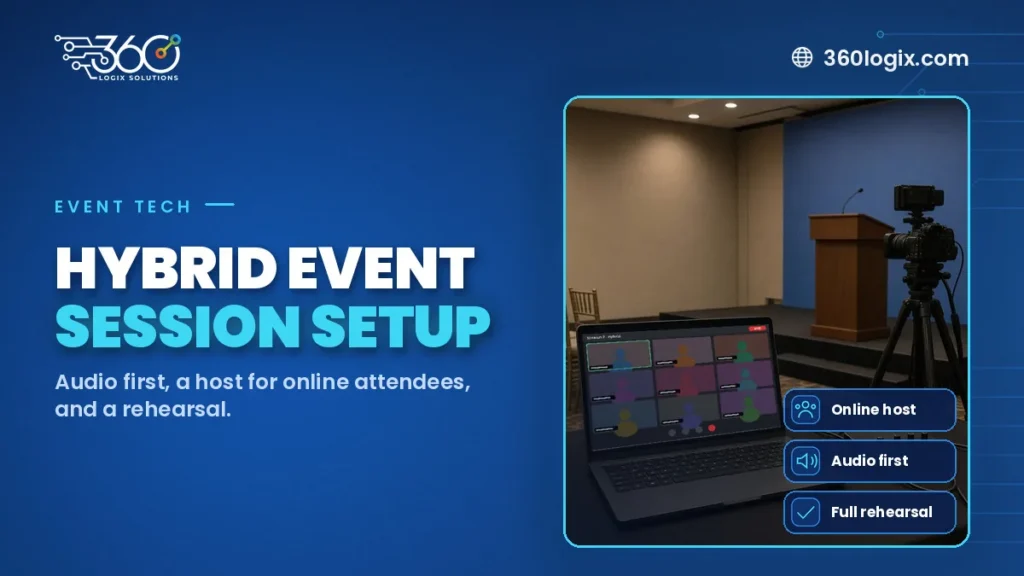
How to Set Up a Hybrid Event Session Without the Headaches
How to set up a hybrid event session: choose which sessions go hybrid, give online attendees a host, put audio first, rehearse, and plan CPD proof online.

Pharma Booth Design Ideas That Stay Compliant and Still Get Noticed
Pharma booth design ideas that stay compliant and still draw doctors: education loops, kiosks and screens, with product content for HCPs only.

Self Check-In Kiosks for Events: When They Make Sense and When They Don’t
When a self check in kiosk for events works: pre-registered crowds, few taps, an assistant nearby. Five questions to answer before you rent one, plus rates.