How Much Does Event Tech Cost to Rent? Prices and Honest Answers
Year-end season is when the questions pile up. Corporate parties, November conventions, association AGMs, everyone wants numbers before they lock a venue. So here's a straight look at event tech rental cost in Metro Manila: per-day rates, VAT inclusive, and the answers that sometimes cost us a booking. Transparent beats a sales pitch. If a printed tarp or a single TV will do the job, we'll say so.
Quick answer: Our Logix Pixel LED Poster is ₱10,000 per unit per day. Vision 22" screens are ₱5,000, Vision 32" are ₱8,000, and the Logix Stand Kiosk 55" is ₱10,000, all VAT inclusive. You don't always need all of it.
Table of Contents
Event tech rental cost: per-day rates
These are our current per-unit, per-day rates, VAT inclusive, for event equipment rentals in Metro Manila.
How much does an LED Poster cost to rent?
The Logix Pixel LED Poster is ₱10,000 per unit per day, VAT inclusive. That's the LED Poster price most organizers ask about first. It plays images, slides and video on a freestanding unit about the size of a standing poster, and you can change the content without reprinting.
How much does it cost to rent a TV screen for an event?
If you need a smaller display for a schedule, a lane label or a quiet corner:
| Display | Per unit per day (VAT inclusive) |
|---|---|
| Vision 22" | ₱5,000 |
| Vision 32" | ₱8,000 |
Yes, you can rent a TV for one day. Rates are per unit per day; if you only need a screen for a few hours, ask us how we'd quote it.
Stand Kiosk 55", and when a kiosk is overkill
The Logix Stand Kiosk 55" is ₱10,000 per unit per day, VAT inclusive. It's useful for self-check-in, directories or interactive stations. It's overkill if you only need a static welcome message or a single sponsor logo that won't change. In those cases, a printed piece or a smaller Vision screen is usually enough.
For full LED Poster and Vision display details, including where each unit fits best on a floor plan, that product page is the next stop after the rate card.
What's the difference between an LED Poster and a TV screen?
People use "LED" and "TV" interchangeably. On our floor, they're different tools.
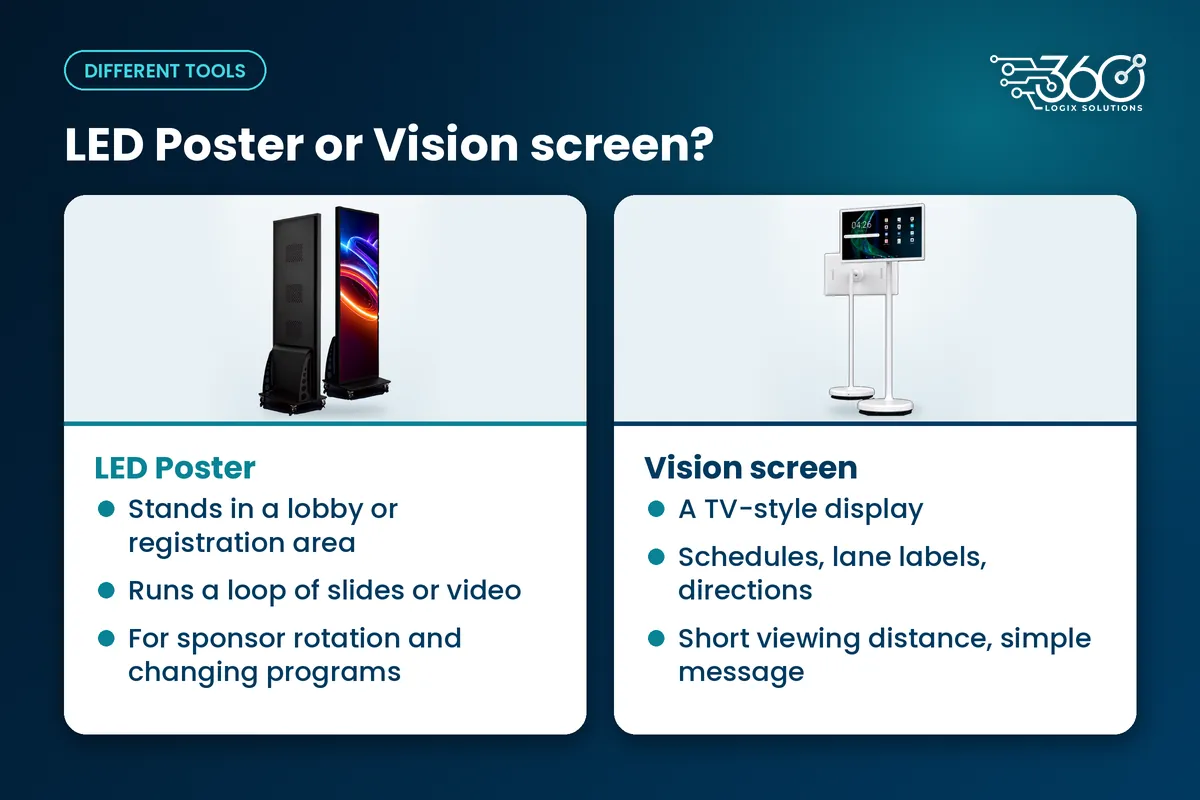
An LED Poster (Logix Pixel) is built to stand in a lobby or registration area and run a loop of slides or video. It's the unit you pick when sponsors need rotation, the program might change, or you want one stand to carry several messages. We covered when an LED poster beats a printed tarp in an earlier post, same idea applies when you're choosing between digital and print.
A Vision screen is a TV-style display. Use it for schedules, lane labels, directional info or a single feed in a breakout. It's not trying to replace a tall poster in a crowded lobby; it's the clearer choice when the viewing distance is short and the message is simple.
If you're unsure which one you need, start from the job on site, not the product name.
What do you need from us for content?
Light answer, because the full design rules live in a later post: we can run your files, or our creatives team can prepare them. Either way, send final content early enough that we can check formats, aspect ratio and whether video will loop cleanly on the unit you've booked.
You don't need a 40-page brand book. You do need the right files for the screen size you're renting, plus a clear list of what plays where. If a sponsor logo arrives late, digital is easier to fix than a reprint, that's part of why organizers rent these units in the first place.
When don't you need us?
We'll say this on a call even when it costs the rental.
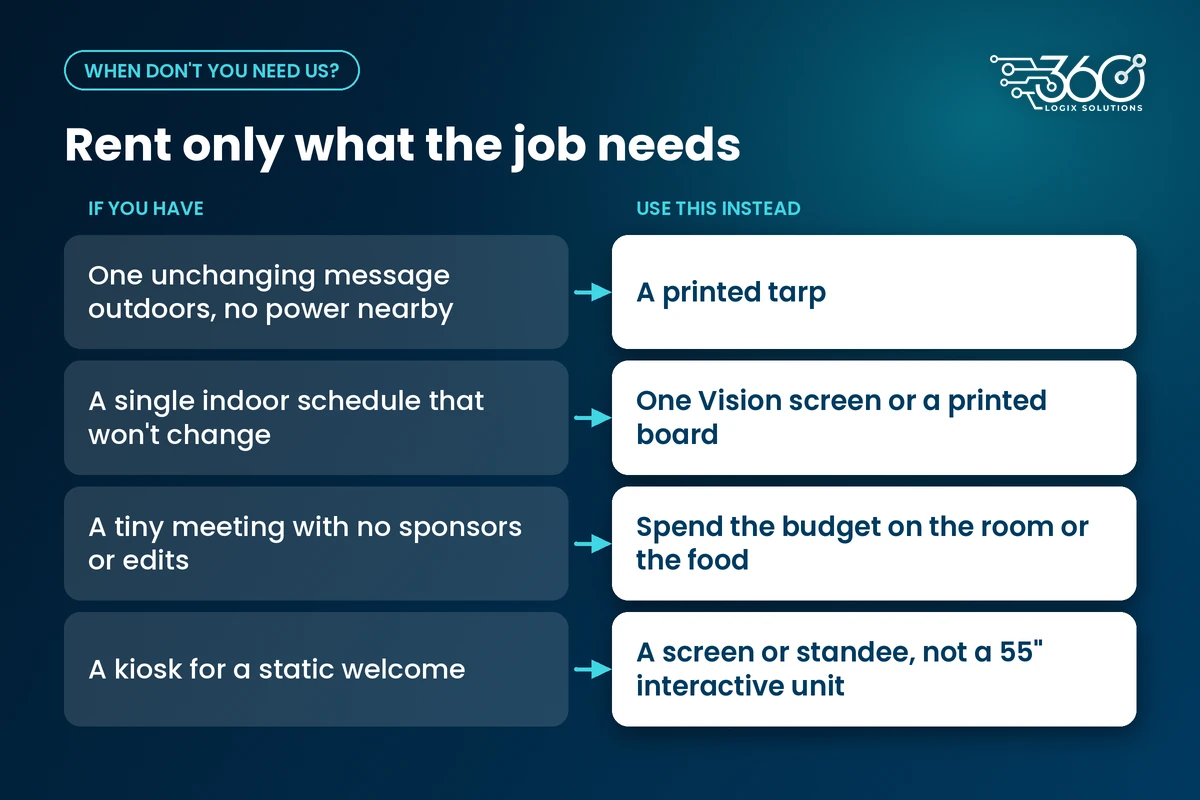
- One unchanging message outdoors, no power nearby, a printed tarp is still the right tool.
- A single indoor schedule that won't change, one Vision screen, or even a well-placed printed board, can be enough.
- A tiny meeting with no sponsors and no last-minute edits, don't rent an LED Poster to feel modern. Spend the budget on the room or the food.
- A kiosk for a static welcome, that's a screen or a standee job, not a 55" interactive unit.
We're in the business of event tech, not of talking you into gear you won't use. If your plan only needs one small display, rent one small display.
How to get an accurate event tech quote
Rates above are the equipment day rates. An accurate quote for your event needs a few basics from you:
- Date, venue and load-in window, so we can plan around the real venue
- What each screen is for, registration, sponsors, wayfinding, breakout schedule
- How many units, and which sizes, if you're still deciding, start with how many screens (and what size) you need
- Whether you need content support, your files, or ours
- Whether registration tech is in scope too, screens alone, or screens plus check-in
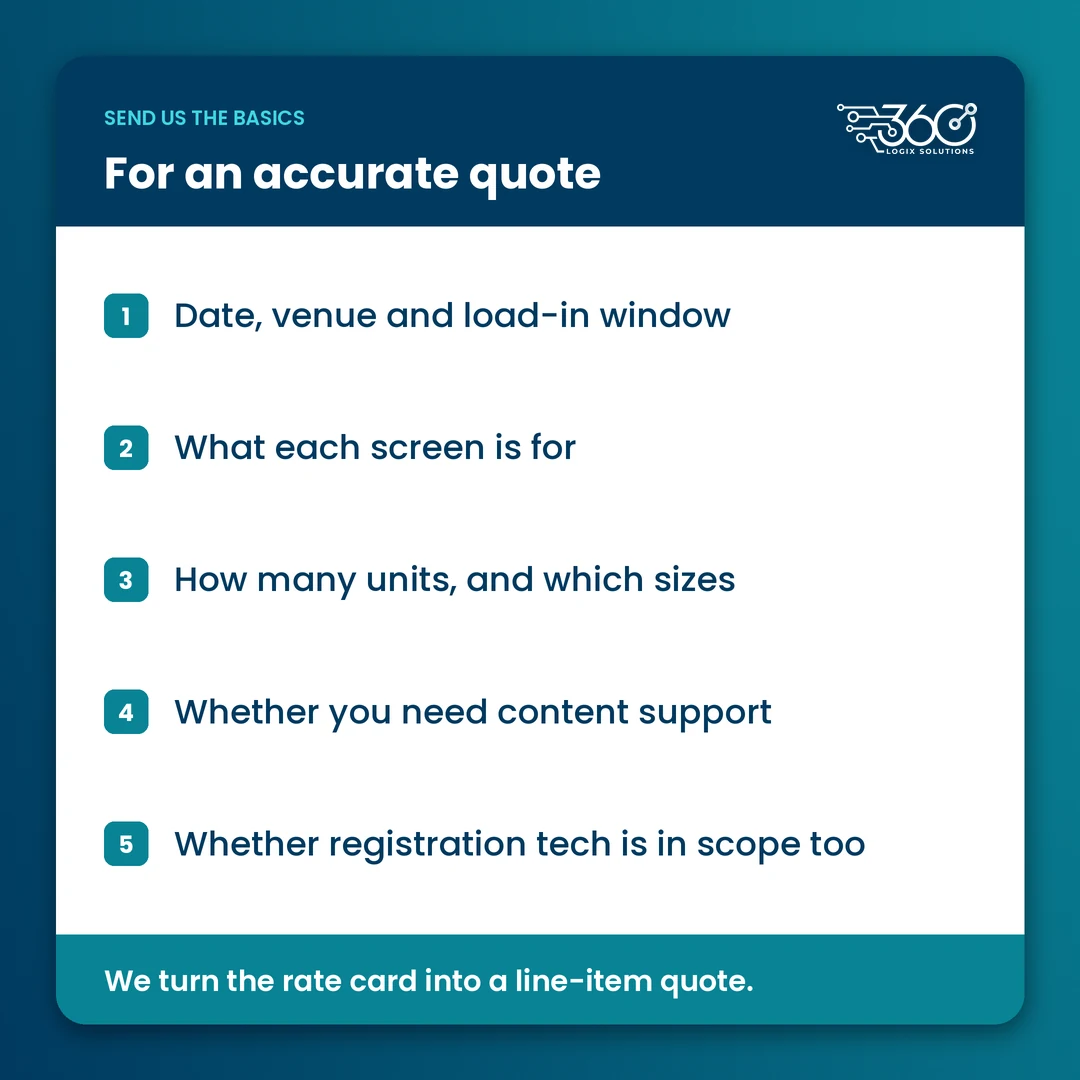
Send those and we can turn the rate card into a line-item quote without padding.
FAQ
How much is an LED Poster to rent?
The Logix Pixel LED Poster is ₱10,000 per unit per day, VAT inclusive.
Can you rent a TV for one day?
Yes. Vision 22" screens are ₱5,000 per unit per day and Vision 32" screens are ₱8,000, both VAT inclusive. One-day rentals are normal for briefings, breakouts and registration signage.
When is a kiosk unnecessary?
When the job is a static message, a simple schedule or a single logo with no interaction. Use a Vision screen or print instead of a Stand Kiosk 55".
Ready for a clear number?
We've priced and deployed event tech for 15+ years,. If you want a quote that matches your floor plan instead of a generic package, get an accurate event tech quote. Bring the date, the venue and a rough screen count, we'll tell you what you need, and what you can skip.
Related Articles
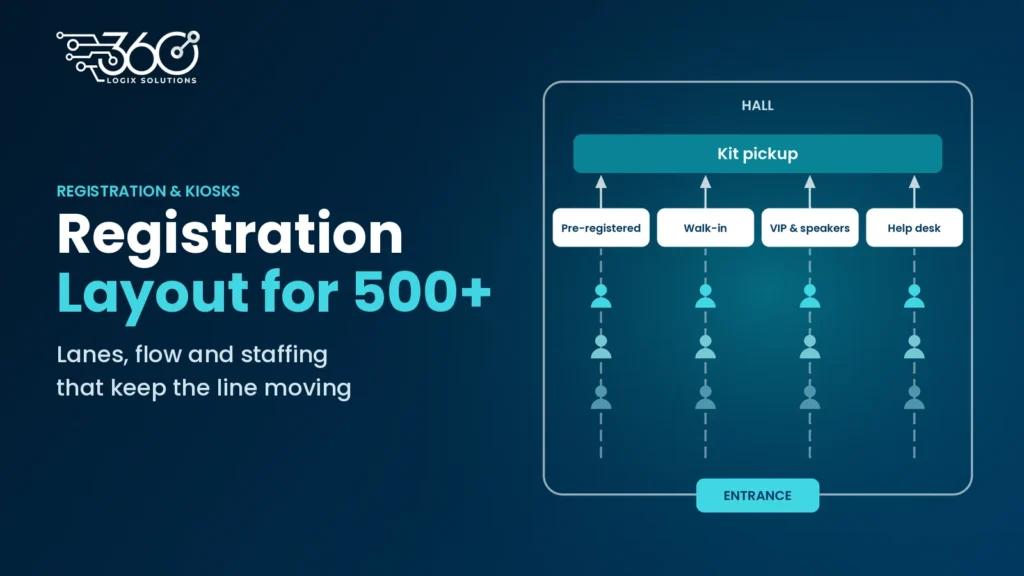
Registration Area Layout for 500+ Attendees: Layout, Flow and Staffing
Plan your registration area layout for 500+ attendees: separate lanes, one-way flow, kit pickup after check-in, and staffing by role, not headcount.
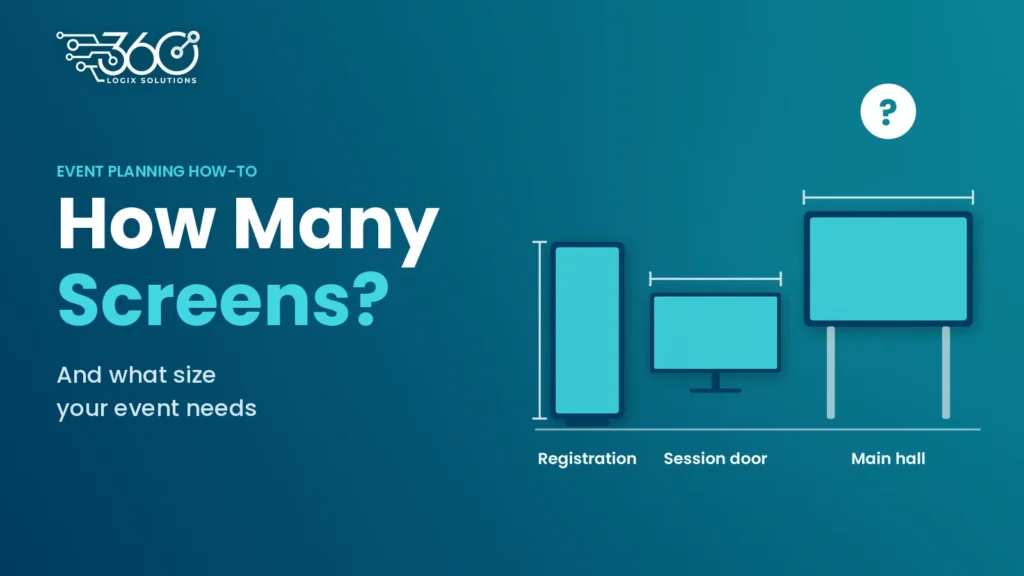
How Many Screens (and What Size) Does Your Event Need? A Simple Sizing Guide
Count attendee moments, not square meters. A simple way to plan how many screens your event needs, what size, and which type works best for each spot.
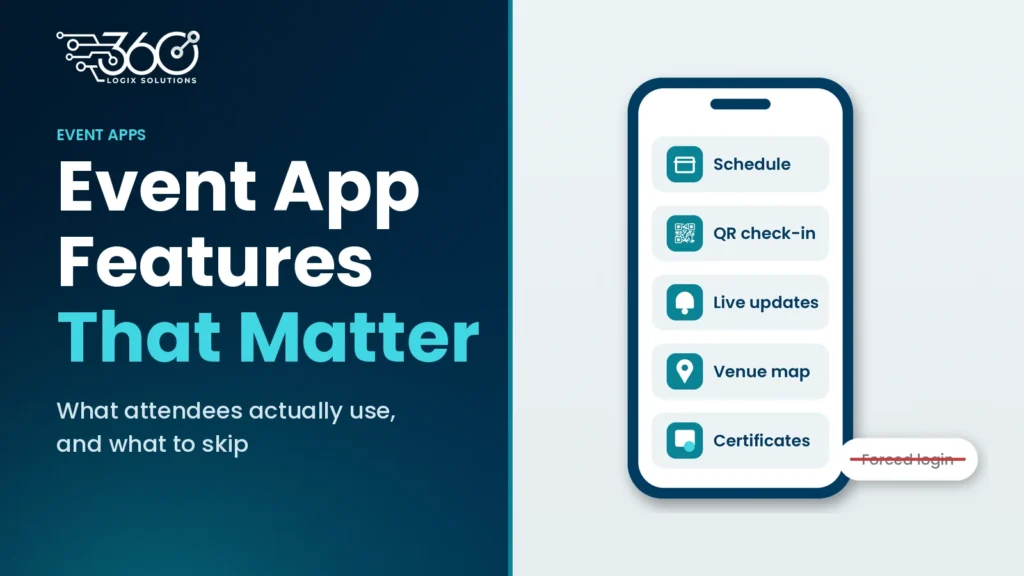
Event App Features: What an Event App Should Do for Attendees (and What It Shouldn’t)
The event app features attendees actually use (schedule, QR check-in, live updates, maps, certificates) and the ones to skip, like forced logins.