How Many Screens (and What Size) Does Your Event Need? A Simple Sizing Guide
"How many screens for an event?" is usually the first question organizers ask us — and it's the wrong first question. Floor area doesn't tell you what people need to see. Attendee moments do: arrival, registration, the session door, the sponsor area, meals, the stage.
Count those moments, pick a screen type for each one, then size it for how far away people will stand. Fewer screens in the right places beat a wall of screens nobody reads.
Quick answer: List every spot where attendees wait, decide or need information, then put one clear screen there. Match the type to the job (schedule board, sponsor loop, interactive kiosk) and size it with the viewing-distance rule: divide the farthest viewer distance by 4, 6 or 8 depending on how detailed the content is.
Table of Contents
Step 1: List the attendee moments
Walk the event the way an attendee will. For each stop, ask: do they need information here, or are they just passing through?
Typical moments:
- Arrival / entrance — welcome message, day's theme, first direction
- Registration — queue status, "have your QR ready," sponsor loop while people wait
- Session doors — what's on now, what's next, room name
- Sponsor or exhibit area — brand content, demos, rotating slides
- Meals / networking — schedule reminder, afternoon program, announcements
- Main stage / plenary — presentation content (separate from freestanding signage)
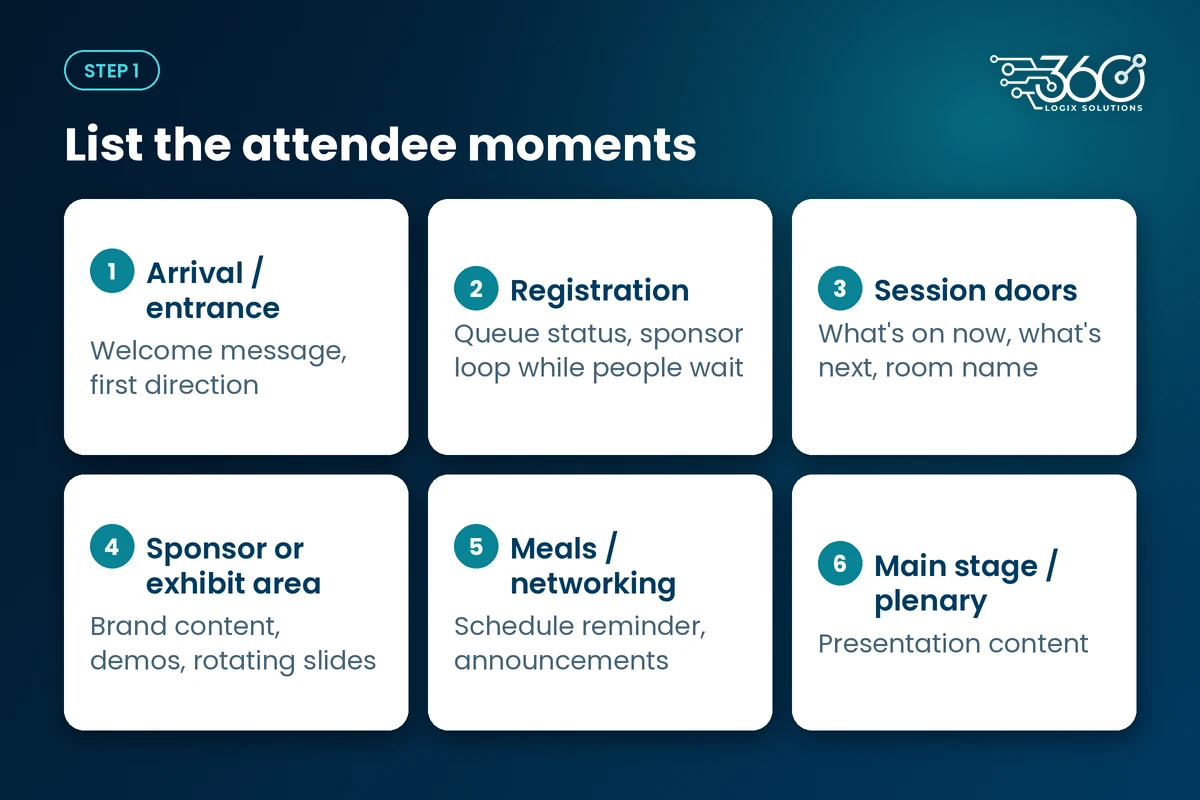
If a moment doesn't need a message, skip the screen. Empty screens train people to ignore the ones that matter.
Step 2: Pick the screen type for each moment
Not every spot needs the same display. Our LED Posters and Vision displays cover different jobs:
| Moment | Better fit | Why |
|---|---|---|
| Room-door schedule, tabletop info | Vision 22" | Close reading, small footprint |
| Wider info board, small lobby | Vision 32" | Readable a bit farther back |
| Welcome, sponsor loop, bright lobby | LED Poster | Lit from within; easy to update; strong for video |
| Self-serve info or interactive spot | Interactive Touchscreen Kiosk | Larger, standing height, tap-friendly layouts |
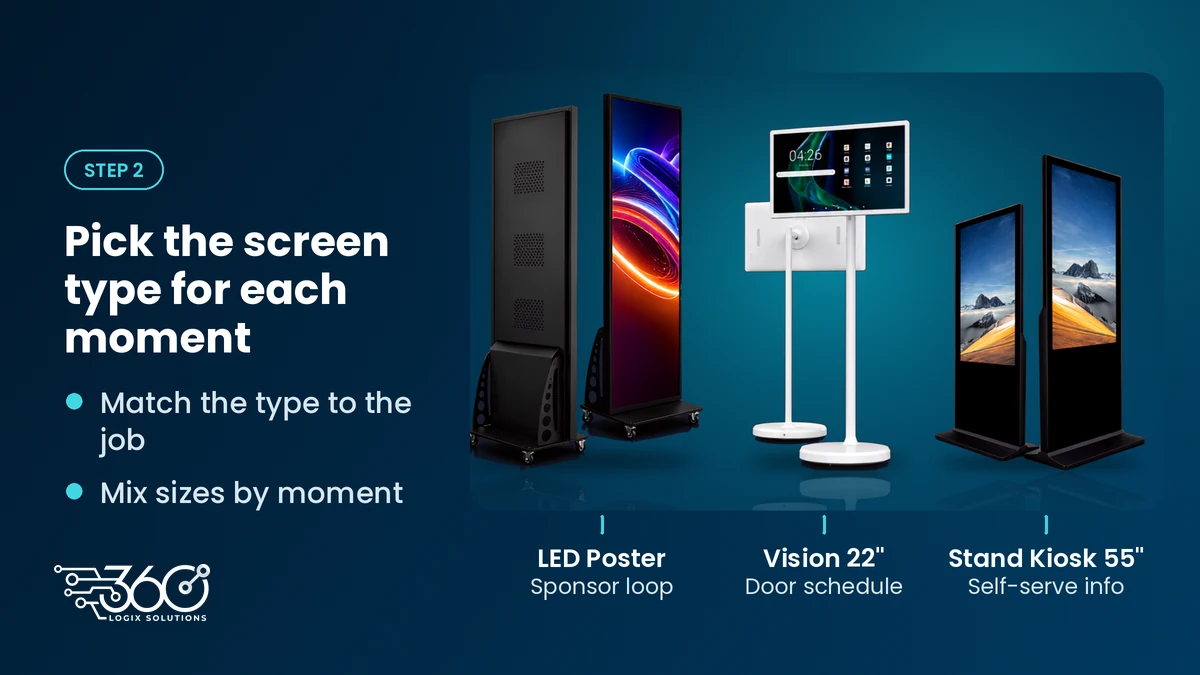
A printed tarp still works for a single static message outdoors. Indoors, when content may change or sponsors want their own slide, that's when an LED poster beats a printed tarp.
What size screen for a conference hall? The viewing-distance rule
Once you know where a screen goes, size it for the farthest person who needs to read it. AV integrators have long used the 4/6/8 rule as a planning rule of thumb: take the distance to the farthest viewer and divide by 4, 6 or 8 to estimate a minimum image height.
- ÷4 — detailed content (dense text, small type)
- ÷6 — ordinary presentations and general info
- ÷8 — passive or large-type viewing
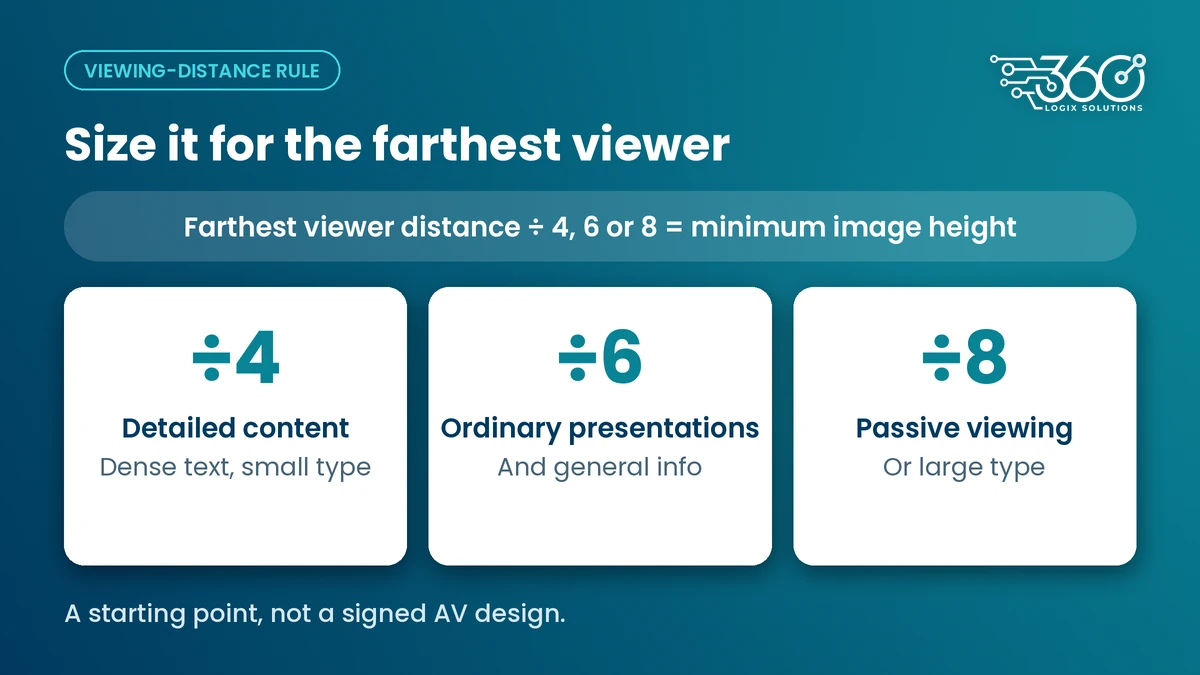
That legacy rule lines up with the newer DISCAS display-sizing standard, and online DISCAS calculators treat those divisors as presets of the same math. Use it as a starting point, not a signed AV design: measure the real farthest seat or standing spot at your venue, and bump up a size if the room is bright or the type is small.
Practical takeaway for freestanding event screens: a Vision 22" suits close-up door schedules; a Vision 32" helps when people stand farther back; an LED Poster or Interactive Touchscreen Kiosk carries better across a lobby. For the main hall projection or stage display, run the same distance math — or ask your AV lead to verify against the full DISCAS standard.
Worked example: how many screens for an event of 300 people
Illustrative only — not a universal ratio. Every venue and program is different. Here's one way a one-day, ~300-person seminar might look if you map moments instead of guessing from headcount:
| Spot | Screen | Count (example) |
|---|---|---|
| Entrance welcome | LED Poster | 1 |
| Registration (queue + sponsor loop) | LED Poster or Vision 32" | 1–2 |
| Concurrent session doors (3 rooms) | Vision 22" | 3 |
| Lunch / networking reminder | Vision 32" | 1 |
| Sponsor lounge | LED Poster | 1 |
That's roughly 7–8 freestanding units for this made-up layout — not "X screens per 100 guests." Drop a concurrent room and you drop three door screens. Add a second registration lane and you may add one more. The count follows the moments, not the RSVP total.
Budget it
Rates below are per unit per day, VAT inclusive.
| Product | Rate (per unit / day) |
|---|---|
| Vision 22" | ₱5,000 |
| Vision 32" | ₱8,000 |
| LED Poster | ₱10,000 |
| Interactive Touchscreen Kiosk | ₱10,000 |
Looking at event screen and display rentals? Bring a rough floor plan and the moments list above. We'll price the mix — not push every size you don't need. TV screen rental for events is often what people search for; the right answer may be a mix of Vision screens and LED Posters instead of identical TVs in every corner.
FAQ
Is a TV or an LED Poster better for sponsor content?
For rotating sponsor slides or video in a bright lobby, an LED Poster is usually the better fit because it's lit from within and easy to update. A Vision screen works well for schedules and closer reading. Pick by the job and the lighting, not by which one sounds more premium.
How far away can people read a 32-inch screen?
Use the viewing-distance rule as a guide: for general info, a rough planning approach is farthest distance ÷ 6 for minimum image height (the same math as the sizing section above). Exact readability still depends on font size, contrast and room light — so treat the rule as a starting point and check the real spot at the venue.
Do screens need a technician on site?
Often yes for multi-unit setups, content changes on the day or venues where power and placement need a hand. For a single simple playlist on one unit, ask us what's realistic for your run of show.
Can I mix screen sizes at one event?
Yes — and you usually should. Door schedules don't need a lobby-sized display, and a small Vision won't carry a sponsor loop across a wide entrance. Mix Vision 22", Vision 32", LED Poster and Interactive Touchscreen Kiosk by moment.
Related reading: Android smart display rental
Send us your floor plan
We've planned display layouts across 15+ years. The pattern that holds up: map the attendee path first, then size for viewing distance, then rent only what those moments need.
Send us your floor plan for a screen count — date, venue and roughly how many people. We'll come back with a moment-based list and an honest "you can skip this one."
Related Articles
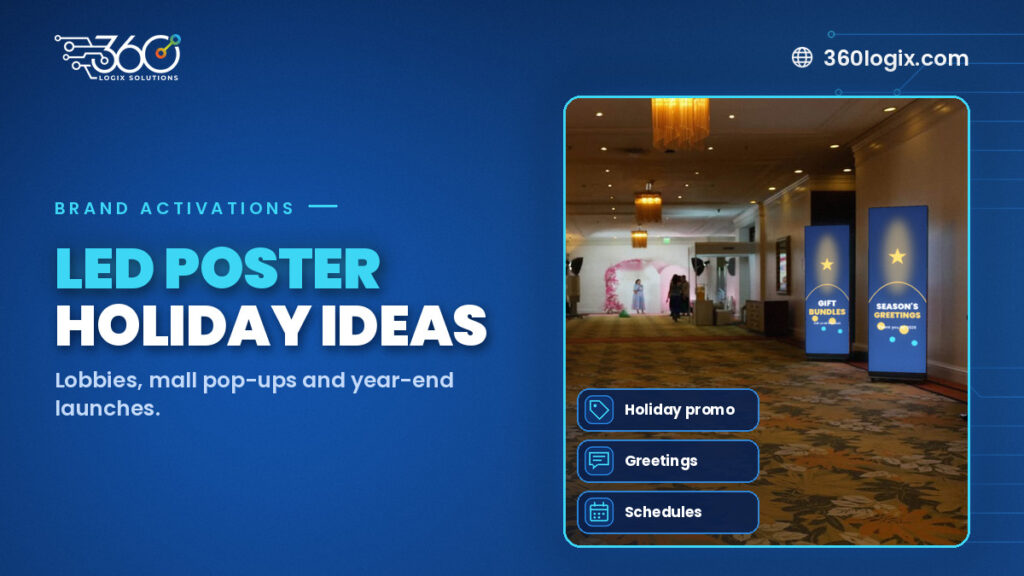
LED Poster Ideas for Christmas Lobby Displays, Mall Pop-Ups and Year-End Launches
LED Poster rental in the Philippines for the holidays: content loop ideas, placement tips and changeable messaging for lobbies, mall pop-ups and year-end launches.
LED Poster Size, Formats and Simple Rules for Designing Content
LED poster size, shape and file prep for event content, plus simple design rules: one message, big type, high contrast, safe margins and short silent loops.
Wayfinding Signage for Events: Using Digital Screens to Guide Attendees
Wayfinding signage for events: printed signs for routes that never change, screens where information does, from the lobby and escalators to session doors.