Android Smart Display 22 vs 32: Choosing the Right Size for Your Event
Not every message at an event needs a big screen. A sign at a registration desk, a menu at a booth or a session schedule beside a door works best on something compact that people can read up close. That's where an Android Smart Display fits. The question most organizers ask next is simple: Android Smart Display 22 vs 32, which size fits where?
This guide covers viewing distance, the best spots for each size and how the per-day rates work.
Quick answer: Choose the 22" Android Smart Display (₱5,000 per unit per day, VAT inclusive) for close-up use at desks, counters and tables. Choose the 32" (₱8,000 per unit per day, VAT inclusive) when people read it from a few steps away, such as at booth fronts, session doors and directional points.
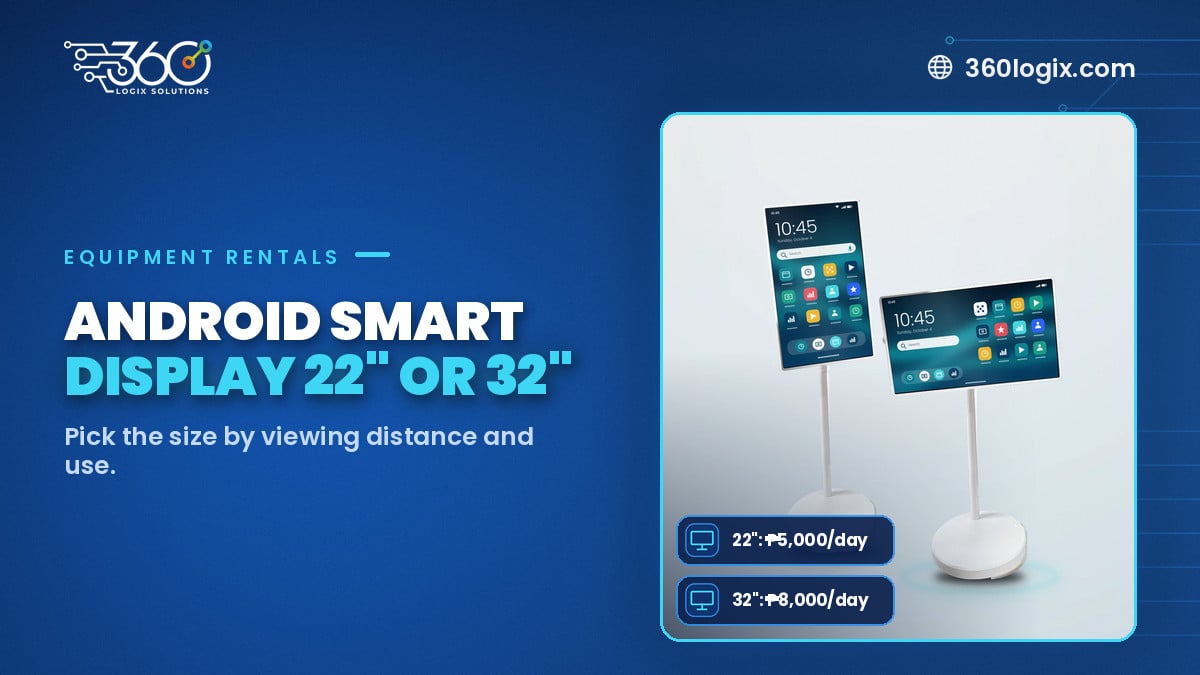
Table of Contents
What an Android Smart Display does
An Android Smart Display is a compact screen that runs on Android, so it can play slides, videos, web pages and simple apps. It's built for clear, close-range messages: schedules, menus, QR codes, sponsor loops and wayfinding. You can see both sizes on our Android Smart Display rental page.
22" vs 32" at a glance
| 22" | 32" | |
|---|---|---|
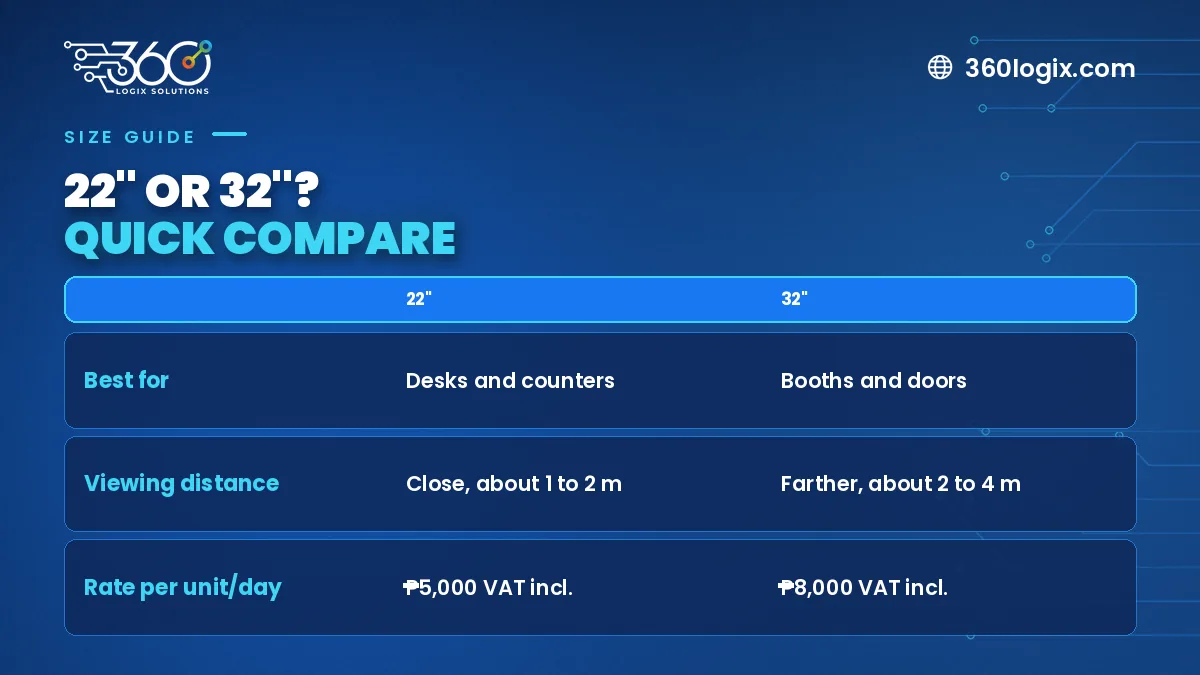
| Best viewing distance | Close up, at arm's length | A few steps away |
| Best spots | Desks, counters, tables | Booth fronts, session doors, corridors |
| Content | QR codes, short text, menus | Schedules, loops, directions |
| Rate (per unit per day, VAT incl.) | ₱5,000 | ₱8,000 |
Where the 22" works best
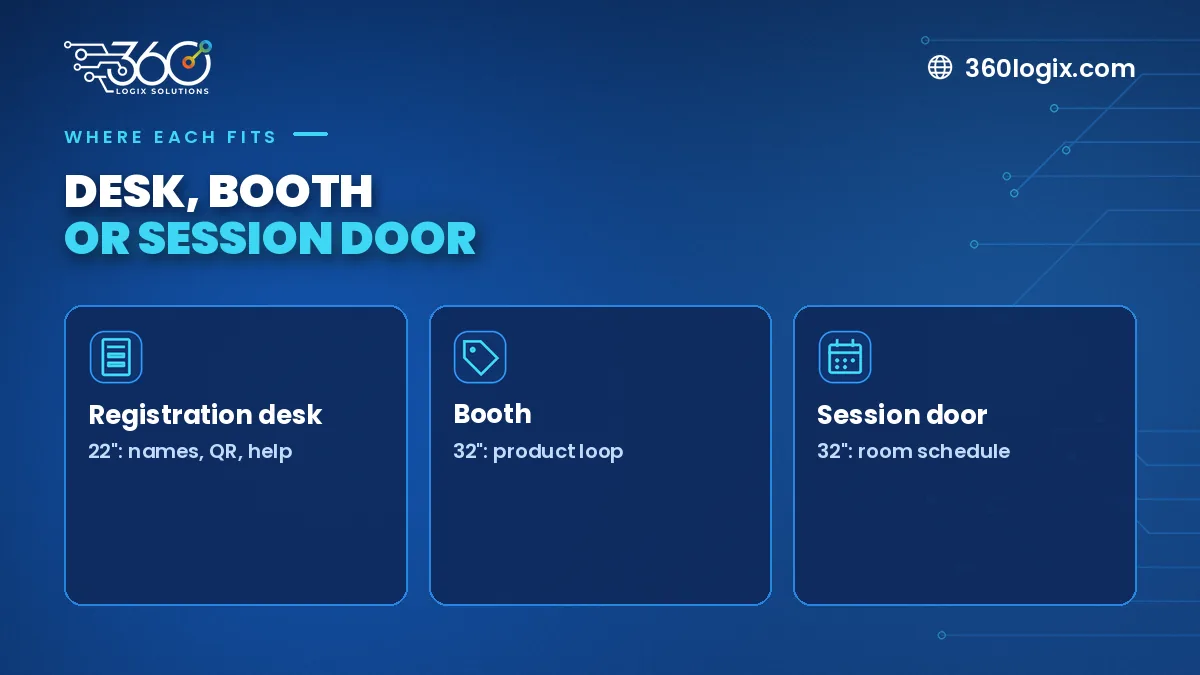
- Registration desks. Show a QR code, check-in steps or a welcome message right where guests stand.
- Booth counters. A product menu, price list or short demo video next to your staff.
- Speaker and VIP tables. Names, timers or simple reminders.
- Food and coffee stations. Menus and allergen notes that you can update in minutes.
Where the 32" works best
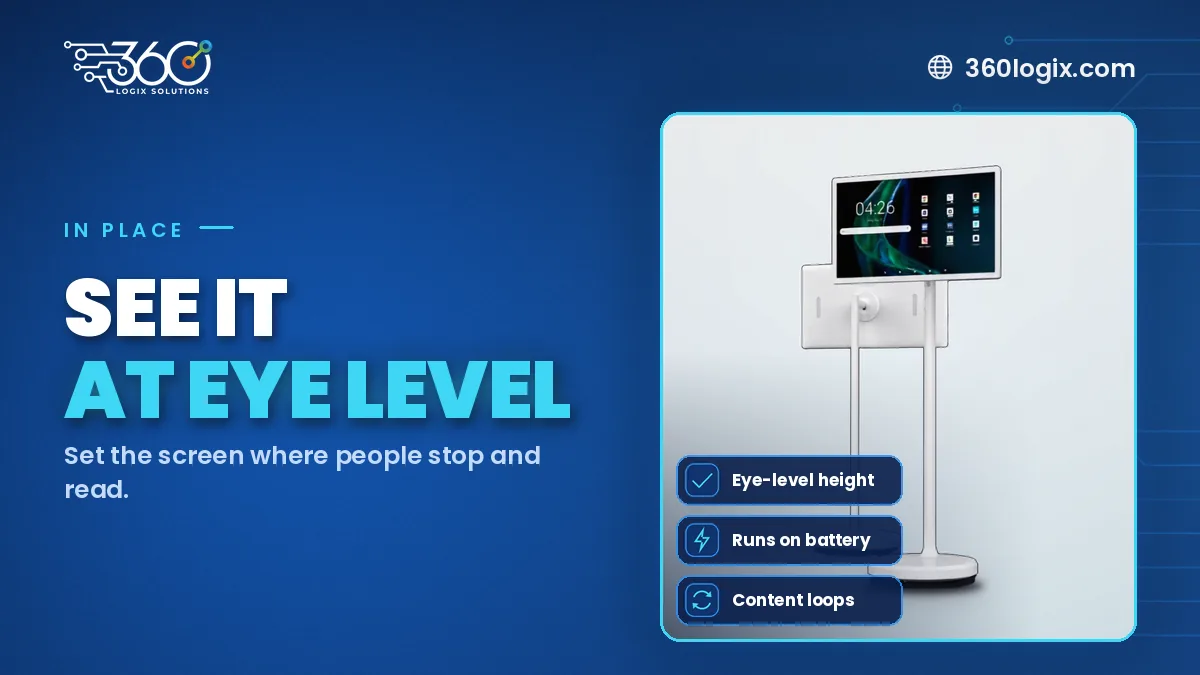
- Session room doors. Today's talks and times, updated as the program shifts.
- Booth fronts. A looping video that catches people walking by.
- Corridor turns. Arrows and room names. Our guide to wayfinding signage for events has more placement ideas.
- Sponsor corners. A rotation of partner messages.
How many units do you need?
Start with a simple count: one per desk or counter, one per session room door and one at each turn where people might get lost. Then check the budget, since rates are per unit per day. For example, two 22" units at registration and four 32" units at session doors for one day comes to ₱42,000, VAT inclusive. For bigger planning questions, see how many screens you need for an event.
Content tips for small screens
- One message per slide
- Big text, high contrast
- QR codes at least a hand's width wide on the 22"
- Short loops, so people don't wait for the slide they need
FAQ
Are the rates per day?
Yes. ₱5,000 for the 22" and ₱8,000 for the 32", per unit per day, VAT inclusive.
Can we mix sizes?
Yes. Many events use 22" units at desks and 32" units at doors and booths.
Can we change content during the event?
Yes. Updating slides or videos is quick, which makes it ideal for schedules that shift.
Book your displays
Tell us your event date, venue and where you need screens, and we'll recommend the right mix. Request an Android Smart Display quote or browse all our event equipment rentals.
Written by Paolo Reyes. Paolo Reyes is the CEO of 360 Logix Solutions Inc., a technology-driven marketing company with 15+ years in digital marketing, creatives, brand activations and events.
Related Articles
Questions to Ask Vendors for an Event Display Rental in Metro Manila
Questions to ask vendors for an event display rental: day rates, delivery, setup, technicians, backups, content, load-in and cancellation, before you book.
How Much Does Event Tech Cost to Rent? Prices and Honest Answers
Event tech rental cost in Metro Manila: VAT-inclusive per-day rates for LED Posters, TV displays and kiosks, and how to get a clear quote.
5 Ways to Use a Digital Standee for Events with an Interactive Touchscreen Kiosk
Five ways to use a digital standee for events: welcome, live program, sponsor loops, photo slideshows and raffle countdowns.