Registration Area Layout for 500+ Attendees: Layout, Flow and Staffing
October is peak season for big conventions in Metro Manila. Association and corporate events at this time of year follow the same pattern: hundreds arriving in a short window. At that scale, registration area layout is a space problem, not a staffing one. Think airport check-in, not a longer table with more people behind it.
Quick answer: For 500+ attendees, split registration into separate lanes by task, put a clear decision point before the queue, keep one-way flow, and move kit pickup after check-in. Staff by role, not headcount. More people behind a bad layout will not fix the line.
Table of Contents
Start at the door: the decision point
The first thing an attendee should see is not a desk. It's a sign or screen that tells them which lane is theirs.
Pre-registered with a QR code? One way. Walk-in or still needing to pay? Another. Speakers and VIPs? A short lane off to the side. Stuck? A help desk that's clearly marked, not buried at the end of a shared line.
If people have to ask a staffer "where do I go?" before they join a queue, you've already lost time. If you're collecting conference registration desk ideas, start with that decision point. Put it where the lobby opens into the registration zone, with big readable labels.
A Vision screen works well here because you can change labels if a lane closes. A printed board works too, as long as it's visible from the entrance and not blocked by the first people in line.
Registration area layout: lanes and what each handles
This is the core of a good registration area layout. One long table that "handles everything" becomes one long line that stops for every edge case. Use separate lanes:
| Lane | Who it serves | What happens there |
|---|---|---|
| Pre-registered / QR | People who already signed up | Scan, confirm, print or hand badge, move on |
| Walk-in and payment | Same-day sign-ups and unpaid registrations | Longer transaction: details, payment, badge |
| VIP / speakers / staff | Guests who shouldn't wait in the main queue | Fast check-in, then straight into the hall |
| Help desk | Problems, name changes, missing confirmations | Pulls edge cases out of the productive lanes |
Keep the pre-registered lane as clean as you can. Every time a walk-in or a payment argument lands in that line, everyone who did the right thing early pays for it. Pair the physical lanes with event registration and check-in services so online sign-up, QR check-in and walk-ins map to the desks you actually built.
For a registration table setup that scales, give each lane its own queue start, desk or kiosk, and exit path toward the hall. Don't let one lane's exit cut across another's entrance.
Flow: one-way movement, queue depth and kit pickup
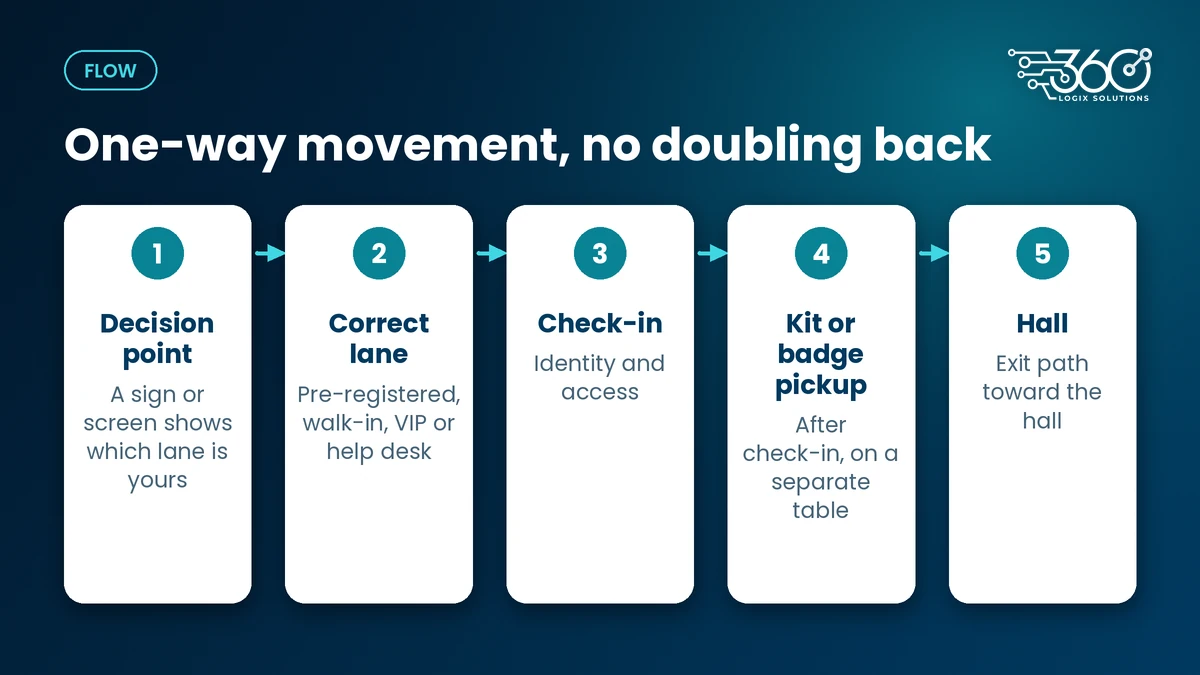
Good event registration flow is boring on purpose. People should move one way: decision point → correct lane → check-in → kit or badge pickup → hall. No doubling back through the same crowd.
Three rules that keep that flow intact:
- Queue depth needs room. Leave space between the decision point and the desks so a surge doesn't spill into the lobby or block an exit.
- Kit pickup sits after check-in. Bags and lanyards slow every transaction. Hand them out past the badge step so check-in stays focused on identity and access.
- Don't share one line for walk-ins and pre-registered guests. Different tasks, different times. Mixing them is how a short scan turns into a long wait.
Use a queue management system for walk-in and help-desk lanes. Ticket numbers and a display beat shouting "next" into a crowd.
Peak arrivals still matter. Open registration earlier than doors open. For multi-day events, offer day-before or early-morning kit pickup when the venue allows it. Staggered arrival windows in the invite help too. If lines keep forming no matter how you rearrange the room, go back to what causes registration lines in the first place before you hire another floater.
How many registration staff do you need?
Skip the internet ratios. They rarely match your venue, badge process or unpaid walk-in load.
Staff by role:
- Lane staff — one or more people fixed to each lane, doing only that lane's job
- Floaters — people who pull stuck attendees out of productive lanes and walk them to help desk
- Help-desk lead — owns name changes, missing records and payment issues so lane staff aren't improvising
- Tech support — on the kiosks, scanners and badge printer, not buried behind a registration table
A practical way to size the team: estimate peak arrivals in a given window, then divide by the per-lane throughput you've measured at a past event or a dry run. Guessing headcount without knowing how long one clean QR check-in takes is how you overstaff a bad layout and still miss the open.
More staff can't fix a registration area that feeds everyone into one line. Fix the lanes first, then staff the lanes.
Tech that helps (without replacing the layout)
Tech only pays off when the physical plan is already sound. Used that way, it makes the lanes faster and clearer.
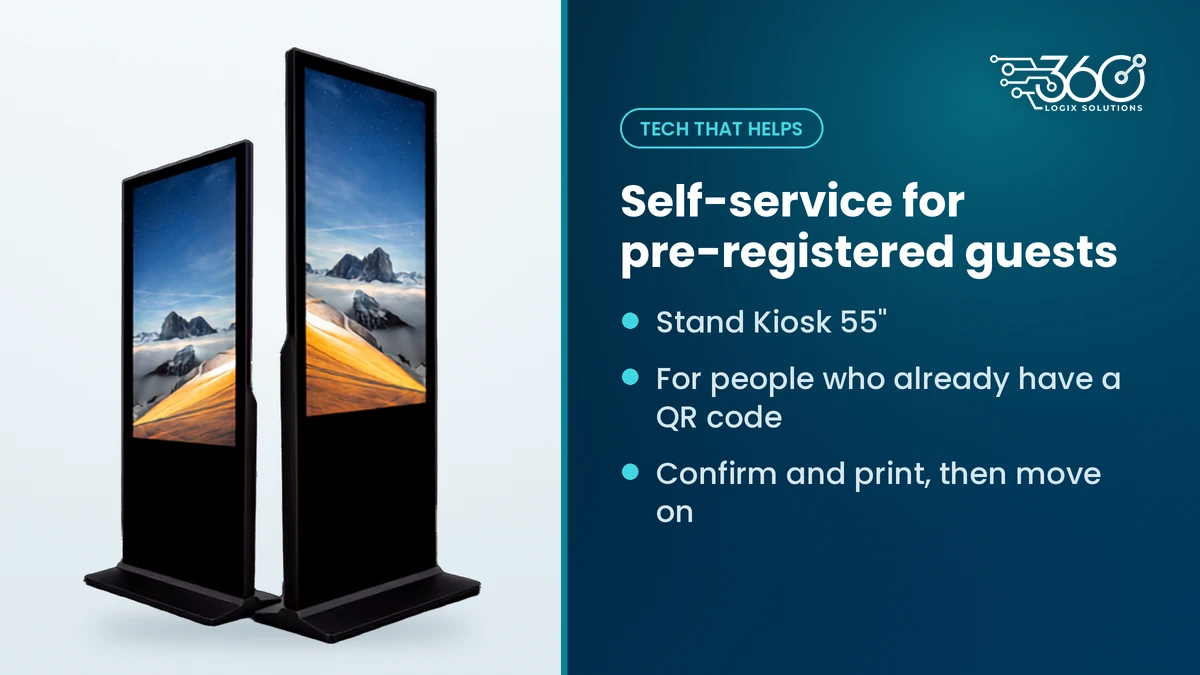
- Self-service for pre-registered guests. An Interactive Touchscreen Kiosk rents for ₱10,000 per unit per day, VAT inclusive, when people already have a QR code and just need to confirm and print.
- Lane signage. Vision 22" screens (₱5,000 per unit per day, VAT inclusive) or Vision 32" (₱8,000, VAT inclusive) can show which lane is which and update if you reassign a desk.
- On-site badge printing. Print at the end of the check-in step, not at a shared printer people have to walk back to.
None of that replaces a decision point or a separate kit table. It just stops your best lane from becoming a bottleneck.
A simple layout checklist
Before you lock the floor plan, walk this list:
- Is there a decision point visible from the entrance?
- Are pre-registered, walk-in, VIP and help desk in separate lanes?
- Does traffic move one way, without crossing itself?
- Is kit pickup physically after check-in?
- Do you have floaters and a help-desk lead, not only desk staff?
- Have you measured or estimated peak arrivals against per-lane throughput?
- Can lane labels change on the day if something shifts?
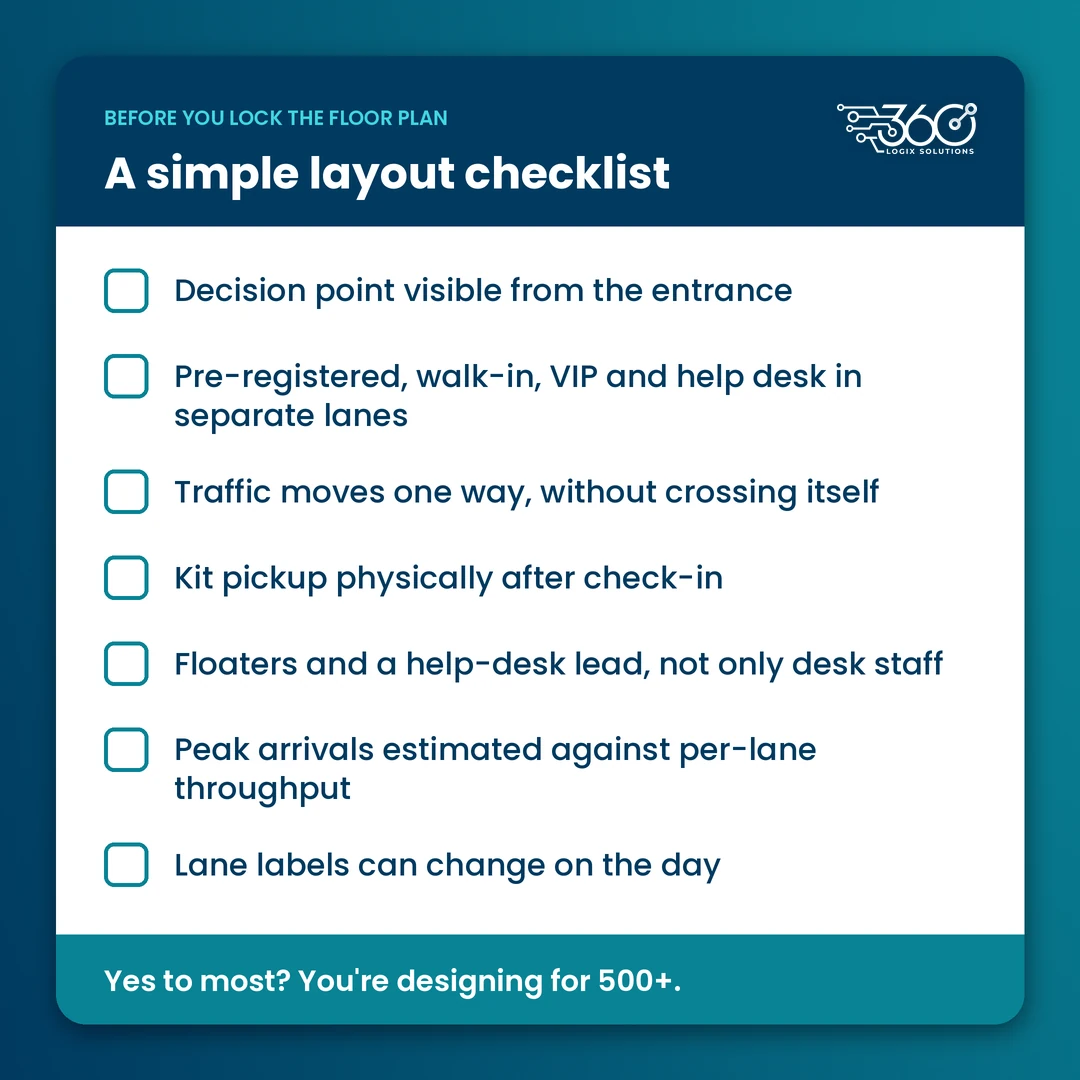
If you can say yes to most of these, you're designing for 500+, not hoping the line behaves.
FAQ
How early should registration open?
Early enough that the first wave isn't still in line when the program starts. For large events, open well before doors — earlier still on day one of a multi-day convention. Exact timing depends on your peak arrival window and how long one clean check-in takes.
Should walk-ins and pre-registered attendees share a line?
No. Pre-registered guests should move through a fast lane. Walk-ins and unpaid registrations need more time and will slow everyone else if they share a queue.
Where should kit pickup go?
After check-in, on a separate table. Keep identity and access at the registration desk; hand bags or collaterals once the person is cleared.
What signage does a registration area need?
A decision-point sign or screen at the entrance, clear lane labels, and wayfinding from kit pickup to the hall. If labels might change, use screens you can update instead of reprinting.
Planning a registration area for a big October event?
We've supported registration and event tech for 15+ years,. If you want a second pair of eyes on your floor plan, get help planning your registration area. Bring your headcount, venue map and whether you're running QR check-in, walk-ins or both. We'll tell you what the layout needs before we talk gear.
Related Articles
The Debrief Questions We Ask After Every Event (and What October Taught Us)
The event debrief questions we ask after every event, the process lessons October taught us, and what to plan for before November and December get busy.
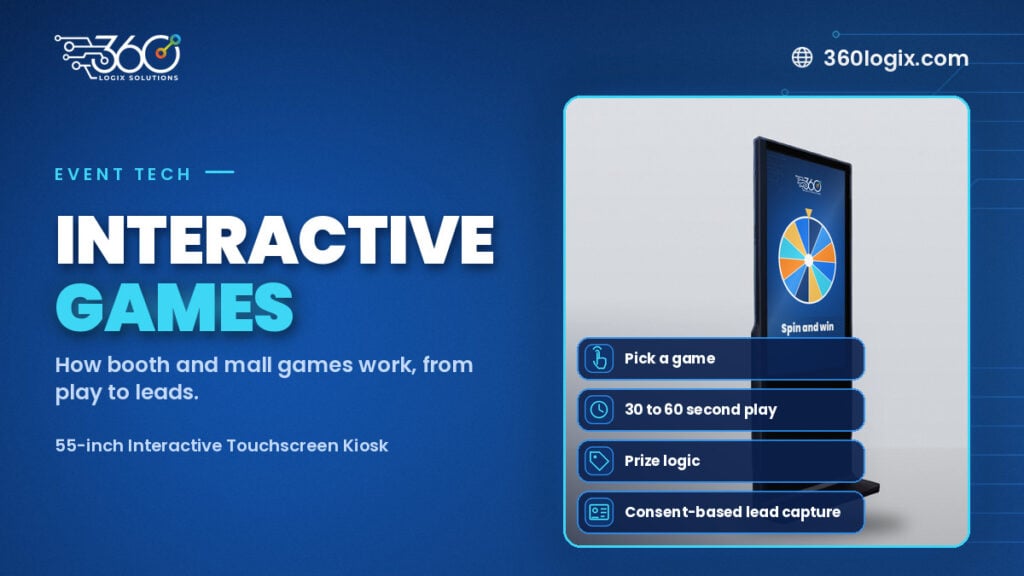
Interactive Games for Brand Activation: How They Work
How interactive games for brand activation work at booths and malls: the game picker, 30 to 60 second play, prize logic, consent-based lead capture and setup.
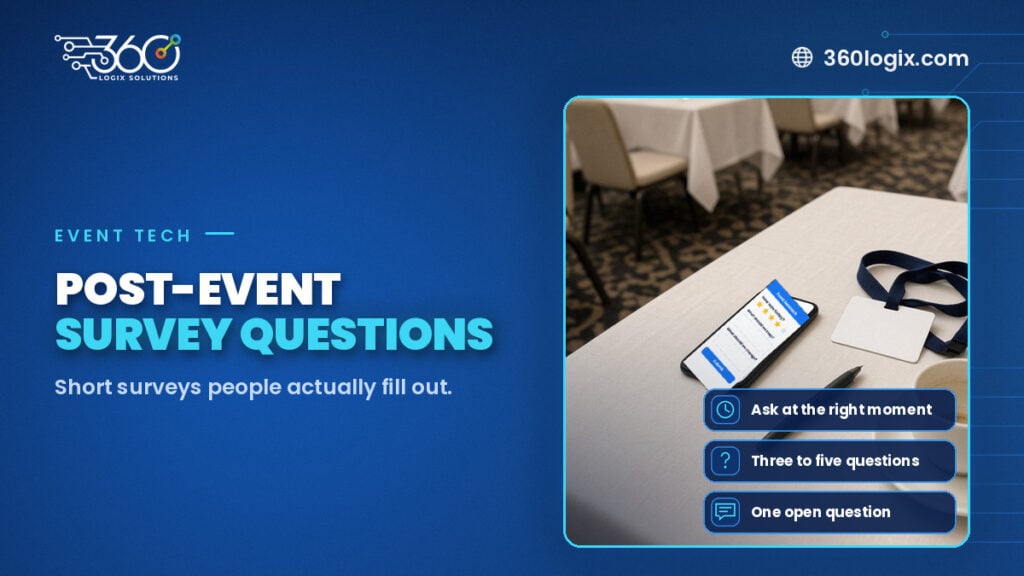
Post-Event Survey Questions: Collecting Attendee Feedback People Actually Fill Out
Three to five post-event survey questions, asked at the right moment, beat a 30-question form. Timing, a question bank, and how to raise response rates.