How to Set Up Online Registration and Ticketing for Your Association’s Event
Treat online registration as your membership database, not just a payment page. If you're learning how to set up online registration for an event for your association, the work you do once on tiers, fields and consent should feed check-in, certificates and next year's invitations. A bare-bones form tool often becomes the most expensive spreadsheet cleanup.
Quick answer: Define member and non-member tiers and deadlines, collect only the data you need, settle payments and receipts with a clear owner, add proper consent and seller details, send a confirmation with a QR, then reuse that record for check-in and certificates.
Table of Contents
How to set up online registration for an event, step by step
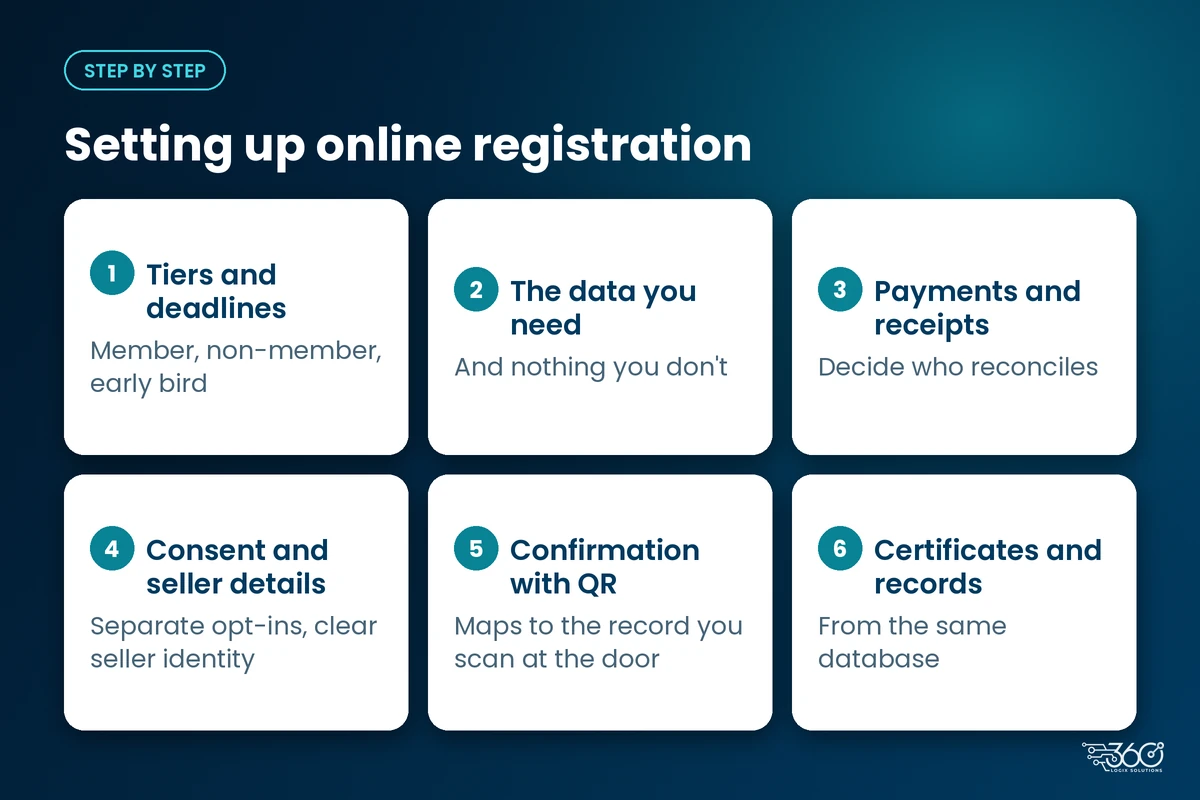
1. Tiers and deadlines (member, non-member, resident/student, early bird)
Decide the ladder before you open the form:
- Member vs non-member rates
- Resident, student or trainee categories if you use them
- Early-bird and regular deadlines
- What happens after the online cut-off (onsite rate, closed registration, or both)
Publish the dates clearly. Hidden deadlines create lobby arguments your volunteers shouldn't have to mediate.
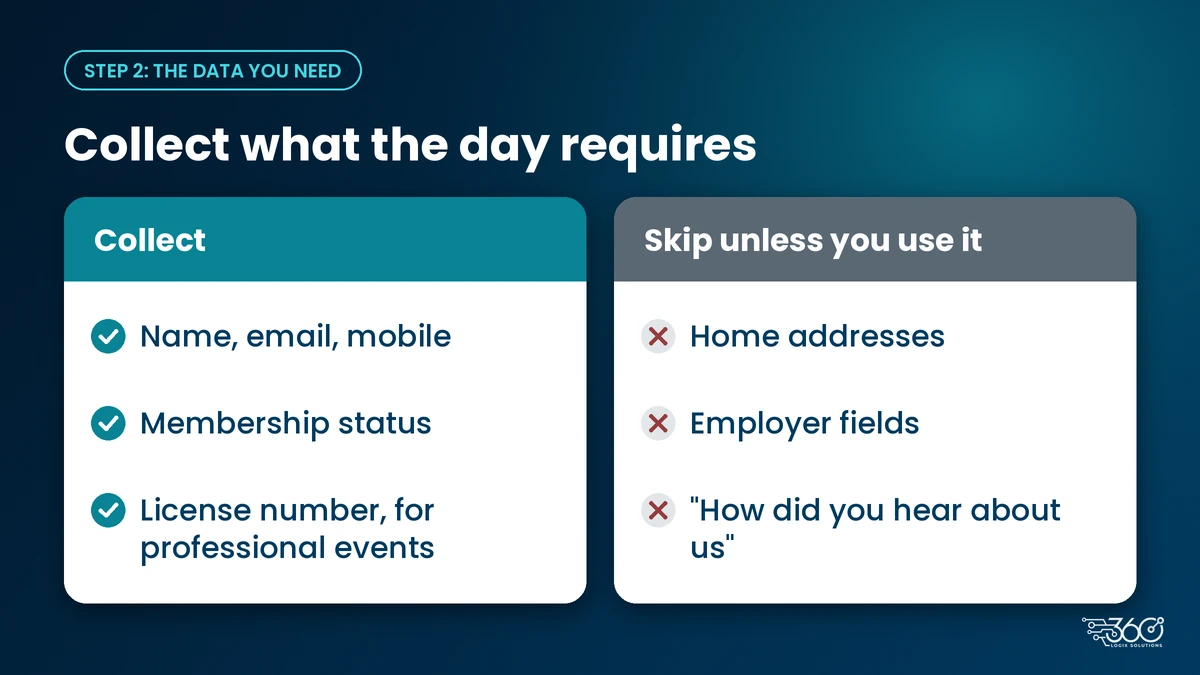
2. The data you need (and what you don't)
Start with what the day actually requires: name, email, mobile, membership status, and for professional events often a license number. Skip home addresses, employer fields and "how did you hear about us" extras unless you have a real use for them.
A focused form is also better online event registration: fewer incomplete submissions, faster check-in later, less cleanup for the secretariat.
3. Payments and receipts: who reconciles
Attendees expect a clear amount, a working payment path and a receipt or proof they can show at the door. Decide who owns reconciliation before go-live: treasurer, secretariat, or both with a shared export.
Keep payment status visible on the registration record so unpaid guests don't land in the same lane as paid ones on event day. Exact payment channels and receipt formats depend on your platform and bank setup. Confirm those with your provider before you advertise them on the page.
4. Consent and seller disclosures
Two Philippine rules matter here, without turning this into legal advice:
- Consent. NPC Circular 2023-04 expects consent that is specific, granular and recorded. If the form also signs people up for newsletters or sponsor contact, use separate opt-ins, not one vague checkbox.
- Seller identity. The Internet Transactions Act (RA 11967) and its IRR set disclosure duties for online merchants (who is selling, how to reach them, basic business identity). Associations selling registrations online should make sure the page shows who is behind the sale.
Check the wording with your treasurer or counsel. Don't copy another organization's form and hope.
If your registration link sits on your association's own website, put the same seller details there too. If that site needs a refresh first, we build association and convention websites with these pages from the start.
5. Confirmation email with QR → check-in on the day
After payment (or approved free registration), send a confirmation that includes a QR the attendee can open on a phone or print. That QR should map to the same registration record you'll scan at the door with QR check-in.
This is where online registration for conference programs connects to the day-of experience. We compared QR code check-in vs manual registration earlier this week, and the hybrid desk (QR lanes plus a help lane) is still the practical default. If you're also choosing an app layer, start with the event app features attendees actually use.
6. After the event: certificates and member records
The same database should produce attendance lists, certificates and a clean member update for next year. If certificates still mean retyping names from a door sheet, the online registration didn't finish its job.
Export what finance and the board need, store records per your retention policy, and note which fields were wrong so next year's form gets shorter, not longer.
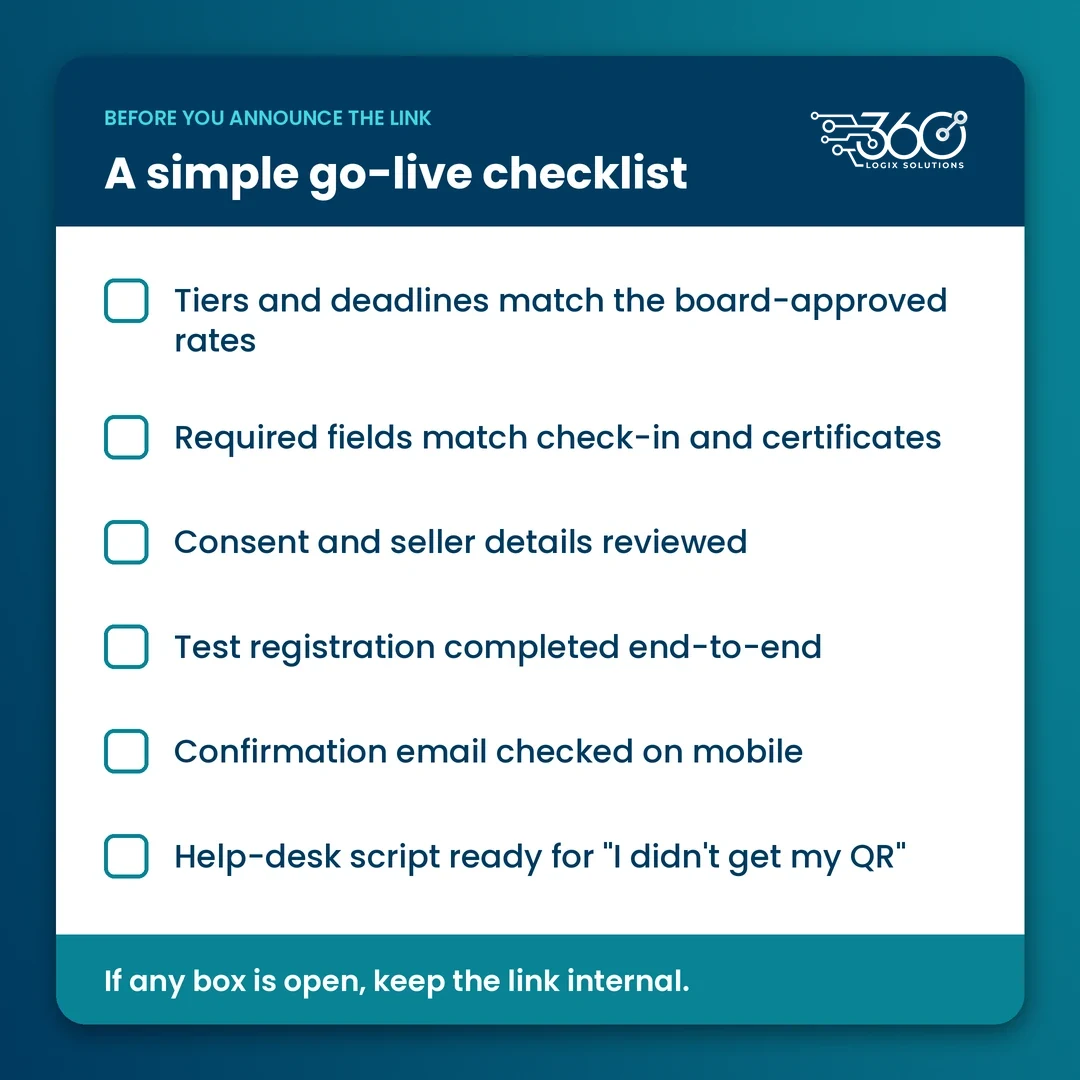
A simple go-live checklist
The last step in how to set up online registration for an event is a full test. Before you announce the registration link:
- Tiers and deadlines match the board-approved rates
- Required fields match what check-in and certificates need
- Consent and seller details reviewed
- Test registration completed end-to-end (including a failed payment path if you have one)
- Confirmation email checked on mobile
- Help-desk script ready for "I didn't get my QR"
What to look for in an event ticketing platform in the Philippines
When people search for event ticketing in the Philippines, they often land on consumer concert tools. Association conventions need a different checklist:
| Need | Why it matters |
|---|---|
| Member and non-member tiers | Your pricing ladder has to live in the form |
| Custom fields | License numbers, specialty, chapter |
| Payment status on the record | Door staff shouldn't guess |
| QR confirmation | Feeds check-in without a reprint scramble |
| Exports your treasurer understands | Reconciliation is part of the product |
| Consent and notice fields you control | Privacy wording isn't one-size |
Online registration platforms for events also differ on support: who answers when a delegate's payment is pending the night before. Ask that question before you sign.
Common mistakes when associations go online
These show up every season when associations work out how to set up online registration for an event:
- Opening registration before tiers are final. You then discount in chat and break the report.
- Asking for every field "for the database." People abandon the form or type nonsense into license fields.
- No owner for failed payments. Delegates arrive "sure they paid" with nothing on the record.
- Confirmation email that looks like marketing. The QR gets buried under banners and the help desk reprints all morning.
- Treating certificates as a separate project. If attendance isn't on the registration record, someone will retype names.
Where EventsHub fits
EventsHub registration and ticketing is built for association-style events: registration, ticketing and check-in in one flow. Features and payment options depend on your setup, so we'll confirm what applies to your event on a call rather than over-promise in a blog post.
FAQ
Can members and non-members pay different rates?
Yes. Build separate tiers with clear labels and deadlines so people self-select correctly. Wrong-tier registrations are one of the most common desk arguments on the morning.
Do we need separate consent for newsletters?
Yes, treat marketing and sponsor contact as separate from event registration consent. NPC guidance favors granular, recorded consent over a single catch-all box.
How do attendees get their QR code?
Usually in the confirmation email or a link in that email. Some setups also put it on a badge later. People who can't open the email should have a help-desk path to reprint or resend.
Is a general form tool enough for a large convention?
Sometimes for a tiny seminar. For member tiers, payments, QR check-in and certificates, a purpose-built event registration setup saves the spreadsheet week after.
Related: once registration is live, see 5 ways to use a digital standee for events at the registration area.
Ready to move registration online?
We've helped associations run event registration for 15+ years, and the pattern that works is simple: one clean record from signup to certificate. Set up your association's registration with us and bring your tier list, deadlines and what you need on the badge. We'll map the form to the door, not just to a payment confirmation.
Related Articles

On-Site Badge Printing for Events: Speed, Look and What to Prepare
On site badge printing for events: pre-print for speakers and VIPs, print on demand for delegates, clean your data first, and test printers the day before.

Self-Service Event Check-In Kiosks: When They Make Sense
When a self check in kiosk for events works: pre-registered crowds, few taps, an assistant nearby. Five questions to answer before you rent one, plus rates.

CPD Attendance Tracking Without the Paperwork
PRC Resolution 2165 puts more weight on proof of learning. How to run CPD attendance tracking with QR scans and certificates instead of paper sheets.