Certificate claims after a congress
Delegates take a number and sit down instead of crowding the counter on the last day.
Our Technology
Crowded waiting areas, lost customers and staff shouting numbers make a bad impression. Our smart queuing system organizes the line from the moment people walk in: they get a number, see when it's their turn, and your staff serve them in order. Waiting feels shorter, and your team gets the tools to serve people efficiently.
Everything you need to manage customer flow, from check-in to reports.
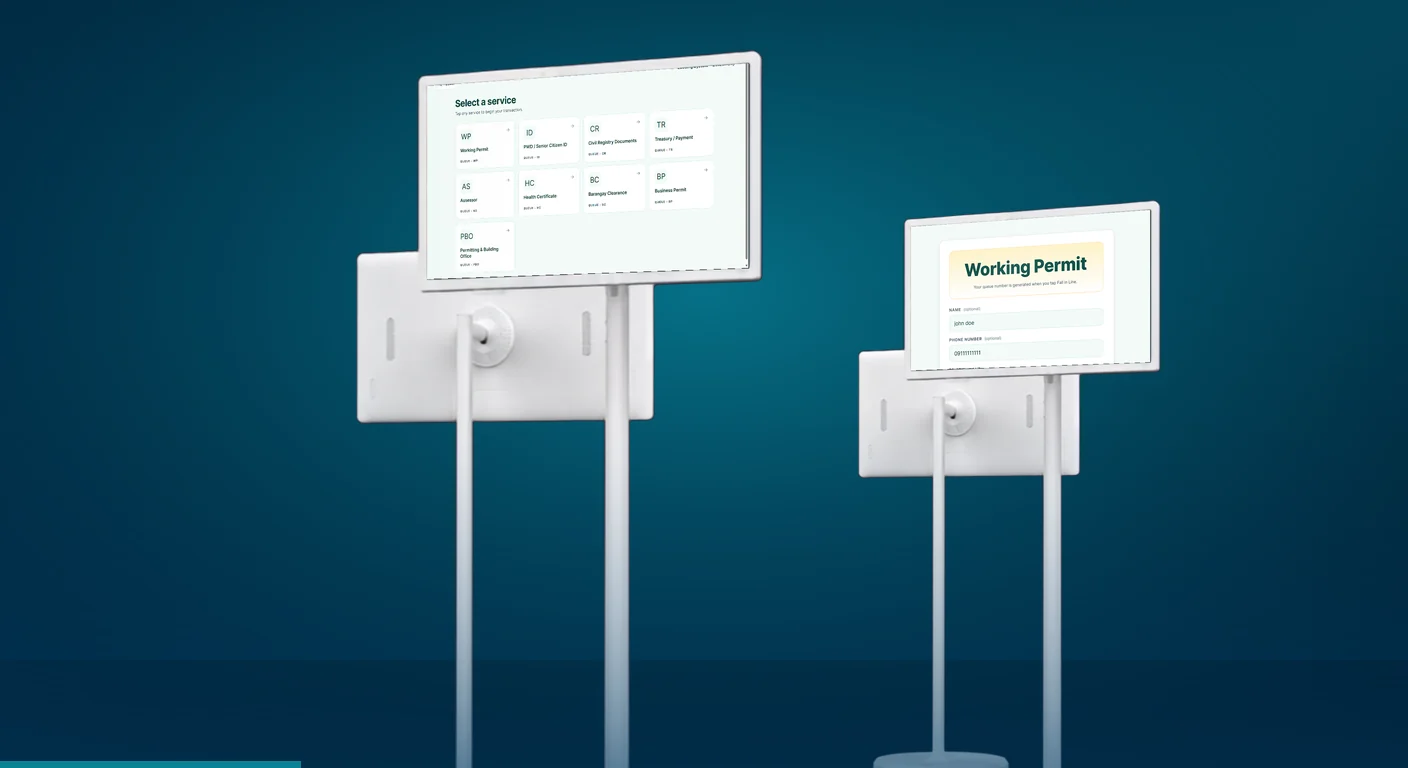
Customers check in and choose the service they need on a simple, guided kiosk screen.
Seniors, PWDs and pregnant guests can be routed to dedicated priority lanes automatically.
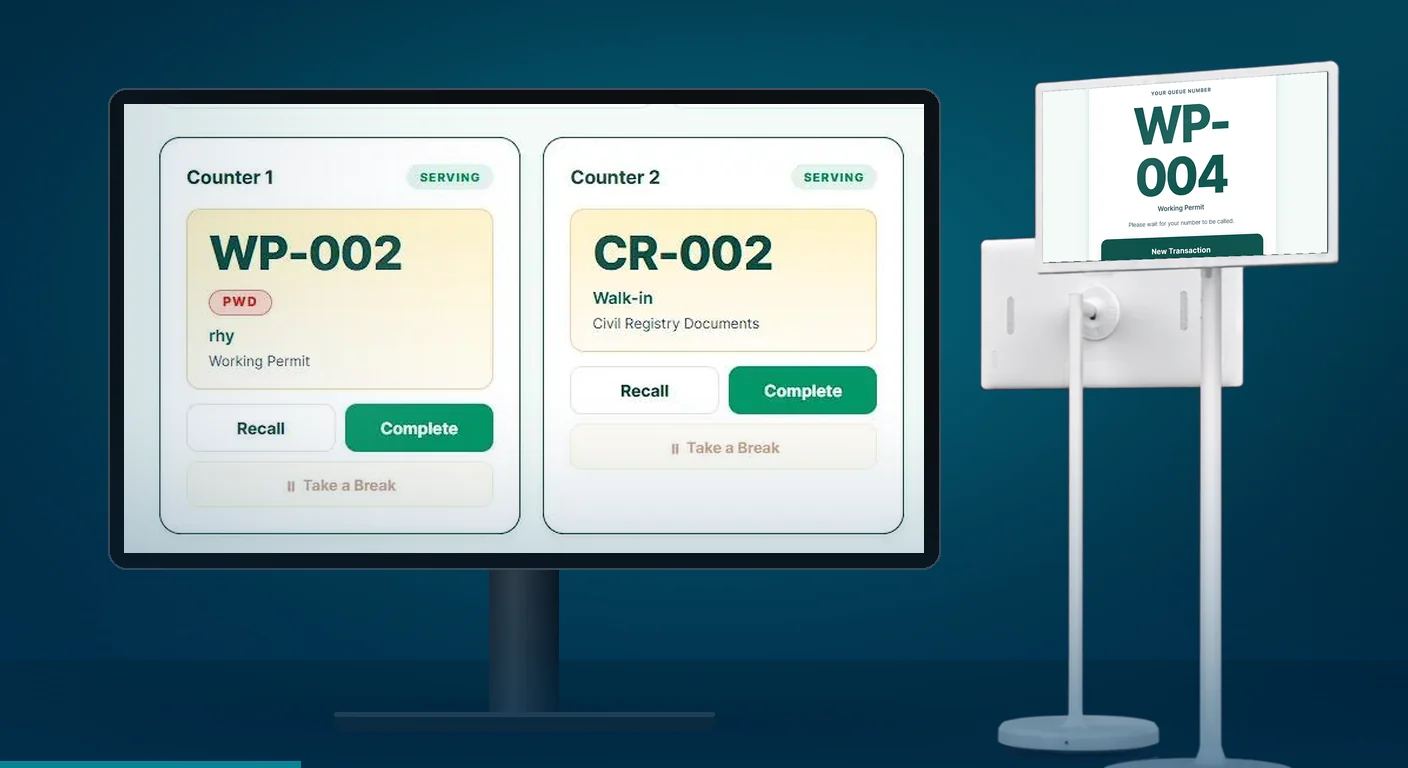
A counter control dashboard lets staff call, transfer and manage queues as they happen.
Built-in consent forms help you handle personal information in line with the Data Privacy Act.
Delegates take a number and sit down instead of crowding the counter on the last day.
Employees wait for their number on a screen instead of lining up outside the clinic room.
Shoppers get a number for a free sample instead of forming a line across the hall.
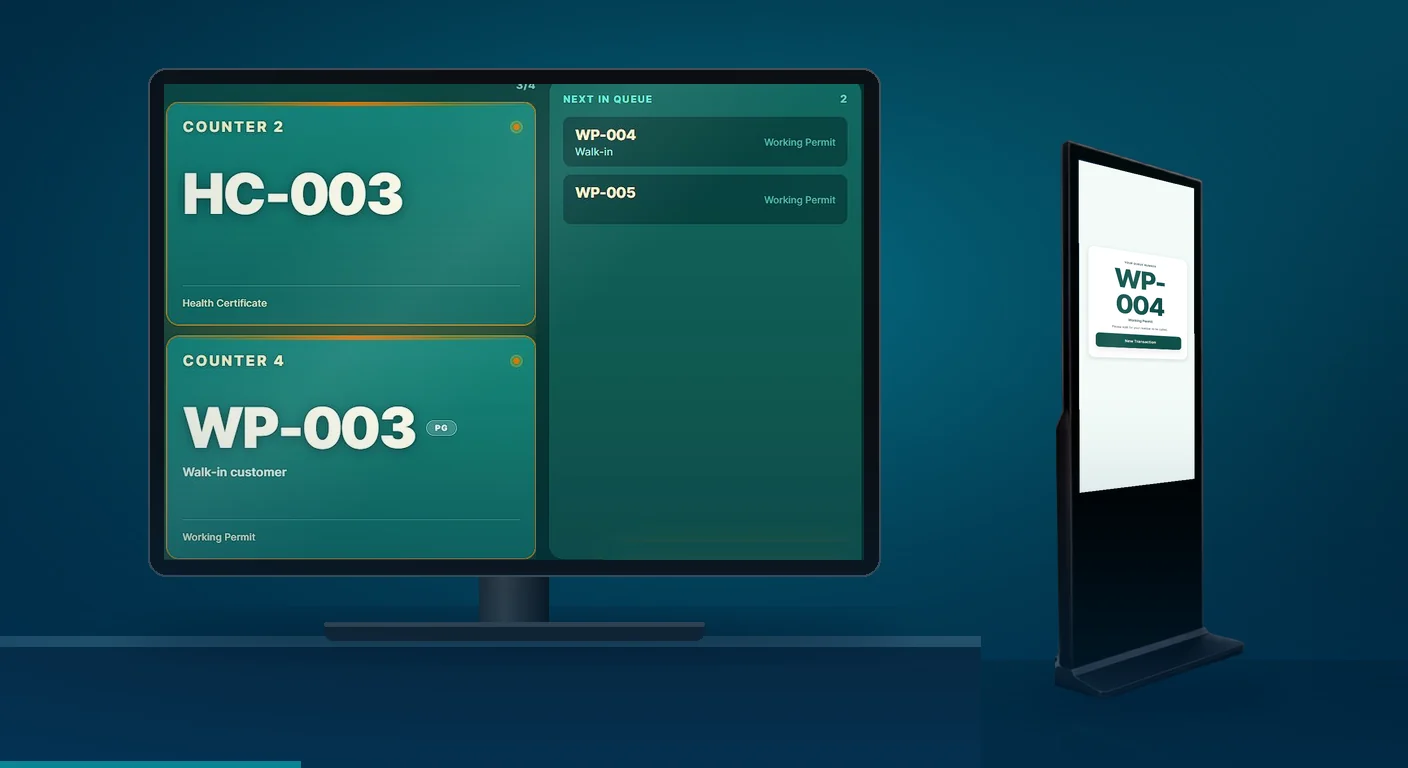
The system combines hardware your customers see with software your team uses behind the counter.
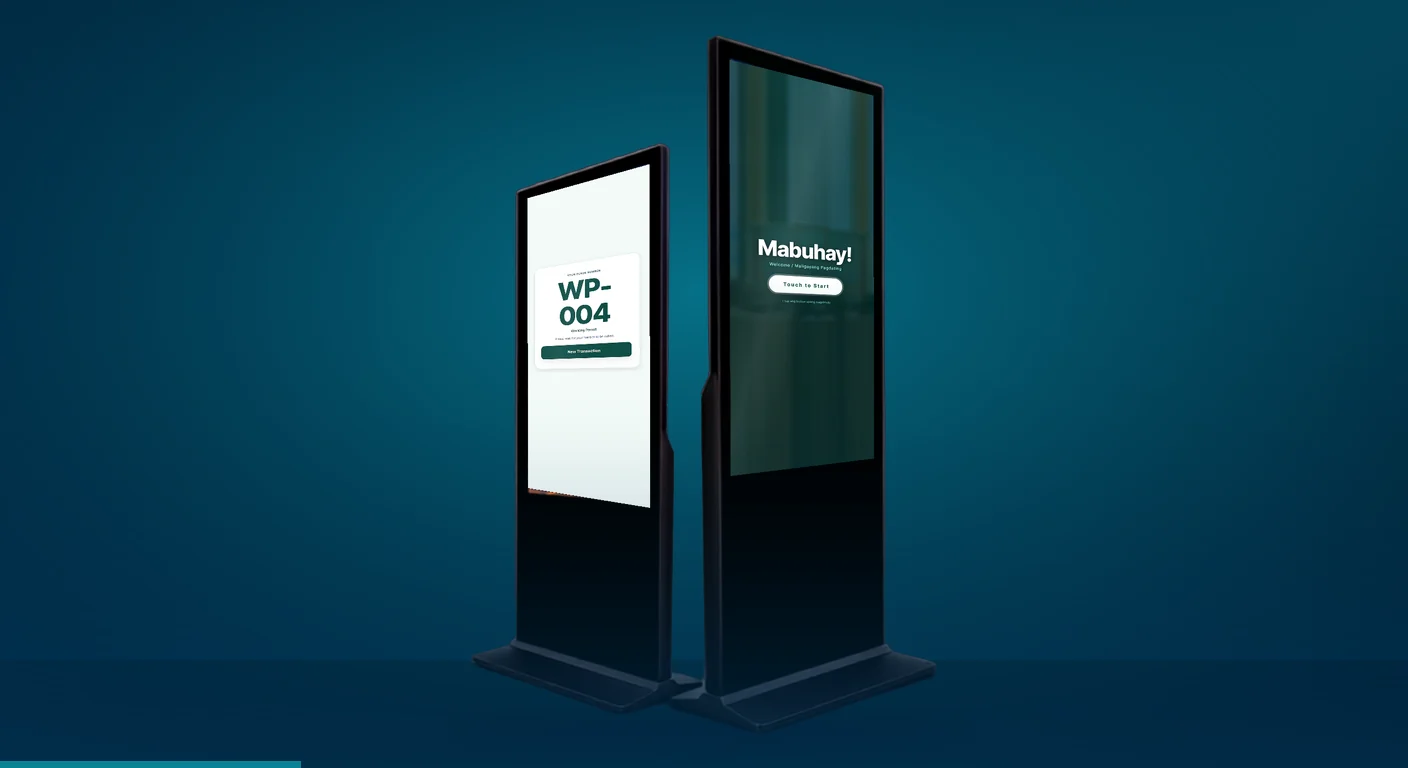
Customizable kiosks where customers pick a service and get their queue number.
Printers that produce clear, branded tickets with the queue number and, where set up, an estimated wait time.
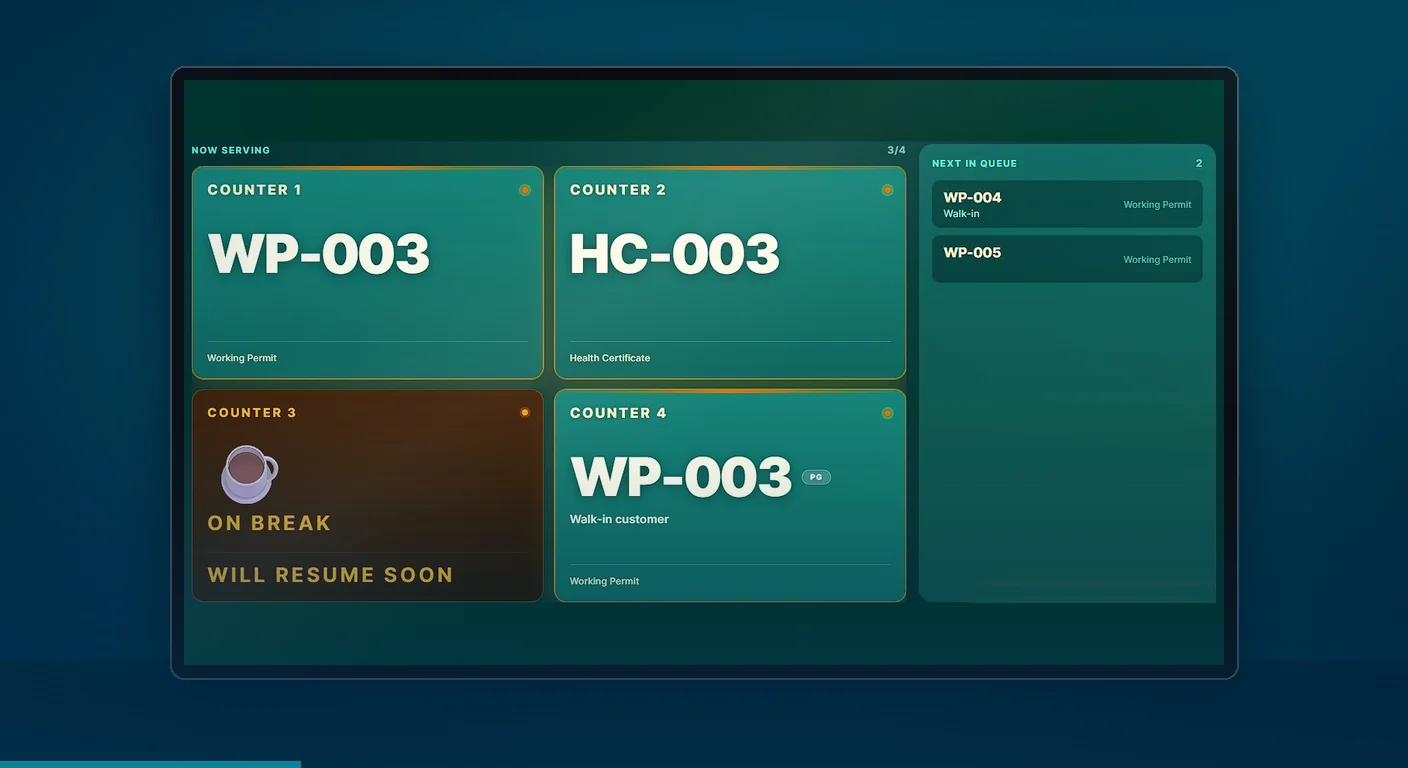
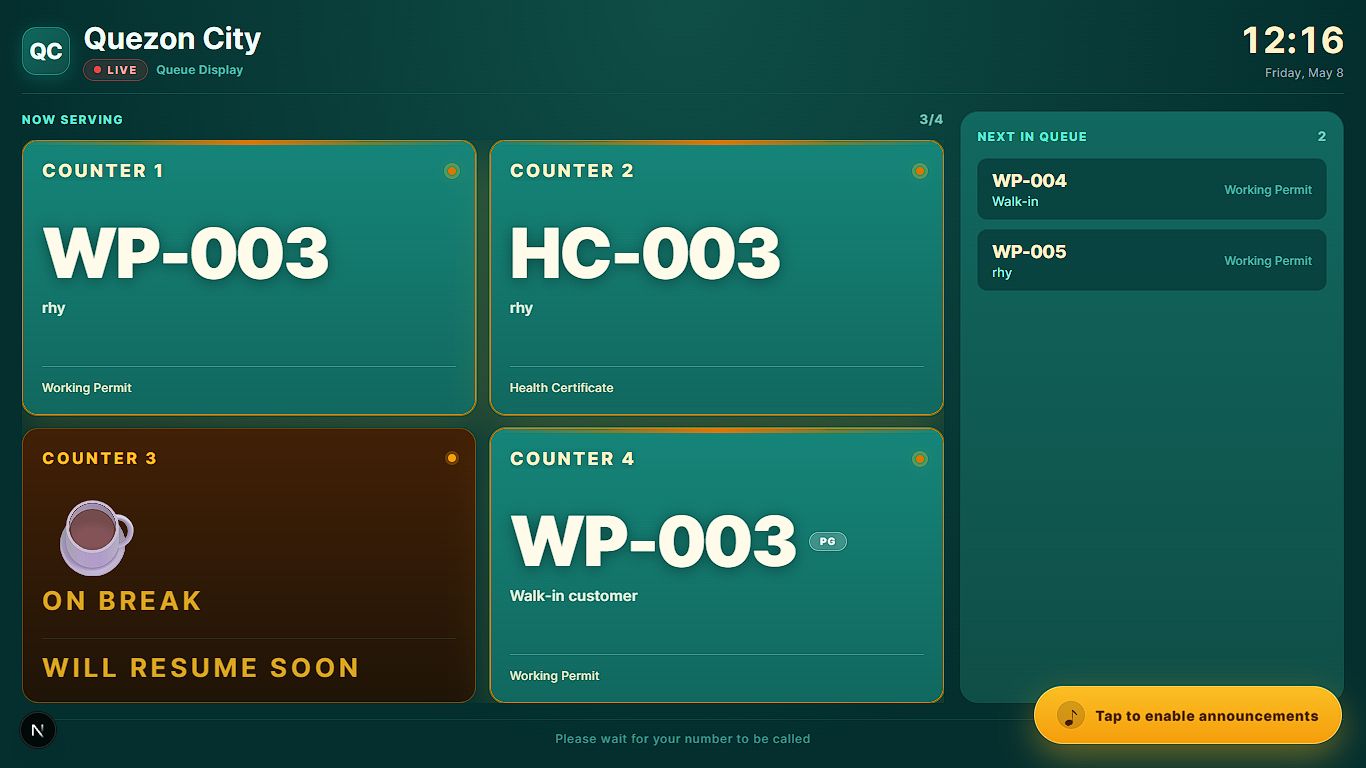
Monitors in the waiting area showing the number being served, counter assignments and your own promotional videos.
Web-based screens for staff to call the next customer, transfer a ticket or mark a no-show.
A back end for managers to set up services, watch the flow in real time and manage user access.
Reports on wait times, staff performance and peak hours to help you improve.
A simple flow from the moment someone walks through your door.
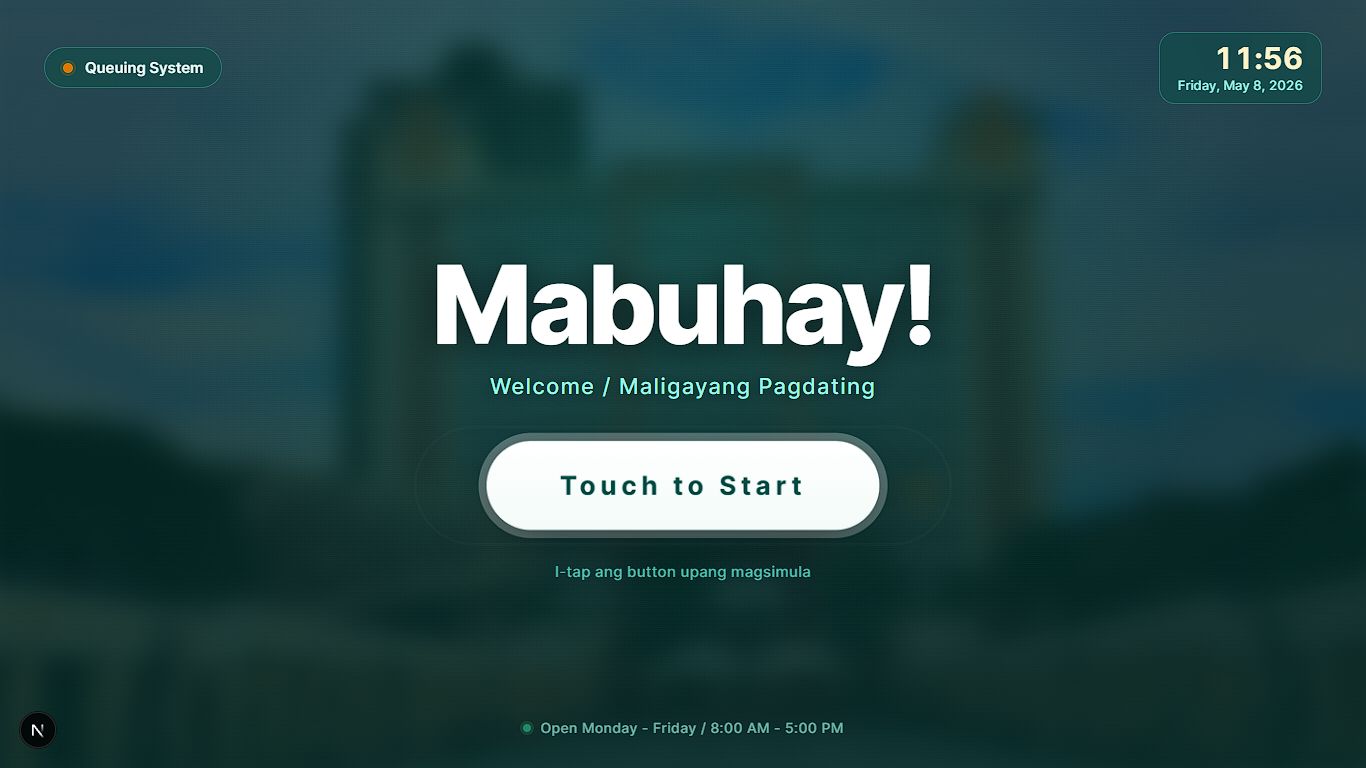
A branded welcome screen invites guests to start.
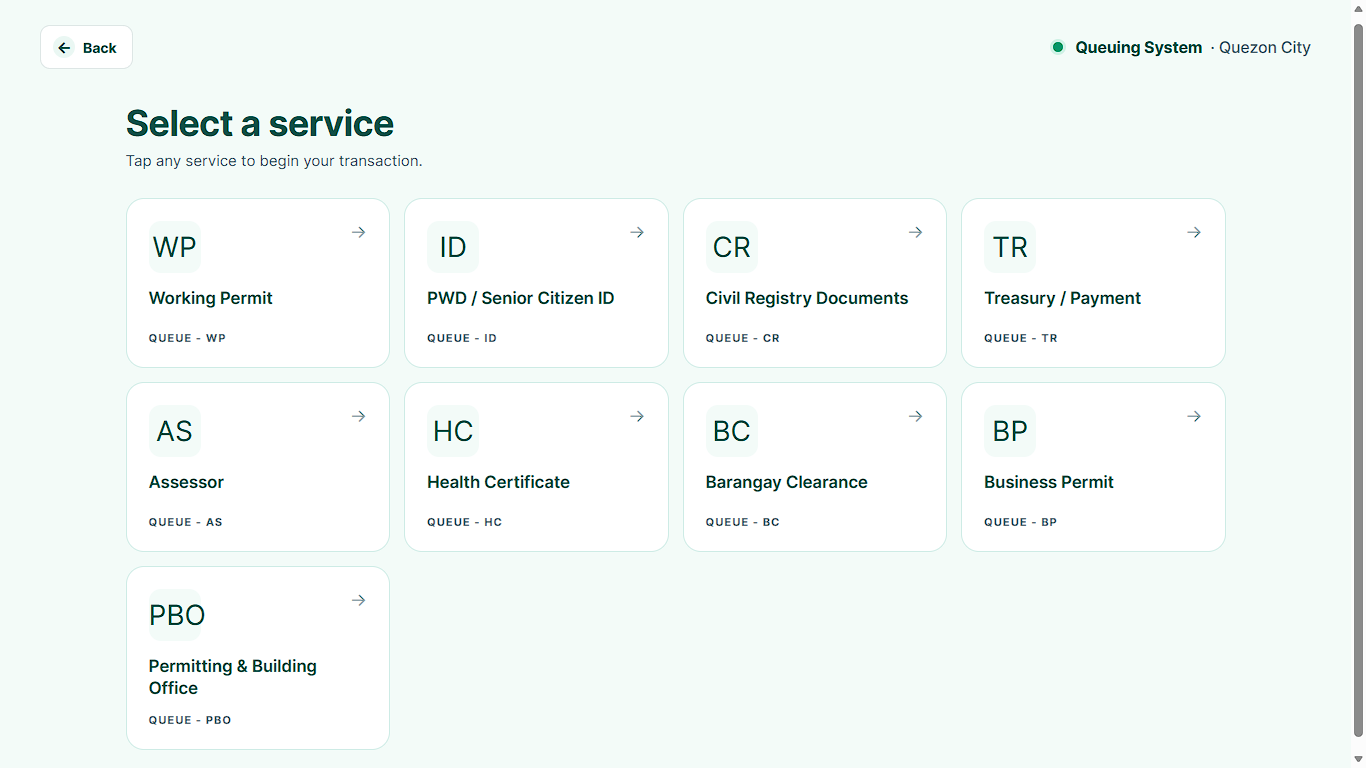
They pick the service they need from a clear menu.
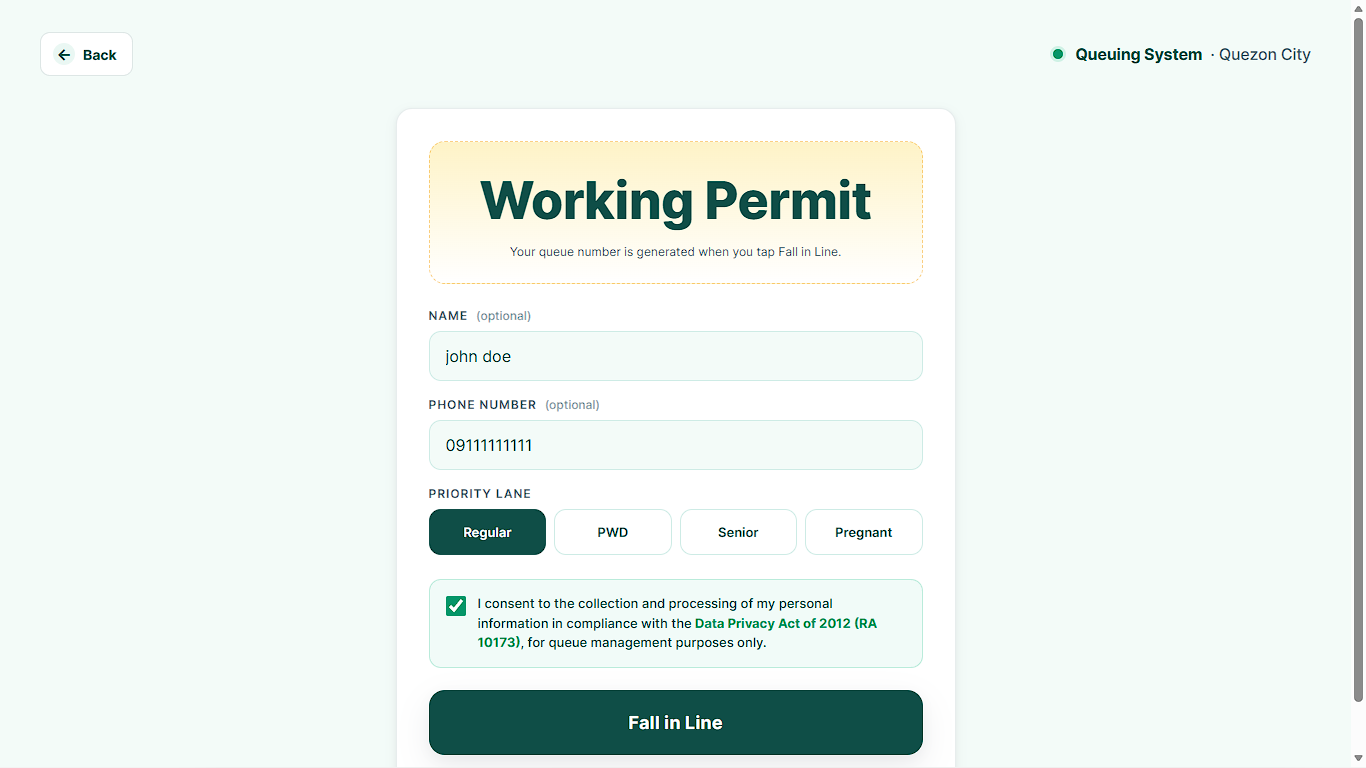
The kiosk collects a few essential details and identifies priority guests.
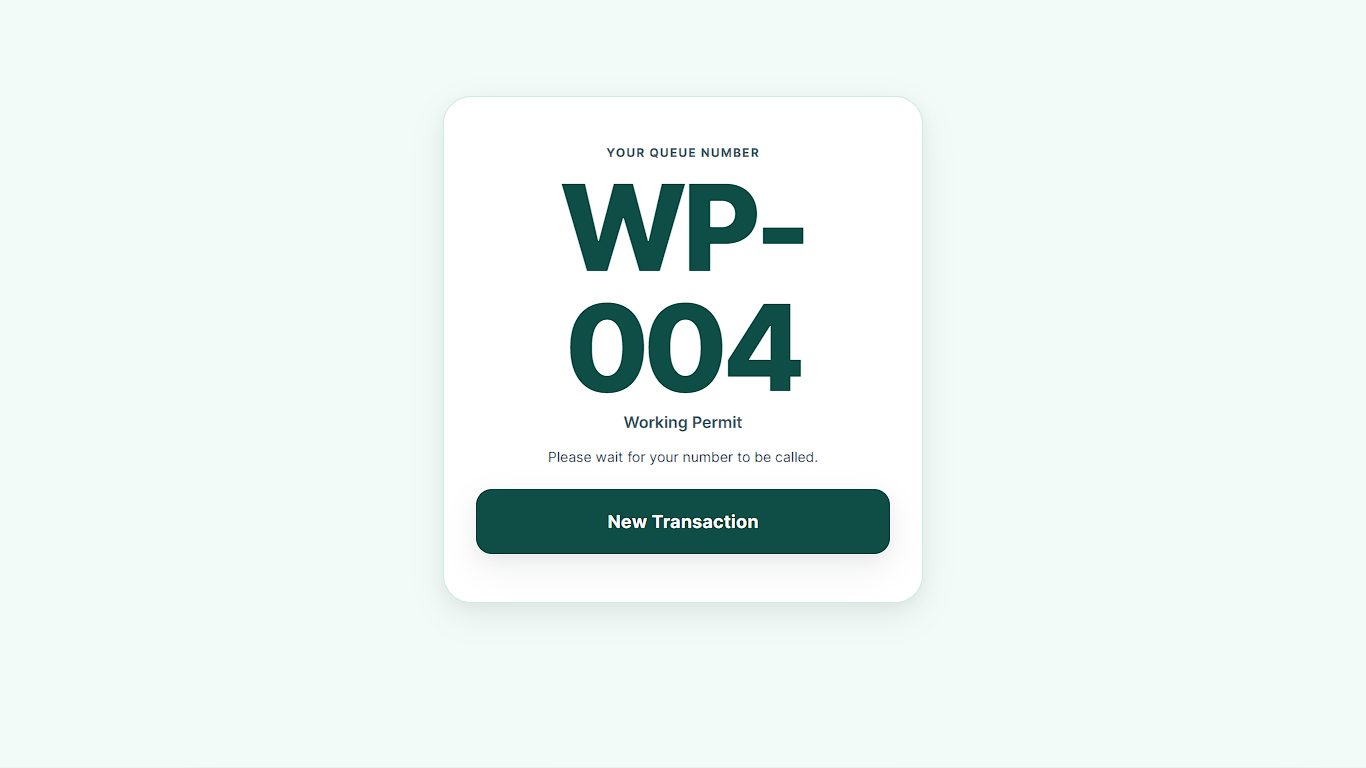
A clear, easy-to-read queue number prints for the selected service.
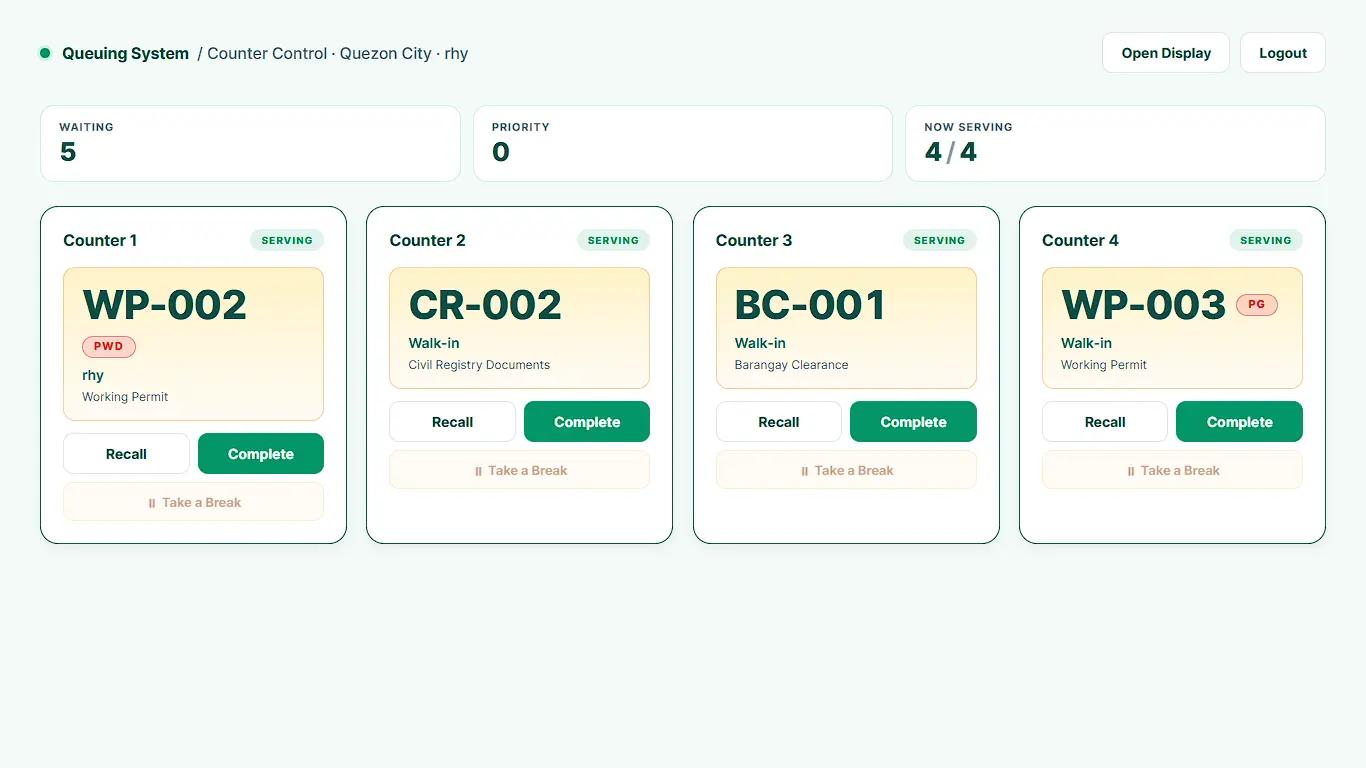
Staff call numbers from their dashboard, and the display board tells guests where to go.
Every screen can be customized to match your brand.
This queue management system adapts to the way your place handles people, whether they're patients, citizens, customers or event guests.
Hospitals and clinics can manage patient flow, separate triage from regular check-ups and give priority where it's needed.
Public service offices can organize document processing, licensing and citizen services with multi-step queue routing.
Organized lines and display-board content make waiting easier and give you a spot for your own announcements.
Enrollment periods are easier to manage when students are routed to the registrar, cashier or the right department.
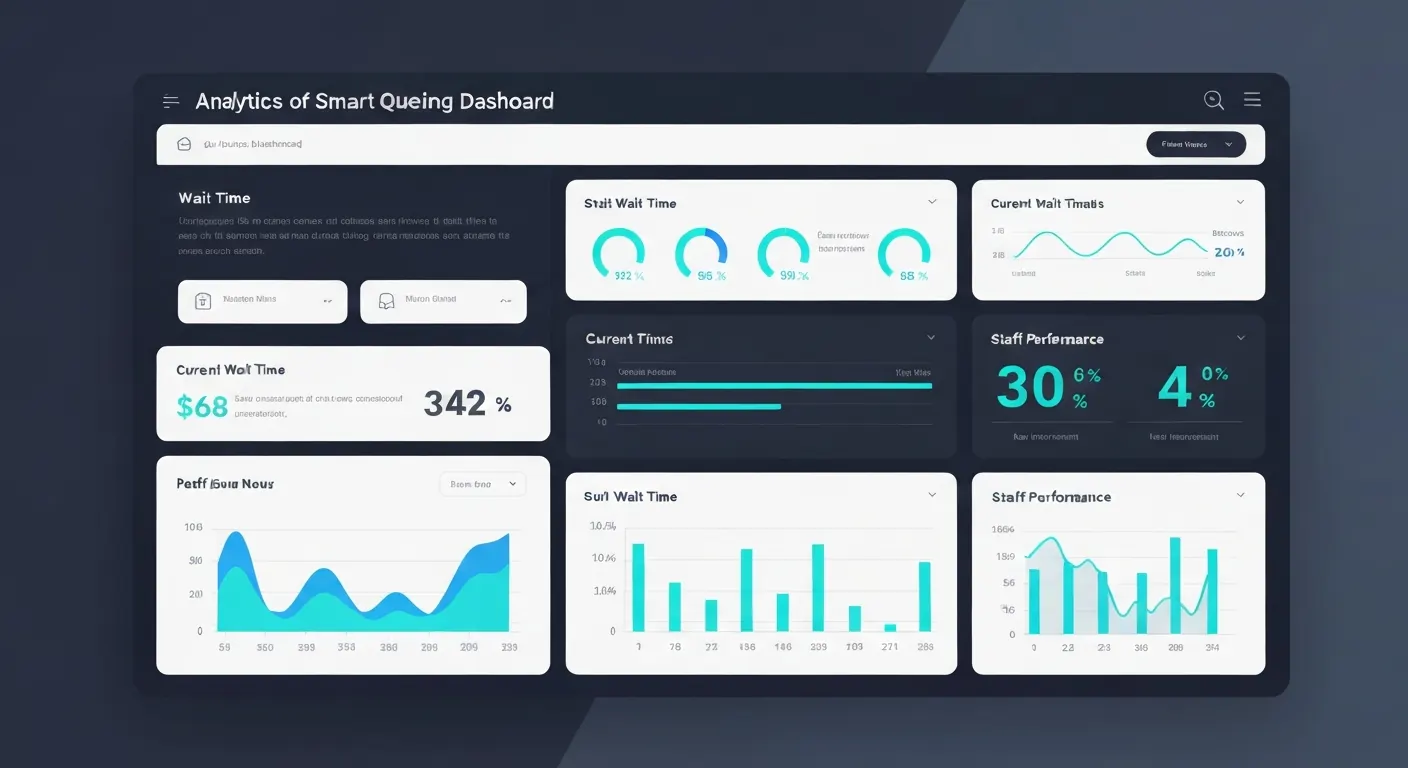
Stop guessing where the bottlenecks are. The analytics dashboard shows how your branch or venue is performing, so you can put staff where they're needed.
1
Tell us about your site, services, counters and daily volume.
2
We map your services and priority rules, and brand the screens and tickets.
3
We install the kiosks, printers, display boards and counter software.
4
We walk your staff through calling, transferring and reporting.
5
We stay in touch as your team settles in.
Usually check-in kiosks, display monitors for the waiting area and a local network or internet connection. We can provide the hardware or work with compatible devices you already have.
Integration options are available for many systems. Tell us what you use and we'll confirm what's possible on your call.
The system includes built-in consent forms and data handling designed around the Data Privacy Act.
Yes. Welcome screens, display boards and printed tickets can carry your colors, logo and messages.
It depends on the number of counters and locations. Our current guide is 1 to 2 days for installation and staff training, and we'll confirm the timeline for your site on your call.
Tell us what you have in mind, even if it's still rough. We'll help you work out what you need and suggest a clear next step.