Queuing Kiosk Guide: Using a Touchscreen Kiosk at Customer Service Desks
Long lines at a front desk frustrate everyone: customers wait, staff feel rushed, and simple questions take up time meant for complex ones. A queuing kiosk can take some of that load by handing out queue numbers and answering common questions on its own.
Here's how kiosks help at clinics, offices and events, and why renting one first is a smart way to test the idea.
Quick answer: A touchscreen kiosk lets visitors pick a service, get a queue number and find basic info without waiting at the desk. It works at clinics, government and corporate offices, and event help desks. Renting a kiosk for a trial period lets you test the flow with real visitors before you invest in a permanent queuing system.
Table of Contents
What a queuing kiosk does
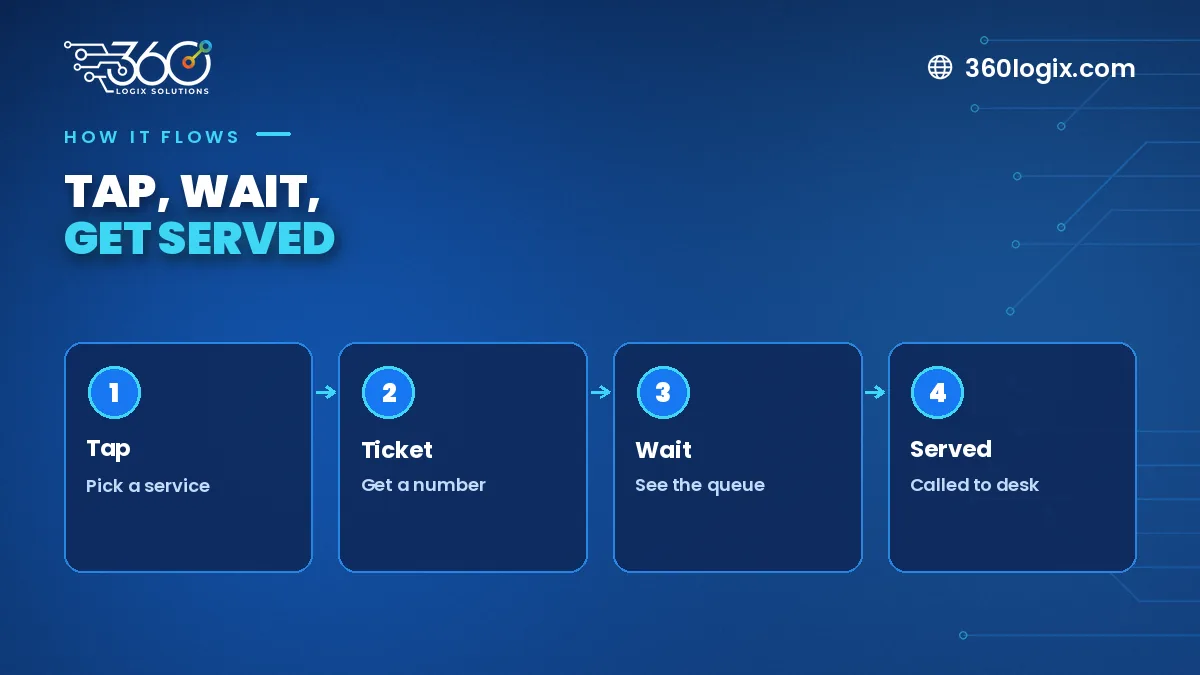
- Visitor taps the service they need
- The kiosk issues a queue number
- The visitor waits, often seated
- Staff call the number at the right counter
The result: shorter visible lines and visitors routed to the right counter the first time.
Where it works
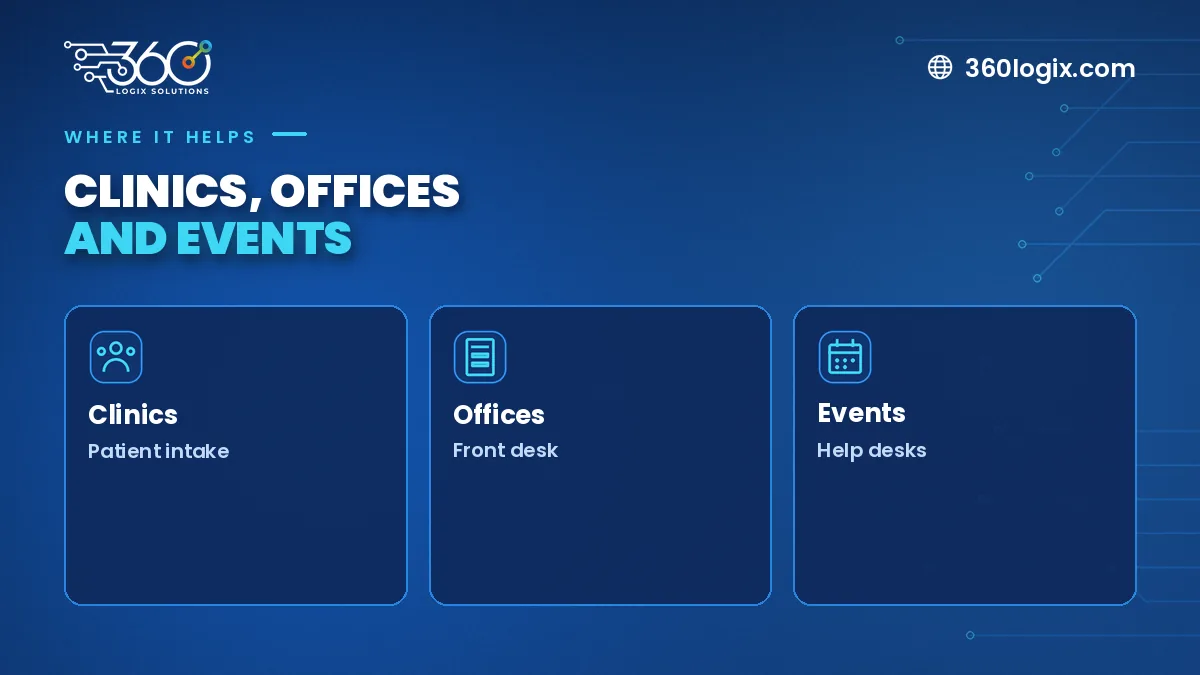
- Clinics. Separate new patients, follow-ups and lab requests.
- Offices. Payments, inquiries and document requests.
- Event help desks. Registration issues, certificates and lost-and-found.
- Customer service centers. Sorting visitors by concern.
Self-serve information
Beyond tickets, a kiosk can answer the questions your staff hear all day: requirements, office hours, fees and where to go. Fewer repeat questions mean faster service at the desk.
Why rent before you commit
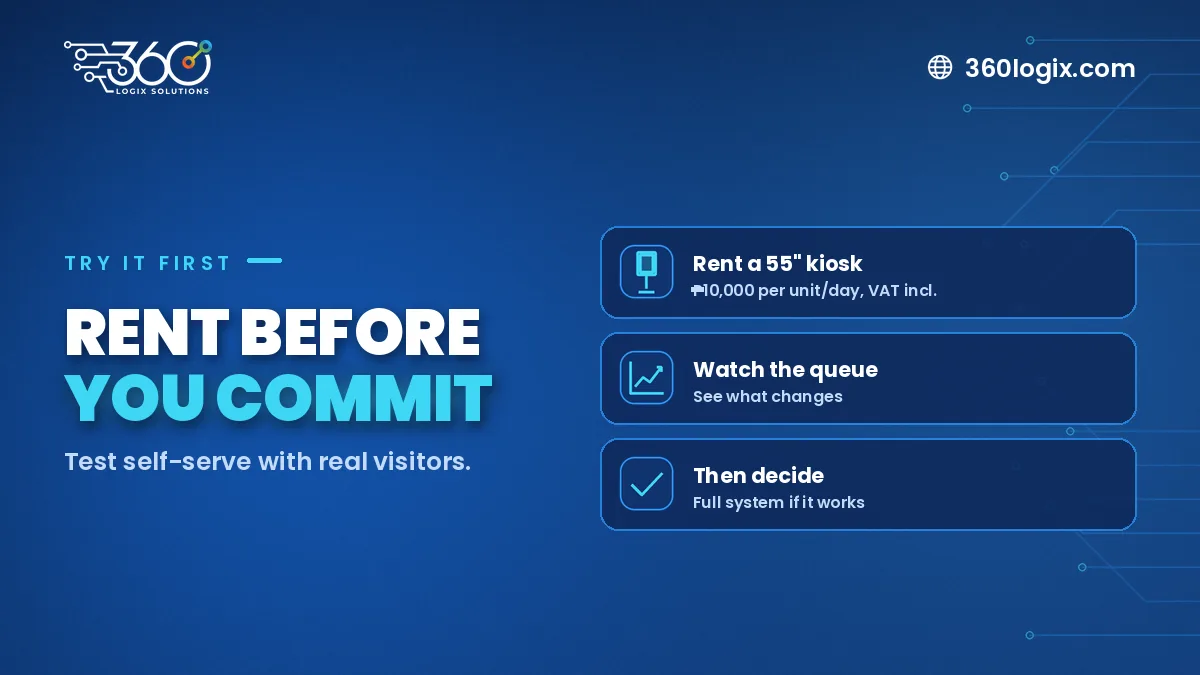
A permanent queuing system is a bigger decision. A rental lets you:
- Test the flow with real visitors
- See which services people choose most
- Adjust the screens before going permanent
- Show the results to decision-makers
See a working example in our queuing system case study.
Setting up a trial
- List your services in plain words
- Design simple screens with big buttons
- Place the kiosk near the entrance
- Brief staff on calling numbers
- Collect feedback from visitors and staff
FAQ
How much is a kiosk rental?
Our 55" Interactive Touchscreen Kiosk is ₱10,000 per unit per day.
Windows or Android?
Both are available, depending on the queuing software you'll use.
Do you sell kiosks?
No, we rent kiosks only.
Try a kiosk at your desk
Request an Interactive Touchscreen Kiosk quote for a trial at your clinic, office or event.
Written by Paolo Reyes. Paolo Reyes is the CEO of 360 Logix Solutions Inc., a technology-driven marketing company with 15+ years in digital marketing, creatives, brand activations and events.
Related Articles
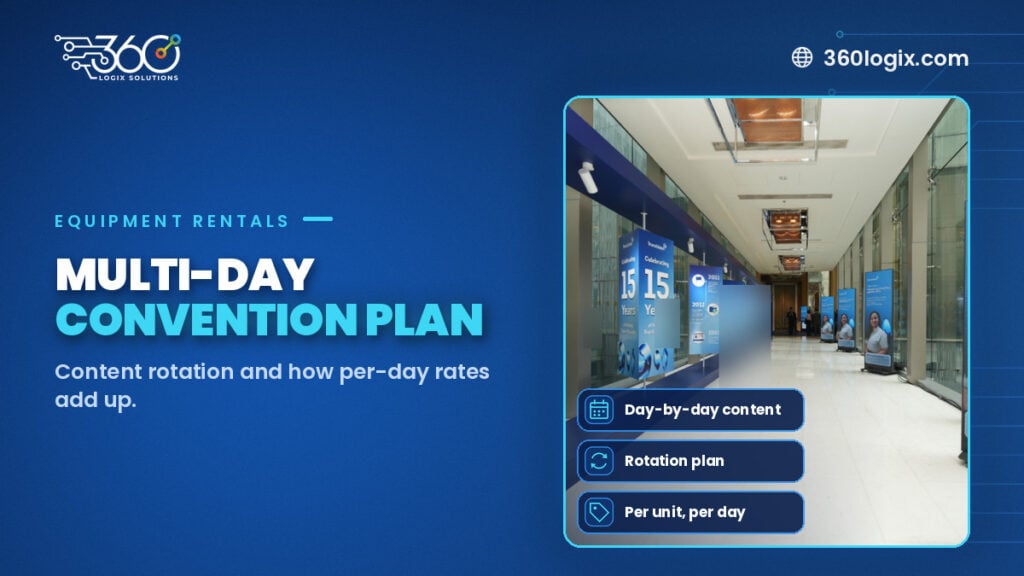
Multi-Day Convention Equipment: Planning LED Poster and Kiosk Rentals
Multi-day convention equipment planning: a day-by-day content plan for LED Posters and kiosks, and how per-unit, per-day rates add up.
Renting vs Owning a Digital Kiosk: The Real Trade-Offs
Weighing a digital kiosk in the Philippines? Compare renting and owning by usage days, upkeep, storage and software updates, and when renting makes sense.
Touch Screen TV or Interactive Kiosk? What Events Actually Need
Looking for a touch screen TV rent for an event? Compare a TV on a stand with a free-standing 55" Interactive Touchscreen Kiosk on stability, height and setup.