Touch Screen TV or Interactive Kiosk? What Events Actually Need
When organizers search for a touch screen TV rent option, what they usually want is a screen that guests can tap: for check-in, a game, a product catalog or a survey. A TV on a stand can do that in theory, but at a busy event the setup matters as much as the screen.
Here's how a touch screen TV setup compares with a free-standing interactive kiosk, and why we rent the kiosk.
Quick answer: For public touch use at events, a free-standing kiosk is usually the better choice. It's built to stand stable, sits at a comfortable height, hides cables and the computer inside an enclosure, and comes ready for kiosk software. We rent the 55" Interactive Touchscreen Kiosk at ₱10,000 per unit per day. We don't rent touch screen TVs.
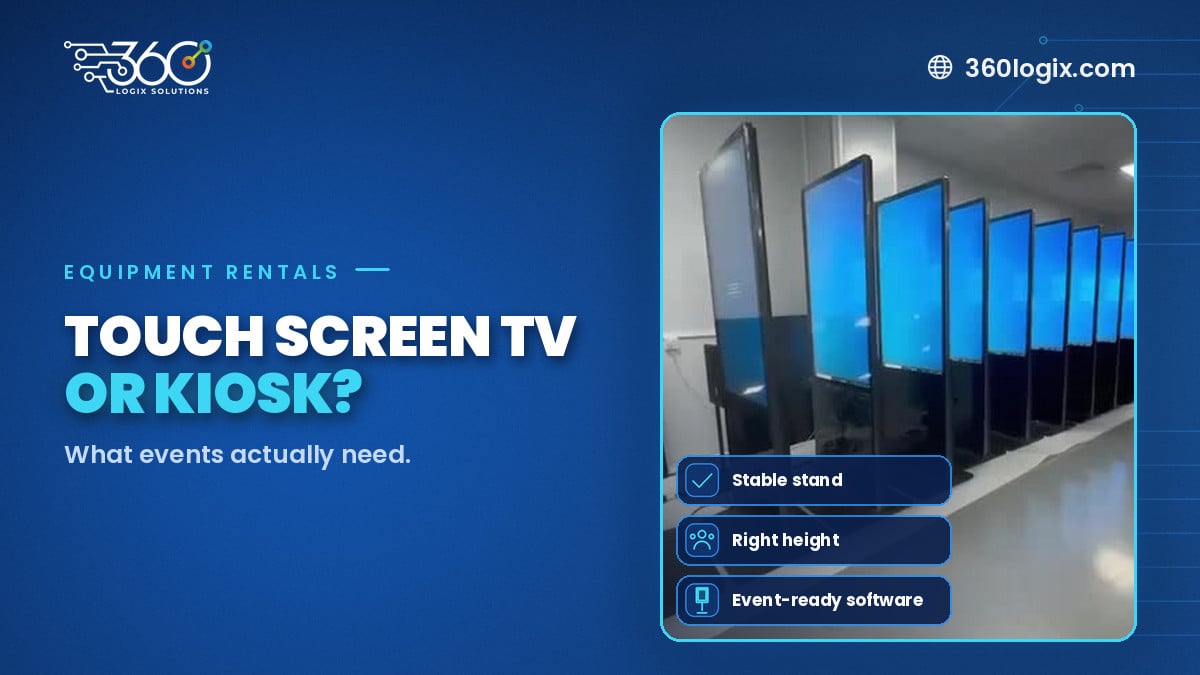
Table of Contents
What people mean by "touch screen TV"
Most people picture a large touch display on a rolling stand or a tripod. It's familiar from offices and classrooms. Events are different: many people touch the screen, often without guidance, for hours.
Side-by-side comparison
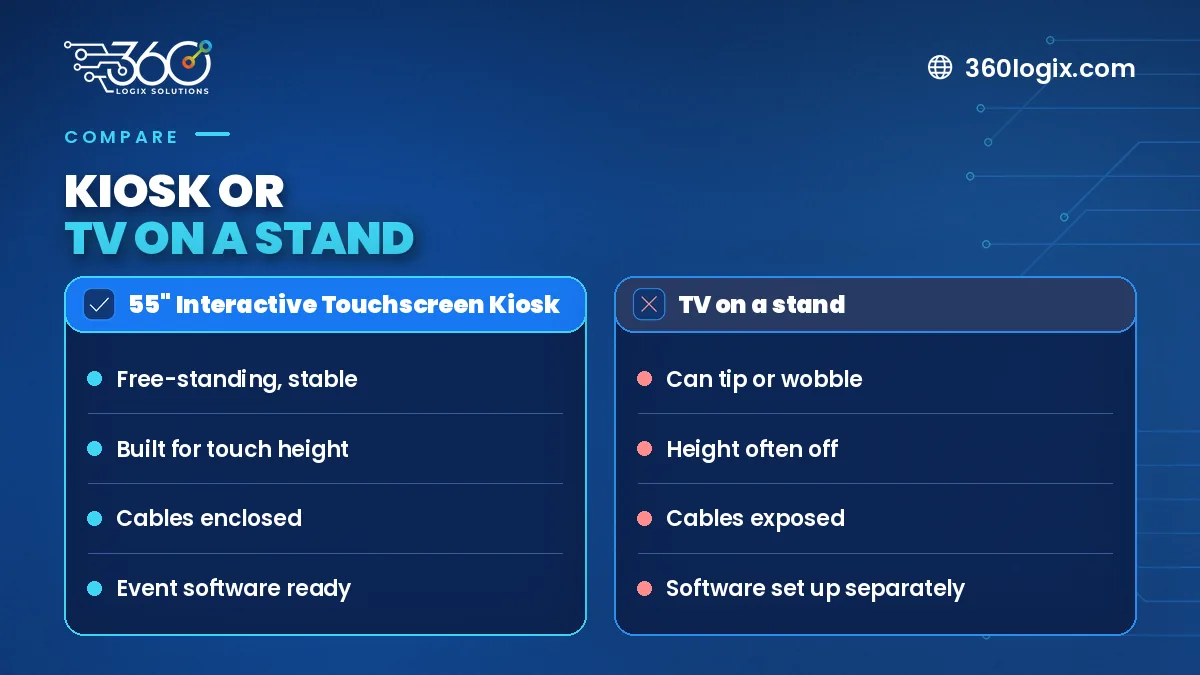
| TV on a stand | Interactive kiosk | |
|---|---|---|
| Stability | Can wobble when pushed | Weighted, free-standing body |
| Height and angle | Often too high or flat | Set for standing users |
| Computer and cables | Separate, often exposed | Hidden inside the enclosure |
| Look | Office equipment | Clean, branded unit |
| Software | Needs setup | Ready for kiosk apps |
Why stability and height matter
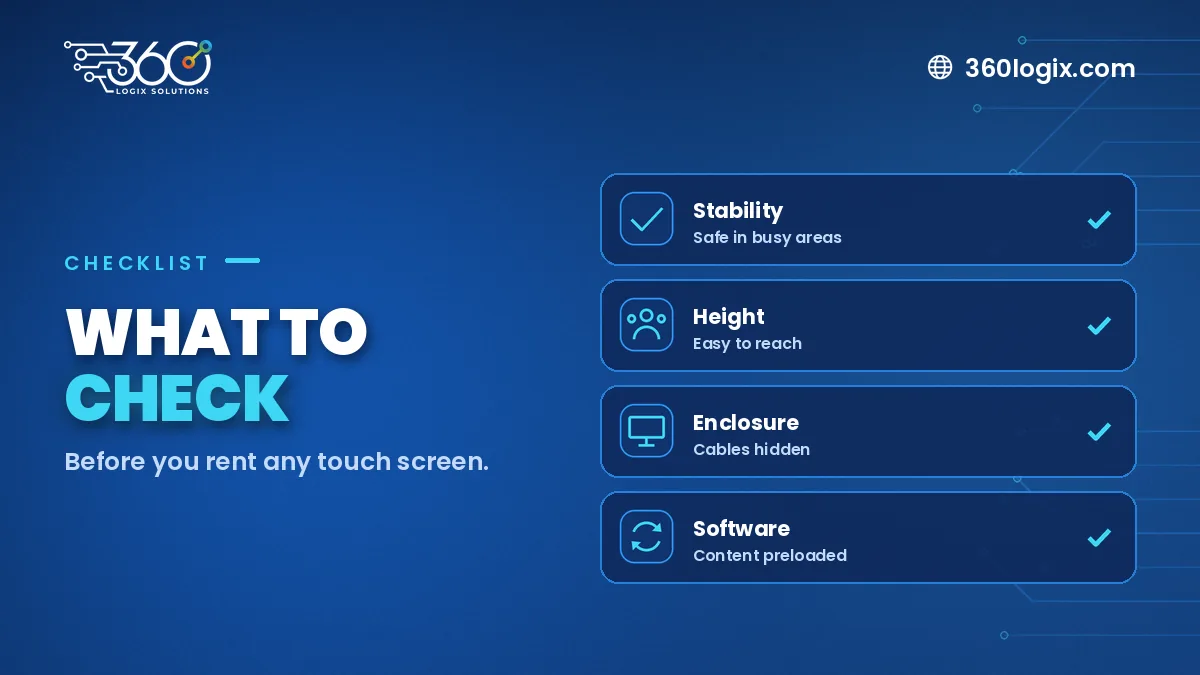
At a booth or registration area, people lean on screens, bump into them and let kids play with them. A unit that wobbles is a safety risk and makes guests hesitant. Height matters too: a screen at the wrong level is tiring to use and hard to read.
Enclosure and cables
With a TV setup, there's usually a laptop or mini PC behind the screen, plus power and HDMI cables. That's more to trip over and more to go wrong. A kiosk keeps the computer and wiring inside, so the setup stays tidy.
Software: Windows or Android
Our 55" kiosk comes in Windows or Android versions. Choose Windows for desktop software or browser-based check-in tools, and Android for app-based games and catalogs. Tell us what you'll run and we'll recommend one.
When a regular screen is enough
If nobody needs to touch it, you don't need a touch screen. For loops, schedules and sponsor messages, a display like an LED Poster or other screen is simpler.
FAQ
Do you rent touch screen TVs?
No. For touch use at events, we rent the 55" Interactive Touchscreen Kiosk.
Can we buy the kiosk?
We rent kiosks only. We don't sell them.
What's the rate?
₱10,000 per unit per day.
Rent the right touch screen
Request a 55" Interactive Touchscreen Kiosk quote with your event date and what guests will do on the screen.
Written by Paolo Reyes. Paolo Reyes is the CEO of 360 Logix Solutions Inc., a technology-driven marketing company with 15+ years in digital marketing, creatives, brand activations and events.
Related Articles
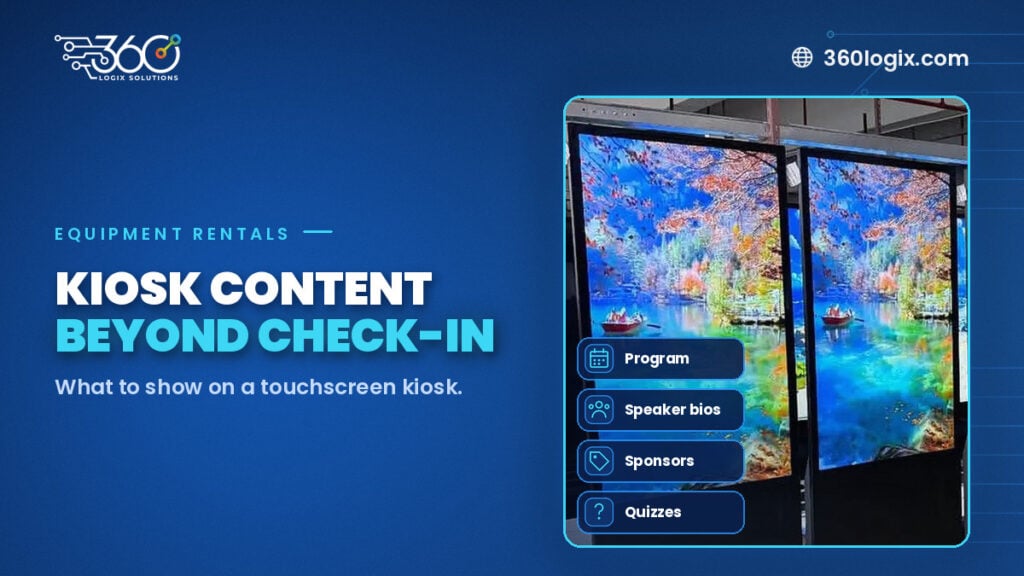
What to Show on a Touchscreen Kiosk at a Conference (Beyond Check-In)
Planning a touch screen kiosk rental for a conference? Content ideas beyond check-in: program, speaker bios, sponsor directory, maps, quizzes and lead forms.
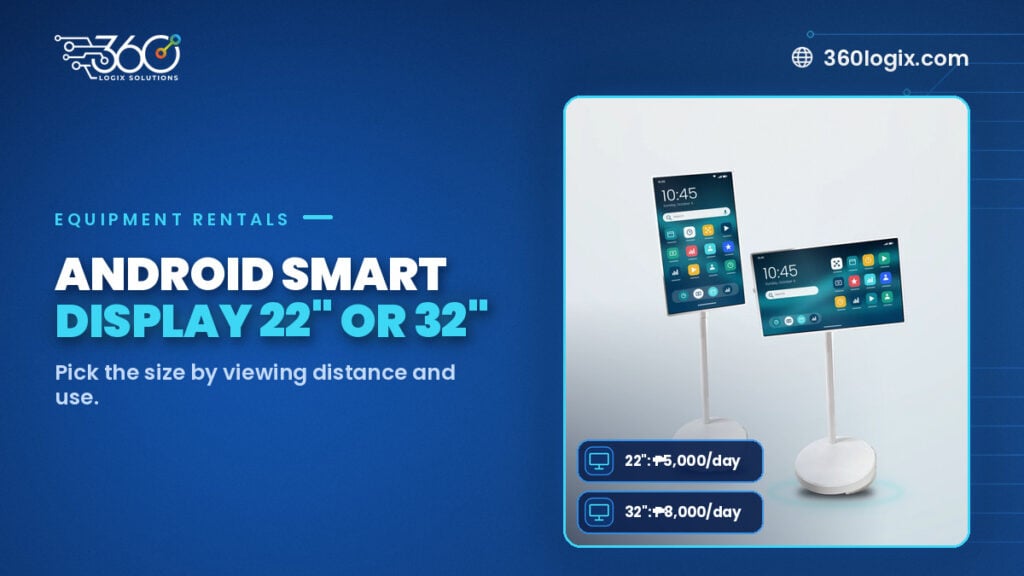
Android Smart Display 22 vs 32: Choosing the Right Size for Your Event
Android Smart Display 22 vs 32: compare the 22" (₱5,000) and 32" (₱8,000) per unit per day, for desks, booths and session doors.
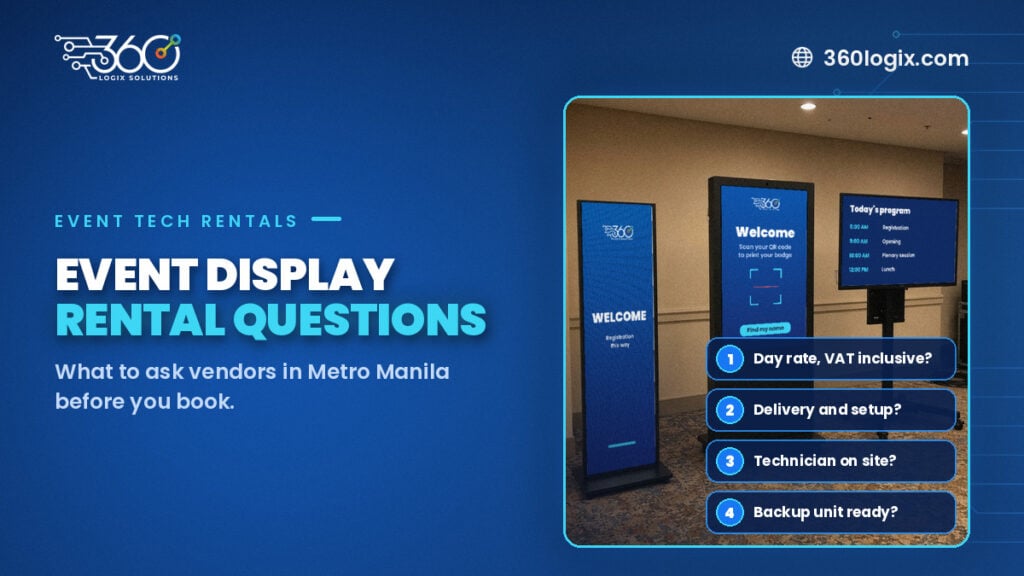
Questions to Ask Vendors for an Event Display Rental in Metro Manila
Questions to ask vendors for an event display rental: day rates, delivery, setup, technicians, backups, content, load-in and cancellation, before you book.