What to Show on a Touchscreen Kiosk at a Conference (Beyond Check-In)
Most organizers think of a kiosk as a check-in station. That's a great use, but once registration slows down, the same screen can keep working all day. With the right content, a touch screen kiosk rental becomes an info desk, a sponsor showcase and a lead capture point in one.
Here are content ideas that make a kiosk useful from opening to closing.
Quick answer: After check-in, use the kiosk for the event program, speaker bios, a sponsor directory, venue maps, quizzes or polls, and lead forms. Keep the home screen simple with four to six big buttons, and place the kiosk where people naturally pause.
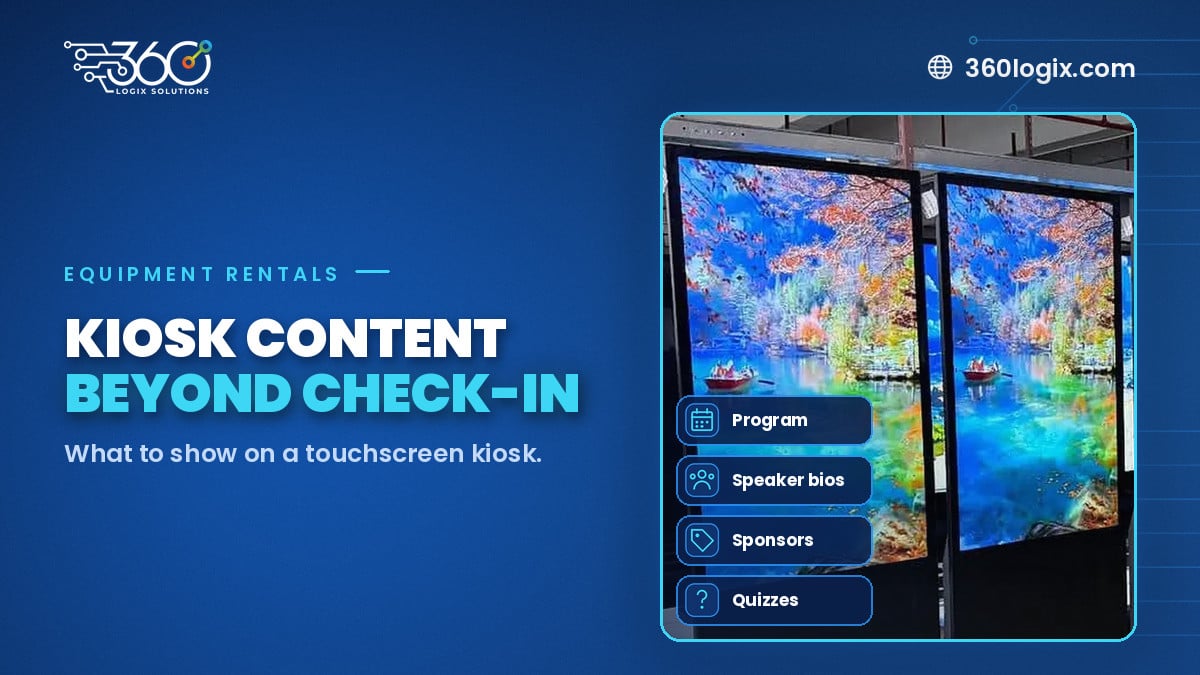
Table of Contents
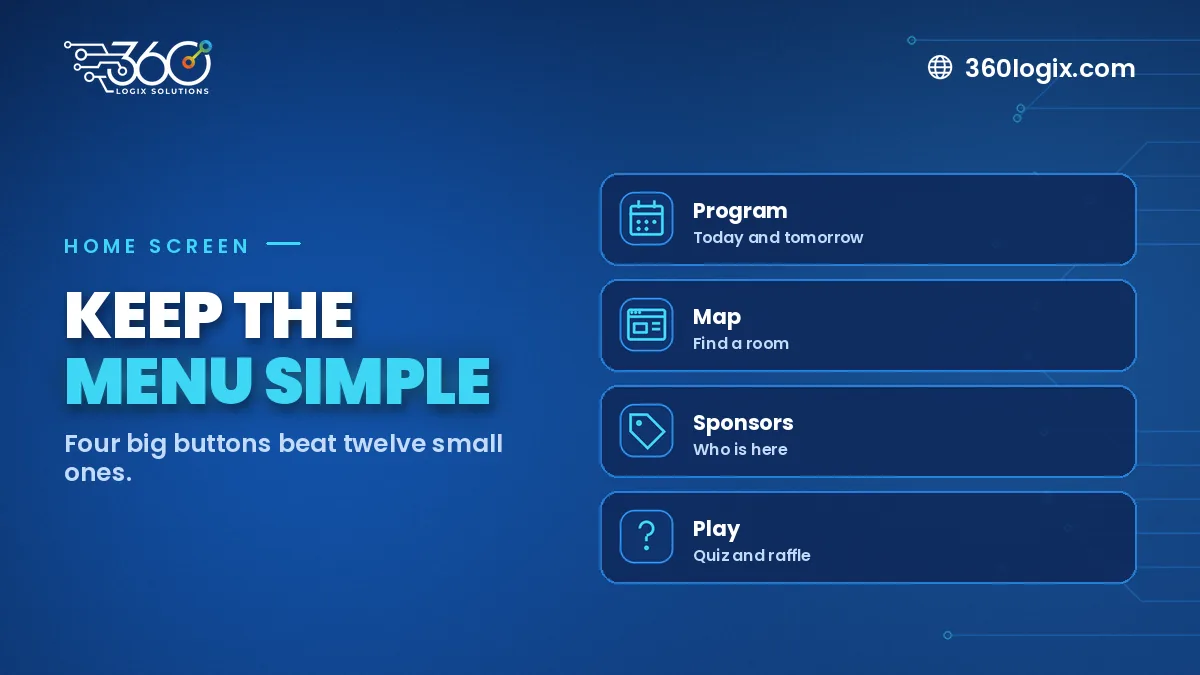
Start with a simple home screen
A kiosk is only useful if people understand it at a glance. Use four to six large buttons with clear labels such as "Program", "Speakers", "Sponsors" and "Map". Add a "Back to home" button on every page and set the screen to return home after a short idle time.
Content ideas beyond check-in
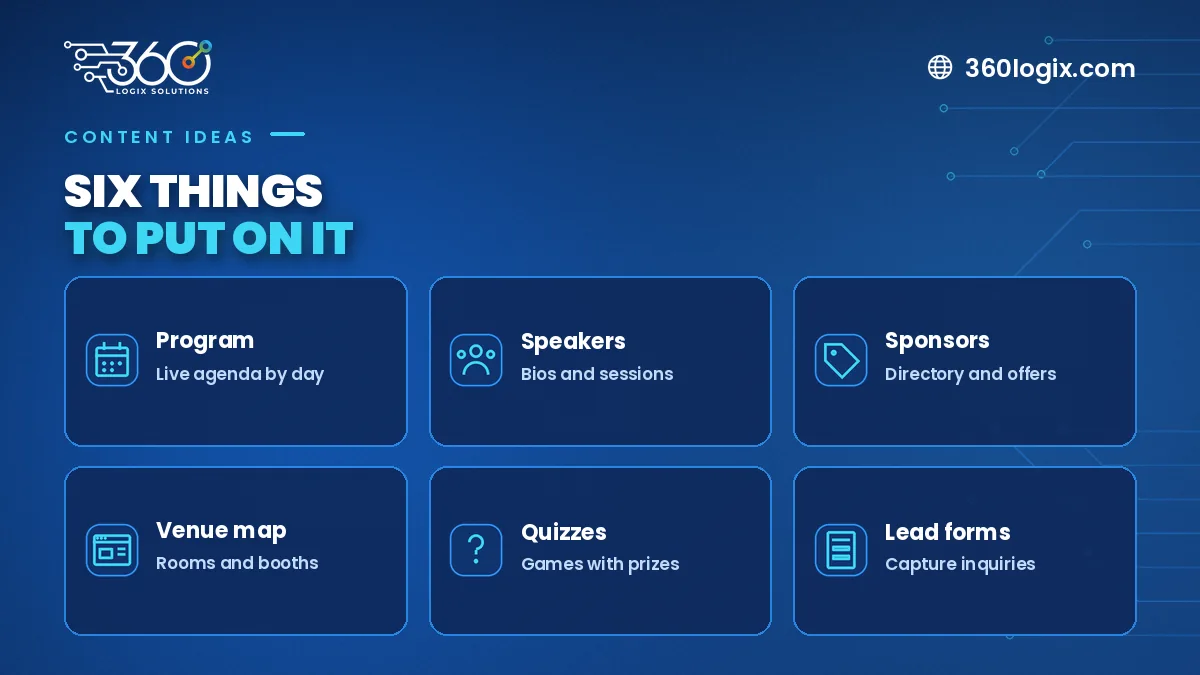
Event program
Show today's sessions by time and room. Update it if a talk moves, so attendees always see the latest version.
Speaker bios
A photo, title and short bio for each speaker, linked to their session time. Attendees use this to decide which talks to join.
Sponsor directory
Give every sponsor a page with their logo, a short description and booth number. It's an easy add-on value for sponsorship packages.
Venue map
A tap-to-find map of session halls, booths, restrooms and food areas cuts down repeat questions at the help desk.
Quizzes and polls
Short quizzes on the event theme, or polls that feed into a session, keep people engaged. A prize at the end helps.
Lead forms
Let attendees request a brochure, book a demo or join a mailing list. Make sure you include a clear consent line.
Where to place the kiosk
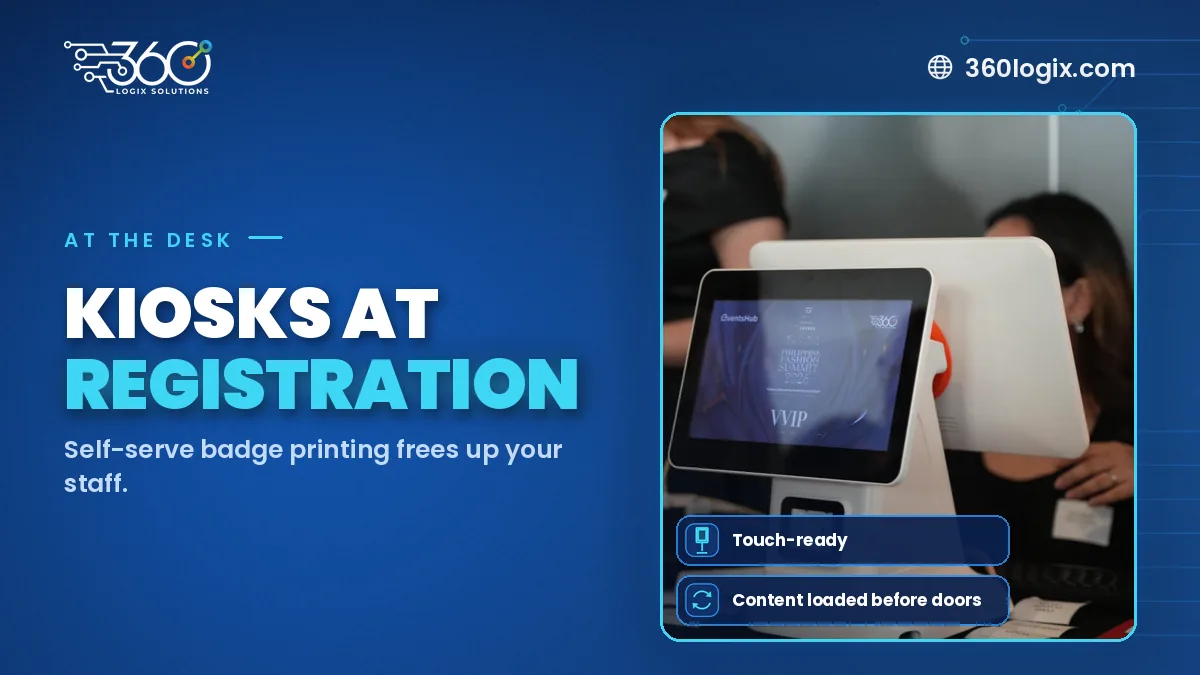
- Near registration, for check-in and first questions
- In the main foyer, where people wait between sessions
- By the coffee area, where people pause
- Along booth aisles, for the sponsor directory
Check-in still matters
If you're using the kiosk for self check-in too, read our guide to self check-in kiosks for events. You can also see how a kiosk worked as a public info point in our tourism kiosk case study.
A content prep checklist
- Final program with times and rooms
- Speaker photos and short bios
- Sponsor logos and booth numbers
- Venue map
- Quiz questions or poll options
- Consent text for any forms
FAQ
How much is a kiosk rental?
Our 55" Interactive Touchscreen Kiosk is ₱10,000 per unit per day, VAT inclusive.
Windows or Android?
Both are available. Tell us what software or content you plan to run and we'll suggest the best fit.
Can you build the kiosk content?
Yes. Our creatives team can design the screens from your program and branding.
Book a kiosk for your conference
Request an Interactive Touchscreen Kiosk quote with your dates and what you want to show, and we'll help you plan the content.
Written by Paolo Reyes. Paolo Reyes is the CEO of 360 Logix Solutions Inc., a technology-driven marketing company with 15+ years in digital marketing, creatives, brand activations and events.
Related Articles
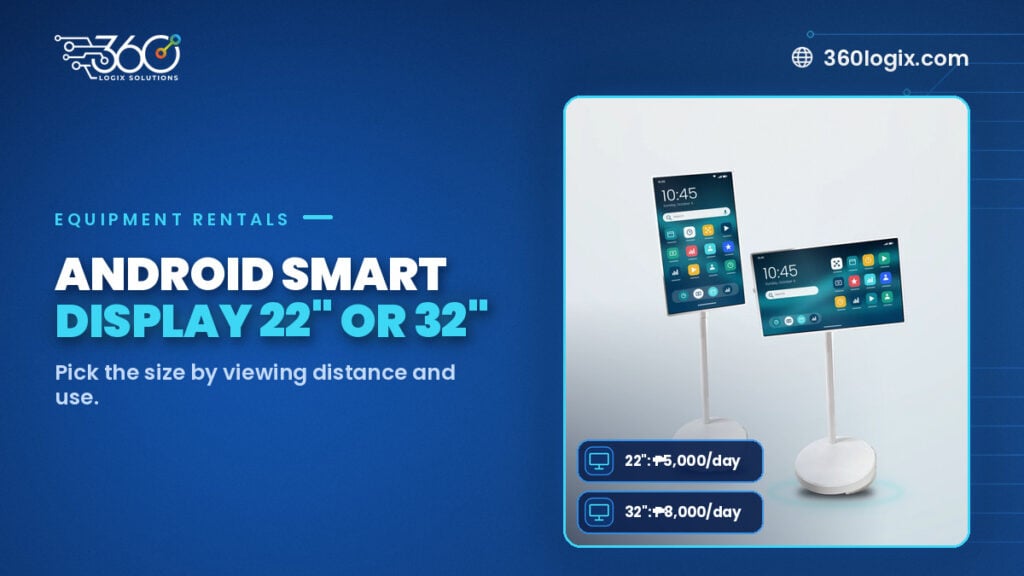
Android Smart Display 22 vs 32: Choosing the Right Size for Your Event
Android Smart Display 22 vs 32: compare the 22" (₱5,000) and 32" (₱8,000) per unit per day, VAT inclusive, for desks, booths and session doors.
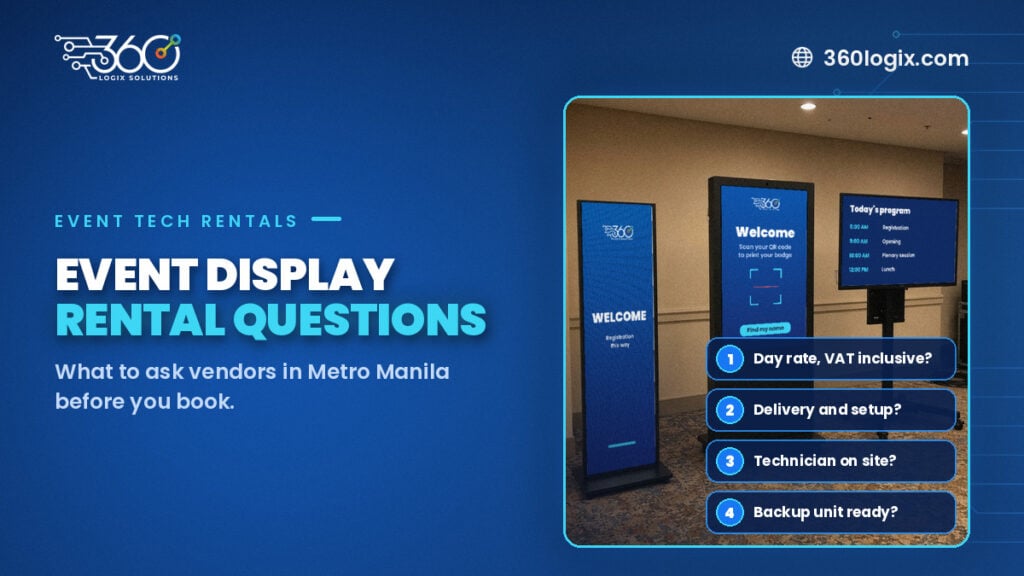
Questions to Ask Vendors for an Event Display Rental in Metro Manila
Questions to ask vendors for an event display rental: day rates, delivery, setup, technicians, backups, content, load-in and cancellation, before you book.
How Much Does Event Tech Cost to Rent? Prices and Honest Answers
Event tech rental cost in Metro Manila: VAT-inclusive per-day rates for LED Posters, TV displays and kiosks, and how to get a clear quote.