Reels for B2B Brands: Short-Form Video Formats That Fit a Business Feed
Many B2B teams treat Reels as something for fashion brands and food bloggers. Short, vertical video feels too casual for a company that sells software, services, medical products or event tech. So the business page keeps posting static graphics while competitors quietly show up in more feeds with simple, useful videos.
Reels for business don't have to be trendy dances or expensive productions. The formats that fit a business feed are practical: a quick explanation, a look behind the scenes, an answer to a customer's question, a recap of an event. Most can be filmed with a phone, a small mic and someone on your team who knows the subject.
Quick answer: Start with four formats: short explainers, behind-the-scenes clips, answers to real customer questions and event recaps. Film vertically on a phone with decent light and clear audio, add captions, and keep each video focused on one idea.
Table of Contents
Why short-form video fits B2B
B2B buyers are still people scrolling on their phones. They watch short videos between meetings, on commutes and at home. A Reel that explains something useful in under a minute can introduce your team and expertise to people who would never open a brochure.
Short video also puts faces to your company. In B2B, people buy from people they trust, and a few seconds of your team explaining their work builds more familiarity than another logo graphic.
Four Reels formats that work for business
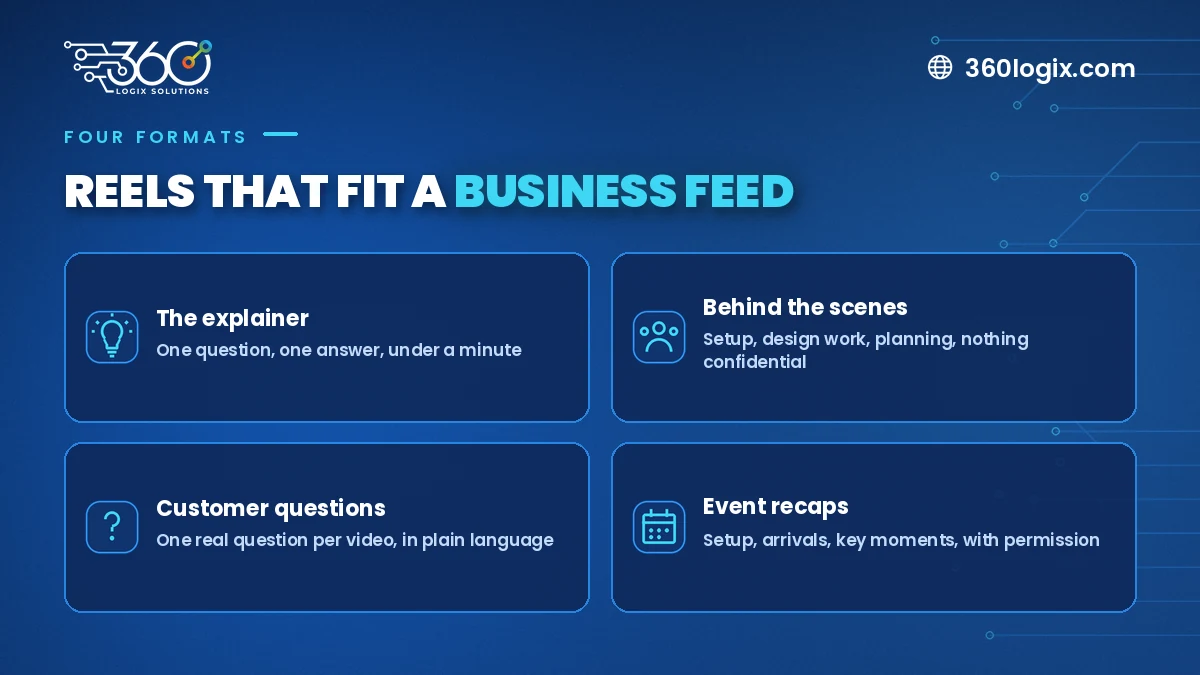
1. The explainer
One question, one answer, under a minute.
- "What's the difference between an LED Poster and a tarp?"
- "What does full SEO setup on a website actually include?"
- "How does QR check-in work at a convention?"
Film someone from your team talking to the camera, with simple text on screen for the key points. If you can't explain it in a minute, split it into a series.
2. Behind the scenes
Show the work people don't usually see.
- Setting up a booth or event venue the night before (our event setup checklist is full of moments worth filming)
- A designer building a key visual, sped up
- The team planning a campaign on a whiteboard (with client details hidden)
Behind-the-scenes clips feel honest and are easy to film because the work is already happening. Just make sure nothing confidential is visible.
3. Customer questions
Your sales and support teams hear the same questions every week. Each one is a Reel.
- Collect questions from emails, chats and calls.
- Answer one per video, in plain language.
- Start with the question as on-screen text so viewers know right away what they'll learn.
This format also helps your sales team, who can send the video when the question comes up again.
4. Event recaps
If your company runs or joins events, conferences or activations, a short recap shows energy and scale without long text.
- Capture a few clips: setup, arrivals, key moments, the booth or stage.
- Keep it short and set to music that fits your brand.
- Get permission before featuring identifiable guests, and follow the event's own rules on filming.
Filming without a big crew
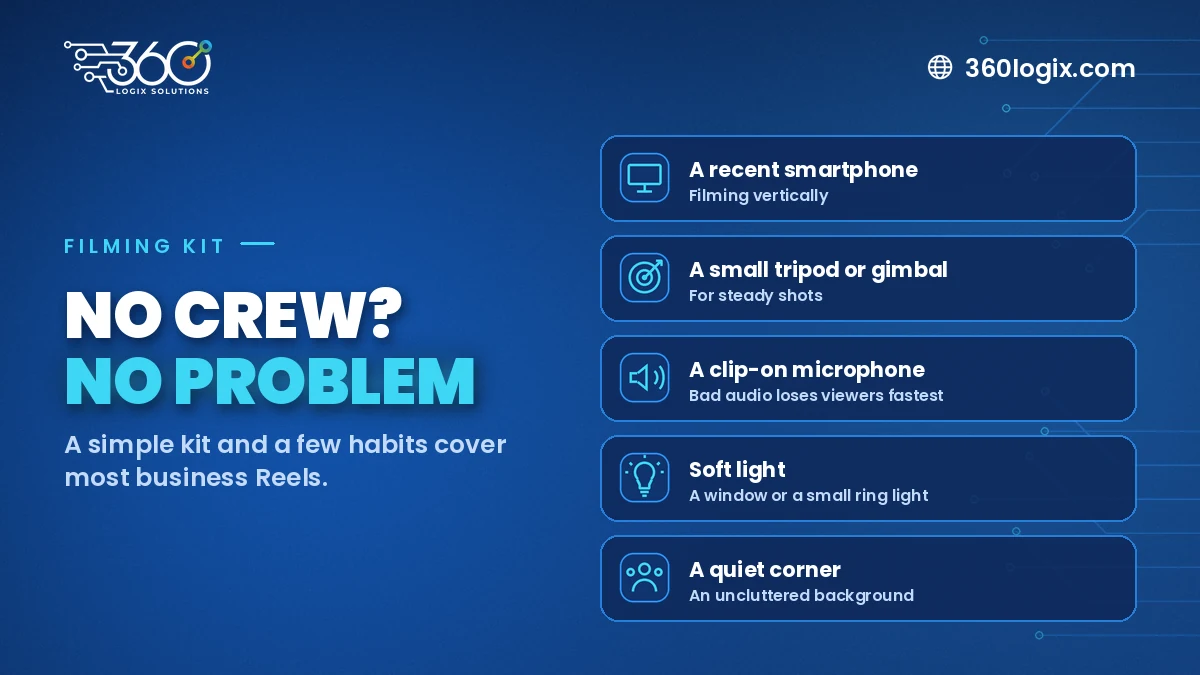
You don't need a production house for most of these. A simple kit goes a long way:
- A recent smartphone, filming vertically
- A small tripod or gimbal, for steady shots
- A clip-on microphone, because bad audio makes people scroll away faster than bad video
- Soft light, from a window or a small ring light
- A quiet corner in the office with an uncluttered background
Then a few habits:
- Hook in the first seconds. Open with the question or the most interesting shot.
- Add captions. Many people watch with the sound off.
- Keep your branding light. A small logo or brand colors in the text. No long intro animation.
- Batch your filming. Record several videos in one session to save setup time.
Planning a simple Reels calendar
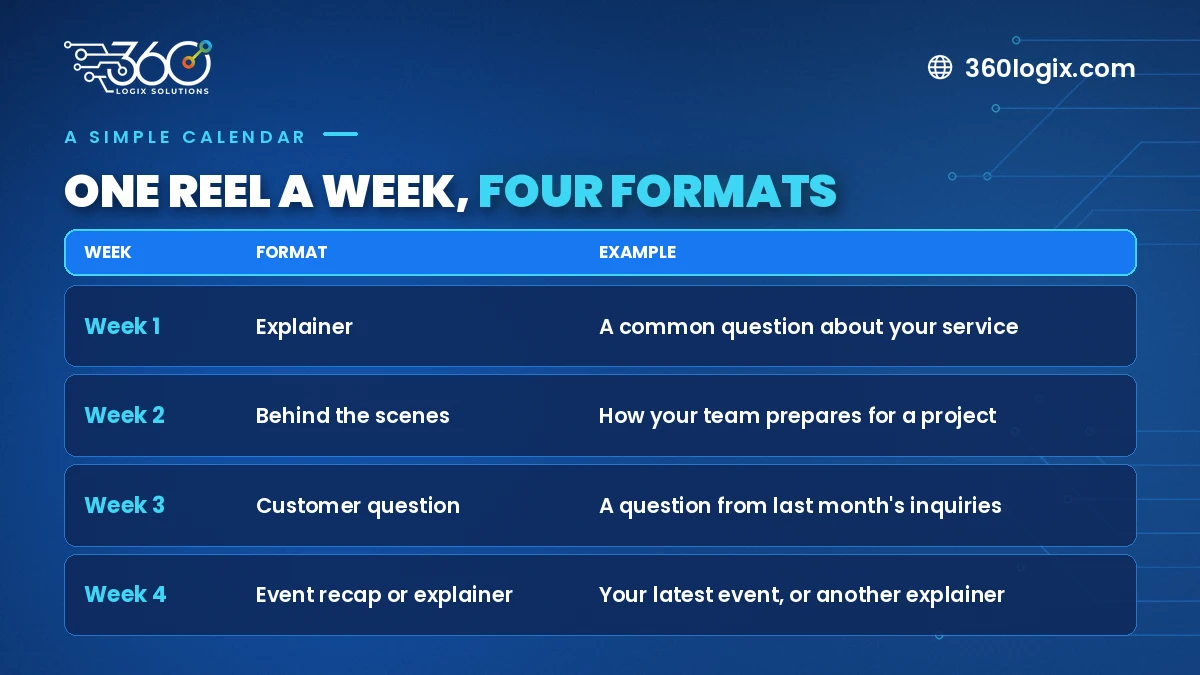
Pick a realistic rhythm you can keep, even if it's one Reel a week, and rotate the formats:
| Week | Format | Example |
|---|---|---|
| 1 | Explainer | A common question about your service |
| 2 | Behind the scenes | How your team prepares for a project |
| 3 | Customer question | A question from last month's inquiries |
| 4 | Event recap or explainer | Your latest event, or another explainer |
For teams working across the Philippines and the region, consider adding subtitles in the main languages your audience uses.
FAQ
How long should a business Reel be?
Long enough to make one point clearly. For most explainers and tips, under a minute works well. Recaps can be shorter.
Do we need professional video editing?
Not for every Reel. Simple phone edits work for many formats. For campaign videos, event recaps or a consistent branded look, a creative team can help with editing and motion graphics.
Should we post the same Reel on Facebook, Instagram and LinkedIn?
You can reuse vertical videos across platforms, but adjust the caption and the first line of text for each audience.
What if our team is camera-shy?
Start with behind-the-scenes clips and screen recordings with a voice-over. Talking to camera gets easier with practice.
Want help turning ideas into Reels?
The 360 Logix Creatives Studio plans, films and edits short-form video for B2B brands, from simple explainers to event recaps, as part of a technology-driven marketing company with 15+ years behind it. Book a Discovery Call with our Creatives Studio and we'll help you map out your first month of Reels.
Related Articles
Christmas Campaign Creative Kit: Key Visuals, Templates and Video Cutdowns to Prepare Now
Build one Christmas campaign key visual, then turn it into social, ads, email, screen and print versions before the December rush. A practical creative kit list.
In-House Designer vs Agency vs Creative as a Service: Which Does Your Team Need?
In-house designer vs agency: compare control, speed and workload, see where Creative as a Service fits, and find out when your team needs outside design help.
Meta Ads for the Holiday Season: Audiences, Creatives and Budget Pacing for Q4
Plan a Facebook ads Christmas campaign: structure prospecting and retargeting, refresh creatives weekly and pace a fixed budget across November and December.