Christmas Campaign Creative Kit: Key Visuals, Templates and Video Cutdowns to Prepare Now
By the second week of December, most creative teams are no longer designing. They're resizing. The Facebook post needs a story version, the ad needs three more sizes, the lobby screen needs a portrait cut, and someone just asked for an email header. When every piece is designed separately, the campaign starts to drift: slightly different colors, a different headline here, a new font there.
The fix is to start with one strong Christmas campaign key visual and build everything else from it. Here's what that kit should include, and why early November is the right time to make it.
Quick answer: Lock one key visual (image, headline, colors and type) by mid-November. Then produce a template set for social and ads, an email header, screen and print versions, and a few short video cutdowns from the same assets. One source, many sizes, one look.
Table of Contents
What a key visual is, and why one is enough
A key visual is the main image of a campaign: the scene, the headline treatment, the colors and the layout rules that every other piece follows. Think of it as the "parent" design. Every post, banner and screen loop is a child of it.
Teams often skip this step and design each piece as it's requested. It feels faster at first. By December, it's slower, because every new request starts from a blank page and every approval round starts from zero.
With one approved key visual, most of the holiday work becomes adaptation. That's quicker to produce, easier to approve and much more consistent for your audience.
What goes into a Christmas creative kit
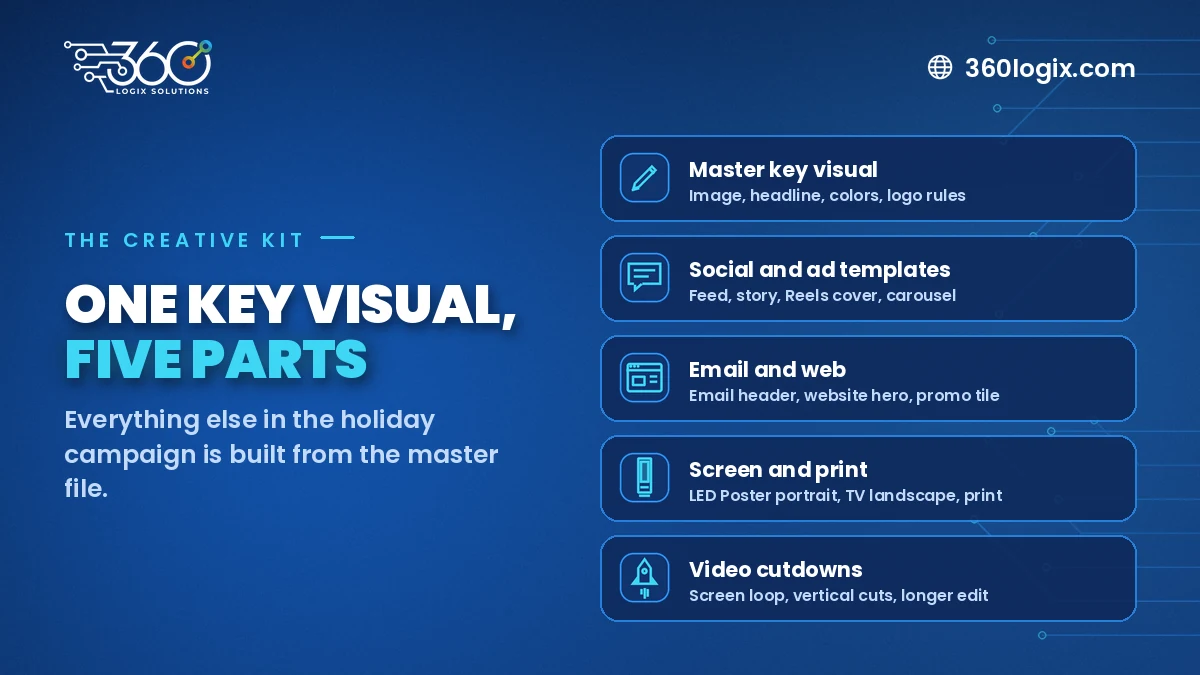
Here's the kit we'd build for a typical brand running a holiday campaign across social, ads, email and on-site screens.
1. The master key visual
- Hero image or illustration, with layered source files
- Headline and subline, in final approved wording
- Color palette, including your brand colors and any seasonal accents
- Logo placement rules and safe areas
2. Social and ad templates
- Feed post (square and portrait)
- Story and Reels cover (vertical)
- Ad sizes for the platforms you actually run, with space for changing offers
- A carousel layout, if you use them
3. Email and web
- Email header and a simple footer banner
- Website hero banner and a smaller promo tile
- A landing page header, if the campaign has its own page
4. Screen and print
- Portrait version for an LED Poster or lobby screen (see our LED Poster size and content rules)
- Landscape version for TVs and presentation decks
- Print versions for standees, posters or tarps, with bleed
5. Video cutdowns
- A short loop for screens (no sound needed)
- Vertical cuts for Reels and stories
- A slightly longer version for YouTube or a client email
Build once, resize smart
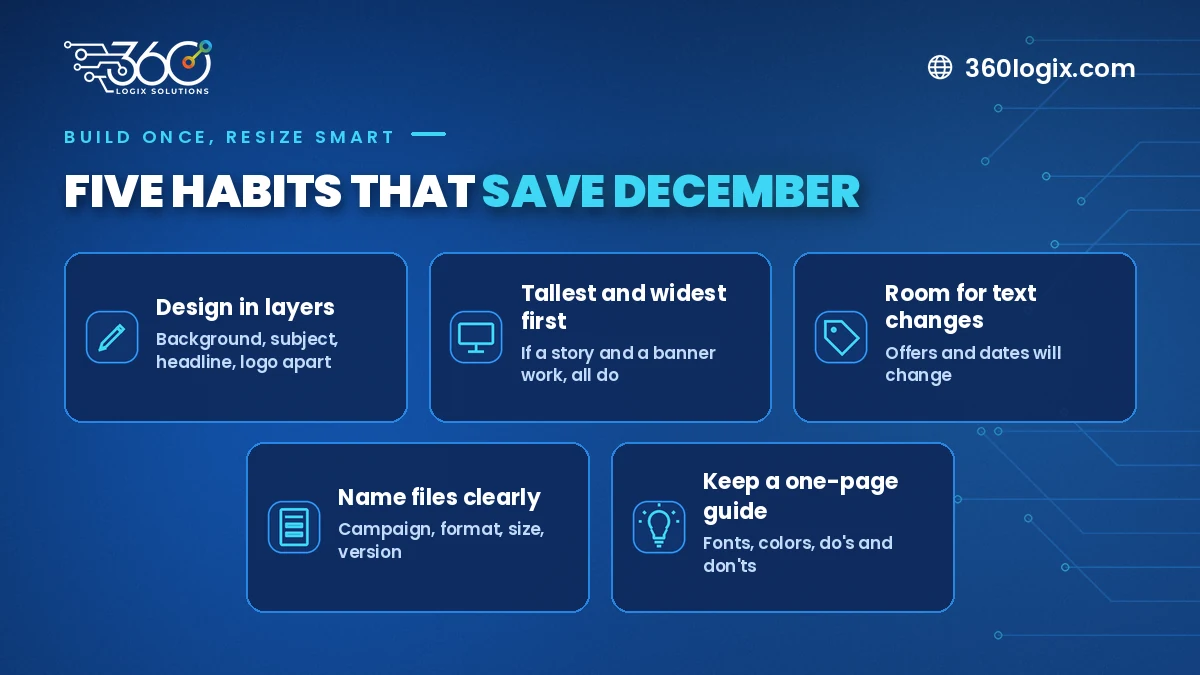
The way you build the master file decides how painful December will be.
- Design in layers. Keep the background, subject, headline and logo on separate layers so they can move independently for each size.
- Plan for the tallest and widest formats first. A vertical story and a wide web banner are the hardest to fit. If the key visual works in both, it'll work everywhere.
- Leave room for text changes. Offers, dates and CTAs will change. Make sure a longer line won't break the layout.
- Name files clearly. Campaign, format, size and version. It saves hours when someone asks for "the story one from last week".
- Keep a one-page guide. Fonts, colors, do's and don'ts. Anyone on your team or an outside partner, such as an on-call creatives-as-a-service team, can then produce on-brand pieces.
When to start: a simple timeline
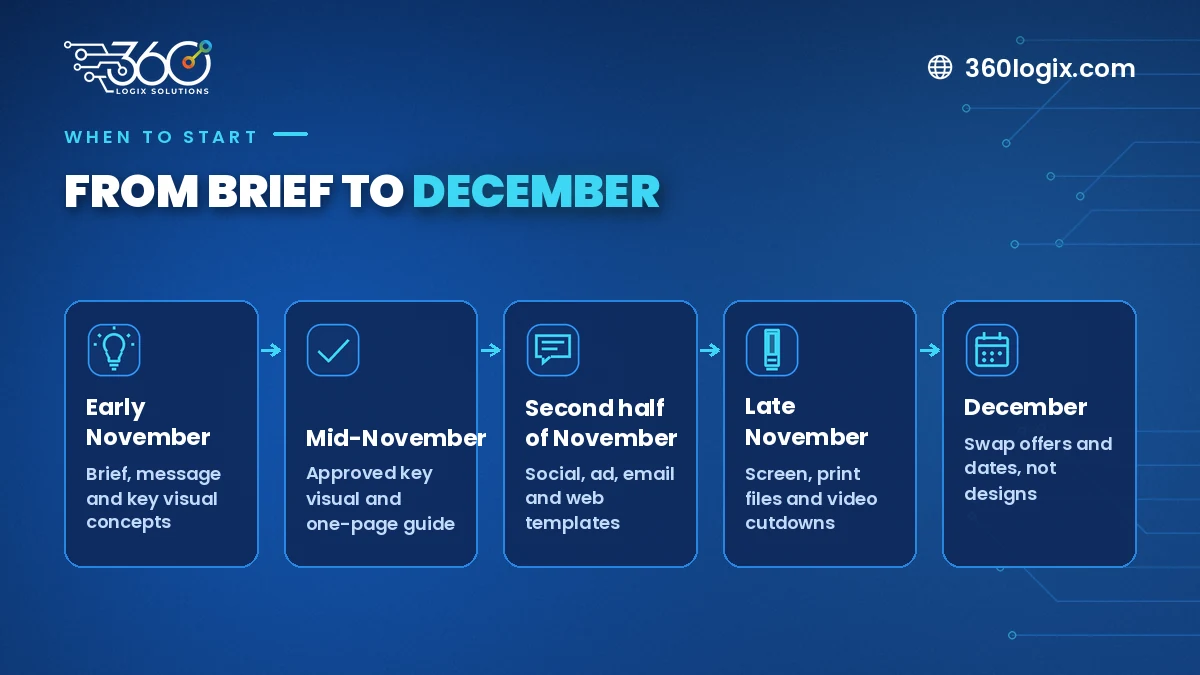
| When | What to finish |
|---|---|
| First week of November | Brief, campaign message and key visual concepts |
| Mid-November | Approved key visual and one-page guide |
| Second half of November | Social, ad, email and web templates |
| Late November | Screen, print files and video cutdowns |
| December | Swap offers and dates, not designs |
If your campaign also runs in other markets across the region, add a step for translated headlines and local holiday dates. Text length changes with language, so test the longest version early.
Common mistakes to avoid
- Approving the key visual on a phone screen only. Check it large and small before you sign off.
- Using a generic stock Christmas image. Your audience has probably seen it on other pages already. A custom scene, even a simple one, makes the campaign feel like yours.
- Forgetting motion. Static posts are fine, but screens and Reels need movement. Plan which layers will animate before you lock the file.
- Leaving print to the last week. Printers get busy in December. Send print files early.
FAQ
How early should we start our Christmas campaign key visual?
Early November is ideal. It gives you time for concepts and approvals before resizing starts, and keeps December for publishing rather than designing.
Can we reuse last year's Christmas design?
You can refresh it. Keep what worked, update the headline and offer, and check that it still matches your current brand. A full redesign isn't always needed.
Do we need video for a holiday campaign?
It helps, especially for Reels, stories and screens. Short cutdowns made from your key visual layers are usually enough, without a full video shoot.
Can an outside team build the kit if we have an in-house designer?
Yes. Many teams have their designer own the key visual while an outside creative team handles resizing and video cutdowns during the busy weeks.
Get your holiday creative kit ready before December
The 360 Logix Creatives Studio builds key visuals, templates, screen loops and video cutdowns for brands that want one consistent look across every channel. As a technology-driven marketing company with 15+ years behind us, we plan creatives around where they'll actually run. Book a Discovery Call with our Creatives Studio and tell us what your holiday campaign needs.
Related Articles
All Saints’ Day (Undas) and Your Brand: How to Post Respectfully, or Not at All
Planning an Undas social media post for business? When a quiet message beats a promo, what to pause over the long weekend, and how to set it up in your calendar.
The Debrief Questions We Ask After Every Event (and What October Taught Us)
The event debrief questions we ask after every event, the process lessons October taught us, and what to plan for before November and December get busy.
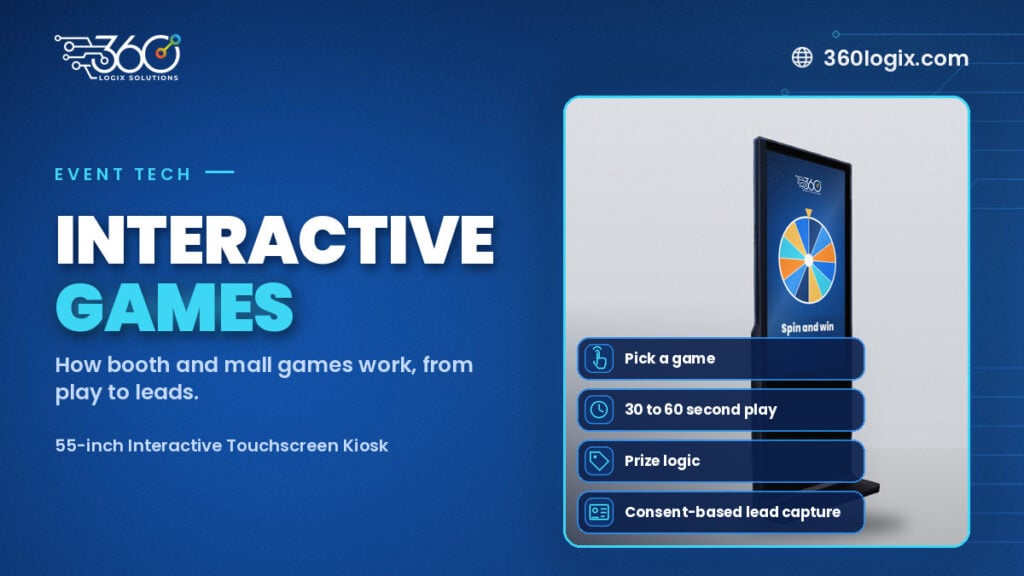
Interactive Games for Brand Activation: How They Work
How interactive games for brand activation work at booths and malls: the game picker, 30 to 60 second play, prize logic, consent-based lead capture and setup.