LED Poster Size, Formats and Simple Rules for Designing Content
Nobody stands in front of an LED Poster and reads it like a brochure. They glance at it while walking to the plenary hall, coffee in hand, maybe from across a lobby. So LED poster size and shape matter, but the bigger problem is the content. Most bad LED content we see is a print file squeezed onto a screen. Here's how to design for how people actually look at these units.
Quick answer: Design for a tall, standee-shaped screen and get the exact resolution and file specs from your supplier before anyone opens a design file. Then keep it simple: one message per slide, few words, big type, strong contrast, safe margins, short silent loops and logos large enough to read from a distance.
Table of Contents
LED poster size: what shape is it, and what resolution should content be?
The LED Poster is a slim, freestanding digital display shaped like a standee. That shape is the first design rule: you're designing tall, not wide. A landscape slide from your keynote deck will either shrink into a strip in the middle or get cropped.
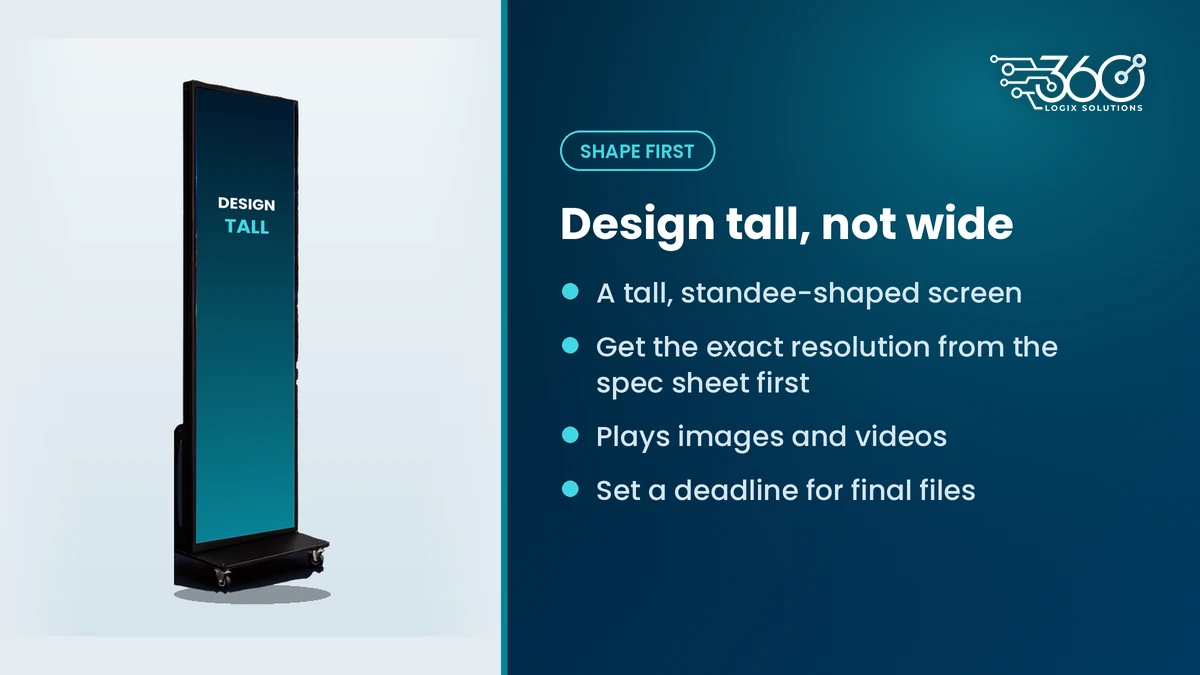
For LED poster resolution, file formats and file size limits, don't guess and don't copy numbers from a random spec page online. Those vary by unit and by supplier. Ask for the current spec sheet before design starts. For our units, we send it on request, and you can read more about the LED Poster on our displays page.
Here's what to collect on LED poster size and specs before you design:
| Spec | Why it matters | Where to get it |
|---|---|---|
| Shape and orientation | Tall standee shape, so design tall, not wide | Confirmed: standee-style |
| Resolution (pixel size of the canvas) | Wrong canvas size means stretching, blur or black bars | Ask us for the current spec sheet |
| Content types | The unit plays images and videos | Exact accepted formats on the spec sheet |
| File size limits | Big files can fail to load or stutter | Ask us for the current spec sheet |
| Loop length and slide timing | Sets how many slides fit in a rotation | Agree with us when you plan the loop |
| Deadline for final files | Gives time to test on the real unit | Set in your run sheet |
Why print designs fail on screens
A print standee is designed for someone standing still, close up, with time to read. An LED Poster is read on the move. That changes everything.
- Too many words. Print files carry paragraphs, bullet lists and fine print. On a screen, people catch one line before they've walked past.
- Small type. Text that looks fine on an A4 proof disappears from a few steps back.
- Low contrast. Pastel text on a pale photo works on glossy paper. On a bright screen in a well-lit hallway, it washes out.
- Wrong shape. Print sizes rarely match the screen, so files get stretched or cropped.
- Tiny logos. Sponsor strips with a dozen small logos read as noise.
The fix isn't a better print file. It's designing for the screen from the start.
LED poster design rules
Treat each slide like a billboard, not a flyer. These rules cover most of what goes wrong.
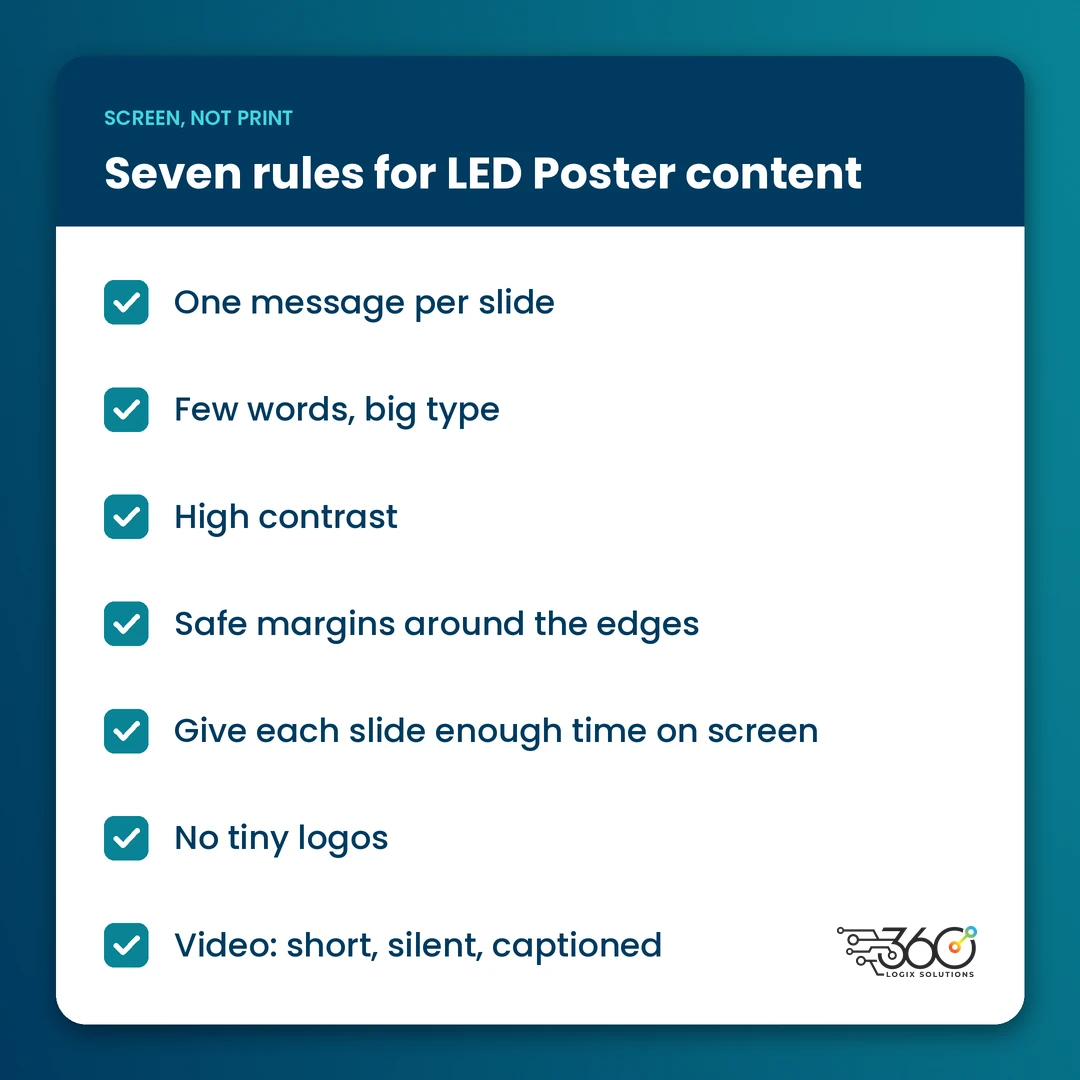
One message per slide
"Plenary Hall this way" is a slide. "Welcome, here's the schedule, the Wi-Fi password and our three sponsors" is four slides. Split them.
Few words, big type
If you can't read it out loud in one breath, cut it. Use a bold, plain typeface and make the main line much bigger than you think it should be. Skip thin fonts and script.
High contrast
Light text on a dark background, or dark on light, with nothing busy behind the words. If you're placing text over a photo, darken or blur the photo first.
Safe margins
Keep text and logos away from the edges. Edges are where content is most likely to get cropped or sit too close to the frame.
Slide duration
Give each slide long enough to be read twice by someone walking past. Fewer slides in a loop means each message comes back sooner, which matters more than squeezing in one more.
No tiny logos
Give each sponsor their own slide, or a small number of large logos per slide. A sponsor who can't find their logo will tell you.
Video: short, silent, captioned
Video works well on an LED Poster when it's short and makes sense with the sound off. In a busy hallway, nobody hears audio anyway, so design every video as if it's muted. If there's speech, add big captions. Keep motion simple: a slow reveal of the main line reads better than fast cuts.
A quick test before you send anything: show the slide on your phone held at arm's length for a few seconds, then look away. If you can't say what it said, simplify.
Digital signage content ideas for events
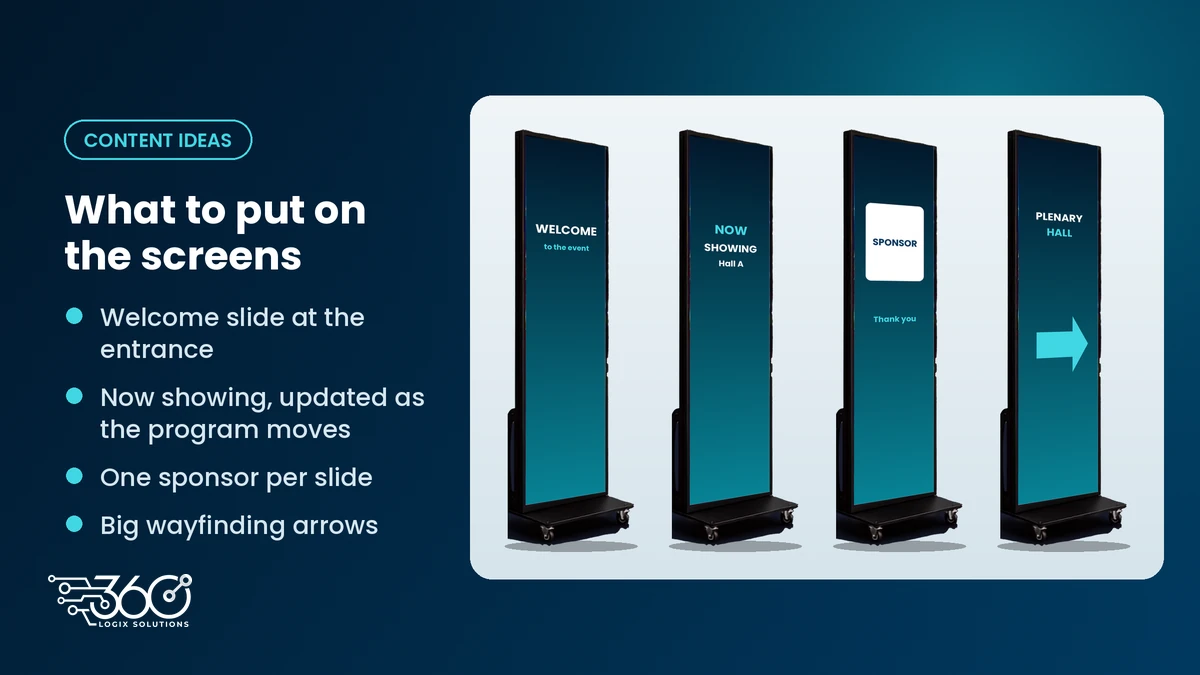
Not sure what to put on the screens? These digital signage content ideas cover most event days:
- Welcome slide: event name and one line, at the entrance or registration.
- Schedule and "now showing": current session and room, updated as the program moves.
- Sponsor rotation: one sponsor per slide, on a short loop.
- Wayfinding arrows: "Plenary Hall" with a big arrow beats a full floor map.
- Break and reminder slides: lunch location, certificate pickup or the event hashtag.
- Stage-side slide: the event title or current speaker between talks.
Because content can be changed any time, even mid-event, you don't have to get it perfect weeks ahead. You just have to get the template right.
Give sponsors the spec sheet early
Sponsor files are where most last-minute trouble comes from. Send sponsors the spec sheet and a deadline when they confirm, not the week of the event. Ask for logos as high-quality files and short silent videos. For more ways to give sponsors real visibility, see our sponsor activation ideas with LED Posters.
If your team doesn't have time to rework every file, our LED Poster content design services can build welcome screens, sponsor loops and wayfinding slides sized for the unit, and fix the files that arrive in the wrong shape.
FAQ
What file format does an LED Poster play?
LED Posters play images and videos. Exact accepted formats, resolution and file size limits depend on the unit, so ask your supplier for the current spec sheet before design starts. For our LED Poster, we'll send it on request and check your files on the real unit before event day.
Can LED Posters play video with sound?
Design as if they can't. LED Posters usually sit in hallways, lobbies and booths where background noise drowns out audio, and people only glance for a few seconds as they pass. Use captions for any speech and let the visuals carry the message. If audio really matters, plan it on the main stage instead.
How long should each slide show?
Long enough for someone walking past to read it twice. The fewer words on the slide, the shorter it can be. Keep the whole loop short so important messages, like wayfinding or the next session, come back often. We'll help you set timings when we plan the loop with you.
Can we change the content during the event?
Yes. Content on our LED Posters can be changed any time, even mid-event. Our technician loads updates as your program changes, so a moved session or a new sponsor slide doesn't need a reprint.
Send us your content for a check
We've been running event screens for 15+ years, and the easiest fix is always the one made before event day. Send us your content for a check: book a call, share your draft slides, and we'll tell you what will read well on an LED Poster and what needs another pass.
Related Articles
Questions to Ask Vendors for an Event Display Rental in Metro Manila
Questions to ask vendors for an event display rental: day rates, delivery, setup, technicians, backups, content, load-in and cancellation, before you book.
Meet the Crew: Event Production Team Roles at a 360 Logix Event
Event production team roles at a 360 Logix event: project lead, technicians, registration staff, creatives and stream operator, and how we work with you.
Event Budget Breakdown: What Event Tech to Rent, What to Skip
An event budget breakdown for tech: what to rent (sound, main screen, registration), what depends, what to skip, and how to read a per-unit, per-day quote.