11.11 Sale Marketing Checklist for SMEs: Ads, Landing Pages and Tracking
11.11 is one of the biggest online shopping days in the Philippines and across Southeast Asia, and it isn't only for the big marketplaces anymore. Plenty of SMEs now run their own 11.11 offers on their websites and social pages. The ones that do well usually aren't the ones with the biggest discounts. They're the ones that had everything working before the day started.
This checklist is for the week before. It covers the four things that most often go wrong: the offer page, tracking, ad schedules and the practical details customers ask about.
Quick answer: A week before 11.11, finalize one clear offer page, test your pixel and conversion tracking end to end, schedule ads with a start and stop time, and update stock, delivery and FAQ details. Then do a full test purchase or inquiry yourself.
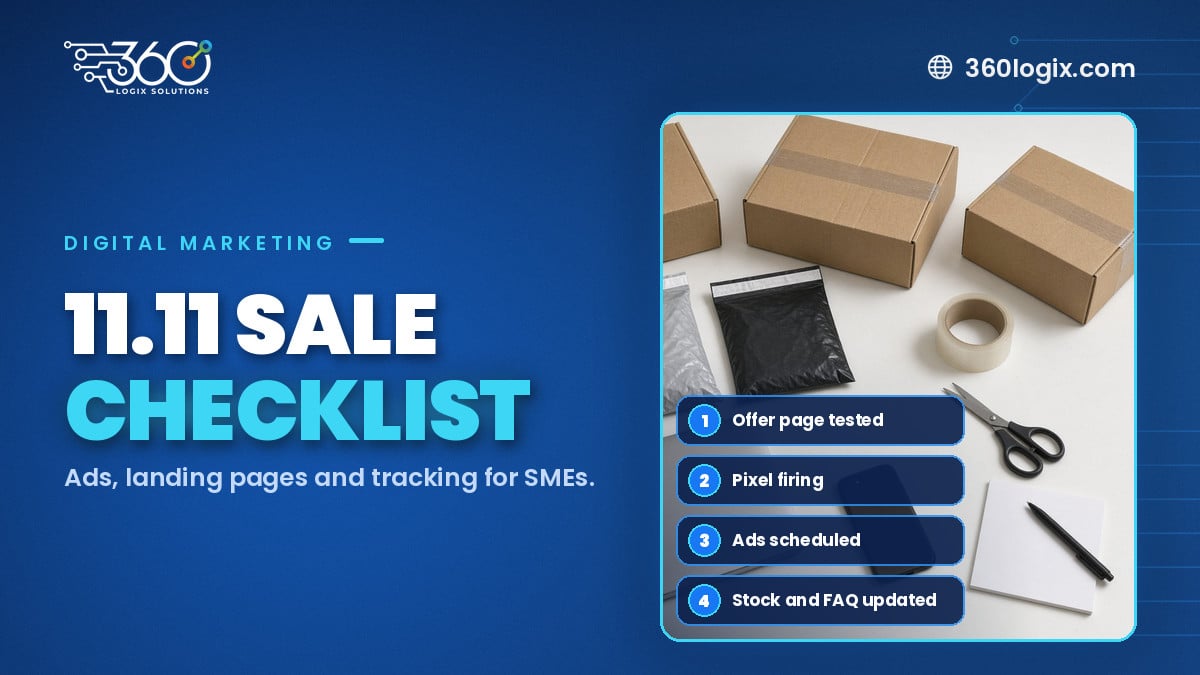
Table of Contents
1. The offer page
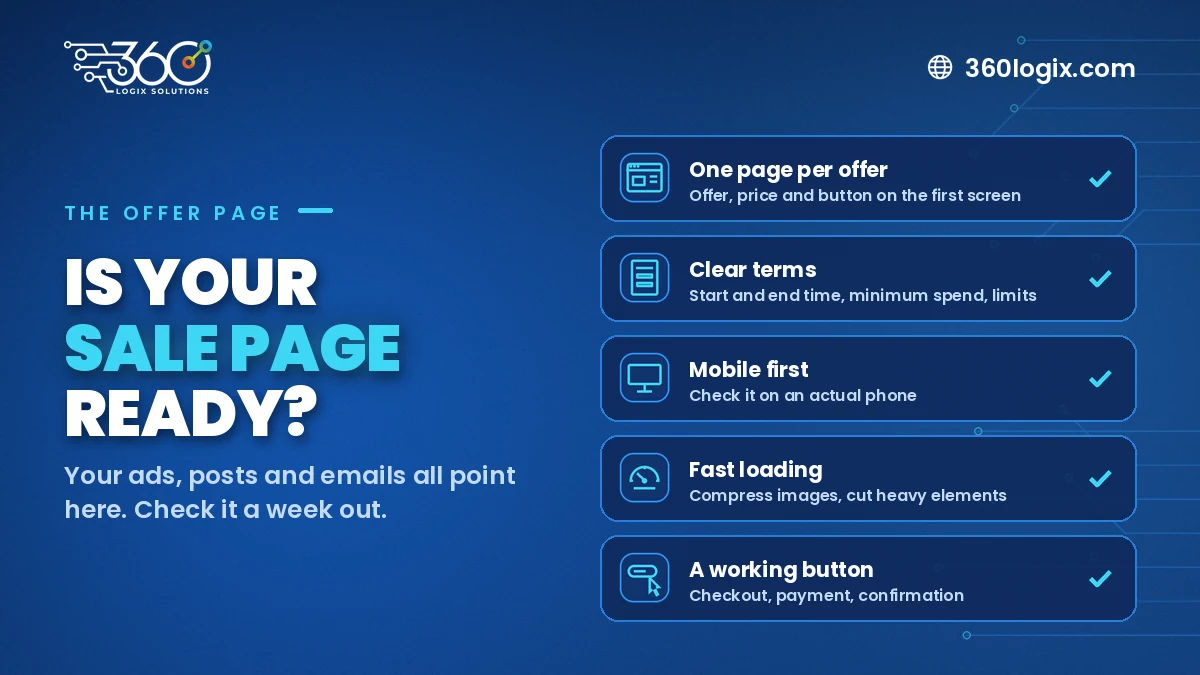
Your ads, posts and emails will all point somewhere. Make sure that place is ready.
- One page per offer. Send people to a page built for the sale, not your homepage. They should see the offer, the price and the button within the first screen.
- Clear terms. Start and end time, minimum spend, which items are included, and any limits. Vague terms create inbox questions you'll have to answer on the busiest day.
- Mobile first. Many of your visitors will be on their phones. Check the page on an actual phone, not just a resized browser window.
- Fast loading. Compress large images and remove heavy elements you don't need. A slow page on sale day costs you visitors you already paid to bring in.
- A working button. Test the "Buy" or "Inquire" button, the checkout, the payment options and the confirmation message.
If your current site makes this hard, with no easy way to add a landing page or pages that load slowly on mobile, that's worth fixing before the next sale season with a faster, easier-to-update website. The same rules apply when you send people to an event sign-up page instead of a shop; see our guide to setting up online registration.
2. Pixel and conversion tracking
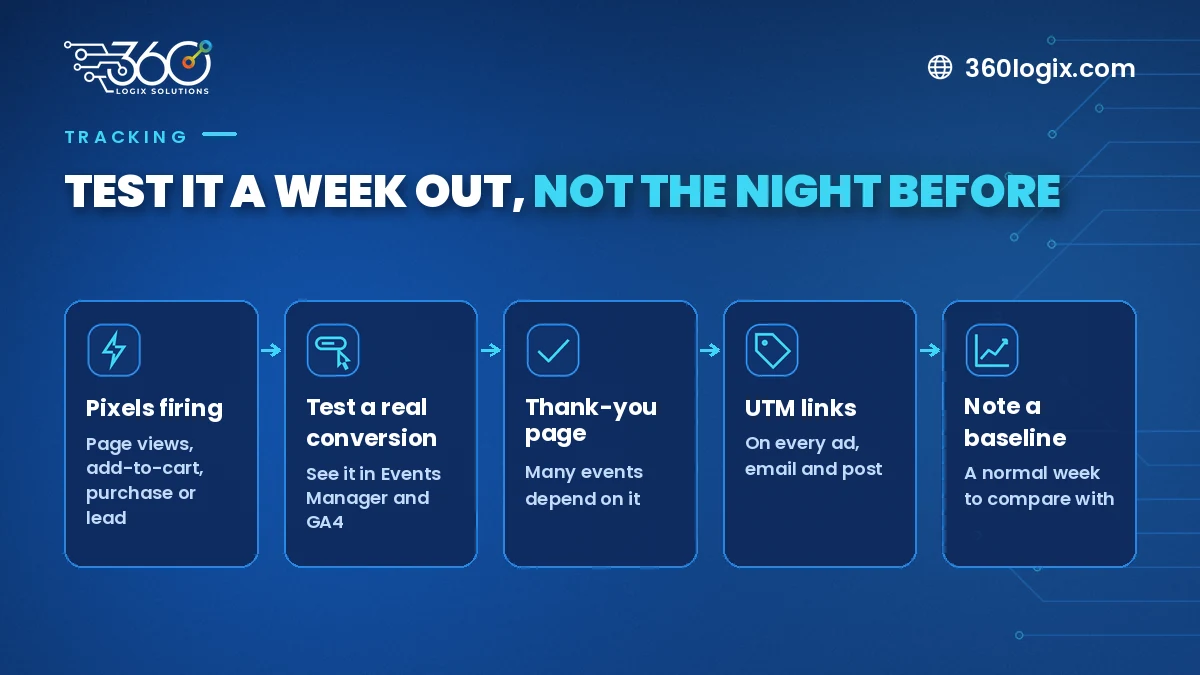
If you can't measure the sale, you can't learn from it. Check tracking a week out, not the night before.
- Confirm your pixels are firing. Use the Meta Pixel helper and Google Tag Assistant to check that page views, add-to-cart and purchase or lead events show up.
- Test a real conversion. Complete a purchase or form submission and confirm it appears in Meta Events Manager and Google Analytics 4.
- Check your thank-you page. Many conversion events depend on it. If it's missing or redirects oddly, conversions won't record.
- Use UTM links. Tag every link in ads, emails and posts, so you can see which channel brought each sale.
- Note your baseline. Write down a normal week's traffic and sales so you have something to compare against after the sale.
3. Ad schedules and budgets
Ads are where SMEs most often waste money during 11.11, usually by starting too late or running too long.
- Warm up before the day. Run teaser content and build retargeting audiences in the days leading up to 11.11, so you're not starting cold.
- Set start and end times. Schedule sale ads to stop when the offer ends. An ad that keeps running after the deal is over frustrates customers.
- Prepare creatives in all sizes. Feed, story and Reels formats (our Creatives Studio can produce the full set), ready and approved, with the correct dates and price on every version.
- Agree a daily cap. If you'd rather have a digital marketing team run the ads, agree it with them too. Decide how much you're willing to spend per day before the day starts, so nobody makes budget calls under pressure.
- Keep a backup creative. If one ad is rejected or performs poorly, have a second version ready to swap in.
4. Stock, delivery and FAQ updates
Customers don't only ask about price. They ask "is it available?" and "when will it arrive?"
- Update stock levels on your website and listings so you don't sell what you don't have.
- Post clear delivery cut-off dates, especially with Christmas orders coming right after.
- Add an 11.11 section to your FAQ page: payment methods, delivery times, returns and how to reach you.
- Prepare saved replies for your social inboxes covering the most common questions.
- Brief whoever answers messages on the offer terms, so every customer gets the same answer.
One week out: a quick run-through
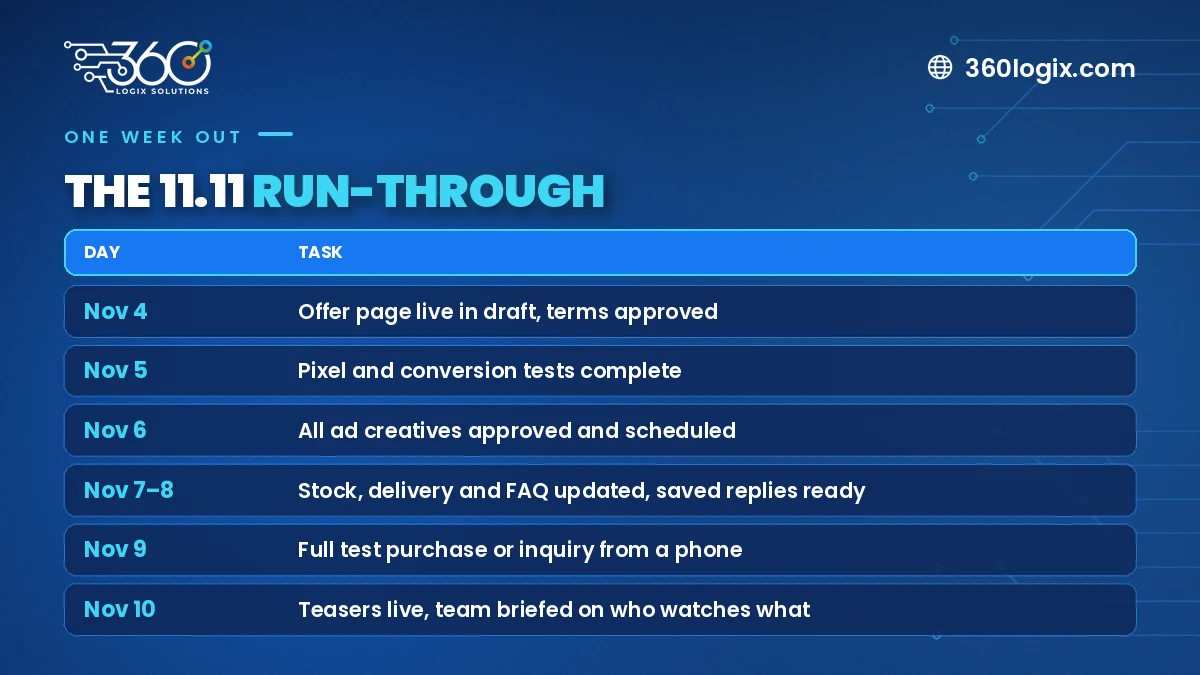
| Day | Task |
|---|---|
| Nov 4 | Offer page live in draft, terms approved |
| Nov 5 | Pixel and conversion tests complete |
| Nov 6 | All ad creatives approved and scheduled |
| Nov 7–8 | Stock, delivery and FAQ updated, saved replies ready |
| Nov 9 | Full test purchase or inquiry from a phone |
| Nov 10 | Teasers live, team briefed on who watches what |
FAQ
How early should SMEs start preparing for 11.11?
At least a week before for the essentials on this list, and earlier if you need a new landing page or need to fix tracking.
Do we need a website, or can we sell only through social media?
You can sell through social, but your own website gives you a page you control, proper tracking and a place to send ad traffic. It also keeps working long after the sale.
What should we track during an 11.11 sale?
At minimum: visits to the offer page, add-to-carts or form starts, completed purchases or inquiries, and ad spend by channel.
What if our pixel isn't firing correctly?
Fix it before you spend on ads. Without working tracking, you can't tell which ads worked or build proper retargeting audiences for 12.12.
Is your website ready for the next sale?
A sale is only as good as the page it sends people to. If your current site is slow, hard to update or missing tracking, the 360 Logix website development team can help. Get a website quote: builds start at ₱65,000 VAT inclusive, with full SEO setup and free hosting for 1 year.
Related Articles
Christmas Campaign Creative Kit: Key Visuals, Templates and Video Cutdowns to Prepare Now
Build one Christmas campaign key visual, then turn it into social, ads, email, screen and print versions before the December rush. A practical creative kit list.
All Saints’ Day (Undas) and Your Brand: How to Post Respectfully, or Not at All
Planning an Undas social media post for business? When a quiet message beats a promo, what to pause over the long weekend, and how to set it up in your calendar.
The Debrief Questions We Ask After Every Event (and What October Taught Us)
The event debrief questions we ask after every event, the process lessons October taught us, and what to plan for before November and December get busy.