Why Slow Websites Lose Inquiries (and How to Check Yours)
Nobody calls to complain that your website was slow. They just leave and contact someone else. For B2B companies, where a single inquiry can be worth a big contract, a slow site is a quiet but real cost. A quick website speed check shows where you stand.
Here's how to check your website speed for free, and which fixes make the biggest difference.
Quick answer: Test your site with free tools like Google PageSpeed Insights on mobile, check your key pages (home, services, contact), note the main issues, then fix the big ones first: oversized images, too many plugins or scripts, and heavy sliders or videos. Retest after each change.
Table of Contents
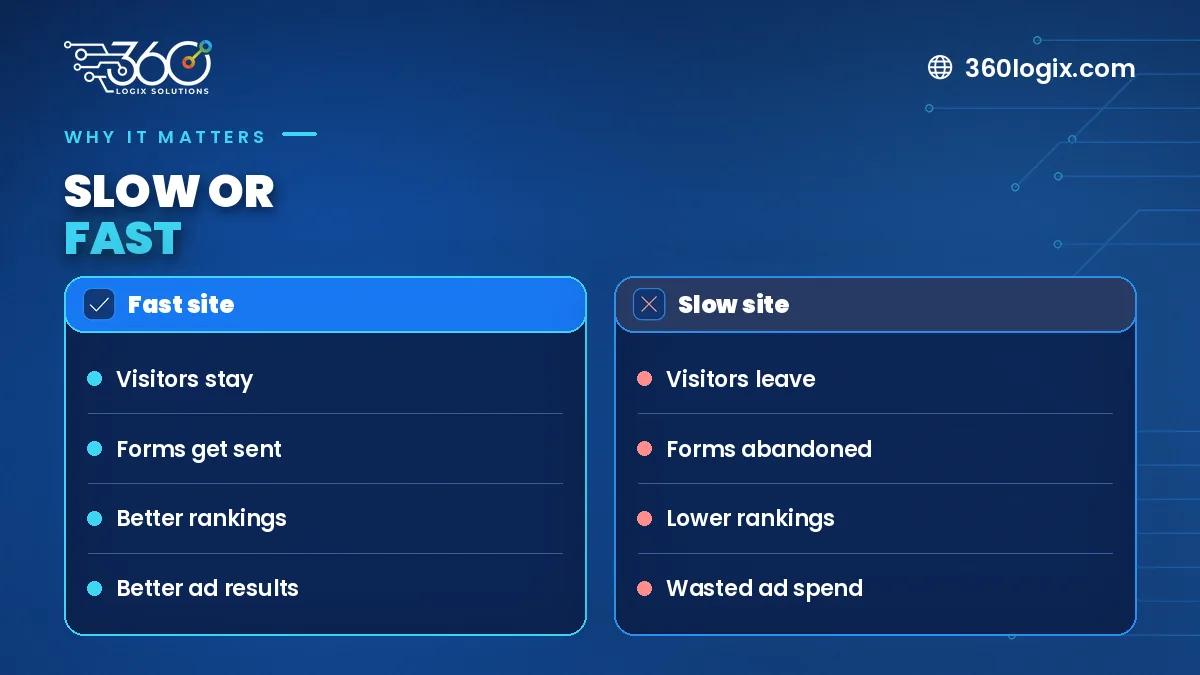
Why speed matters
- Visitors leave. People on mobile data won't wait long.
- Ads cost more. Paying for clicks that bounce before the page loads wastes budget.
- Search visibility. Google considers page experience, including speed.
- First impressions. A slow site feels outdated, even if the design is good.
The 5-step speed check
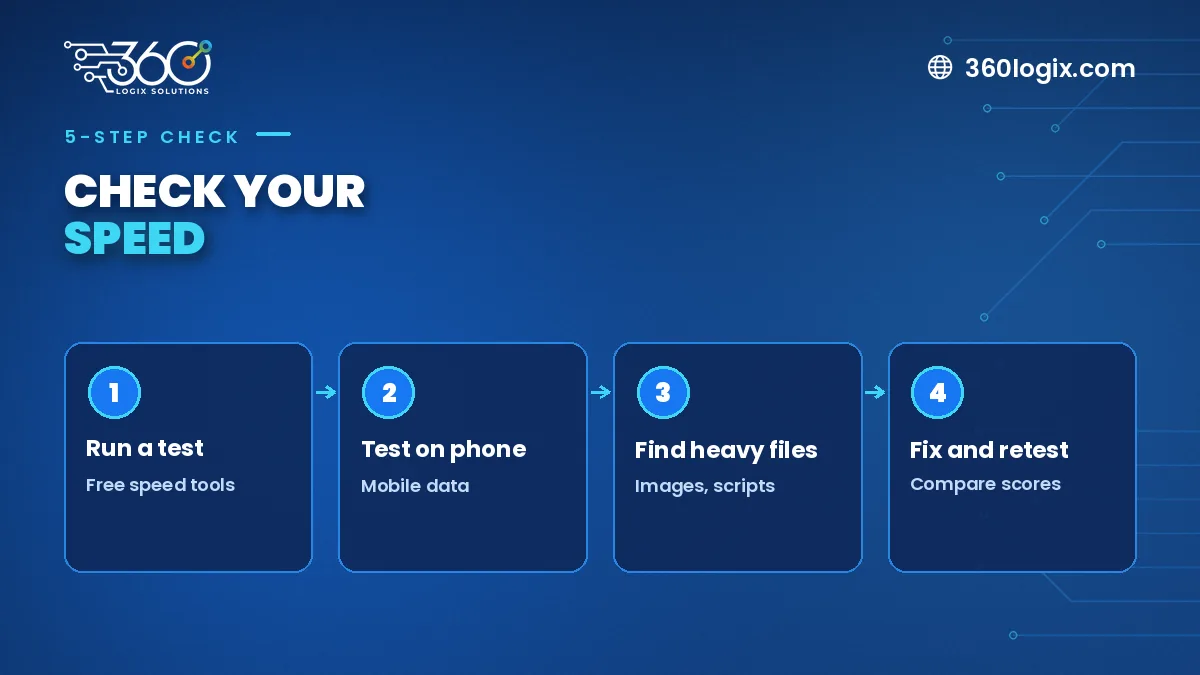
- Run Google PageSpeed Insights on your home page. Look at the mobile result first.
- Test your key pages: services, contact and any landing pages used in ads.
- Try it on your phone using mobile data, not office Wi-Fi.
- Write down the top issues the tool lists.
- Retest after each fix, so you know what worked.
Google Search Console also shows a Core Web Vitals report for your whole site once it has enough data.
Fixes that matter most
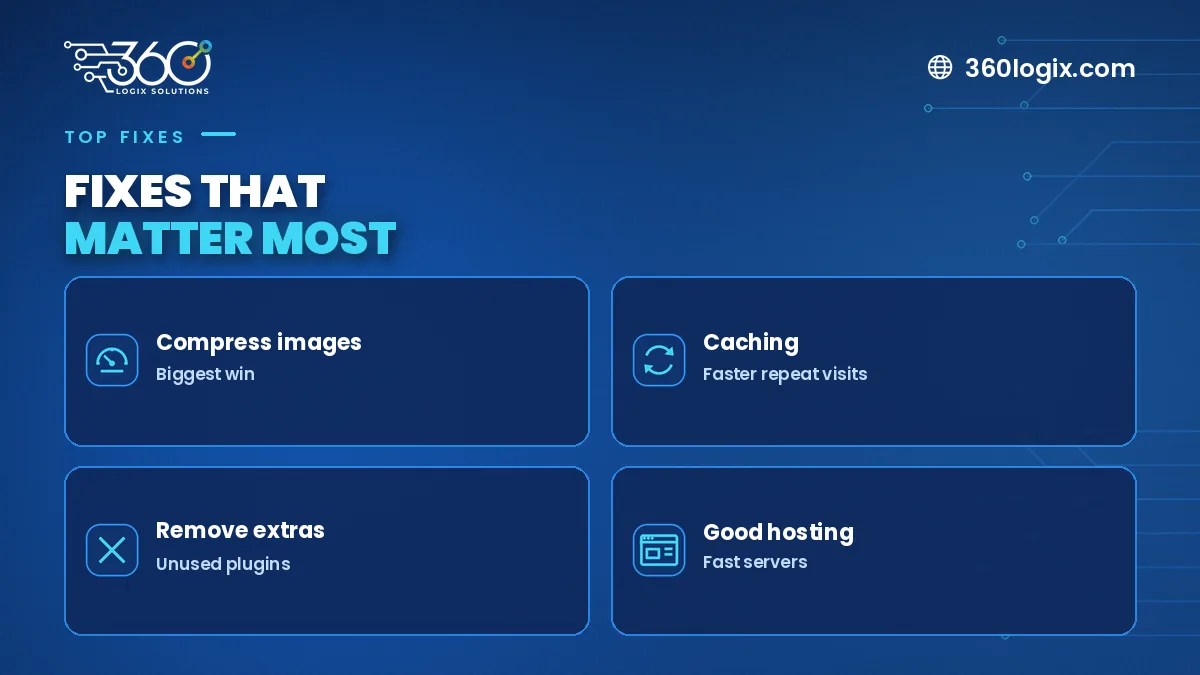
- Compress and resize images. Large photos are the most common cause of slow pages.
- Remove unused plugins and scripts. Each one adds load time.
- Drop heavy sliders and autoplay videos at the top of the page.
- Use modern image formats like WebP.
- Choose reliable hosting that suits your traffic.
What not to obsess over
A perfect score isn't the goal. A page that loads quickly on a phone and lets visitors find your contact button matters more than the last few points.
When speed means a rebuild
If your site is built on an outdated platform or a heavy theme, fixes may only help a little. In that case, a rebuild can be faster than patching. Our digital marketing team often sees ad results improve after the landing page gets faster.
FAQ
Is PageSpeed Insights free?
Yes, it's a free tool from Google.
Why is my mobile score lower than desktop?
Phones have less processing power and often slower connections, so the test is stricter.
How often should I check?
After any big change, and every few months.
Get a faster site
Our website development builds are checked for speed before launch, starting at ₱65,000 with Full SEO setup and 1 year of free hosting.
Written by Paolo Reyes. Paolo Reyes is the CEO of 360 Logix Solutions Inc., a technology-driven marketing company with 15+ years in digital marketing, creatives, brand activations and events.
Related Articles

Web Design in Manila: Questions to Ask Before You Hire
Hiring for web design in Manila? How to compare local teams on meetings, support and turnaround, plus the questions to ask before you choose a partner.
Website Redesign or Refresh? Signs Your Site Needs a Rebuild
Not sure about a website redesign? A simple test on mobile, speed, editing and leads helps you decide between small fixes and a full rebuild.
Website Maintenance After Launch: What to Budget After Year One
Website maintenance cost in the Philippines: what ongoing care covers after launch, from updates and backups to security, so year two holds no surprises.