Trade Show Booth Tech: LED Posters and Kiosks That Pull People In
At a trade show, you have a few seconds to catch someone walking down the aisle. A printed backdrop helps, but moving content and something to touch work harder. For a trade show booth rental setup, two pieces of tech do most of the work in a small booth: an LED Poster to stop people and an Interactive Touchscreen Kiosk to keep them.
Here's how to lay them out and what each one should do.
Quick answer: Place a single-sided LED Poster at the aisle edge, facing the main flow of foot traffic, with a short looping message. Put an Interactive Touchscreen Kiosk inside the booth for product info, quizzes and lead capture. Your staff handle conversations in between.
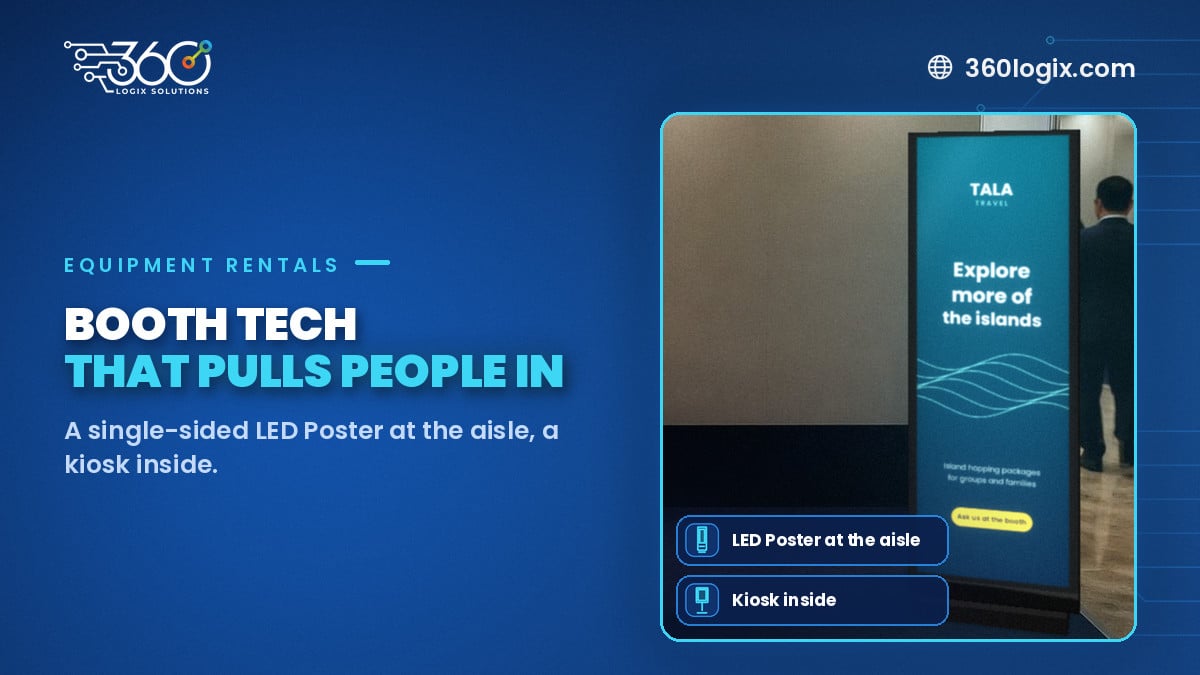
Table of Contents
The simple booth layout
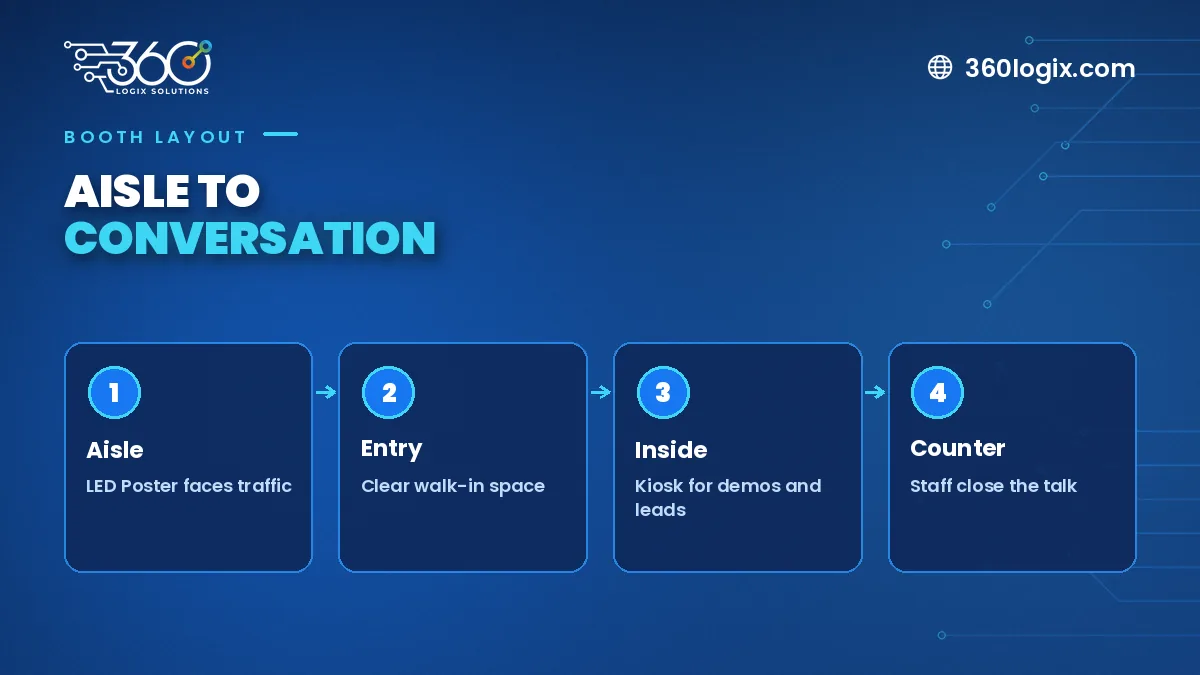
Think of the booth in three zones:
- Aisle edge: attract. The LED Poster faces walking traffic.
- Middle: talk. Staff greet visitors and start conversations.
- Inside: engage. The kiosk lets visitors explore on their own and leave their details.
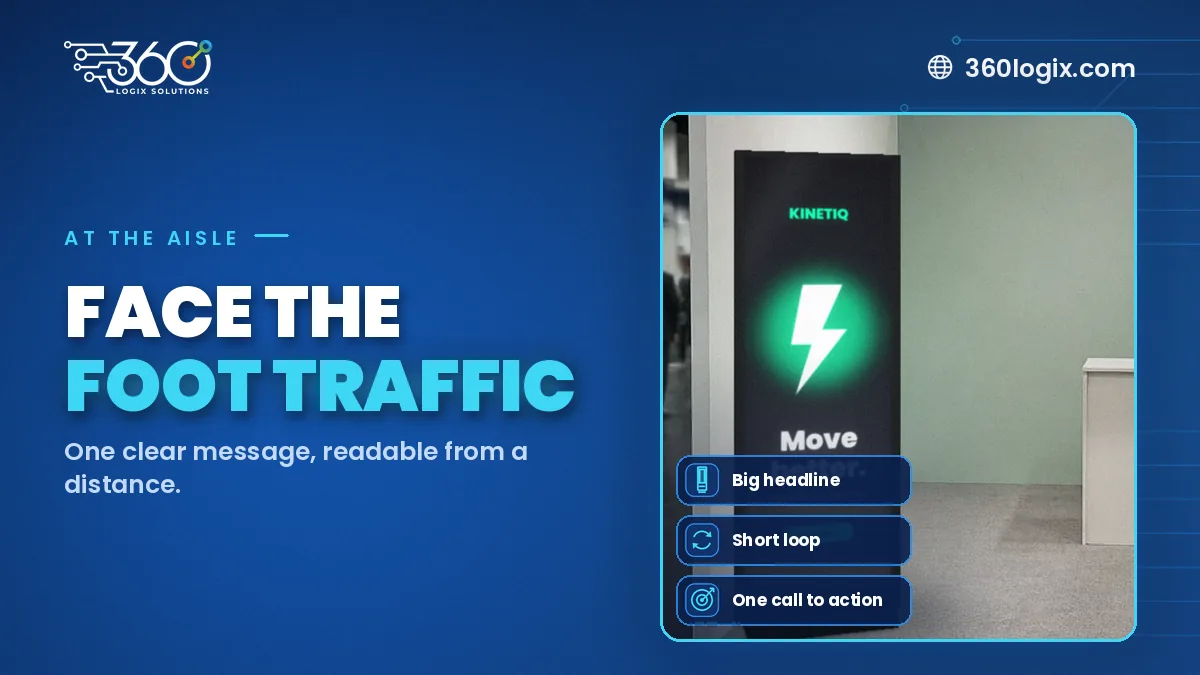
The LED Poster's job: stop people
Our LED Poster is a slim, single-sided portrait screen (P2.5, 206 cm tall and 66.5 cm wide, 256×768 px). Because it shows on one side only, place it with its back to a wall or booth panel and its face toward the aisle.
What to show:
- Your main offer or product in one line
- A short silent video loop
- Booth activities, like "Play and win at 2 PM"
- A QR code for people who don't stop
Keep the loop short. People walking by give you only a few seconds.
The kiosk's job: engage and capture
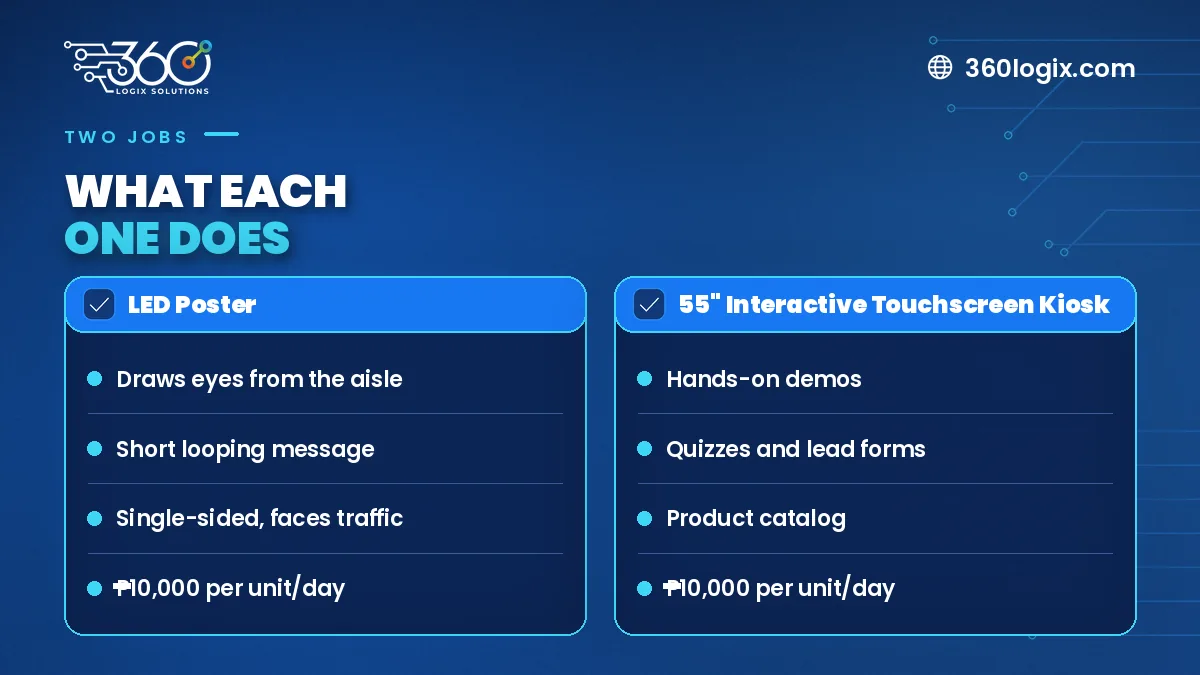
Our 55" Interactive Touchscreen Kiosk runs on Windows or Android. Inside the booth, use it for:
- Product catalog. Visitors browse at their own pace.
- Quiz or game. A quick reason to stay, with a prize.
- Demo booking. Let visitors pick a time slot.
- Lead form. Name, company and interest, with a consent line.
When the booth gets busy, the kiosk keeps visitors engaged while your team is talking to someone else.
Making the two work together
- Use the same key visual on both screens
- Let the LED Poster point to the kiosk: "Take the quiz inside"
- Match the call to action on screen, print and staff scripts
For more sponsor and booth ideas, see our event sponsorship activation ideas.
Rates
- LED Poster: ₱10,000 per unit per day
- 55" Interactive Touchscreen Kiosk: ₱10,000 per unit per day
FAQ
Can the LED Poster stand in the middle of the booth?
It's single-sided, so it works best with its back to a wall or panel and its face toward visitors.
Who prepares the screen content?
You can send your own files, or our creatives team can design them.
Do we need both?
Not always. One LED Poster alone helps a small booth stand out. Add a kiosk when you want visitors to interact and leave details.
Plan your booth tech
See the LED Poster and all our event equipment rentals, then send us your show dates and booth size for a quote.
Written by Paolo Reyes. Paolo Reyes is the CEO of 360 Logix Solutions Inc., a technology-driven marketing company with 15+ years in digital marketing, creatives, brand activations and events.
Related Articles
LED Poster Ideas for Christmas Lobby Displays, Mall Pop-Ups and Year-End Launches
LED Poster rental in the Philippines for the holidays: content loop ideas, placement tips and changeable messaging for lobbies, mall pop-ups and year-end launches.
LED Poster Size, Formats and Simple Rules for Designing Content
LED poster size, shape and file prep for event content, plus simple design rules: one message, big type, high contrast, safe margins and short silent loops.
Wayfinding Signage for Events: Using Digital Screens to Guide Attendees
Wayfinding signage for events: printed signs for routes that never change, screens where information does, from the lobby and escalators to session doors.