Event App Features: What an Event App Should Do for Attendees (and What It Shouldn’t)
It's 8 AM on day one. Your attendee has a badge, a coffee and one job: find the right session, get in, and (later) get their certificate. They don't want another social feed, another account or another app they install once and delete. When you're comparing event app features, start there — with what they need in the next five minutes, not what looks good on a feature grid.
Quick answer: The event app features attendees actually use are a live schedule, QR check-in, push updates for room changes, a simple map and a way to get their certificate or receipt afterwards. Skip forced downloads, forced accounts for short events and any data you don't need under the Data Privacy Act.
Table of Contents
What is an event app?
An event app is a mobile event app (native or web) that gives attendees their agenda, check-in and day-of updates in one place. Think of it as the digital version of the printed program, the registration desk and the announcement board, on a phone.
Our rule of thumb: judge it by how few taps it takes to get from the lobby to the session room. If that path is messy, the rest of the feature list doesn't matter.
Event app features attendees actually use
These are the ones people open on purpose. Everything else is optional.
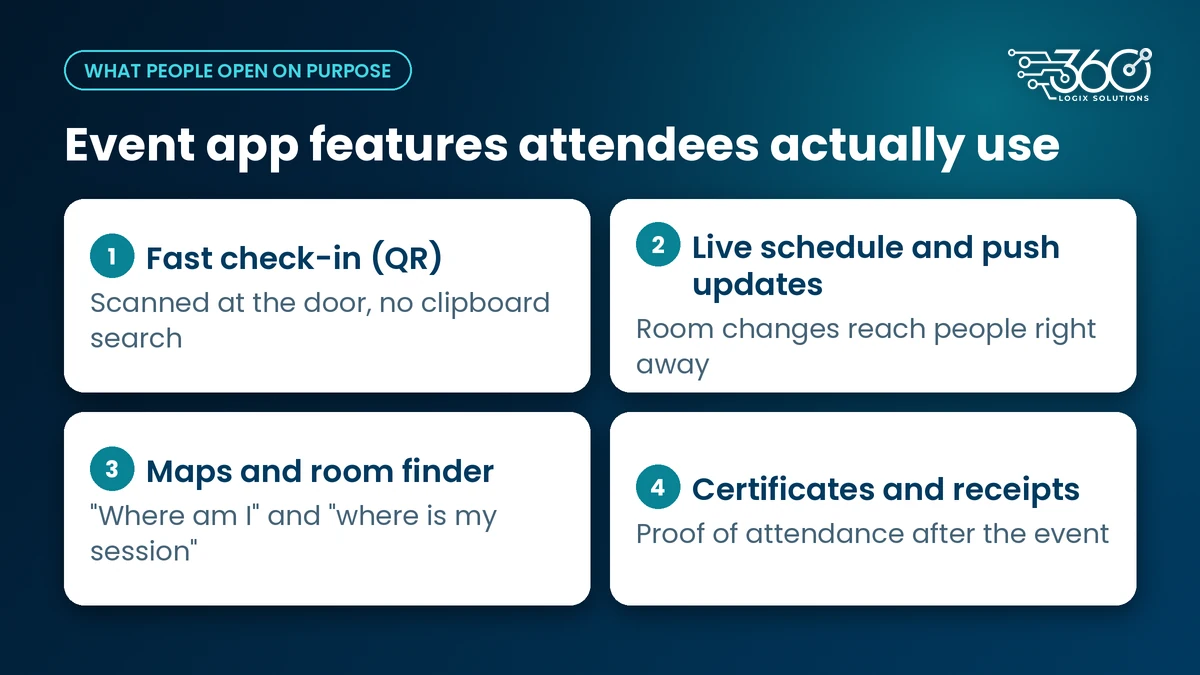
Fast check-in (QR)
Nobody wants a long line before the first plenary. A QR on a badge or phone, scanned at the door, gets people in without a clipboard search. Pair it with solid event registration and check-in technology so the same registration record powers the badge, the scan and the attendance log.
Live schedule and push updates
Sessions move. Speakers swap. Ballroom B becomes Ballroom C at 10:15. A printed program can't keep up. A live schedule with push alerts can. If the only way to tell people about a change is an announcement from the stage, you've already lost half the room.
Maps and room finder
Big hotels and convention centers are confusing even for locals. A simple floor map with room names beats a wall of tiny text on a printed board. It doesn't need AR or turn-by-turn — just "where am I" and "where is Session Hall 3."
Certificates and receipts afterwards
For association and CPD-style events, this is the quiet closer. Attendees want proof they were there, without emailing the secretariat for a week. If the app (or a linked page) can deliver the certificate or receipt after the event, you've cut a support headache for your team.
What an event app shouldn't do
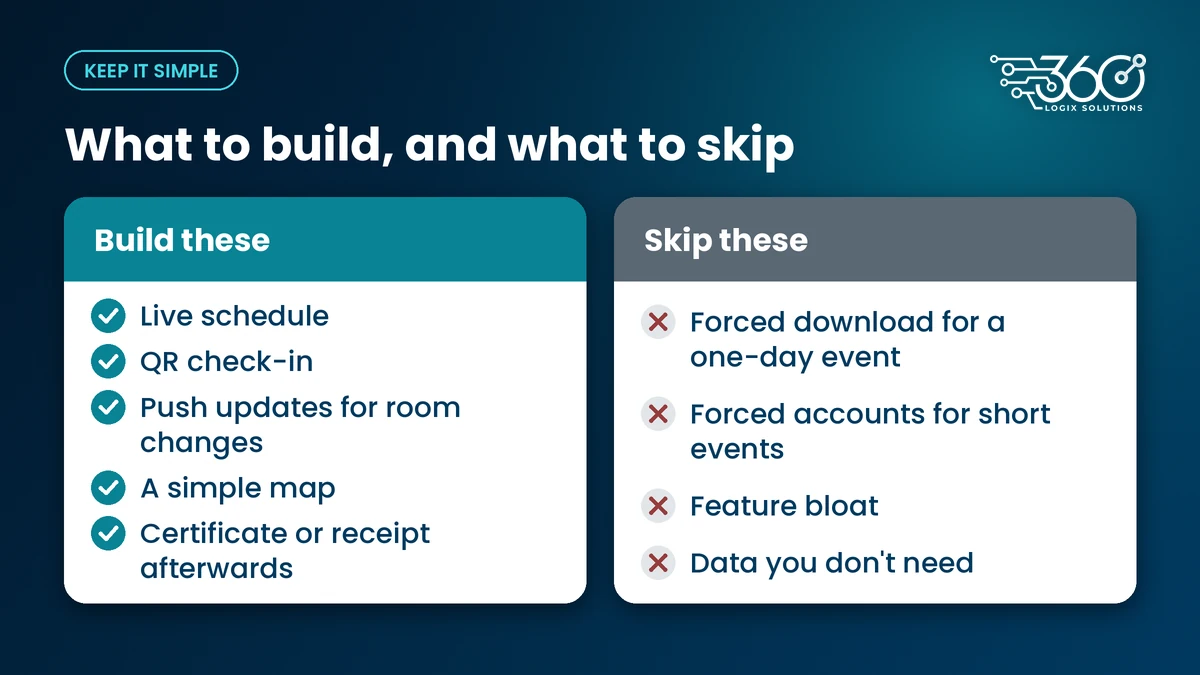
Force an account or download for a one-day event
If your event is one day and most people are already overloaded with work apps, a forced app download is a tax. A mobile web page that opens in the browser is often enough. Native apps make sense for multi-day conventions where people will open them repeatedly. For a short seminar, don't make people create yet another password.
Feature bloat
Networking matchmaking, gamification, photo walls, AI chatbots — some of these help at the right event. Most of the time they sit unused while the schedule tab is the only thing that gets tapped. Ship the basics above well before you add anything else.
Collect data you don't need
Philippine privacy rules matter here. The Data Privacy Act expects proportionality: collect what the event needs, not a full profile "just in case." NPC Circular 2023-04 also stresses that consent should be specific and granular, not a single vague checkbox covering everything. If you don't need a home address for a one-day conference, don't ask for it.
Do you need an event app for a conference?
Honest answer: not always. For a half-day or one-day event with a stable program, a clear mobile web page (schedule, venue notes, contact) can cover it. Event apps for conferences earn their keep when:
- The program changes during the day
- You have multiple simultaneous sessions
- You need QR check-in at scale
- Attendees need certificates or CPD proof afterwards
- You have online attendees joining alongside the room — in which case look at hybrid event platforms too, not just a schedule app
If you're only putting a PDF program behind a login wall, save the budget.
Many events only need a simple event page or a convention website that carries the program, venue notes and registration link. If you need one built, see our website development service.
Questions to ask before choosing an event app
Before you sign anything, ask the vendor (and yourself):
- Will people actually open it? What's the expected adoption for a one-day vs multi-day event?
- Does it work offline or on weak venue Wi-Fi? Registration halls are often dead zones.
- Who supports attendees on the day? When someone can't find their QR, is it your team or theirs?
- Can we change the schedule live? Who has access, and how fast does it push?
- What data is collected, stored and deleted? Match it to what the event actually needs.
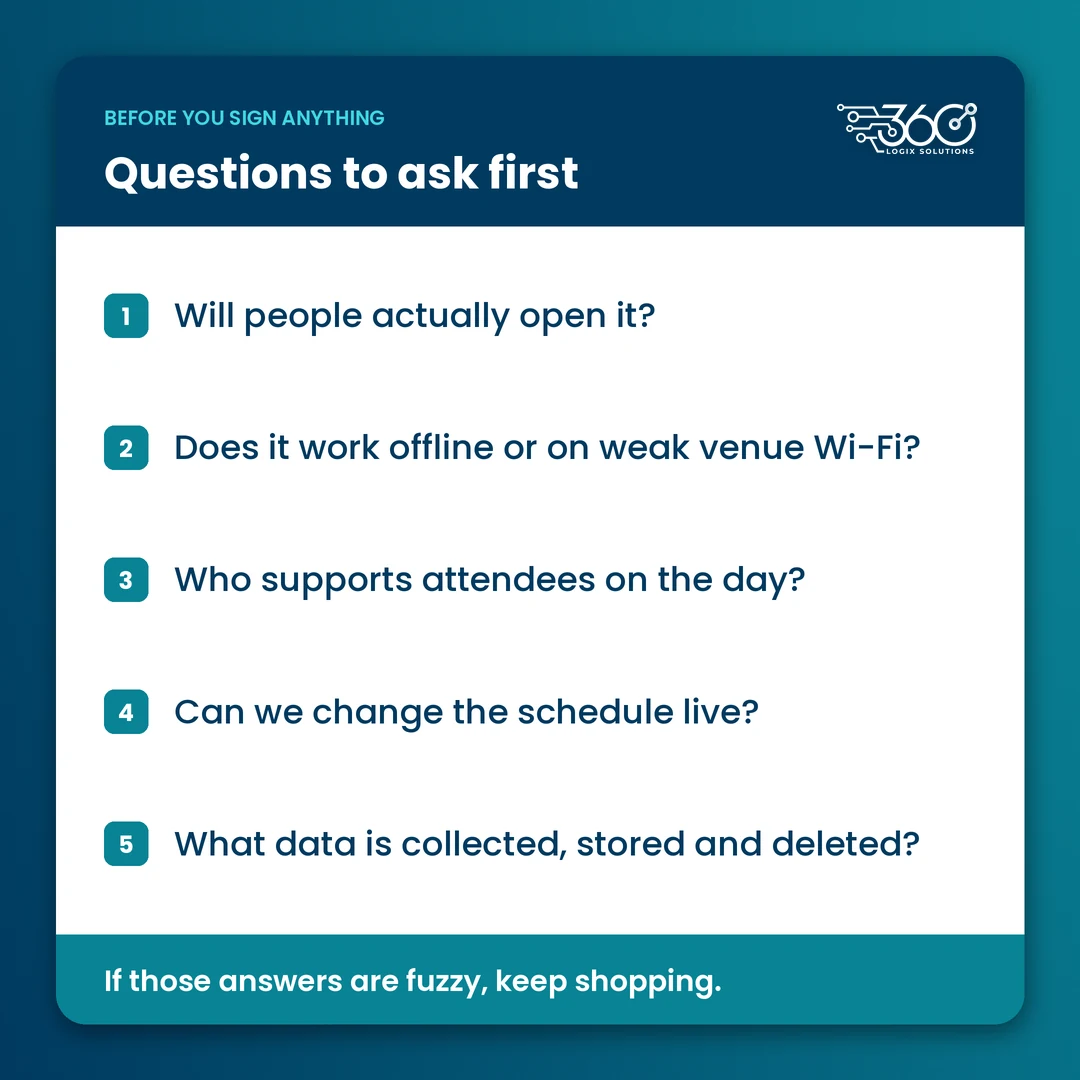
If those answers are fuzzy, keep shopping.
Where EventsHub fits
EventsHub is our event platform for registration, ticketing and check-in. We keep the attendee side focused on getting people in and keeping them oriented — not on stacking features nobody opens. Exact attendee screens depend on how you set up the event; the through-line is the same: fewer taps to the session room.
We've spent 15+ years on event tech, and the pattern is consistent. The apps people thank you for are the ones that stay out of the way.
FAQ
Is a web app enough instead of a downloadable app?
Often yes, especially for one-day events. A mobile web page that loads the schedule, QR and updates avoids an app-store download. Native apps help more when the event runs several days and people will open them repeatedly.
How do attendees check in with an event app?
Usually with a QR code on their badge or phone screen, scanned at the door or registration desk. The scan ties back to their registration record so you get attendance without a manual list search.
What data should an event app collect?
Only what the event needs: typically name, registration details, session attendance and whatever is required for certificates or receipts. Extra fields "for later marketing" need a clear purpose and proper consent under the Data Privacy Act and NPC Circular 2023-04.
Do I need an event app if I already have a printed program?
A printed program still helps as a backup. An app (or mobile web page) earns its place when the schedule can change, when you need QR check-in or when attendees need digital certificates afterwards.
Planning your next event app?
If you're deciding whether you need one — or what it should actually do — see how EventsHub could work for your event. Bring your date, venue and roughly how many attendees you expect. We'll tell you straight if a simple mobile page is enough.
Related Articles
Post-Event Survey Questions: Collecting Attendee Feedback People Actually Fill Out
Three to five post-event survey questions, asked at the right moment, beat a 30-question form. Timing, a question bank, and how to raise response rates.
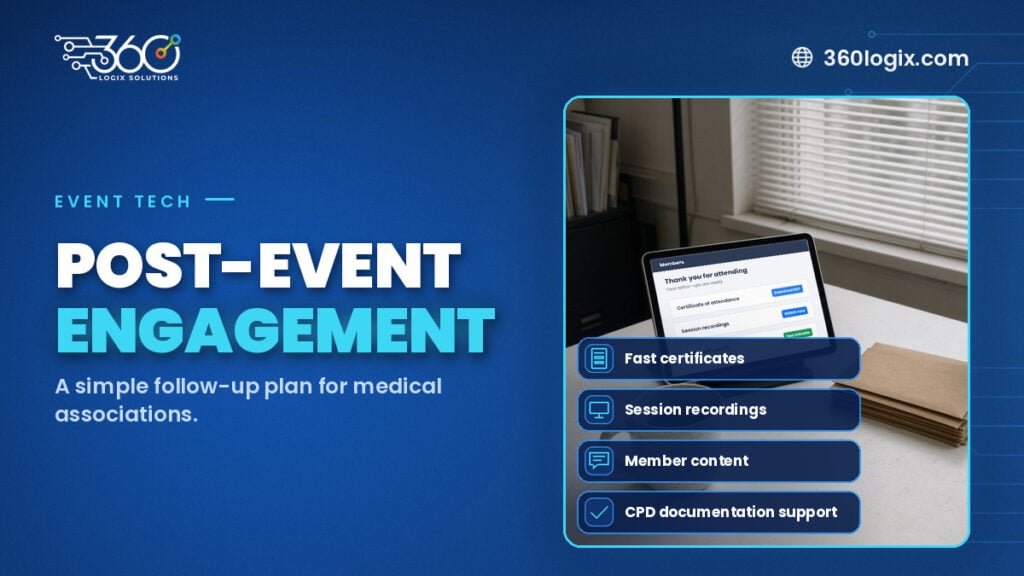
How Medical Associations Can Boost Post-Event Engagement
A 7/30/90-day post-event engagement plan for medical associations: fast certificates, recordings, member content, and support for PRC CPD documentation.
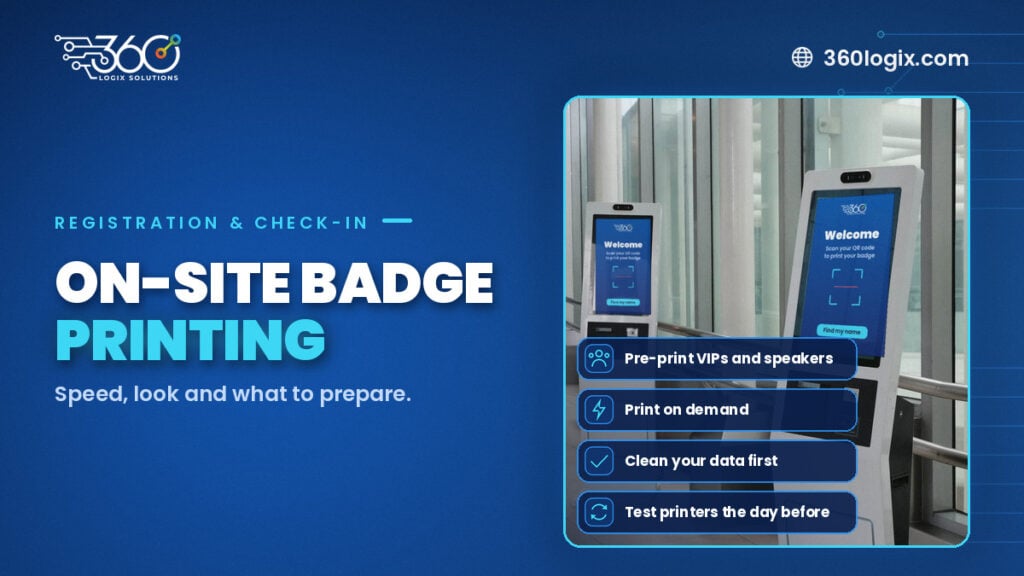
On-Site Badge Printing for Events: Speed, Look and What to Prepare
On site badge printing for events: pre-print for speakers and VIPs, print on demand for delegates, clean your data first, and test printers the day before.