What Pages Does a Small Business Website Really Need?
Many small business owners delay their website because the job feels bigger than it is. You don't need 30 pages, a blog with 50 articles or every feature you've seen on a competitor's site. A good website for small business starts with a handful of pages that answer the questions customers already ask you every week.
Here's a page-by-page starter list, what to put on each page, and what you can leave for later.
Quick answer: Most small businesses need five core pages: Home, Services (or Products), About, Contact and FAQ. Add a page for each main service if you offer several, plus a simple privacy policy. Skip extras like a blog or careers page until you have the time and content to keep them updated.
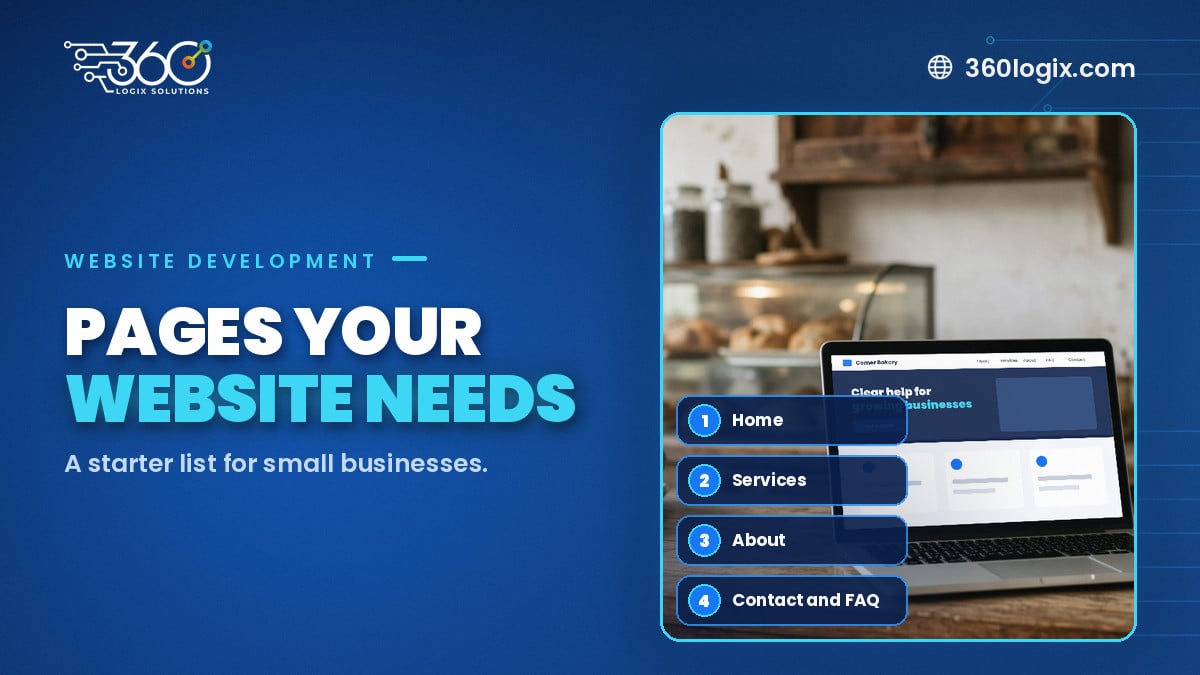
Table of Contents
Why fewer, better pages work
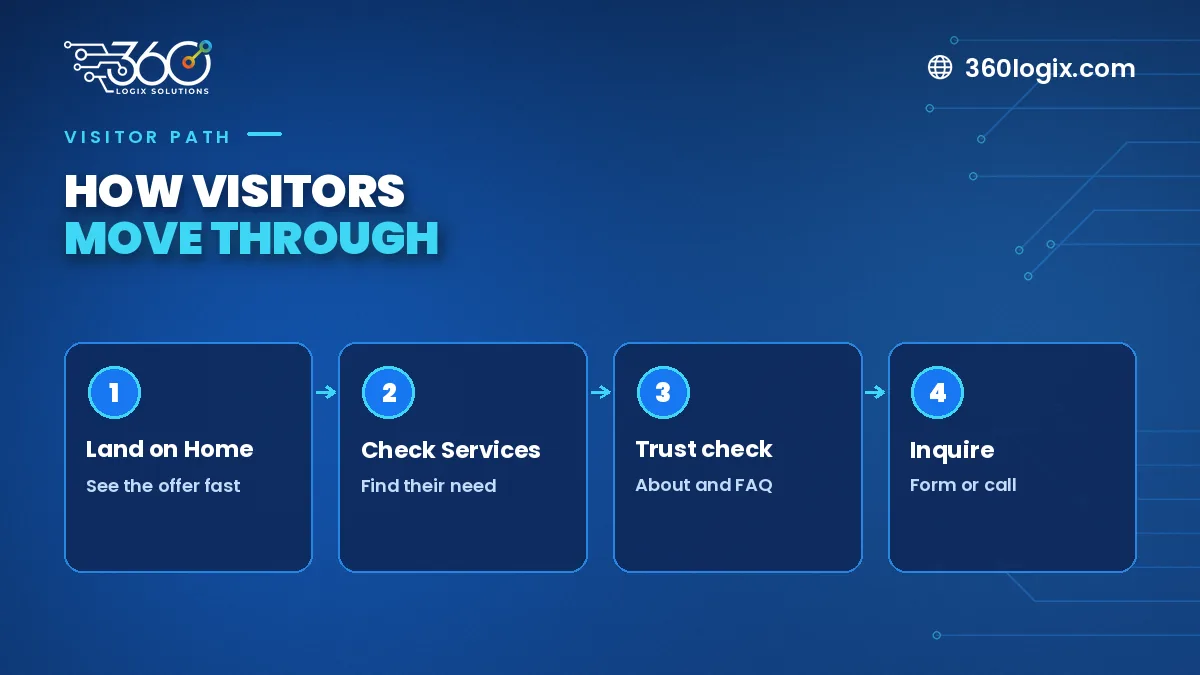
Visitors decide quickly whether they're in the right place. A short site with clear pages is easier to read, easier to keep updated and easier for Google to understand. Each page should have one job and one clear next step, usually "call us", "send an inquiry" or "book a call".
Starting small also keeps your launch on schedule. You can add pages once you see what visitors look for.
The five pages every small business site needs
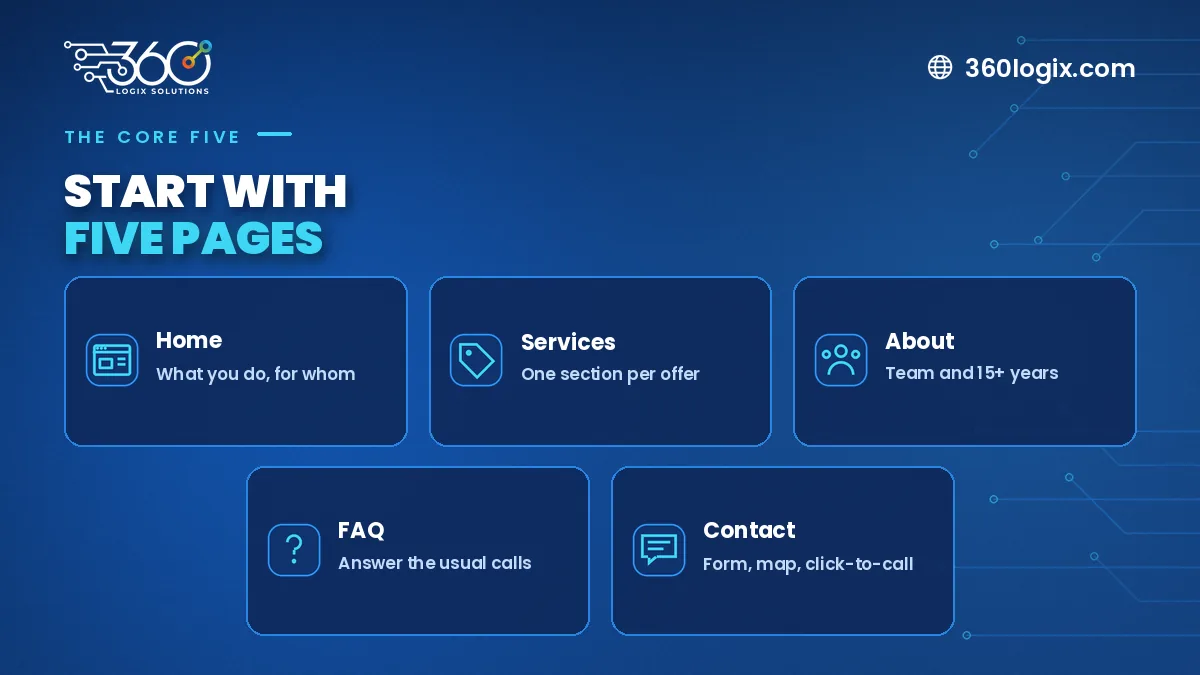
1. Home
Your home page should answer three questions in the first screen: what you do, who it's for and what to do next. Add a short list of services, a few photos of real work, logos or names of clients you're allowed to mention, and a clear button to contact you.
2. Services or Products
List what you offer in plain words. If you have three or more distinct services, give each one its own page. Separate pages help each service show up in search and let you speak directly to the right buyer.
3. About
People buy from people. Share how long you've been operating, what you specialize in and who's behind the business. A team photo or a short founder note goes a long way.
4. Contact
Make it easy: a short form, phone number, email, business hours and a map if customers visit you. On mobile, the phone number should be tap-to-call.
5. FAQ
Collect the questions your team answers over and over, such as pricing basics, turnaround times and service areas. A good FAQ saves you time and builds trust before the first call.
Nice-to-have pages you can add later
- Portfolio or case studies. Very useful once you have a few projects you can show. See how we presented a property care website project.
- Blog. Only start one if you can post regularly. An abandoned blog looks worse than none.
- Careers. Add it when you're hiring often.
- Online booking or shop. Worth it when a real share of your sales can happen without a conversation.
What you can skip at launch
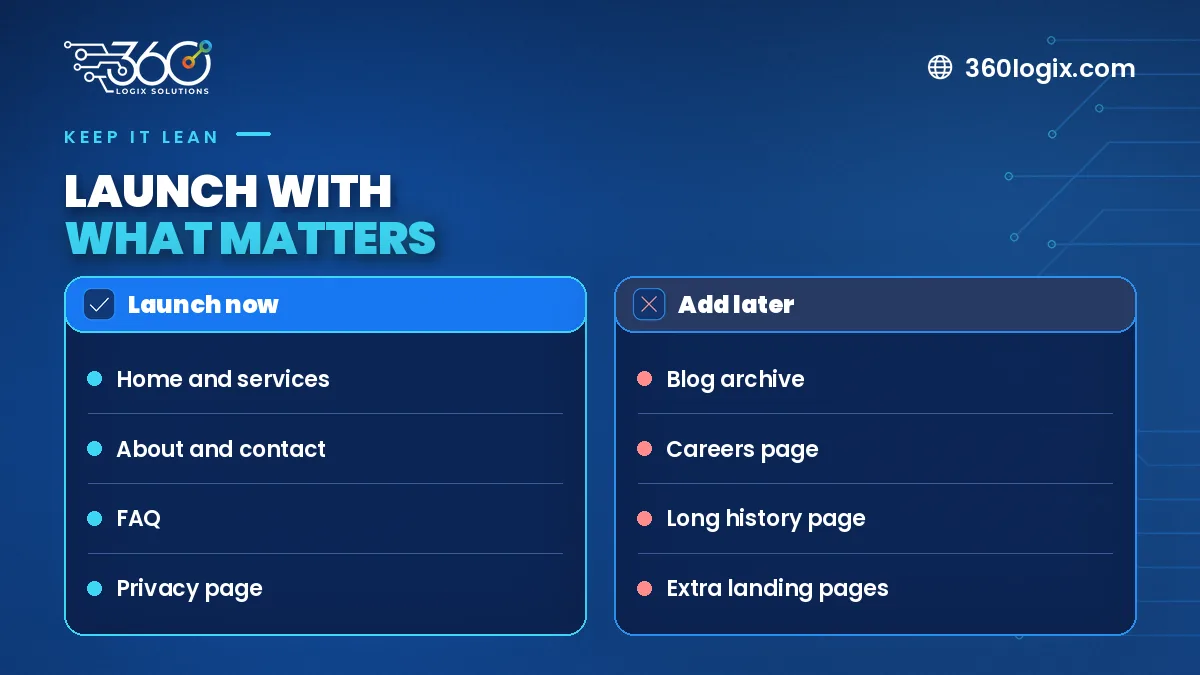
- Long "welcome to our website" introductions
- A news page you won't update
- Separate pages for tiny services that fit in one list
- Sliders with five rotating banners that nobody waits for
- Menus with more than six or seven main items
A simple launch checklist
- Read every page on your phone.
- Send a test message through every form.
- Give each page a clear title and description for search.
- Connect Google Search Console and submit your sitemap.
- Check that pages load quickly on mobile data.
Not sure whether to hire in-house or work with a team? We compared both in in-house designer vs agency.
FAQ
How many pages should a small business website have?
Most start with five to ten: the five core pages plus one page per main service.
Do I need a blog right away?
No. Start when you can publish useful posts on a regular schedule.
Can I add pages after launch?
Yes. A well-built site makes it easy to add services, case studies or a blog later.
Get your small business site built right
Our website development packages start at ₱65,000 VAT inclusive, with full SEO setup and 1 year of free hosting. Tell us what you offer and we'll suggest the pages you actually need.
Written by Paolo Reyes. Paolo Reyes is the CEO of 360 Logix Solutions Inc., a technology-driven marketing company with 15+ years in digital marketing, creatives, brand activations and events.
Related Articles
Website Development Cost in the Philippines: Packages From ₱65,000
Website development cost in the Philippines: what our package, starting at ₱65,000 VAT inclusive, covers, with Full SEO setup and 1 year free hosting.
Meta Ads for the Holiday Season: Audiences, Creatives and Budget Pacing for Q4
Plan a Facebook ads Christmas campaign: structure prospecting and retargeting, refresh creatives weekly and pace a fixed budget across November and December.
11.11 Sale Marketing Checklist for SMEs: Ads, Landing Pages and Tracking
11.11 sale marketing tips for SMEs: a pre-launch checklist for your offer page, pixel and conversion tracking, ad schedules, stock and FAQ updates a week out.