Website Redesign or Refresh? Signs Your Site Needs a Rebuild
Your website still works, but something feels off. Maybe it looks dated, maybe inquiries have slowed, or maybe updating a single page takes a week. The question is whether you need a refresh (a few fixes) or a full website redesign.
Here's a simple test to help you decide.
Quick answer: A refresh is enough when the site works well on mobile, loads quickly and is easy to edit, but looks dated or has old content. Choose a rebuild when the site fails on mobile, is slow, is hard to edit, or no longer brings in inquiries.
Table of Contents
The four-part test
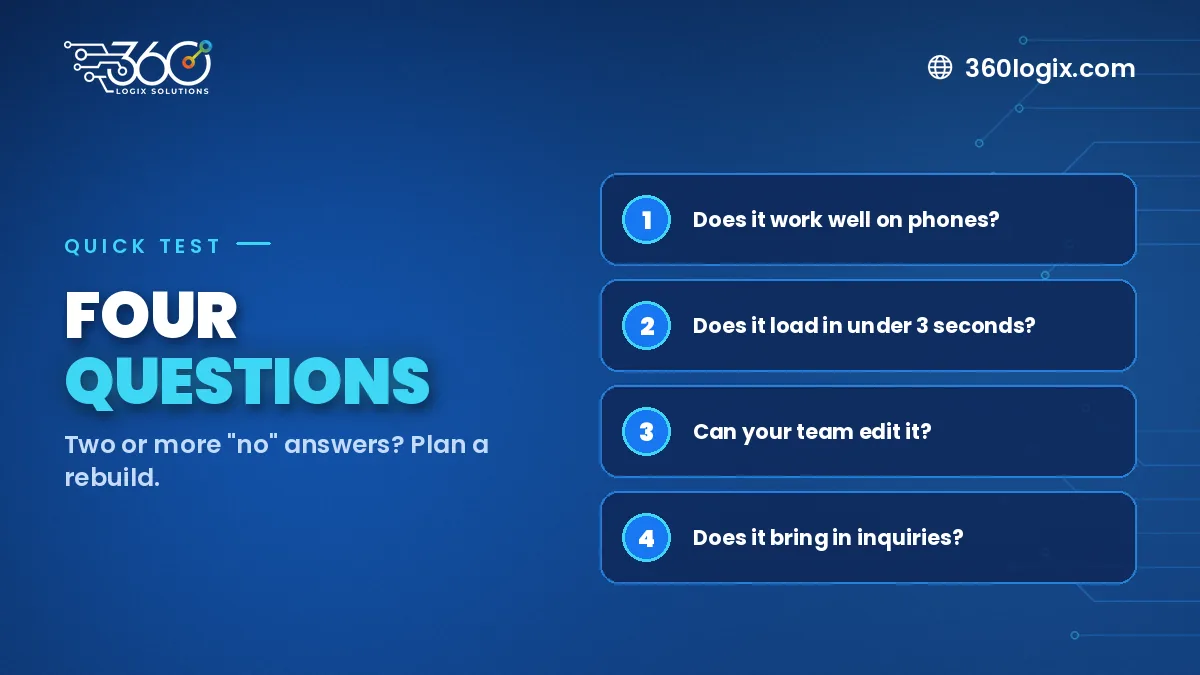
Score your site on four areas. Be honest.
- Mobile. Does it work well on a phone without zooming or sideways scrolling?
- Speed. Does it load quickly on mobile data?
- Editing. Can your team update text and photos without calling a developer?
- Leads. Do forms work, and do inquiries still come in from the site?
How to read your score
- Passes all four: A refresh is probably enough. Update visuals, photos and content.
- Fails one: Fix that area first. It may not need a rebuild.
- Fails two or more: A rebuild is usually faster and better value than patching.
Signs a refresh is enough
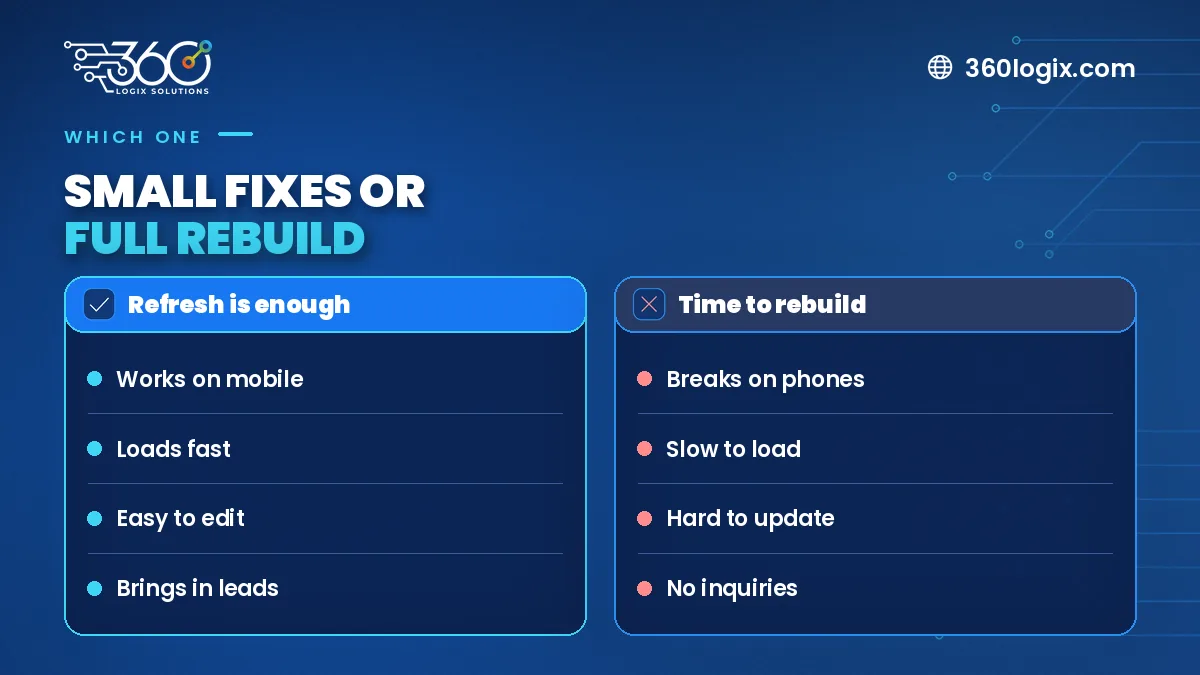
- Old photos or team members
- Services that changed
- Colors or fonts that no longer match your brand
- Missing case studies or recent work
Signs you need a rebuild
- The site was built before mobile mattered and it shows
- Pages are slow even after compressing images
- The platform is outdated or no longer supported
- You can't add pages without breaking the layout
- Your business has changed so much the structure no longer fits
What a rebuild involves
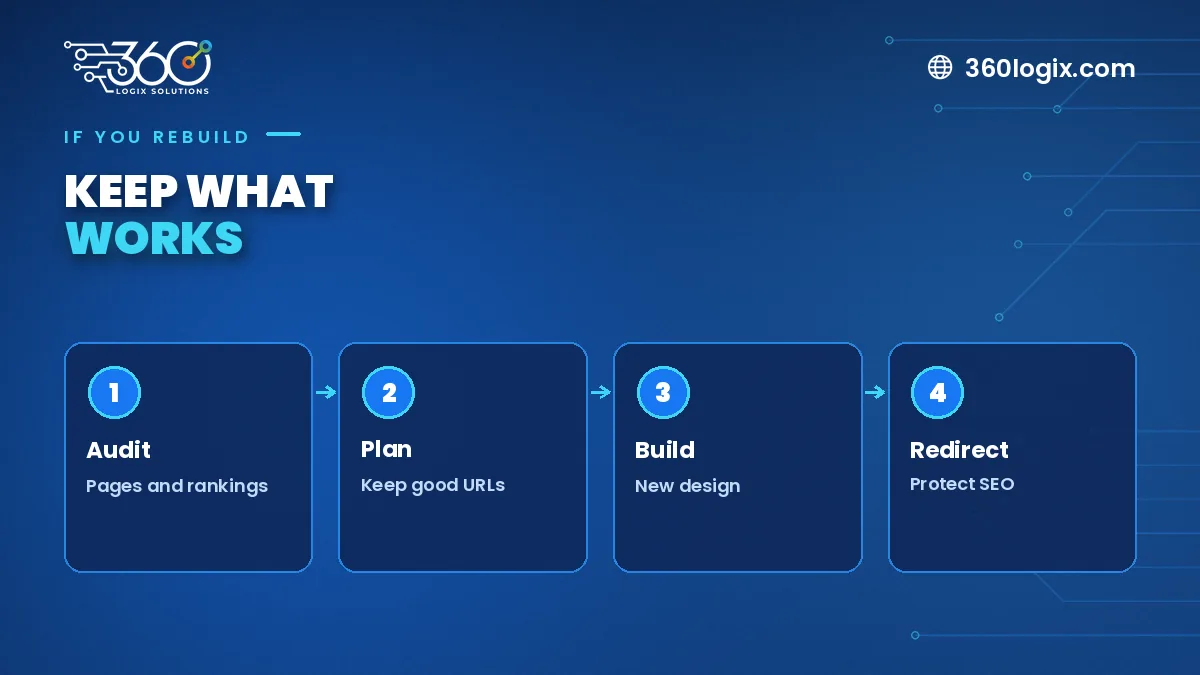
- Plan the pages you need now
- Keep content and URLs that already bring traffic
- Set redirects for any changed URLs
- Design, build and test on mobile
- Launch with SEO setup
See a rebuild in practice in our property care website project.
FAQ
Will a redesign hurt my Google rankings?
It can if old URLs disappear without redirects. A careful rebuild keeps or redirects pages that already rank.
How long does a rebuild take?
It depends on the number of pages and how ready your content is.
Can we keep our current domain?
Yes. Your domain stays the same.
Talk about your site
Our website development packages start at ₱65,000, with Full SEO setup and 1 year of free hosting. Send us your current site and we'll tell you honestly whether it needs a refresh or a rebuild.
Written by Paolo Reyes. Paolo Reyes is the CEO of 360 Logix Solutions Inc., a technology-driven marketing company with 15+ years in digital marketing, creatives, brand activations and events.
Related Articles

Web Design in Manila: Questions to Ask Before You Hire
Hiring for web design in Manila? How to compare local teams on meetings, support and turnaround, plus the questions to ask before you choose a partner.
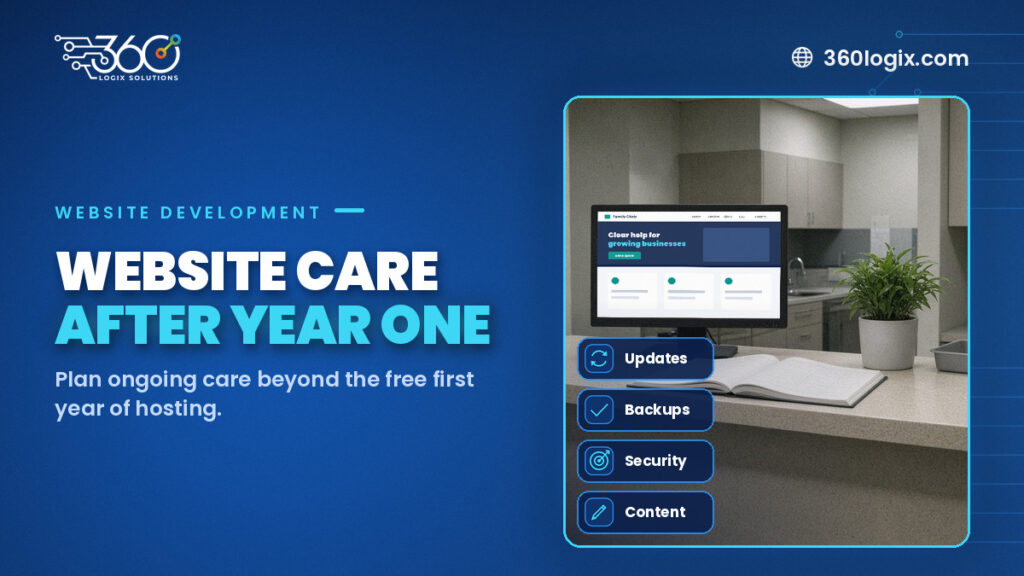
Website Maintenance After Launch: What to Budget After Year One
Website maintenance cost in the Philippines: what ongoing care covers after launch, from updates and backups to security, so year two holds no surprises.
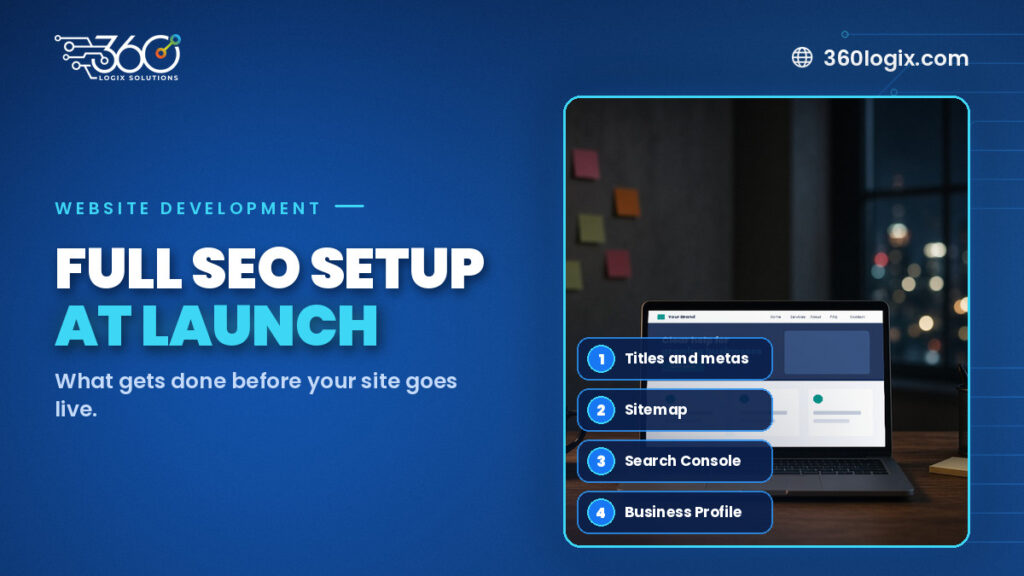
SEO Setup for New Website Launches: What a Full Setup Includes
What a full SEO setup for new website launches includes: page titles, meta descriptions, headings, sitemap, Search Console, schema and Business Profile.