Website Maintenance After Launch: What to Budget After Year One
Launching a website is a milestone, not the finish line. Like a car or an office, a website needs regular care to stay fast, secure and accurate. If your first year of hosting is included, it's easy to forget about website maintenance cost Philippines businesses should plan for until the renewal notice arrives.
Here's what website maintenance covers and how to plan your budget for year two and beyond.
Quick answer: Budget for hosting renewal after the free first year, plus regular care: software and plugin updates, backups, security checks, small content changes and a periodic speed and SEO check. Decide early whether your team or your web partner will handle each item.
Table of Contents
What website maintenance covers
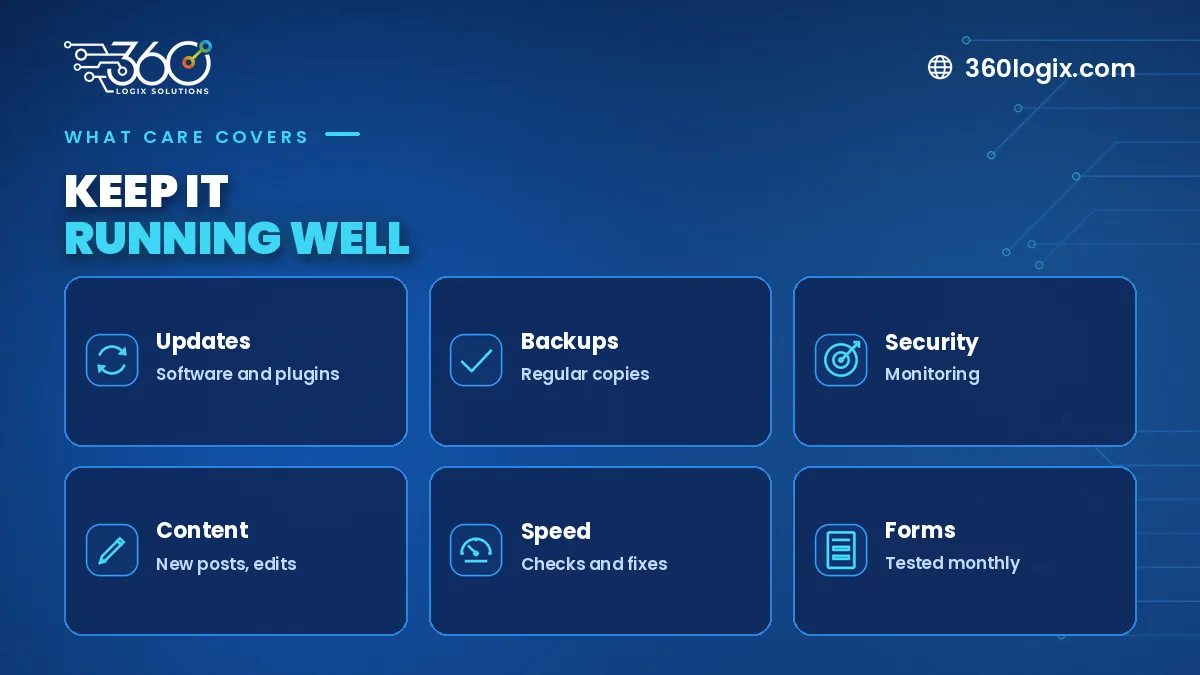
- Software updates. The website platform, themes and plugins need regular updates to stay secure and compatible.
- Backups. Regular copies of your site, stored safely, so you can restore it if something goes wrong.
- Security checks. Monitoring for malware, suspicious logins and expired security certificates.
- Content edits. New services, team changes, updated prices and fresh photos.
- Speed and SEO checks. Making sure pages still load quickly and appear correctly in search.
Year one vs year two
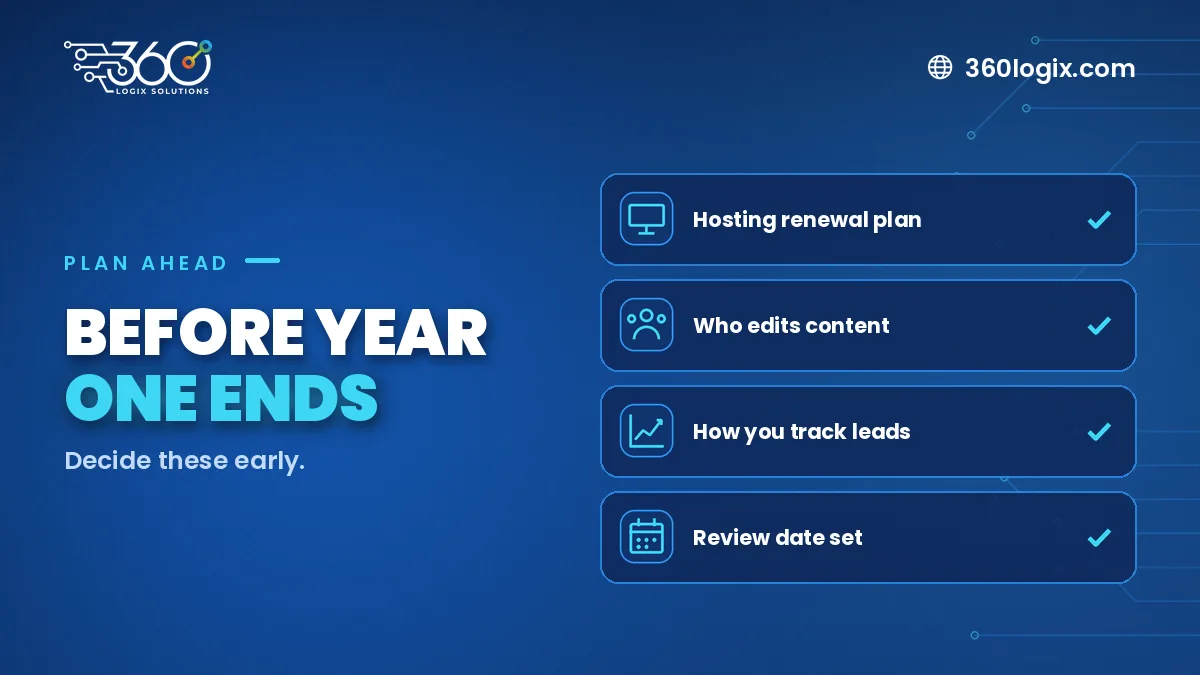
In the first year, hosting is included with our website packages, so your main job is keeping content current. From year two, plan for hosting renewal and any care you choose to outsource. Ask your web partner about renewal options well before the year ends.
Who should do what
| Task | Your team | Web partner |
|---|---|---|
| Small text and photo changes | Yes | Optional |
| Platform and plugin updates | Rarely | Yes |
| Backups and restores | Rarely | Yes |
| Security monitoring | Rarely | Yes |
| New pages or features | Planning | Build |
Signs maintenance is overdue
- Your footer still shows an old year
- Pages load slower than before
- Contact forms stopped sending
- Browser warnings about security
- Old services or staff still listed
A simple yearly plan
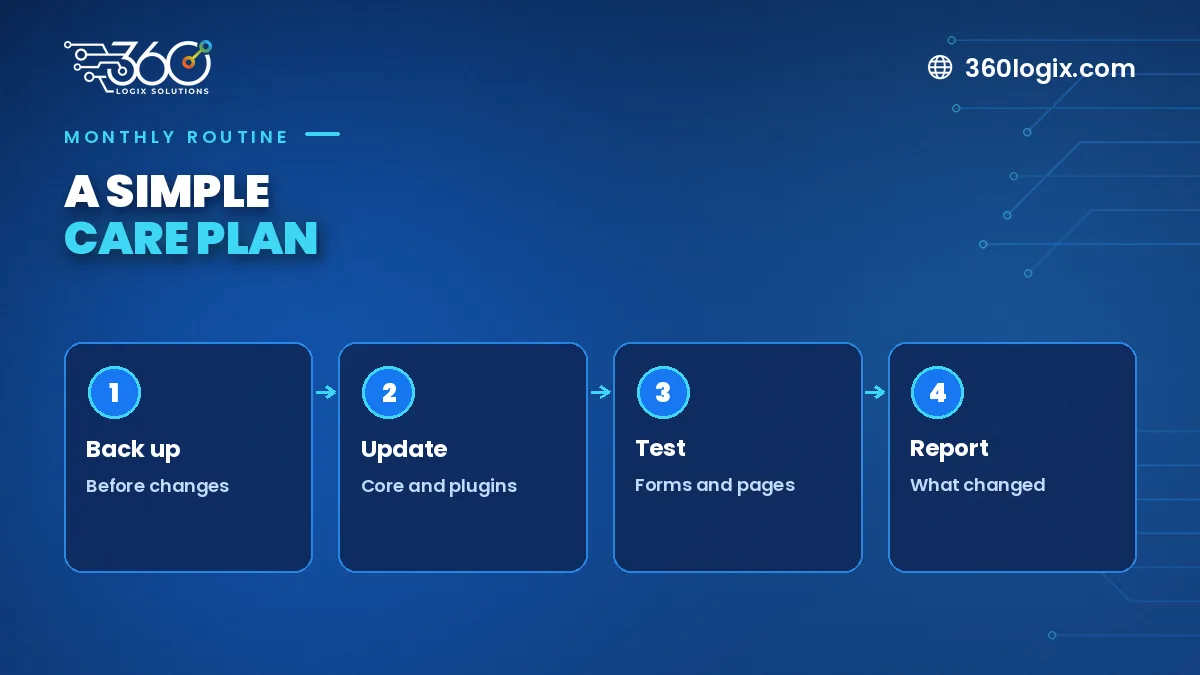
- Monthly: updates and backups
- Quarterly: review content, test forms
- Yearly: speed and SEO check, hosting renewal, refresh key pages
FAQ
Is maintenance required?
Not legally, but skipping it raises the risk of security issues, broken forms and lost inquiries.
Can I do maintenance myself?
Content edits, yes. Updates, backups and security are safer with someone experienced.
What if I just leave the site alone?
Over time, outdated software becomes a security risk and features may stop working.
Plan beyond launch
Our website development packages start at ₱65,000, with Full SEO setup and 1 year of free hosting. Book a call to talk about care options after year one.
Written by Paolo Reyes. Paolo Reyes is the CEO of 360 Logix Solutions Inc., a technology-driven marketing company with 15+ years in digital marketing, creatives, brand activations and events.
Related Articles
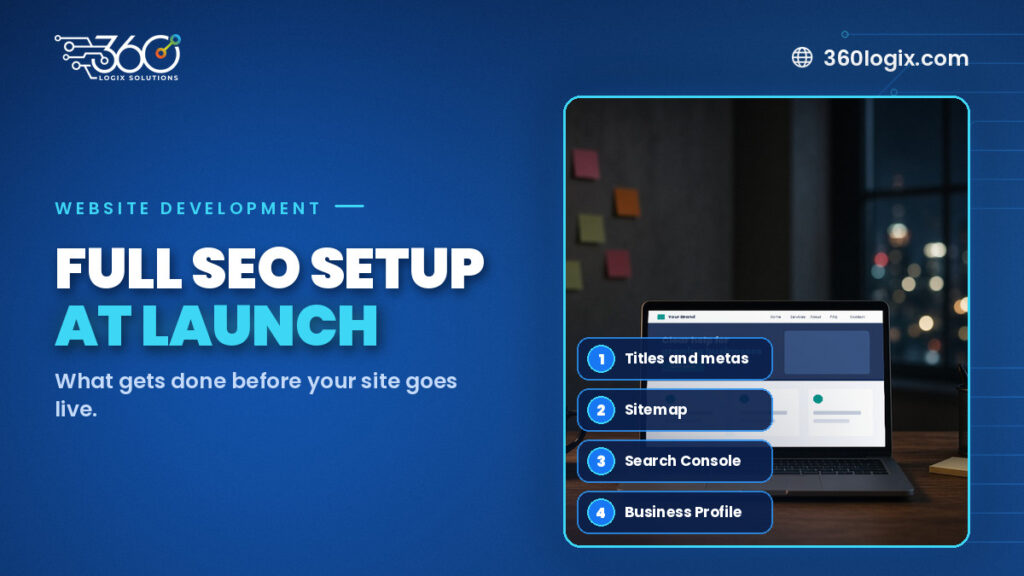
SEO Setup for New Website Launches: What a Full Setup Includes
What a full SEO setup for new website launches includes: page titles, meta descriptions, headings, sitemap, Search Console, schema and Business Profile.
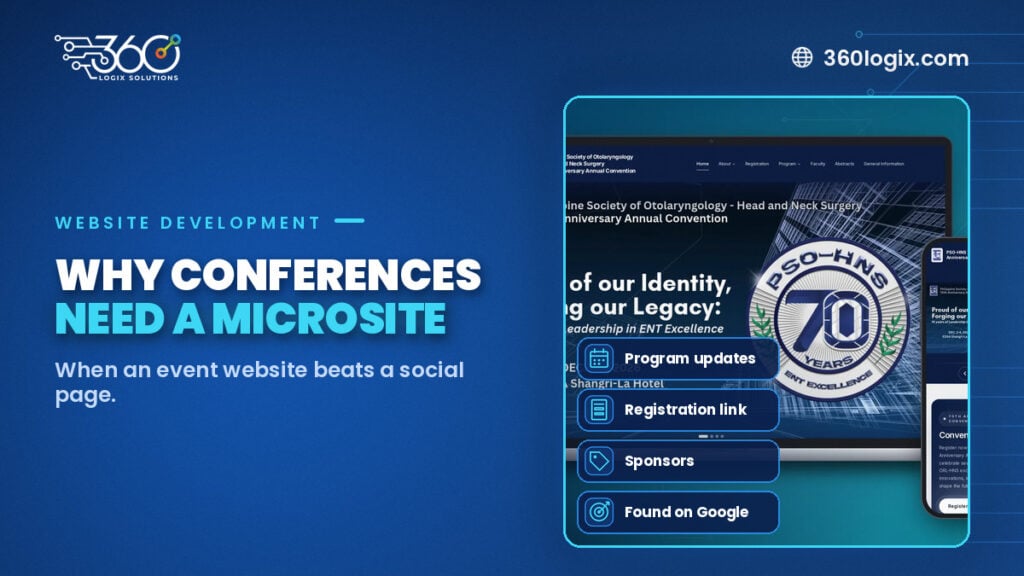
Event Microsite vs Social Page: Why Conferences Need One
Is a Facebook event page enough for your conference? When an event microsite works better for program updates, registration, sponsors and search visibility.
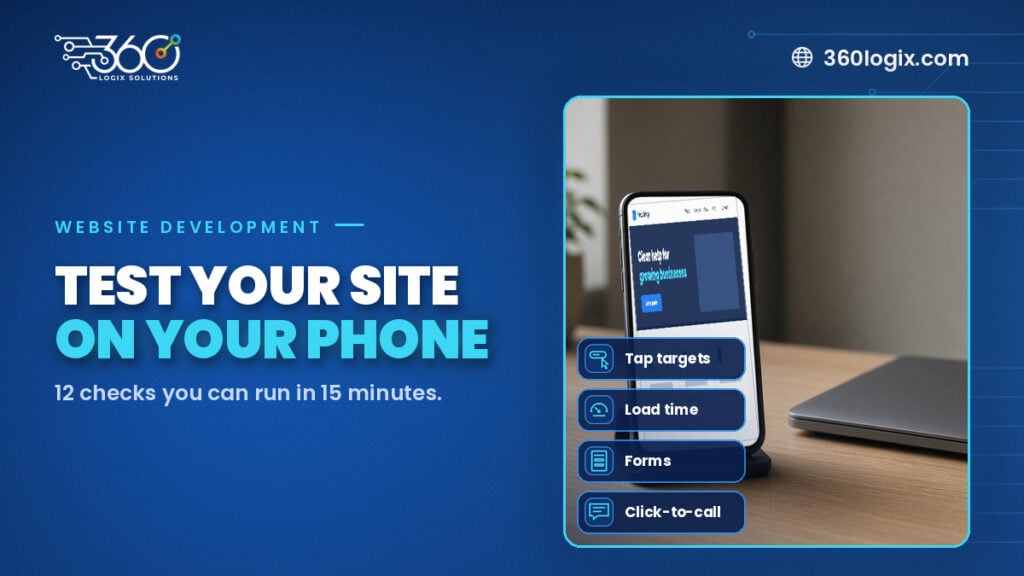
Mobile-First Website Checklist: 12 Things to Test on Your Phone
A 15-minute responsive web design checklist for businesses in the Philippines: 12 things to test on your phone, from tap targets and load time to click-to-call.