How to Set Up a Hybrid Event Session Without the Headaches
Most hybrid sessions fail the same way. Someone points a camera at the stage, shares a link and calls it done. The people watching online can't hear the questions, can't see the slides and give up after a few minutes. If you're figuring out how to set up a hybrid event, start with one belief: your online audience is a real audience. And bad audio kills hybrid faster than bad video.
Quick answer: Pick only the sessions that truly need an online audience. Assign three roles: on-site tech, a stream operator and an online host. Take audio straight from the sound board, capture slides directly, use wired internet with a backup, route online questions to a moderator, and rehearse with the real speakers.
Table of Contents
Why hybrid matters more in 2026
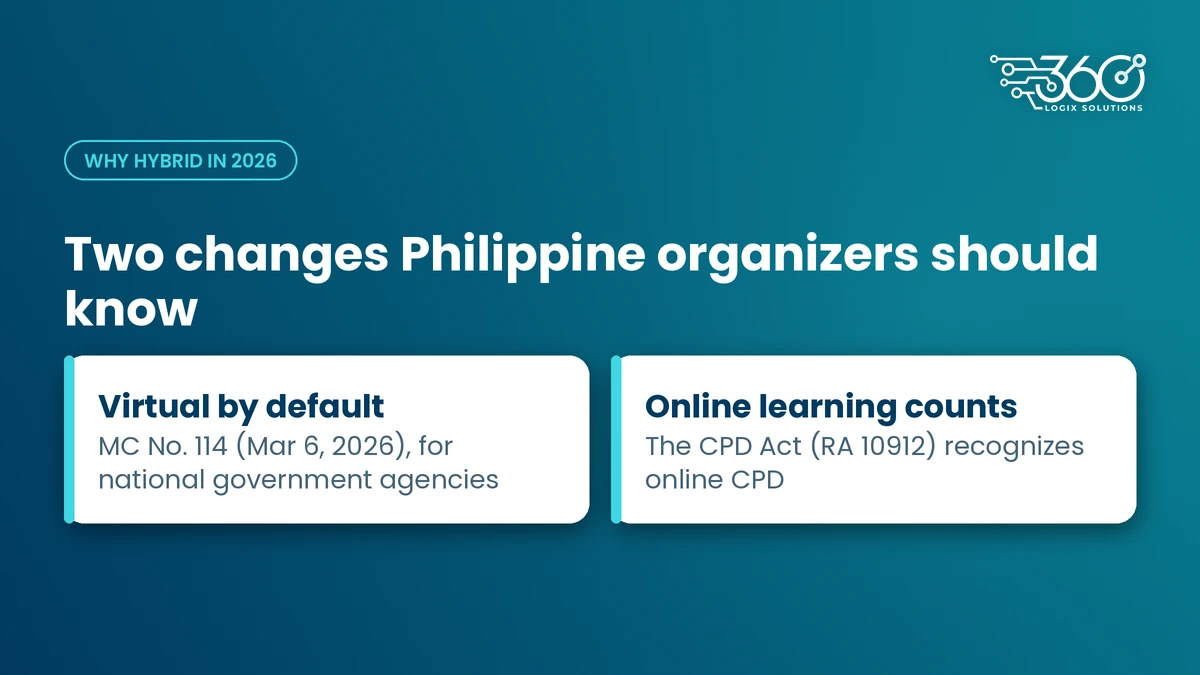
Two things changed this year for Philippine organizers.
First, Memorandum Circular No. 114 (March 6, 2026) directed national government agencies to make virtual meetings the default for conferences, seminars and workshops, unless physical presence is legally required or operationally indispensable. It also limits official travel for events that can be done online. It applies to national government agencies, not private events. But if your program has government delegates or speakers, expect more of them to ask for an online option. Check that the circular is still in effect close to your event date.
Second, online learning counts. The CPD Act (RA 10912) recognizes online learning activities as CPD, and PRC's 2026 rules widen the sources of CPD. For medical societies and other professional associations, that makes a solid online track worth more than it used to be.
How to set up a hybrid event in 6 steps
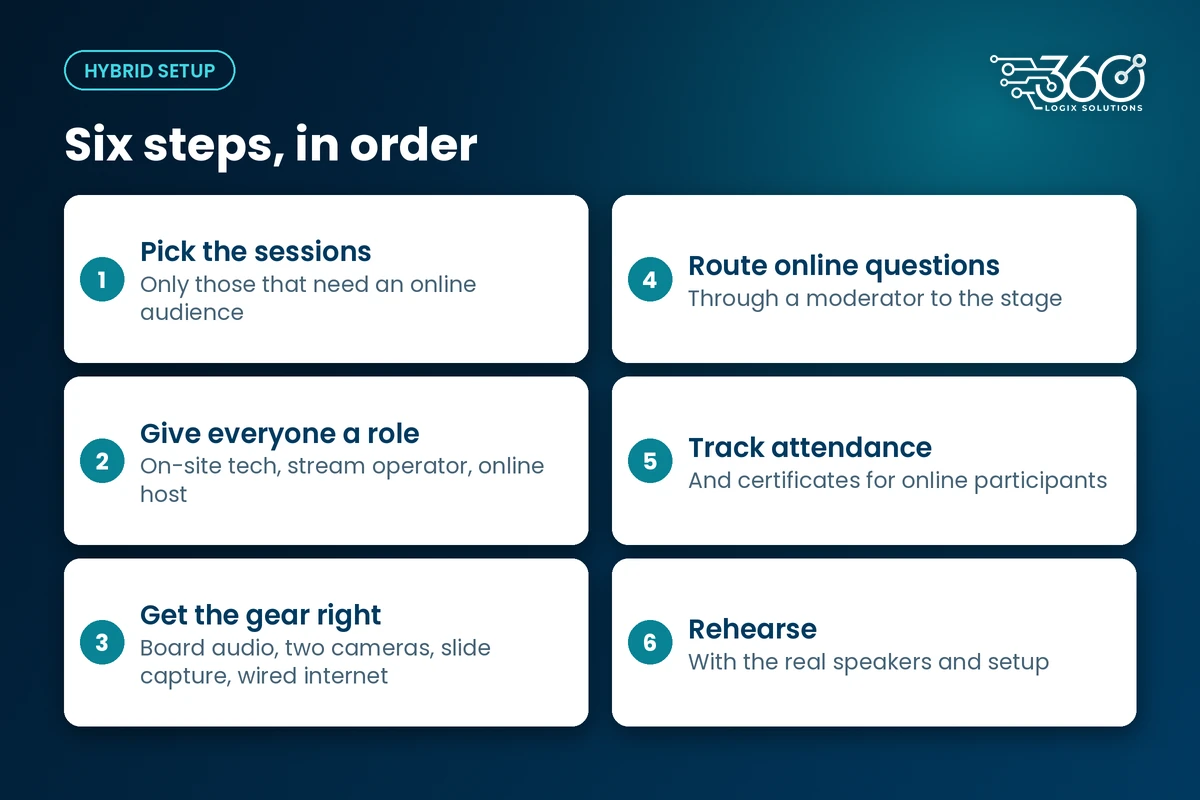
1. Decide which sessions go hybrid
Not every session needs an online audience. Plenary talks, keynotes and CPD-accredited lectures usually do. Workshops built around hands-on tables, networking breaks and sponsor booths usually don't. Going hybrid on fewer sessions lets you do each one properly. A focused list also makes your hybrid event platform easier to set up and easier for online attendees to follow.
2. Give everyone a clear role
A hybrid conference setup needs at least three jobs covered, even if one person handles two on a small program:
- On-site tech: runs the sound board, mics, stage screens and lights for the room.
- Stream operator: switches cameras, puts slides on screen and watches the stream health.
- Online host or moderator: greets online attendees, answers chat, collects questions and passes them to the stage.
The online host is the role people skip, and it's the one online attendees notice most. Without a host, the chat becomes a room nobody is minding.
3. Get the gear basics right
- Audio feed from the sound board. Never rely on a camera mic picking up the room.
- Cameras. One wide shot of the stage and one closer shot of the speaker is a good starting point.
- Slide capture. Take slides straight from the presentation laptop, not by filming the projector screen.
- Wired internet, plus a backup. Venue Wi-Fi shared with hundreds of attendees is a gamble. Ask the venue for a dedicated wired line and plan a second connection.
If you'd rather not build this yourself, our event technology services cover stage, screens, sound and streaming with one crew.
4. Route online questions properly
Decide before the day how online questions reach the speaker. Usually the online host reads them out loud on a mic, or sends them to the on-stage moderator. Mix online and in-room questions so the remote audience feels heard. An event app can help here; it's one of the things on our list of what an event app should do for attendees.
5. Track attendance and certificates for online participants
If the session carries CPD units, online attendees need the same proof as people in the room. Plan how you'll log their attendance and issue certificates before you open registration, and check the requirements with your CPD council.
6. Rehearse with the real setup
Run a full rehearsal with the actual speakers, slides and connection. Use this checklist:
- Sound board feed reaches the stream clearly
- Every mic tested, including the one for online questions
- Slides switch correctly from the presenter laptop
- Backup internet tested by actually switching to it
- Online host can see chat and reach the stage moderator
- Test viewer joins from a phone on mobile data and from a laptop
- Recording is on, if you plan a replay
Hybrid meeting audio setup: get this right first
Online attendees will forgive a soft camera image. They won't stay for audio they can't make out. That's why we put the hybrid meeting audio setup first in every plan.
A few rules our crew follows:
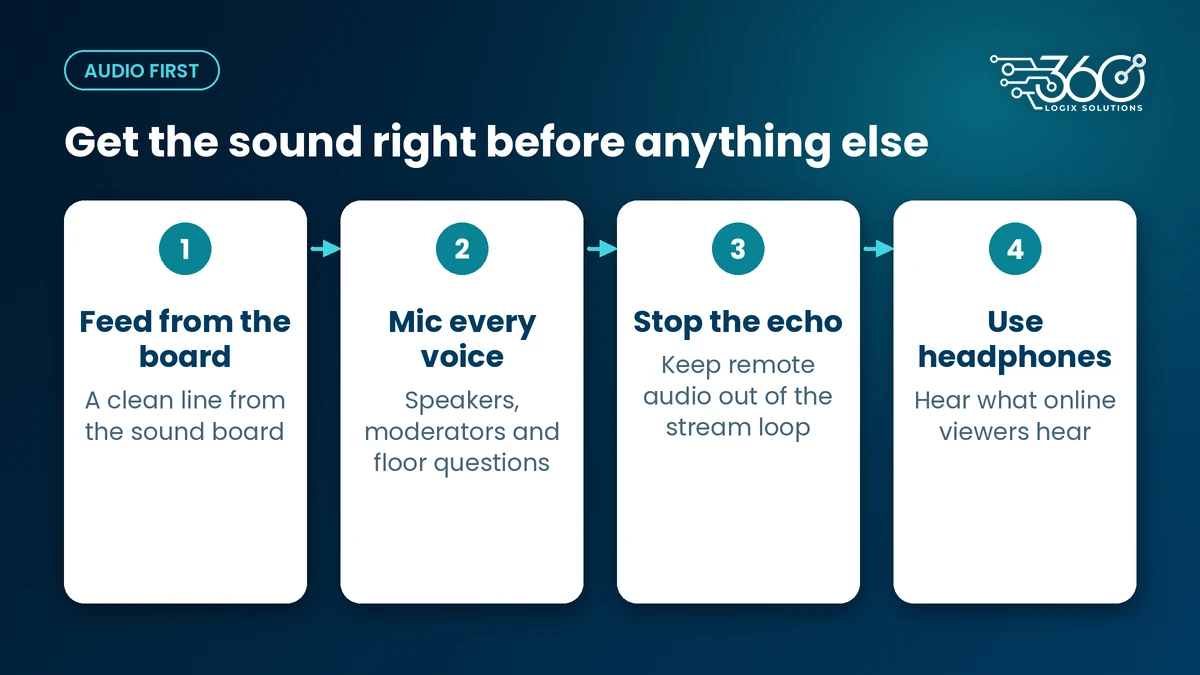
- Feed the stream from the board. A clean line from the sound board beats any microphone in the room.
- Mic every voice. Speakers, moderators and anyone asking a question from the floor. If it isn't on a mic, online viewers didn't hear it.
- Watch for echo. If remote speakers join, keep their audio out of the stream feed loop so it doesn't echo back.
- Listen on headphones. The stream operator should monitor what online viewers actually hear, not what the room hears.
Get these four right and most of the "hybrid is messy" complaints go away.
What a hybrid session costs you in effort
Hybrid takes extra effort, whatever platform you use. You need extra setup time, a rehearsal slot, a host who's paying attention to the chat and someone watching the stream. In Metro Manila, also allow for traffic and venue ingress rules when you plan crew call times. The payoff is a session people can join from the provinces or another country, and a recording you can use afterwards.
FAQ
What equipment do you need for a hybrid event?
At minimum: a sound board with a clean feed to the stream, mics for every voice, at least one camera (two is better), a way to capture slides directly from the presenter laptop, a streaming setup or platform, and wired internet with a backup connection. Add a screen on stage if remote speakers will join.
How many crew does a hybrid session need?
Cover three roles: on-site tech for the room, a stream operator for cameras and the feed, and an online host for chat and questions. On a small session, one person may handle two roles, but don't drop the online host. That's the role online attendees feel most.
Can online attendees earn CPD units?
The CPD Act recognizes online learning activities, so online participation can count. Whether your specific session qualifies, and what proof of attendance is needed, depends on your accreditation. Check with your CPD council before you promise units to online attendees.
Should every session be hybrid?
No. Choose the sessions an online audience actually needs, like keynotes and accredited lectures, and do those well. Spreading the crew across every room usually makes all of them worse.
Planning a hybrid session?
We've run event tech for 15+ years, and we treat the online audience as part of the room. Tell us which sessions need to go hybrid, and we'll help you plan the crew, gear and rehearsal. Plan your hybrid session with us.
Related Articles
Pharma Booth Design Ideas That Stay Compliant and Still Get Noticed
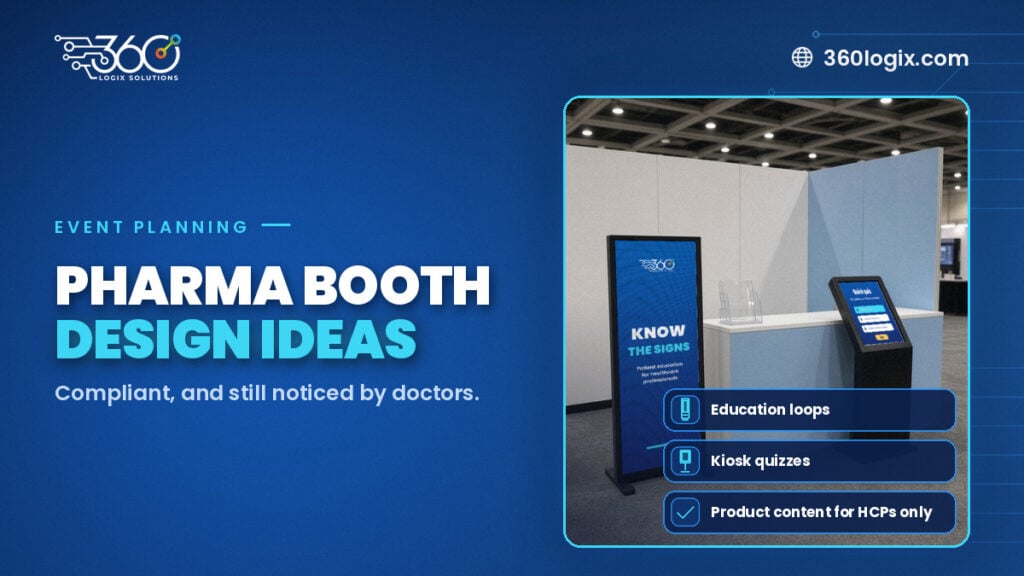
Pharma booth design ideas that stay compliant and still draw doctors: education loops, kiosks and screens, with product content for HCPs only.
Self Check-In Kiosks for Events: When They Make Sense and When They Don’t
When a self check in kiosk for events works: pre-registered crowds, few taps, an assistant nearby. Five questions to answer before you rent one, plus rates.
Wayfinding Signage for Events: Using Digital Screens to Guide Attendees
Wayfinding signage for events: printed signs for routes that never change, screens where information does, from the lobby and escalators to session doors.