Meet the Crew: Event Production Team Roles at a 360 Logix Event
You book the LED Posters, the kiosks and the stream. But on event day, what you're really relying on is people. This post walks through the event production team roles on a typical 360 Logix event day, what each person does for you, and who to call when something looks off. Our view is simple: you should know your point person before event day, not while you're hunting for them at 7 AM.
Quick answer: A 360 Logix event day usually runs on five roles: a project lead who is your single point of contact, technicians who set up and run the equipment, registration staff at the doors, creatives who handle screen content, and a stream operator for hybrid sessions. Your project lead connects all of them to your team.
Table of Contents
Event production team roles on event day
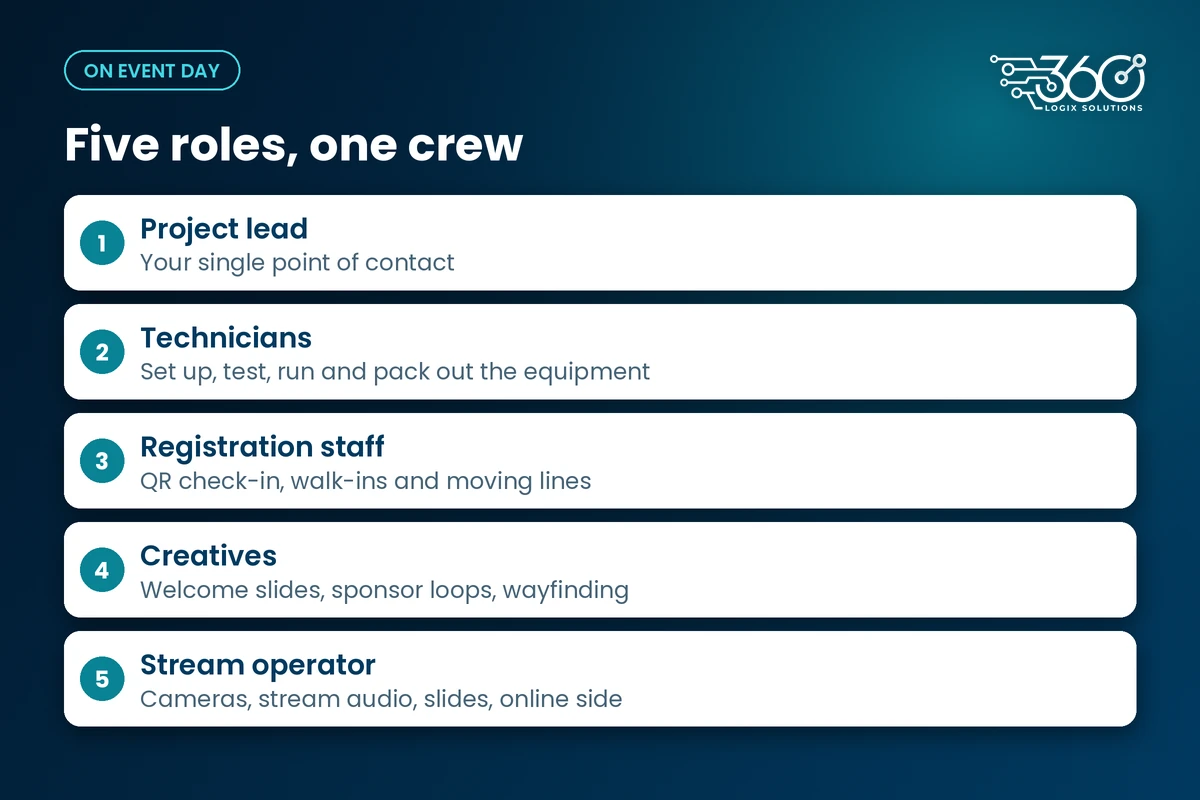
Crew size changes from job to job. The roles don't. Here's who you'll meet, and you can meet the full 360 Logix team on our About page.
Project lead
Your one name and one number. The project lead takes your brief, builds the plan with you, runs the crew on the day and makes the calls when the program shifts. If a speaker runs long or a sponsor sends a new file at lunch, they sort it out.
Technicians
They load in, set up, test and pack out. Technicians place the LED Posters and displays, check power, play the real files on the real units and stay close in case anything needs a fix. They're also the ones who swap content mid-event when your schedule changes.
Registration staff
The faces at your doors. Registration staff run QR check-in, help guests who forgot their code, handle walk-ins and keep the lines moving. If your event uses smart registration, they know the system inside out and can tell you who has arrived at any point in the day.
Creatives
They make sure what's on screen looks right. Our creatives prepare welcome slides, sponsor loops and wayfinding content, resize files that arrive in the wrong shape, and fix last-minute text changes before they go live.
Stream operator
For hybrid or livestreamed sessions, the stream operator runs the feed: cameras, audio into the stream, slides and the online audience side.
What does an event technician do?
The short answer: more than plugging things in. A good event technician:
- Checks the venue's load-in rules and power points before anything comes off the truck
- Sets up and tests every unit before doors open
- Plays the actual content files, not a test pattern
- Stays on call through the program for fixes and content swaps
- Packs out carefully so the venue is left the way we found it
A lot of that happens before you arrive. Our night-before setup routine shows how much of the technician's work is done before the first guest walks in.
How our crew works with your team
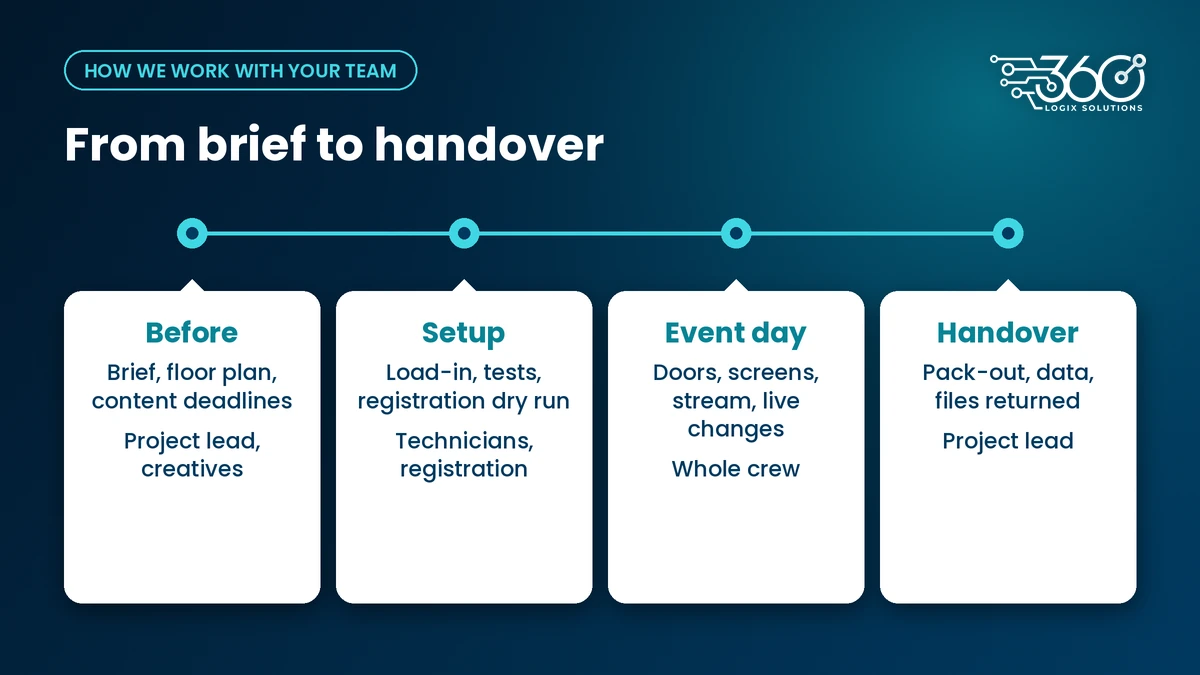
Event production team roles only work if they connect cleanly to your own people. Here's how we keep that simple.
| Stage | What happens | Who from our side |
|---|---|---|
| Before the event | Brief, floor plan, content deadlines, run sheet | Project lead, creatives |
| Setup | Load-in, placement, tests, registration dry run | Technicians, registration staff |
| Event day | Doors, screens, stream, live changes | Whole crew, led by the project lead |
| Handover | Pack-out, attendance data, files returned | Project lead |
One point of contact. Your team talks to the project lead. The project lead talks to the crew. Fewer group chats, fewer mixed messages.
A proper briefing. Before doors open, the crew and your on-site contact walk the floor together and agree who handles what.
A clean handover. At the end, you get what you need back: registration data, final files and a quick word on what went well and what to change next time.
About 360 Logix
We've been doing this for 15+ years. Most of that experience lives in the crew: the habits, the checklists and the instinct for where a line will form before it does. That's what you're really booking.
FAQ
Who is my main contact on event day?
Your project lead. You'll get their name and number before the event, and they stay your single point of contact from the brief through to handover.
Can I talk directly to the technicians?
Of course. They're on the floor all day. For changes that affect the program, though, go through your project lead so the whole crew hears the same thing.
Do I need to supply my own registration staff?
Not necessarily. We can staff registration or train your people to work alongside ours. We'll agree on the setup during planning.
What should my team prepare for the crew?
Your floor plan, run sheet, content files and the name of one on-site contact. That's usually enough for us to plan the rest.
Want to know who'll be on your event?
If you're planning something and want to meet the people behind it, work with our crew. Book a call, tell us about your date and venue, and we'll walk you through who does what on your event day.
Related Articles
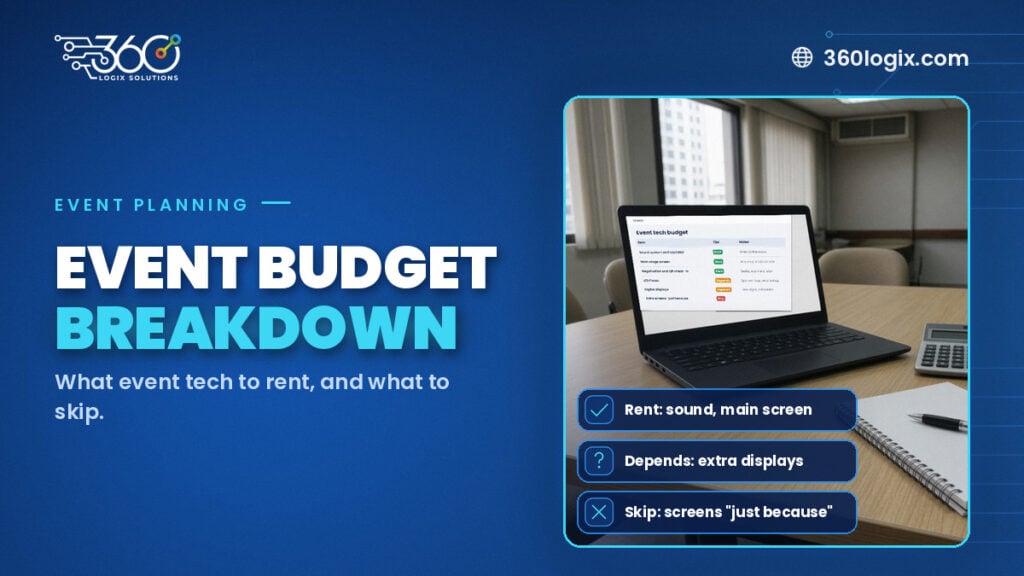
Event Budget Breakdown: What Event Tech to Rent, What to Skip
An event budget breakdown for tech: what to rent (sound, main screen, registration), what depends, what to skip, and how to read a per-unit, per-day quote.
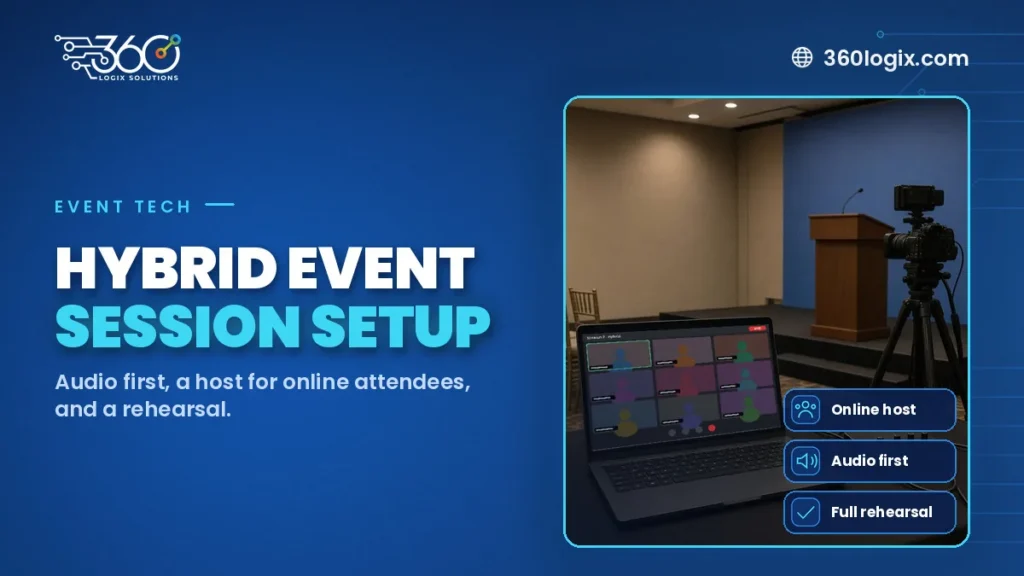
How to Set Up a Hybrid Event Session Without the Headaches
How to set up a hybrid event session: choose which sessions go hybrid, give online attendees a host, put audio first, rehearse, and plan CPD proof online.
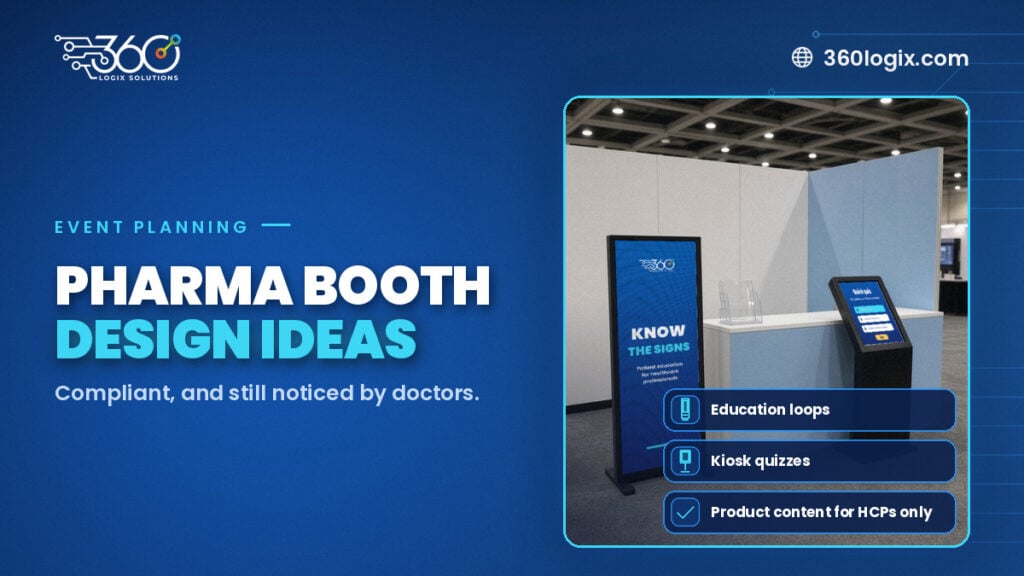
Pharma Booth Design Ideas That Stay Compliant and Still Get Noticed
Pharma booth design ideas that stay compliant and still draw doctors: education loops, kiosks and screens, with product content for HCPs only.