Self Check-In Kiosks for Events: When They Make Sense and When They Don’t
Kiosks look great in a proposal. A row of tall screens at the entrance, guests checking themselves in, no line. Sometimes that's exactly what happens. Other times, a self check in kiosk for events becomes the slowest spot in the venue, with a confused guest tapping at it and nobody around to help. Here's our honest take: a kiosk with no assistant nearby is just a line with a screen. We'd rather tell you when not to rent one.
Quick answer: Kiosks work best when most attendees are pre-registered, the task takes only a few taps, someone stands nearby to help, and a staffed fallback desk handles exceptions. If your crowd is mostly walk-ins, needs to pay on site, or needs hand-holding, staffed desks will serve them better.
Table of Contents
What a self check in kiosk for events does well
A kiosk is good at one kind of job: a simple, repeatable task done by someone who's already in your system. Look up a name or show a QR code, confirm the details, and move on. The same three steps, a few hundred times, without getting tired.
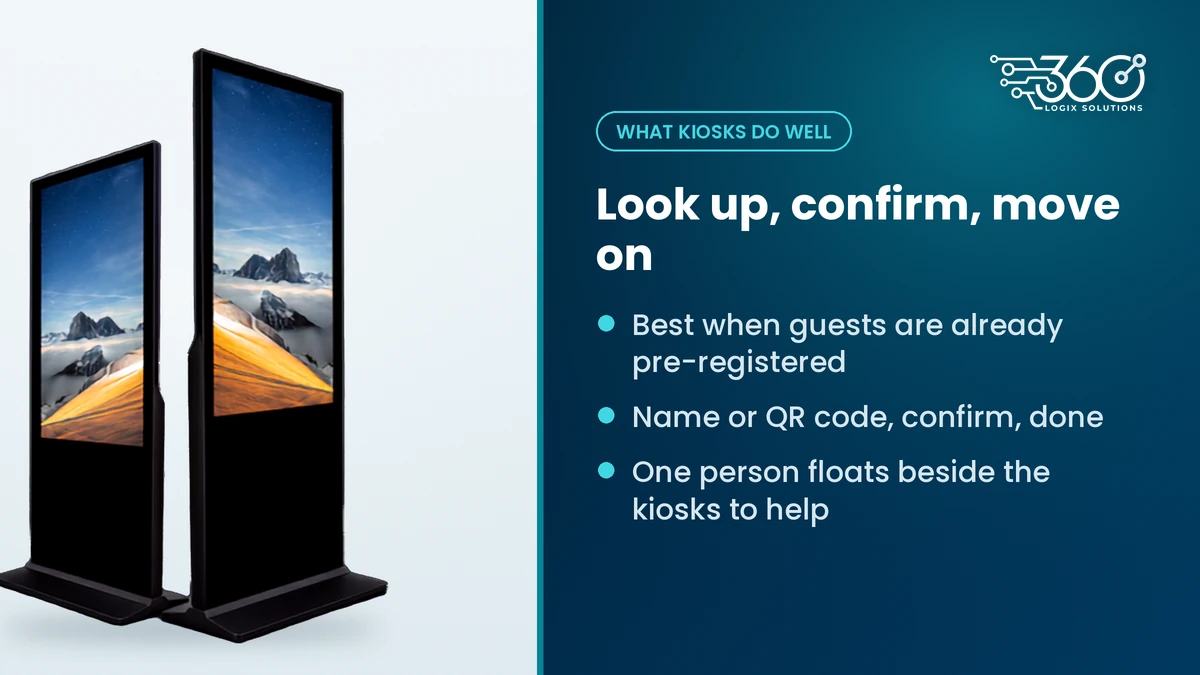
That's why kiosks fit pre-registered conventions and corporate events so well. Delegates already signed up online, they have a confirmation, and all they need is to tell the venue "I'm here." A self registration kiosk handles that without a staff member typing each name.
Kiosks also free up your people. Instead of three staff behind a desk reading names off a list, you can have one person floating beside the kiosks, helping whoever gets stuck, while the rest handle VIPs, speakers and problem cases. That's usually where the real time savings come from.
What a kiosk doesn't do is replace your registration system. It's a front end for it. If the data behind it is messy, the kiosk just shows the mess faster. That's why we plan kiosks as part of our self check-in and registration services, not as a standalone screen.
5 questions to answer before you rent a kiosk
Before you add a self check in kiosk for events to the plan, run through these. Be honest with the answers.
| Question | If yes | If no |
|---|---|---|
| 1. Are most attendees pre-registered? | Kiosks can do the lookup | Walk-ins need a staffed desk |
| 2. Does check-in take only a few taps? | Kiosks fit | Long forms belong at a desk |
| 3. Will someone stand beside the kiosks? | Stuck guests get help fast | Expect a line at the screen |
| 4. Is there a staffed fallback desk? | Exceptions don't block the kiosk | One problem guest stalls everyone |
| 5. Is your content and branding ready? | Screens look finished on the day | Kiosks show a blank or generic screen |
Yes to most? Kiosks are a good fit. Plan them alongside a small staffed desk for exceptions.
No to most? Skip the kiosks for now and put that budget into well-staffed desks and clear lane signs.
A few notes on each question:
- Pre-registration. This is the big one. If most guests haven't signed up ahead, the kiosk has nothing to look up. Push online registration early and the kiosk question gets easier. If you're still deciding how guests check in at all, read our comparison of QR check-in compared with manual.
- A few taps. Name, confirm, done. If the flow asks for a PRC number, a company, a meal preference and a consent tick box, the kiosk becomes a form, and forms slow everyone down. Collect that data online before the event.
- Someone assisting. Older delegates, VIPs and first-timers will hesitate. One friendly person nearby turns hesitation into a quick fix.
- A fallback desk. Misspelled names, unpaid registrations and "my secretary signed me up" cases happen at every event. Send them to a desk so the kiosk line keeps moving.
- Content ready. Welcome screens, instructions and your event branding should be final before the night before. A kiosk with a placeholder screen looks unfinished.
When kiosks don't make sense
We'll say it plainly: not every event needs a self check in kiosk for events. Here's when we'd steer you away.
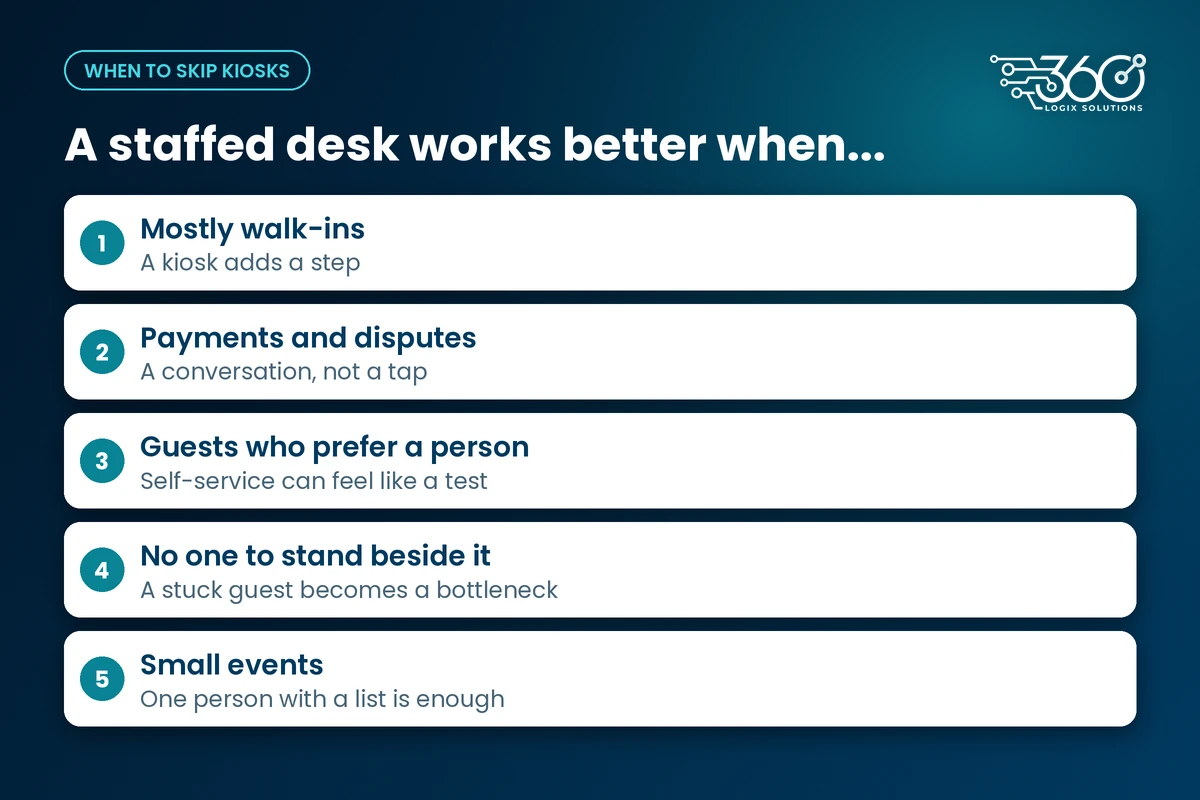
Mostly walk-ins. If guests are registering on the spot, a kiosk adds a step instead of removing one. A trained staff member with a tablet or laptop is faster and friendlier.
Payments and disputes. "I paid but I'm not on the list" is a conversation, not a screen tap. Anything involving money, proof of payment or special rates belongs at a staffed desk.
Audiences who need hand-holding. Some crowds simply prefer a person. If your attendees aren't used to self-service screens, a kiosk can feel like a test. Put people up front and use screens for directions instead.
No one to stand beside it. If your budget only covers the kiosk and not someone to help, we'd usually rather you didn't rent it. An unattended kiosk with a stuck guest is a bottleneck you paid for.
Small events. For a seminar of a few dozen guests, one person with a list or a scanner is enough. A kiosk is overkill.
Other kiosk uses: info, directory, feedback, sponsor content
Registration isn't the only job a kiosk can do. Once it's in the venue, it can keep working after the morning rush:
- Information and directory. An event map, the day's schedule and where to find each hall, right at the entrance.
- Feedback. A quick post-session or end-of-day survey for guests walking out.
- Sponsor content. Sponsor loops and messages between check-in peaks, which gives your sponsors one more visible spot.
- Booth content. At an exhibit, a kiosk can carry product content for visitors to browse.
These are good reasons to keep a kiosk for the whole day instead of just the first hour. Plan the content for each use ahead, so the switch from check-in to directory is just a content change on the day.
How much does a kiosk cost to rent?
People often search for touch screen kiosk price Philippines figures, and buying is a big outlay for something many events only need for a day or two. Renting usually makes more sense.
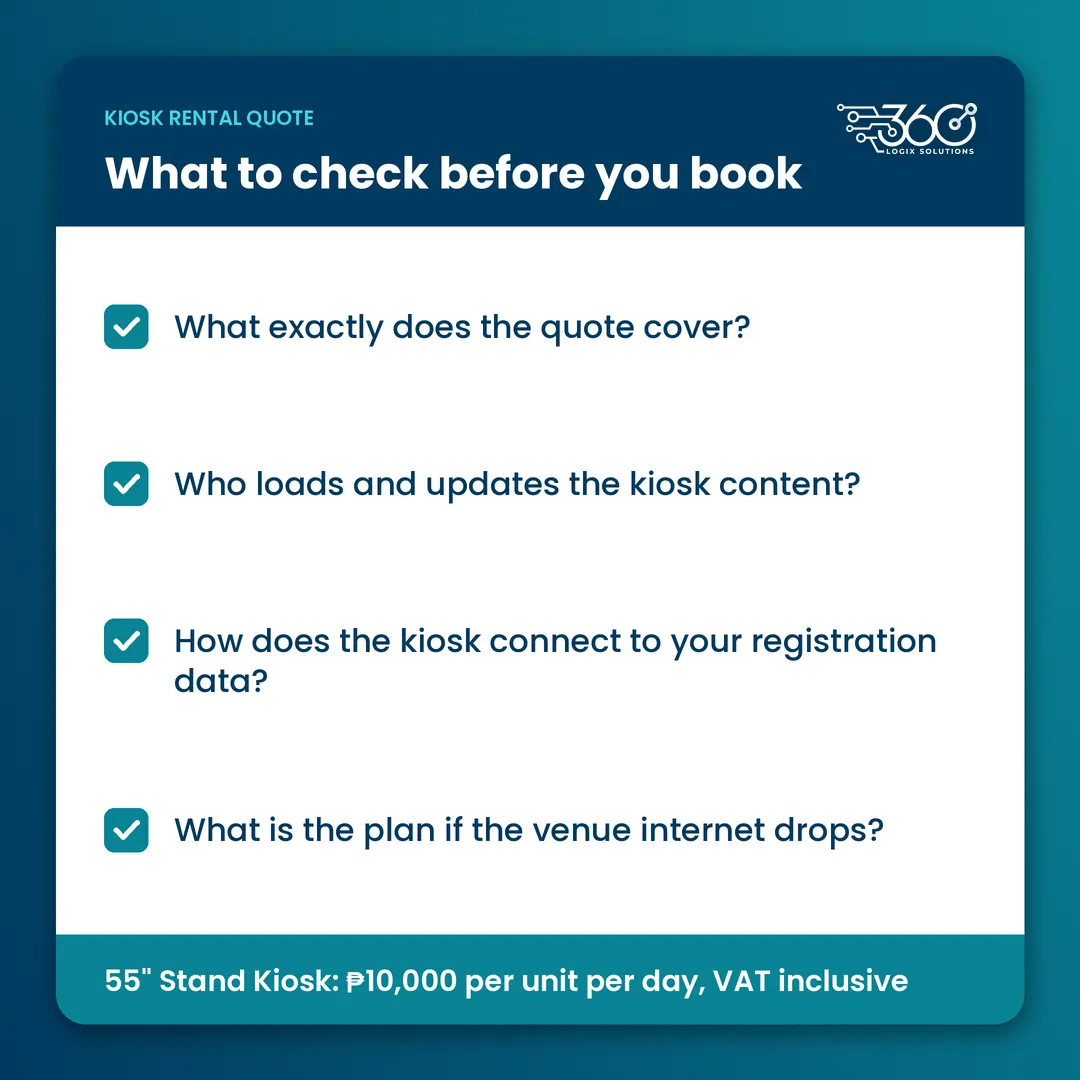
Our Interactive Touchscreen Kiosk is ₱10,000 per unit per day, VAT inclusive. We send a clear quote for the units and days you need.
When you're comparing an event kiosk rental quote, check:
- What exactly does the quote cover?
- Is a technician on site, or on call?
- Who loads and updates the kiosk content?
- How does the kiosk connect to your registration data?
- What's the plan if the venue internet drops?
You can see the full rate card and rent an Interactive Touchscreen Kiosk from our rentals page.
FAQ
How many kiosks do we need per registration area?
There's no single ratio that fits every event. Start with how many guests arrive in your busiest window, how many are pre-registered, and how many staff you can place beside the kiosks. Then add a staffed desk for exceptions. We'd rather size it with your guest list and floor plan than guess.
Do kiosks work offline?
It depends on how check-in connects to your registration data, so ask your supplier directly. Whatever the answer, plan for weak venue internet: test the connection during setup, keep a backup way to look up guests, and make sure your fallback desk can keep checking people in if the kiosks pause.
Can guests who didn't pre-register use the kiosk?
Usually that's a job for the staffed desk. On-site sign-ups take more steps and often involve payment questions, which slows the kiosk line down. Point walk-ins to a clearly signed desk and keep the kiosks for guests who are already in the system.
Is it better to rent or buy a kiosk for events?
For most organizers, renting. You avoid storage, transport and upkeep, and you get a technician who knows the units. Buying only starts to make sense if you run frequent events with the same setup, and even then, factor in who maintains it between events.
Not sure a kiosk is right for your event?
We've been running event registration for 15+ years, and we'll tell you honestly if a staffed desk would serve your guests better. Ask us if a kiosk fits your event and bring your expected headcount, pre-registration numbers and venue. We'll help you plan the check-in that actually works on the day.
Related Articles
Wayfinding Signage for Events: Using Digital Screens to Guide Attendees
Wayfinding signage for events: printed signs for routes that never change, screens where information does, from the lobby and escalators to session doors.
Event Technology Trends 2026: What Philippine Organizers Are Watching
Event technology trends 2026 for Philippine organizers: careful budgets, hybrid for government audiences, proving results with data, and modest AI.
Event Setup Checklist: What Happens the Night Before an Event
Our event setup checklist for the night before: load-in, power, screen content, sound, a registration dry run and backups, as a routine you can copy.