Post-Event Survey Questions: Collecting Attendee Feedback People Actually Fill Out
Most low response rates aren't an attendee problem. They're a design problem. The form is too long, it lands in inboxes a week later, and half the post event survey questions ask about things nobody on the organizing team will ever change. Fix those three things and feedback stops being a chore people ignore and starts being data you can take to your boss or your board.
Quick answer: Ask three to five questions, while people are still in the room, on their phones, in under two minutes. Use a QR code on a screen, a kiosk near the exit or a prompt in your event app. Only ask what you'll act on, then tell attendees what you changed because of their answers.
Table of Contents
Why attendees skip event surveys
We've watched this from the registration side of the room for years. The pattern is almost always the same.
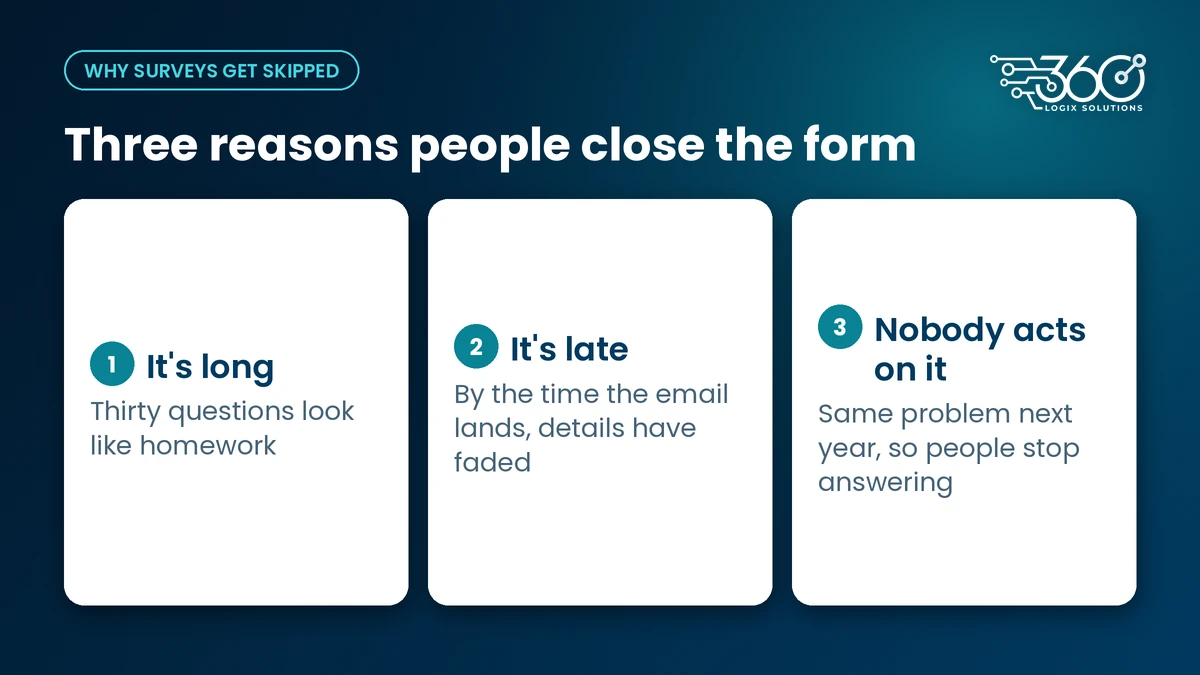
It's long. A 30-question event feedback form looks like homework. People open it, scroll, and close it. The questions at the bottom get the fewest answers, which are often the ones you wanted most.
It's late. By the time the email arrives, attendees are back at work, stuck in EDSA traffic, or already thinking about the next thing. The details that made a session useful or frustrating have faded.
Nobody acts on it. If last year's survey asked about the venue's air-conditioning and this year's room was just as cold, people notice. They learn that answering doesn't change anything, so they stop.
The fix isn't a cleverer incentive. It's a shorter, earlier, more honest survey.
Post-event survey questions worth asking
Before you write a single question, ask your own team: "What would we actually do differently depending on the answer?" If the honest answer is "nothing," cut the question.
Here's a small bank of post-event survey questions we'd start from. Pick three to five, not all of them.
| Question | Format | What you do with it |
|---|---|---|
| Overall, how would you rate today's event? | 1 to 5 scale | Track it event to event as your baseline |
| Which session was most useful to you? | Pick from list | Shapes next year's program and speaker invites |
| How useful was this session for your work? | 1 to 5 scale | Per-session feedback for speakers and committees |
| What's one thing we should change next time? | Short text, optional | Your best source of specific, fixable issues |
| How likely are you to recommend this event to a colleague? | 0 to 10 scale, optional | A simple loyalty signal if your board asks for one |
| Was registration and check-in easy? | Yes / Somewhat / No | Tells you whether the front door needs work |
A few rules we follow:
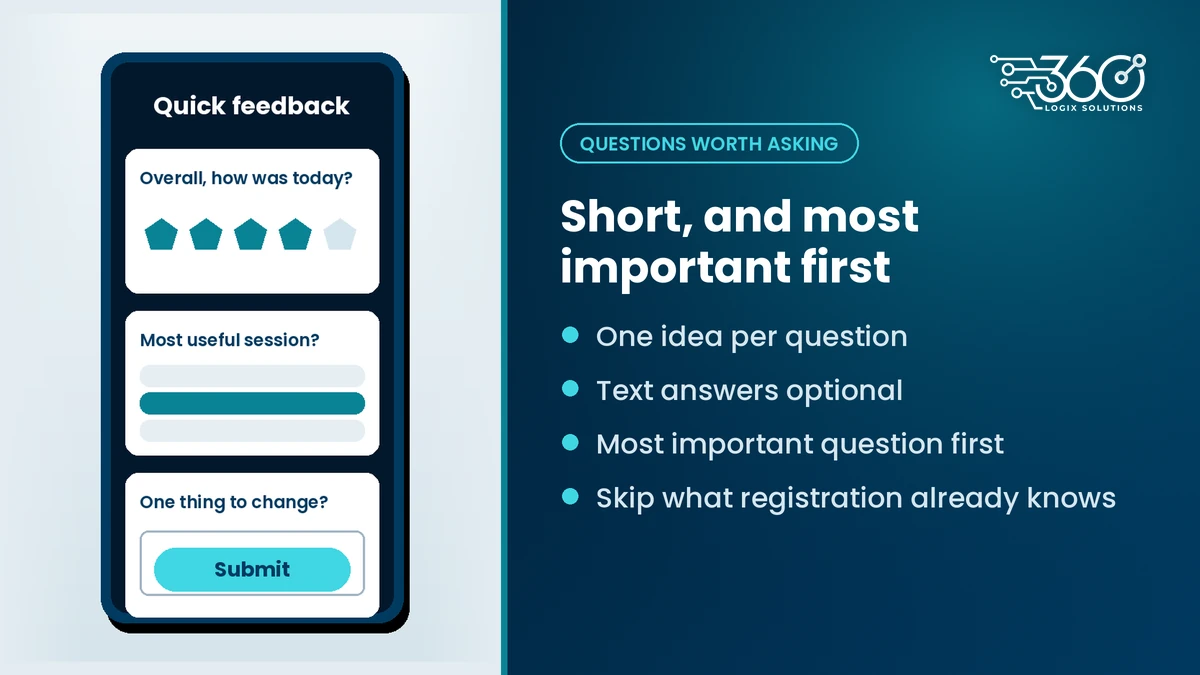
- One idea per question. "Was the venue comfortable and easy to reach?" is two questions. Split it or pick one.
- Make text answers optional. Required open-ended boxes are where people quit.
- Put the most important question first. If someone answers only one thing, make it count.
- Skip demographic questions you already have. If they registered, you know their organization and role. Link the survey to registration data instead of asking again, as long as your privacy notice covers it.
When to ask, and how to increase survey response rates
Timing does more for response rates than any wording trick. Ask in the room, not a week later.
Ask at the moment, on the spot
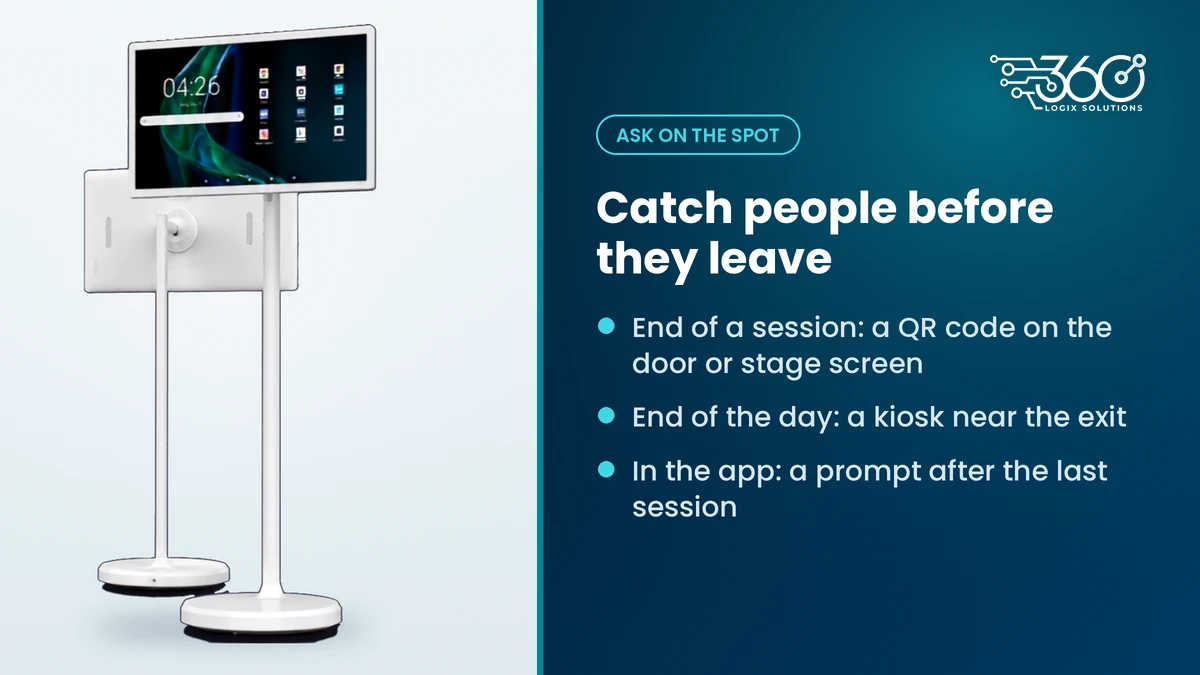
- End of a session: put a QR code on the session-door screen or the stage screen during the closing slide. A Vision 22" or 32" display by the exit works well for this.
- End of the day: an interactive touchscreen kiosk near the exit with a "Rate today" screen catches people while they wait for their ride.
- In the app: if your event already runs an app, a push prompt right after the last session is the gentlest nudge. It's one of the event app features people actually use when it's short.
Our crew sets these up the same way we handle QR code check-ins: big code, clear instruction, and a short link written underneath for anyone whose camera won't cooperate.
Keep it mobile and under two minutes
Test the survey on a mid-range phone with patchy venue Wi-Fi. If it takes more than two minutes or needs a login, trim it. Show a progress bar if there's more than one screen.
Close the loop
This is the step most organizers skip. After the event, send a short note: "You told us registration was slow, so next year we're adding a second lane." People who see their feedback used are far more willing to answer next time. Pulling answers into one view with event technology services that also hold your registration and attendance data makes that follow-up much faster to write.
What is a good post-event survey response rate?
We won't quote a universal benchmark, because response rates swing widely with audience, event length and how you ask. The useful comparison is your own: track the rate event to event and see whether asking earlier and shorter moves it. A rising trend tells you more than a number from someone else's audience.
Should surveys be tied to certificates?
Some organizers make the feedback form a step before attendees can download a certificate. It's common, and it does lift completion. Some attendees find it coercive, though, and rushed answers can lower quality. It's your call. If you do it, keep the survey very short and make the text questions optional.
Privacy: what you can and can't do with the answers
Feedback is personal data once it's linked to a name or email. Under the Data Privacy Act, and the National Privacy Commission's guidelines on consent, consent should be specific and granular. In practice:
- Say clearly what the survey is for and who will see the answers.
- Don't reuse survey contacts for marketing unless people opted in to that separately.
- Don't share named answers with sponsors or partners without a separate opt-in. Aggregated results are a safer default.
- Offer an anonymous option if you don't need to link answers to attendees.
FAQ
How many questions should a post-event survey have?
Three to five is the sweet spot for most events. Start with an overall rating, one question about sessions, and one optional "what should we change" box. Add more only if someone on your team has a clear plan for the answers.
When should you send a post-event survey?
Ask before people leave the room if you can, through a QR code on screen, a kiosk or an app prompt. If you have to email it, send it the same day while the event is fresh. A week later, answers get vague and response rates drop.
Can survey answers be shared with sponsors?
Only with a separate, clear opt-in from attendees. Consent to give feedback to the organizer isn't consent to share it with a sponsor. Aggregated, anonymous results (for example, how a sponsored session was rated overall) are a safer thing to share.
Should we offer a prize for answering?
You can, but a short, well-timed survey usually does more than a prize. If you add an incentive, keep it modest and make sure it doesn't push people to rush through without reading the questions.
Want feedback people actually give?
We've helped Philippine organizers for 15+ years, and the surveys that get answered are the short ones asked at the right moment. Set up in-room feedback with us: we'll help you place QR prompts on screens and kiosks, and you can ask us about EventsHub while you're at it.
Related Articles
How Medical Associations Can Boost Post-Event Engagement
A 7/30/90-day post-event engagement plan for medical associations: fast certificates, recordings, member content, and support for PRC CPD documentation.
On-Site Badge Printing for Events: Speed, Look and What to Prepare
On site badge printing for events: pre-print for speakers and VIPs, print on demand for delegates, clean your data first, and test printers the day before.
LED Poster Size, Formats and Simple Rules for Designing Content
LED poster size, shape and file prep for event content, plus simple design rules: one message, big type, high contrast, safe margins and short silent loops.