On-Site Badge Printing for Events: Speed, Look and What to Prepare
Badges are the first thing your delegates hold and the last thing your crew wants to worry about on the day. Pre-print every one and you'll throw out a stack for no-shows, then reprint for every late name change. Push everything to the desk and on site badge printing for events can slow the line to a crawl when the data is messy. Here's how our crew splits the work, and what to prepare so badges come out fast and look right.
Quick answer: Pre-print badges for speakers, VIPs and exhibitors, and print on demand for delegates as they check in. Lock the design two weeks out, clean the name list one week out, and test every printer the day before with a backup on standby. Print only what people need to see: name, affiliation and delegate type.
Table of Contents
Pre-printed vs on site badge printing for events: when each fits
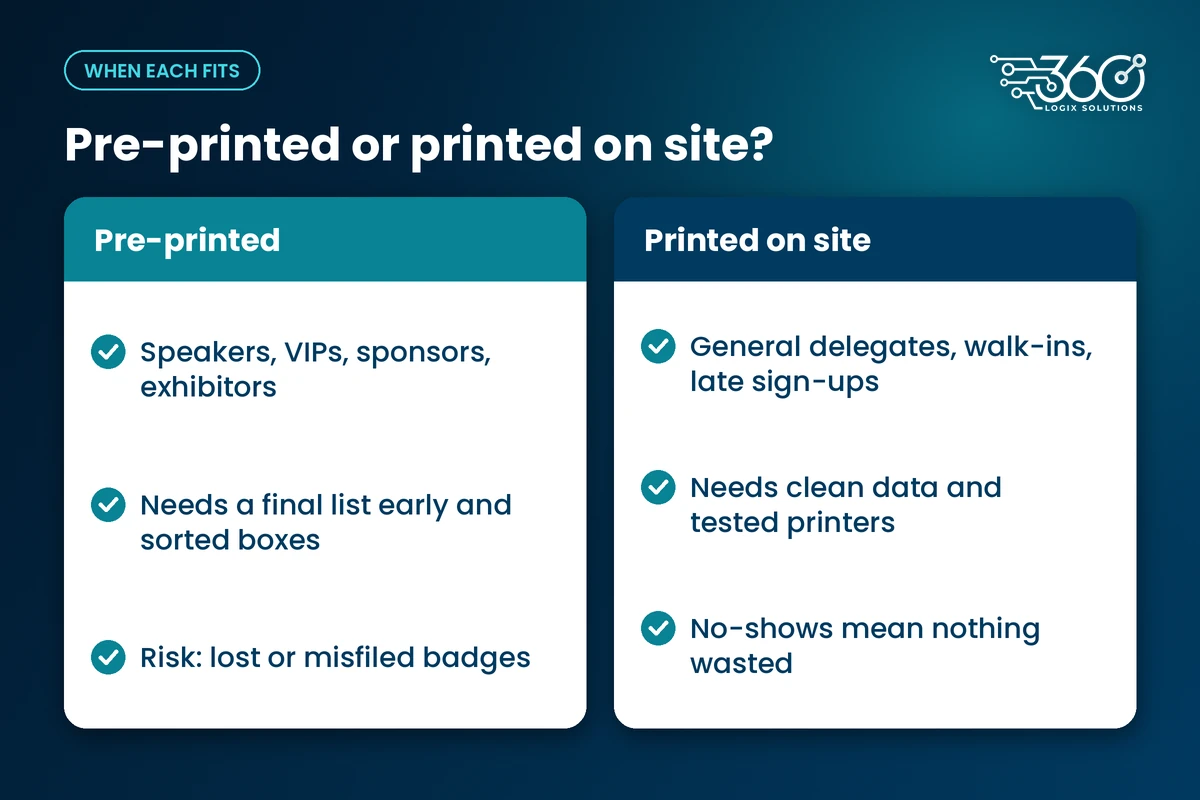
Both approaches work. The trouble starts when you use one of them for everyone.
Pre-printing makes sense when you know the person is coming and the badge has to be perfect: speakers, VIPs, sponsors and exhibitors. These are also the people you don't want standing in the delegate line. Handing over a finished badge from a sorted box at their own desk is a warm welcome, and it takes pressure off the main lanes.
Printing on demand fits general delegates. You only print for people who actually show up. Late registrants and name changes go through the same flow, and nobody on your team is reprinting badges at 11 PM the night before.
The catch? On-demand printing is only as fast as your data. If a record is wrong, the registration desk turns into an editing station, and the line behind it stops.
| Pre-printed badges | Printed on site | |
|---|---|---|
| Best for | Speakers, VIPs, sponsors, exhibitors | General delegates, walk-ins, late registrants |
| No-shows | Wasted badges | Nothing printed, nothing wasted |
| Late name changes | Reprint and re-sort the box | Fixed in the record, printed once |
| Risk on the day | Lost or misfiled badges | Lines if the data is messy or a printer fails |
| What it needs | A final list early, sorted boxes | Clean data, tested printers, a backup |
That split is how we usually set up registration and badge printing services for conventions: a small pre-printed desk for named guests, then print-on-arrival lanes for everyone else.
Event ID design: what to put on it and how big
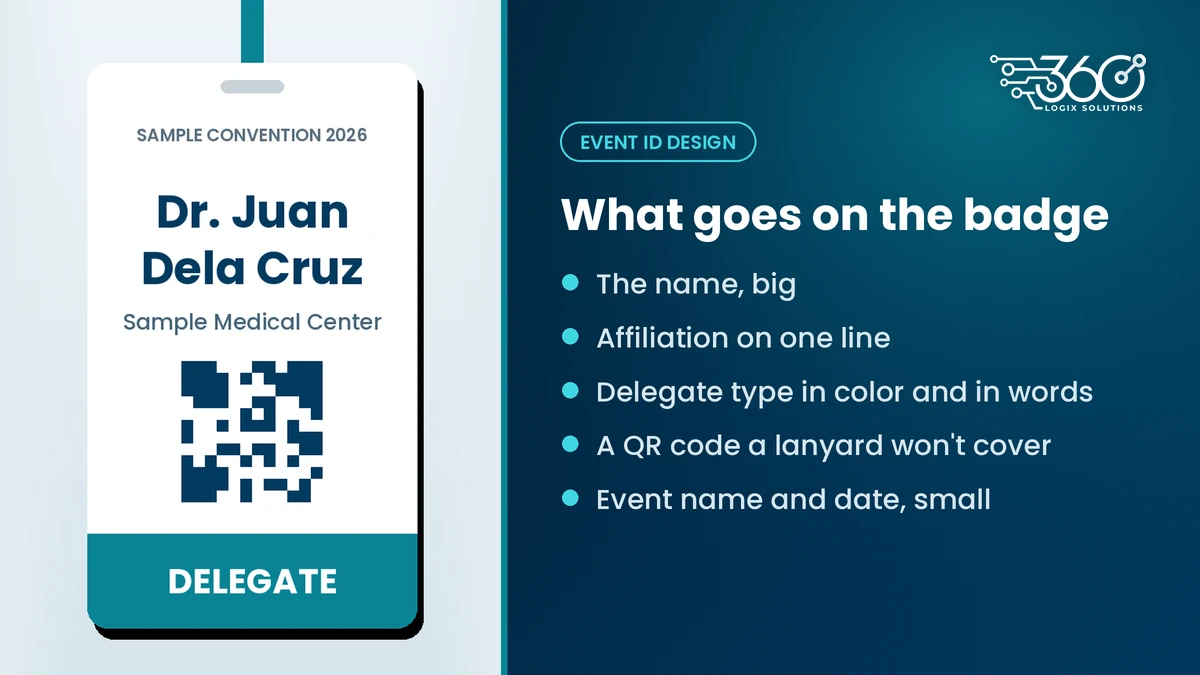
Most delegates here call it an "ID", and they'll judge it in about a second. Design for the person reading it across a coffee break, not for the PDF on your laptop screen.
Here's what belongs on a good event ID design:
- The name, big. It's the one thing people need to read from a few steps away. Keep titles like "Dr." if your audience uses them.
- Affiliation, on one line. Hospital, company or organization. Shorten long names the same way for everyone.
- Delegate type, color coded. Speaker, delegate, exhibitor, organizer, media. Print the word as well as the color, since not everyone tells colors apart easily, and your marshals shouldn't have to guess.
- A QR code for check-in and session scans, placed where a lanyard clip or a folded collar won't cover it.
- Event name and date, small. Sponsor logos only if they're part of an agreed package, and never crowding the name.
What about event badge sizes? It really depends on the printer, the card or paper stock it takes, and whether you're using lanyards or clips. Card-style IDs are sturdy and easy to wear. Larger hanging badges give you room for a bigger name and maybe a short schedule on the back. Ask your registration partner what stock their badge printer for events uses before your designer starts, so you're not redrawing a layout a week out.
Then test it. Print a dummy badge with the longest name and longest affiliation on your list, hang it on a colleague, and read it from across the room.
Your prep timeline, from two weeks out to doors open
Fast on site badge printing for events is mostly won before the event. Here's the timeline we work to.
Two weeks out: lock the design
Approve the final layout, the color codes, and which registration field goes where on the badge. After this point, change the content, not the layout. Every layout change late in the game means retesting every printer.
One week out: clean the data
This is the biggest speed factor you actually control. Go through the list with this checklist:
- Spelling. Check names, especially long or compound surnames. People notice when their name is wrong, and they'll ask for a reprint.
- Capitalization. Online forms collect ALL CAPS entries and all-lowercase ones. Pick one style and apply it everywhere.
- Titles. Decide where "Dr.", "Atty." or "Engr." lives: in a title field or in the name, not both. That's how you avoid "Dr. Dr." on a badge.
- Affiliations. Shorten long ones consistently and fix the five different spellings of the same hospital or company.
- Duplicates. The same person registered twice with two email addresses is a classic.
- Delegate type. Every record needs one, or the right color can't print.
Then freeze the list. Changes after the freeze go to one named person, not to whoever picks up the phone.
Day before: test printers, count stock, stage a backup
Print real badges from the real list on every printer, at the venue, on venue power. Count badge stock, lanyards and clips, and keep spares beyond your expected turnout. Set up the backup printer and test it too. A backup still sealed in its box isn't a backup. Most venues give you a short ingress window, so printers should be among the first things powered up, not the last.
On the day: where printing sits in the flow
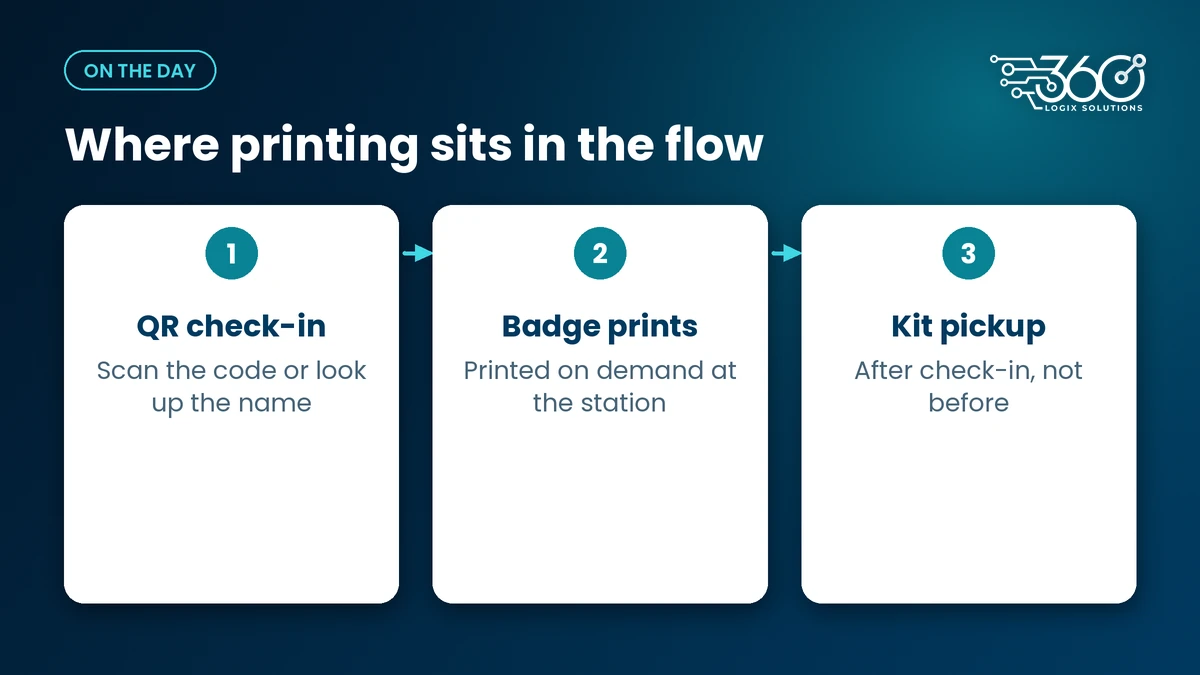
Check in first, print second, kit pickup after. The delegate scans their QR code, the badge prints at the lane or at a print station right after it, and they move on to collect their kit. Keep a help desk off to the side for name corrections and walk-ins, so one typo doesn't block a whole lane. Metro Manila traffic means people tend to arrive in bunches, not a steady trickle, so plan for the rush, not the average.
If you're still planning the space, our guide to registration area layout for big events covers lanes and one-way flow. Pair it with QR code check-in so the scan pulls up the right record before anything prints.
Privacy: what not to print on a badge
Badges get photographed, posted on social media and left on restaurant tables. Treat everything on them as public.
The Data Privacy Act's proportionality principle says you should process only the personal data you actually need for a purpose. A badge's purpose is simple: show who someone is and what role they have at the event. Name, affiliation and delegate type cover that.
Keep these off the badge:
- PRC license numbers
- Mobile numbers
- Email addresses
- Birthdays and home addresses
If you need PRC numbers for CPD reporting, keep them in the registration record and the attendance system, where access is controlled. The same goes for the QR code: it should point to a record in your system, not spell out someone's details for anyone with a phone camera.
FAQ
Should PRC numbers appear on convention IDs?
No. A PRC license number isn't needed to identify someone at a convention, and a badge is effectively public. Keep license numbers in your registration and attendance records, where you control who sees them, and print only the name, affiliation and delegate type.
How do you handle name changes on the day?
Send them to a help desk beside the lanes, not into the main line. The desk staff fixes the record, prints the badge once, and the delegate goes on to kit pickup. Agree beforehand who's allowed to approve substitutions, especially for paid or sponsored slots.
Do we need a backup printer?
Yes. Printers jam, run out of stock or lose a connection, usually at the worst moment. Set the backup up and test it the day before so switching over takes a cable swap, not a hunt through boxes. Keep a small stock of blank badges and markers as a last resort.
Can walk-ins get a printed badge too?
Yes, and that's one of the best reasons to print on demand. Register the walk-in at the help desk, check their details once, and print. Their badge looks the same as everyone else's, which matters more to delegates than most organizers expect.
Planning badges for your next convention?
We've been running registration and event tech for 15+ years, and badges are one of those small things delegates remember. Set up on-site badge printing with us and bring your expected turnout, your delegate types and a sample of your registration export. We'll help you work out the pre-print and print-on-demand split before the day.
Related Articles
LED Poster Size, Formats and Simple Rules for Designing Content
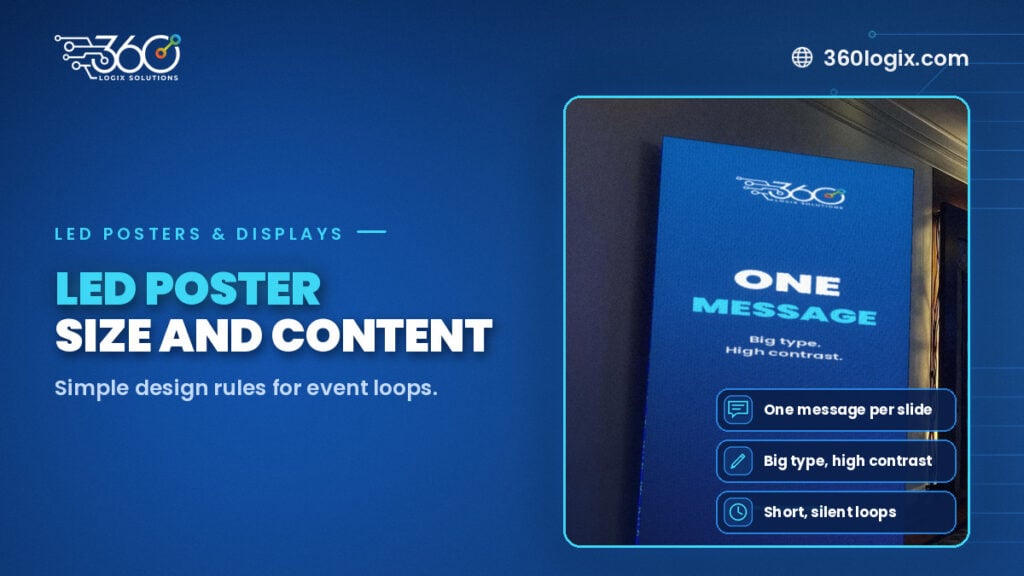
LED poster size, shape and file prep for event content, plus simple design rules: one message, big type, high contrast, safe margins and short silent loops.
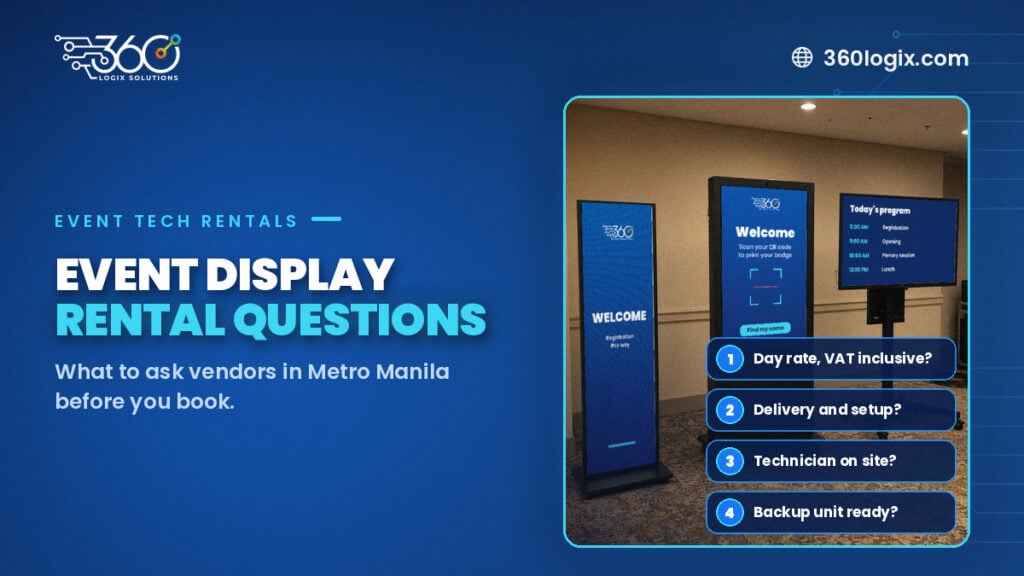
Questions to Ask Vendors for an Event Display Rental in Metro Manila
Questions to ask vendors for an event display rental: day rates, delivery, setup, technicians, backups, content, load-in and cancellation, before you book.
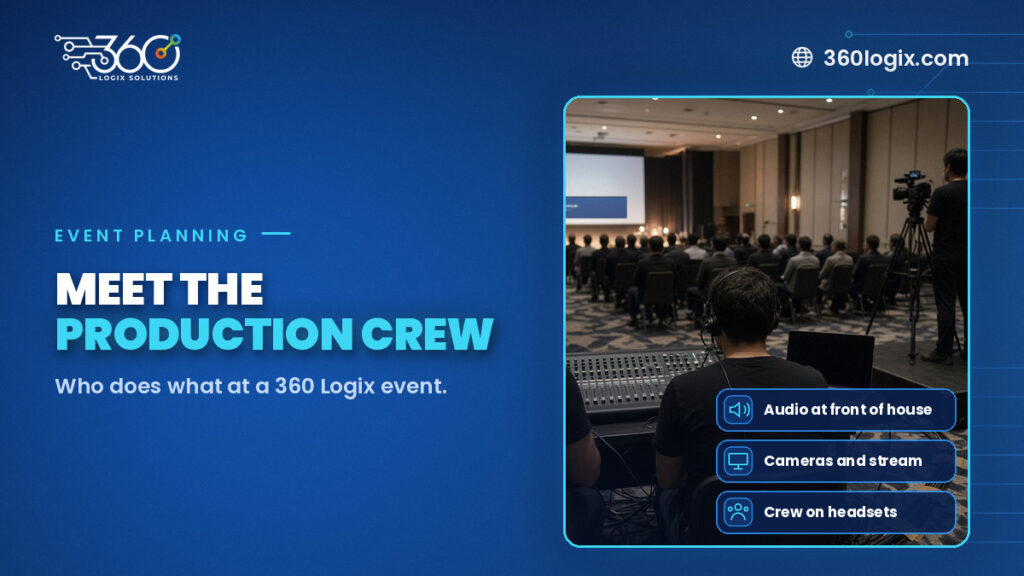
Meet the Crew: Event Production Team Roles at a 360 Logix Event
Event production team roles at a 360 Logix event: project lead, technicians, registration staff, creatives and stream operator, and how we work with you.