Case study · Tech
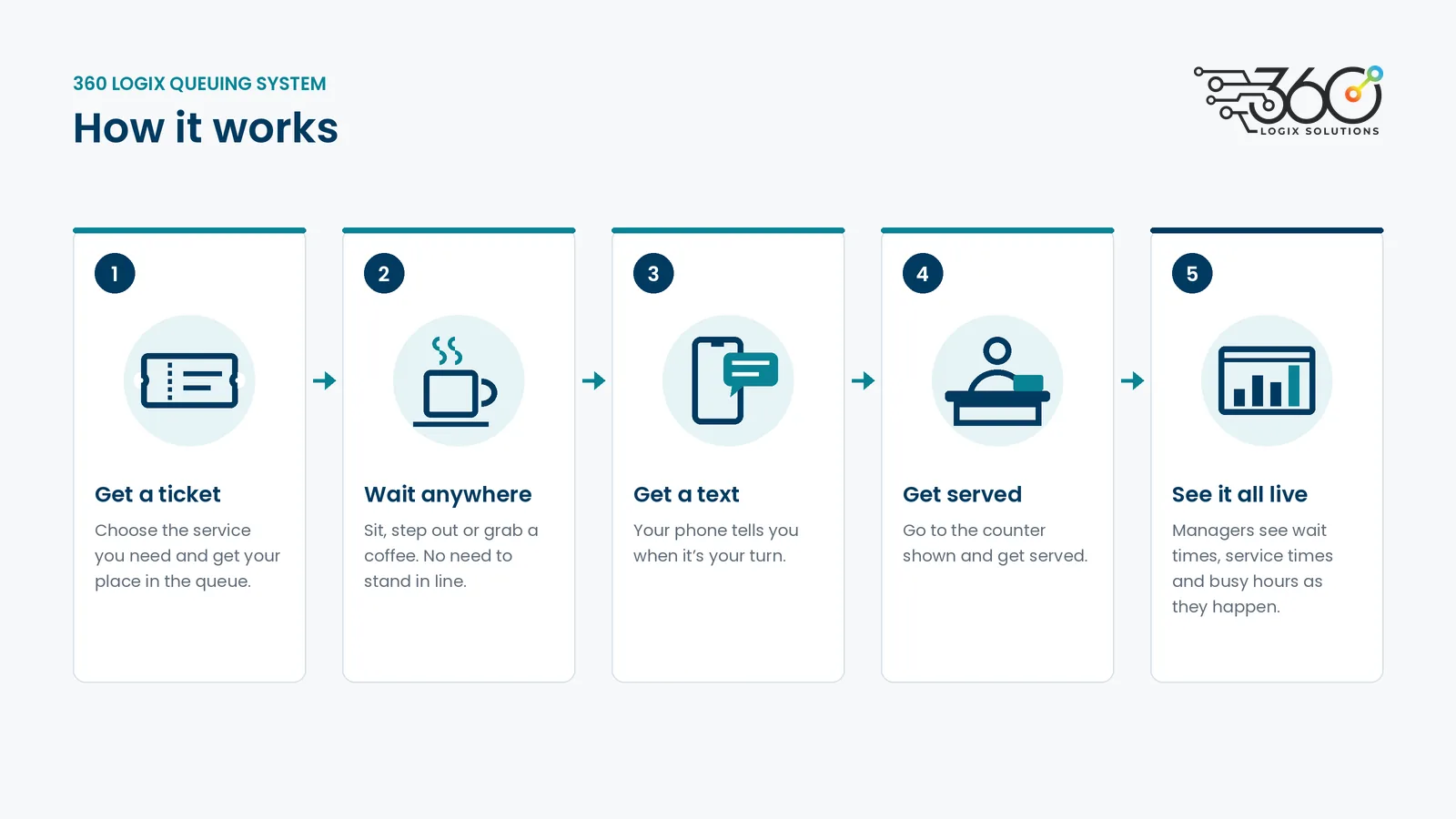
Long lines make people tired, frustrated and quick to complain, and staff feel it first. Our queuing system replaces the crowd at the counter with a simple ticket number. People can wait anywhere, they get a text when it’s their turn, and you can finally see how long people are really waiting. We designed and built it in-house at 360 Logix.
When everyone lines up in one place, the waiting area gets crowded, nobody knows how long it’ll take, and people who need priority have to speak up to be seen. At the end of the day, you still can’t say how many people you served or where the time went.
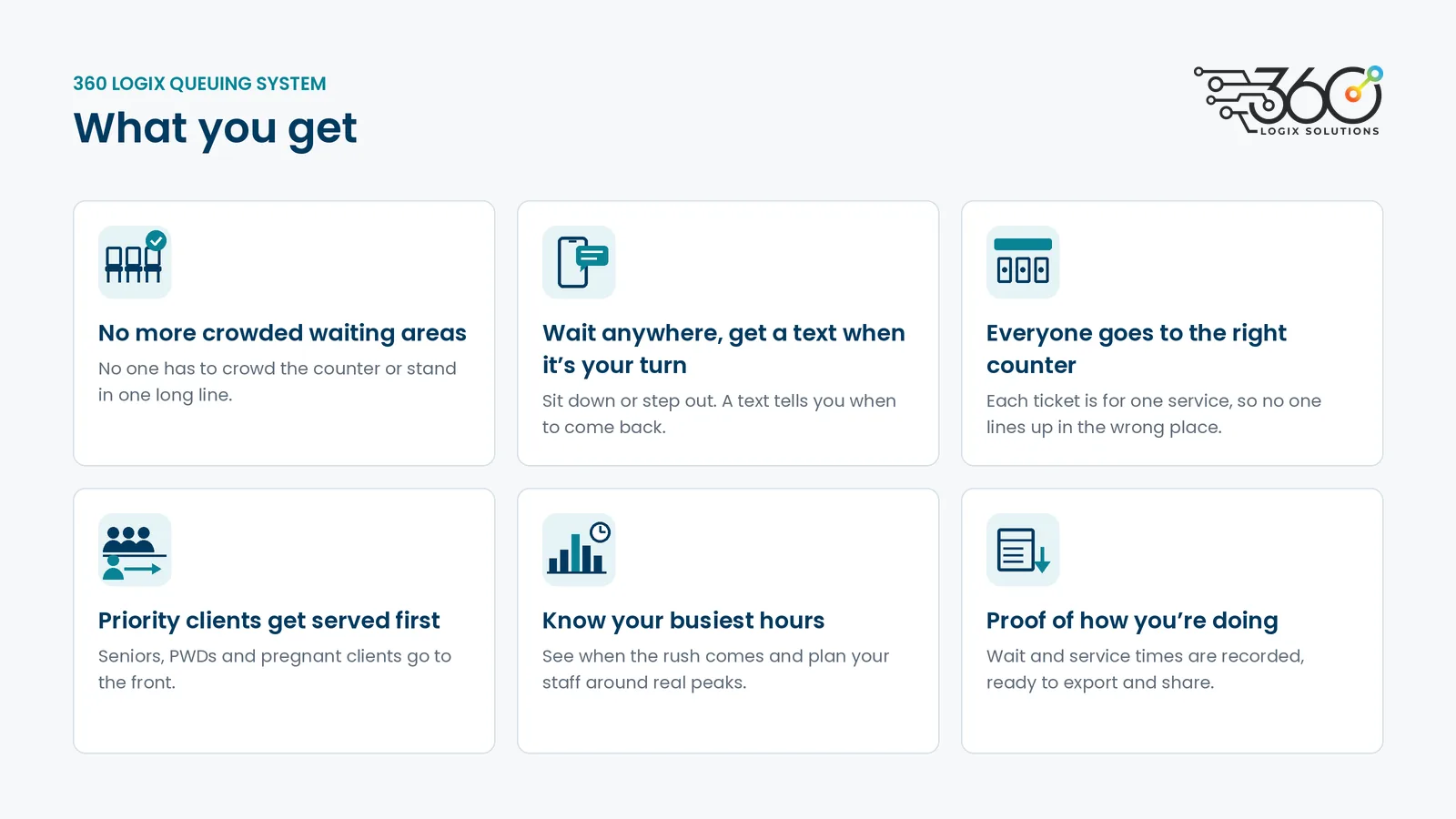
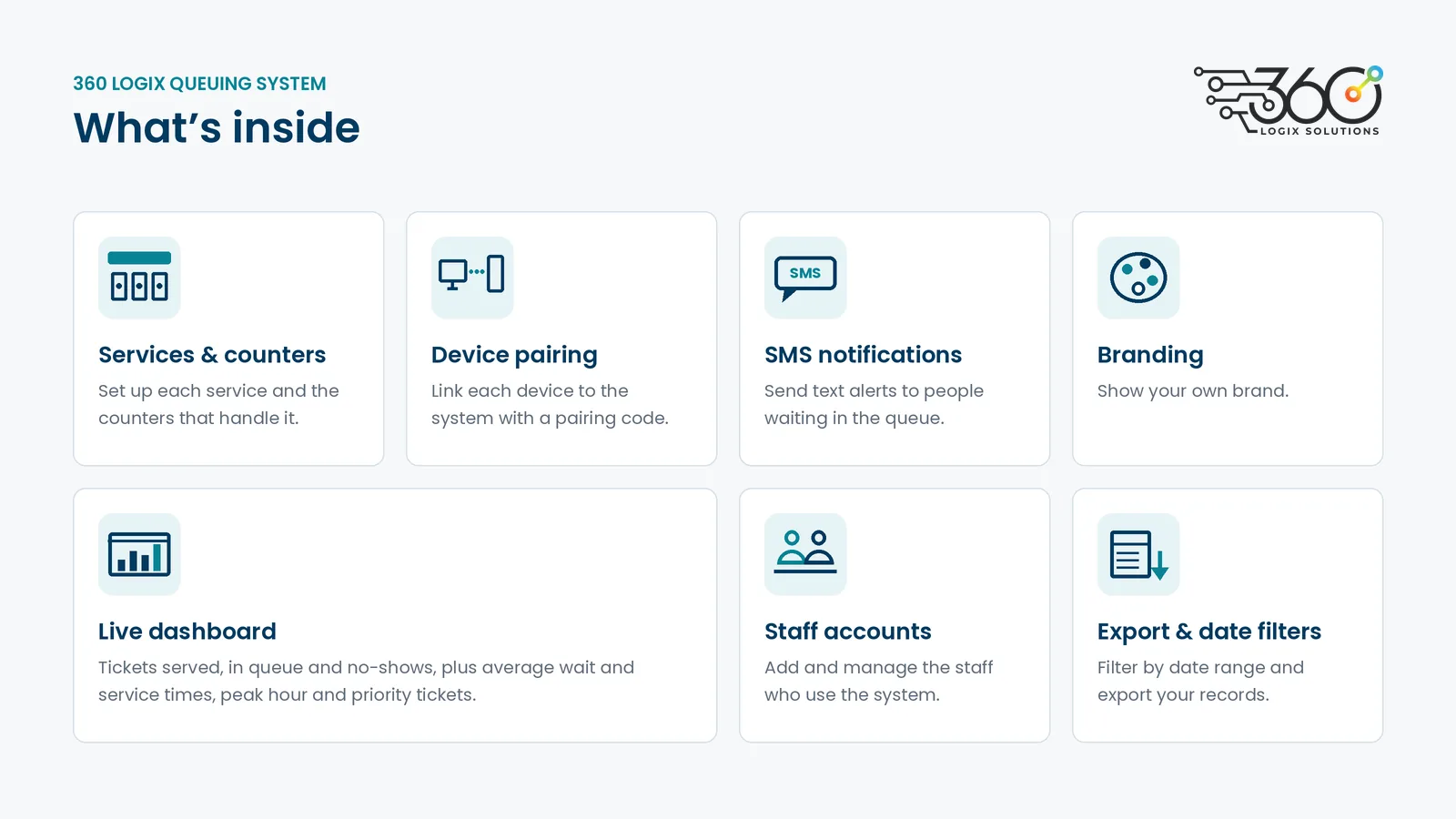
People take a number and sit, step out or grab a coffee instead of standing in line.
An SMS tells them when to come back, so nobody misses their turn.
Each service has its own line, so no one waits in the wrong line only to be sent to another window.
Seniors, PWDs and pregnant clients are flagged and called ahead, without arguments at the counter.
See when lines peak and which services take longest, then put more staff where they’re needed.
Average wait time, service time, and tickets completed or missed, for any day, week or month, ready to export for reports.
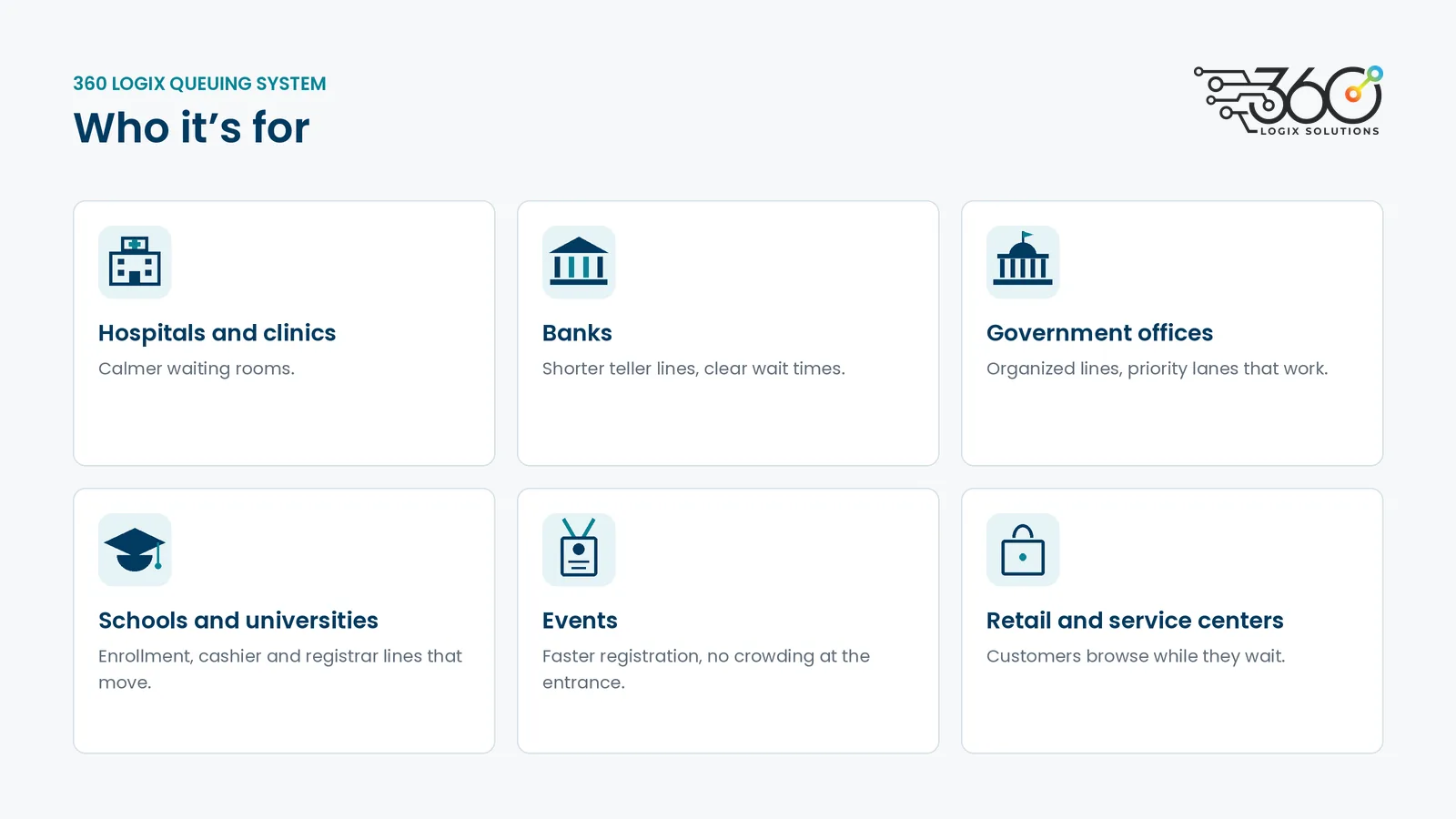
Calmer waiting rooms, and patients who aren’t stuck standing for an hour.
Shorter lines at the teller, and clear wait times for every service.
Organized permit, payment and document lines, with priority lanes that work.
Enrollment, cashier and registrar lines that move.
Faster registration and help desks, with no crowding at the entrance.
Customers who browse while they wait instead of walking out.
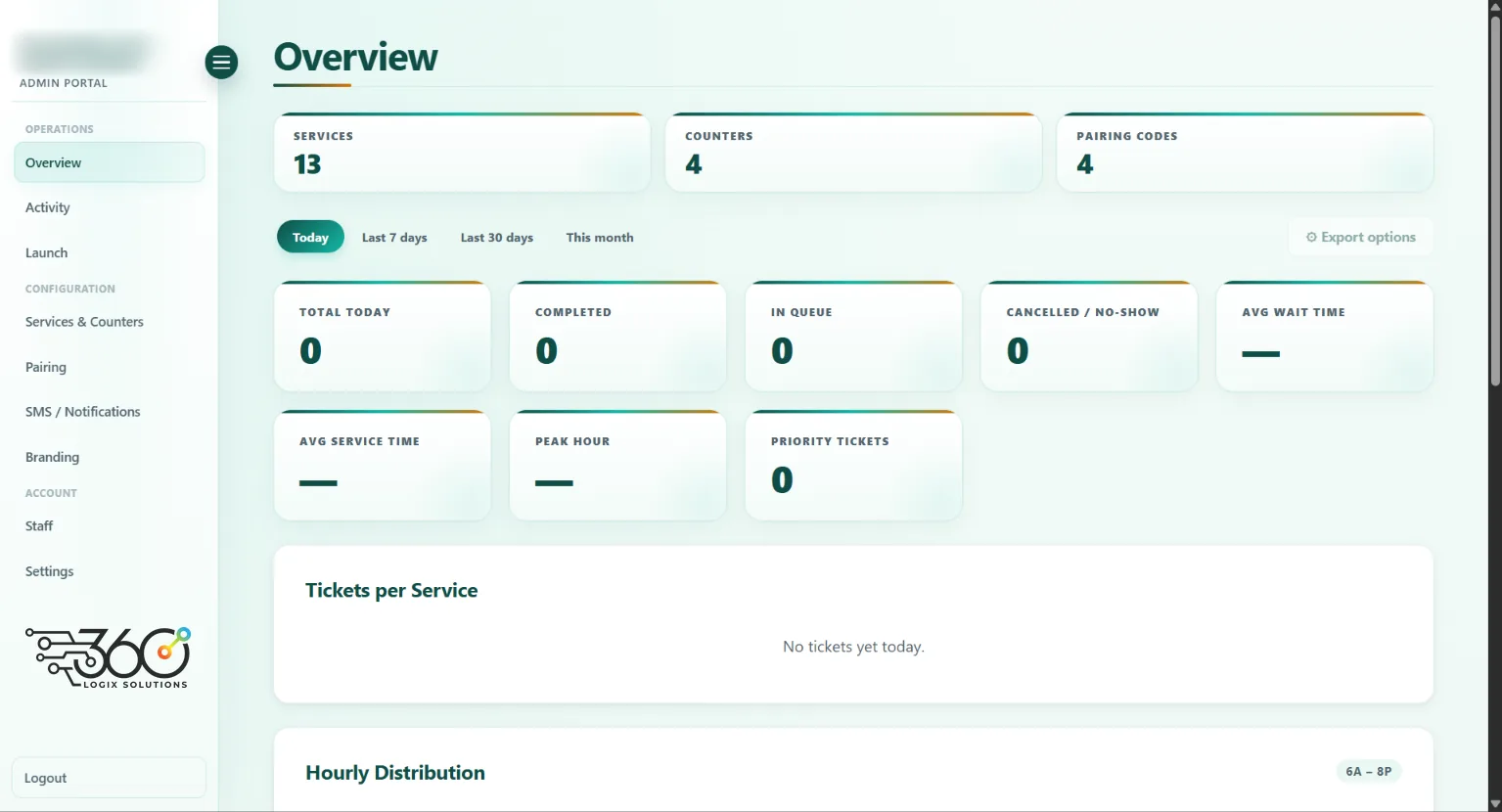
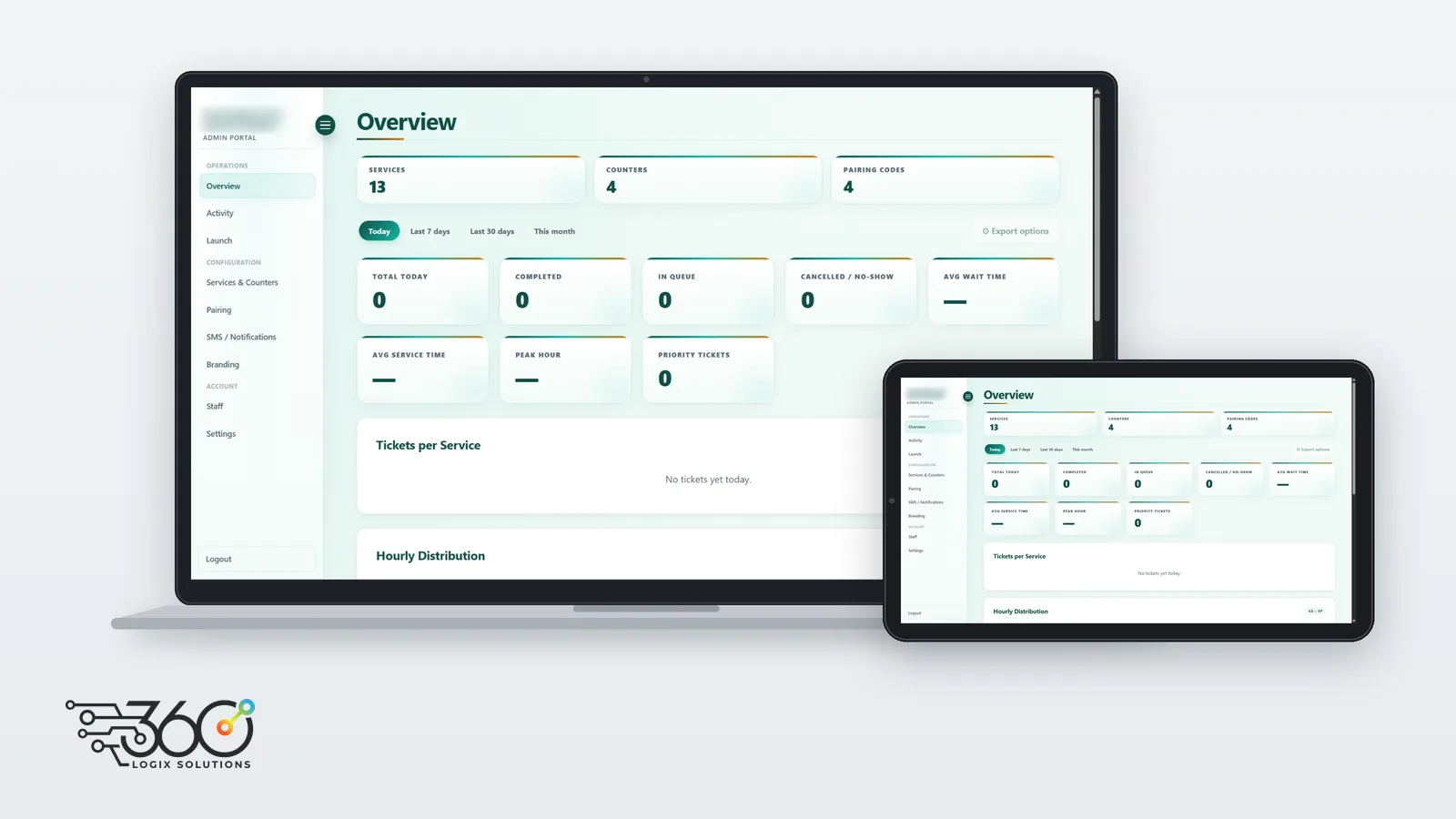
We set up the system for a municipal office with 13 services and 4 counters. Each counter connects with its own pairing code, and the office runs its queue, SMS alerts, staff accounts and branding from one admin portal.
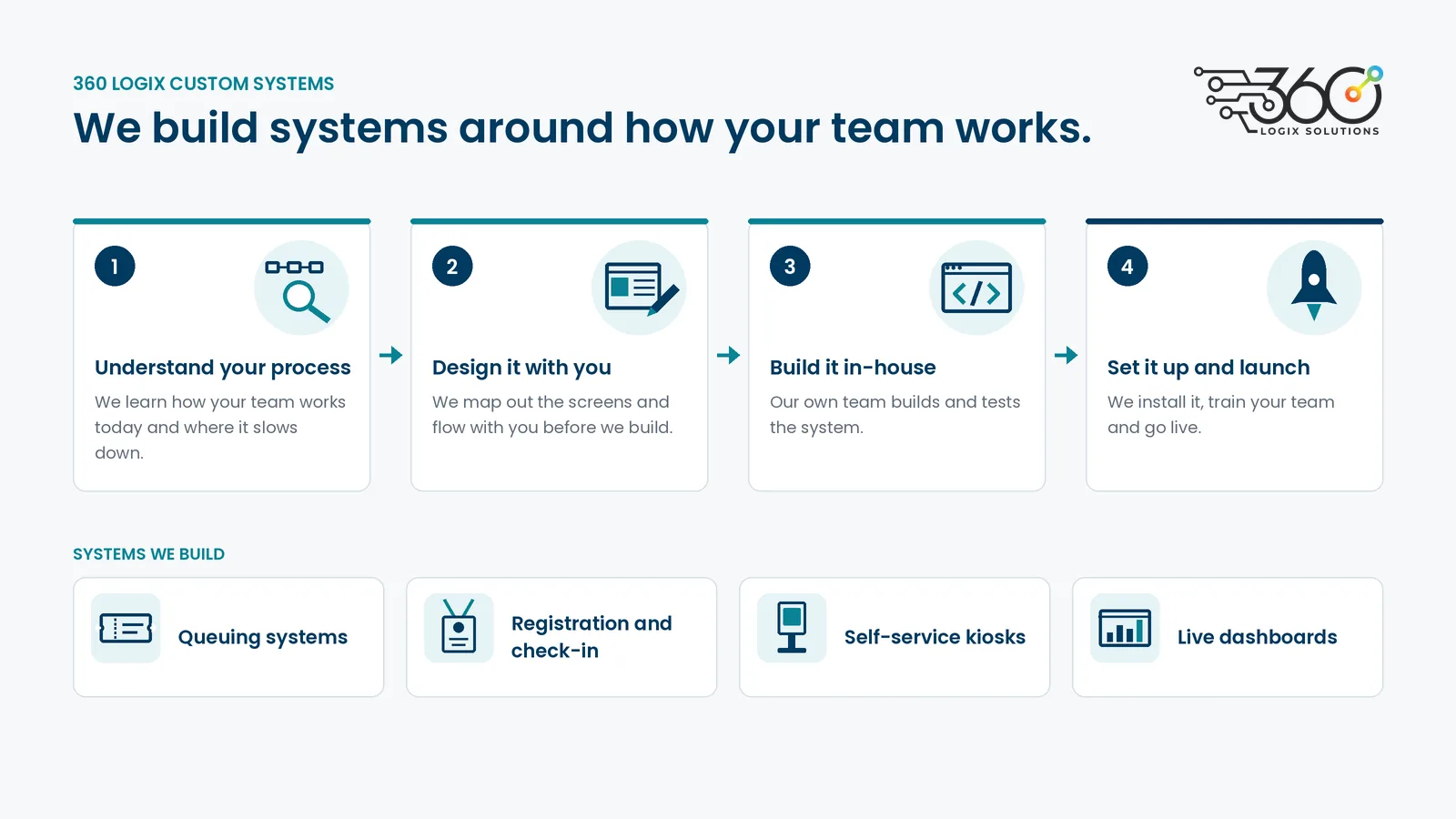
We designed and built this queuing system ourselves, and we can do the same for you. Our in-house team builds custom systems around the way your people already work, from queuing and registration to self-service kiosks, check-in and live dashboards. Tell us where the bottleneck is, and we’ll design, build and set up the system that fixes it.